All Language Translator PC
Dood develop
Download All Language Translator on PC With GameLoop Emulator
All Language Translator on PC
All Language Translator, coming from the developer Dood develop, is running on Android systerm in the past.
Now, You can play All Language Translator on PC with GameLoop smoothly.
Download it in the GameLoop library or search results. No more eyeing the battery or frustrating calls at the wrong time any more.
Just enjoy All Language Translator PC on the large screen for free!
All Language Translator Introduction
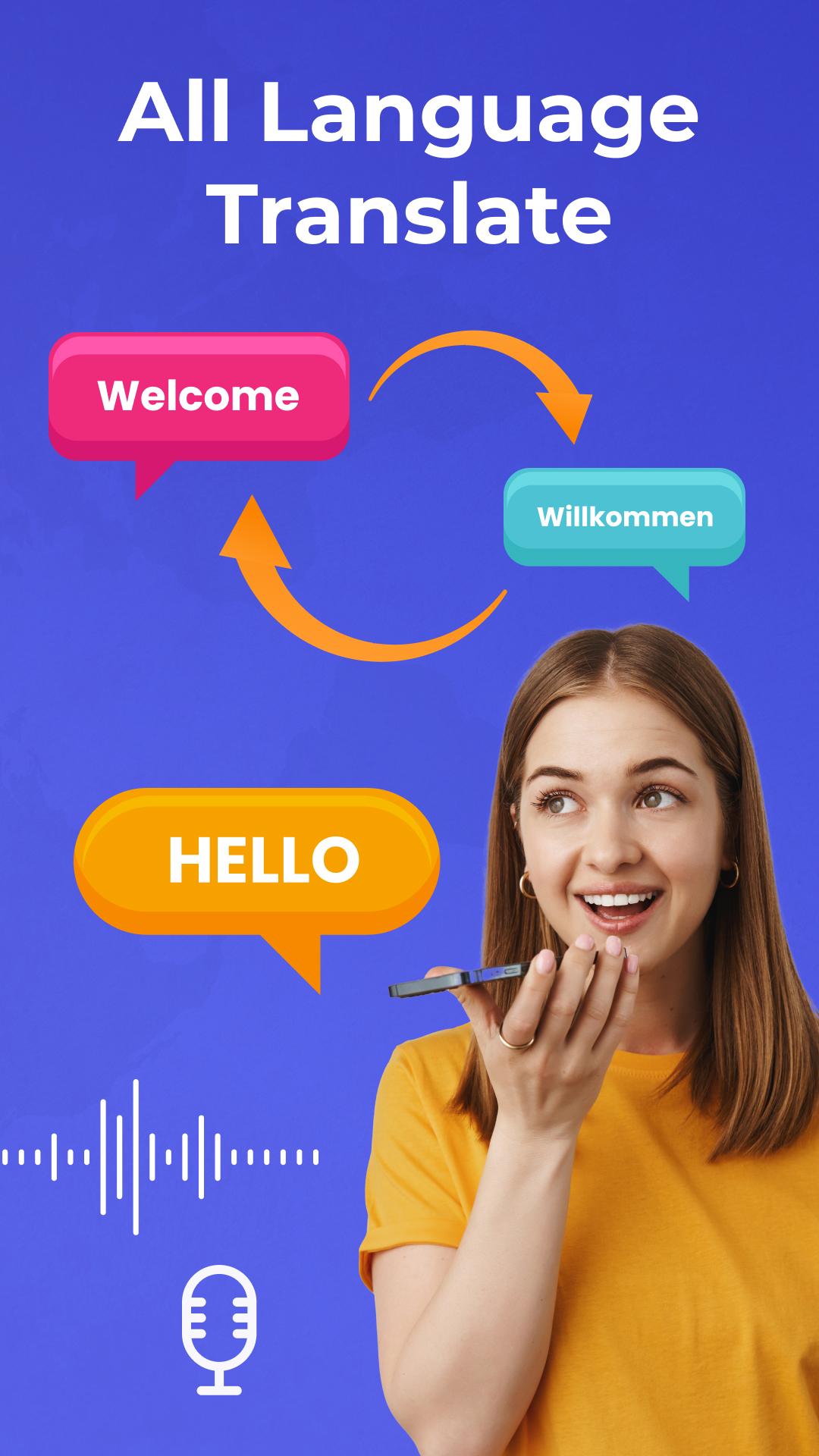
All Country Languages Translator Free all country language translator - Speak and Translate, Take Photos and Translate, Voice to Voice Translation.
Want a translator that not only translate text but also has voice, camera functionalities. Then the Voice Language Translator App is for you. The Language Translator Camera app converts text, voice, and images into different languages. All Language Translator with Camera Scanner helps you to translate all by using the camera. Translate any language with an offline Voice Language Translator App from the photo, PDF, and Voice command. All languages translator with All world language to translate text into any language via voice.
Language Translator:-
Translate anything into your target language instantly. Just single Click on any item, it gets automatically copied text. Now you can paste that text where you need it. No need to tap every time to copy any text on screen, just select text from screen with this text copy tool and paste, share and translate selected text easily with Text copy- Copy, Paste, Translate anything on screen app.
Voice Translation:-
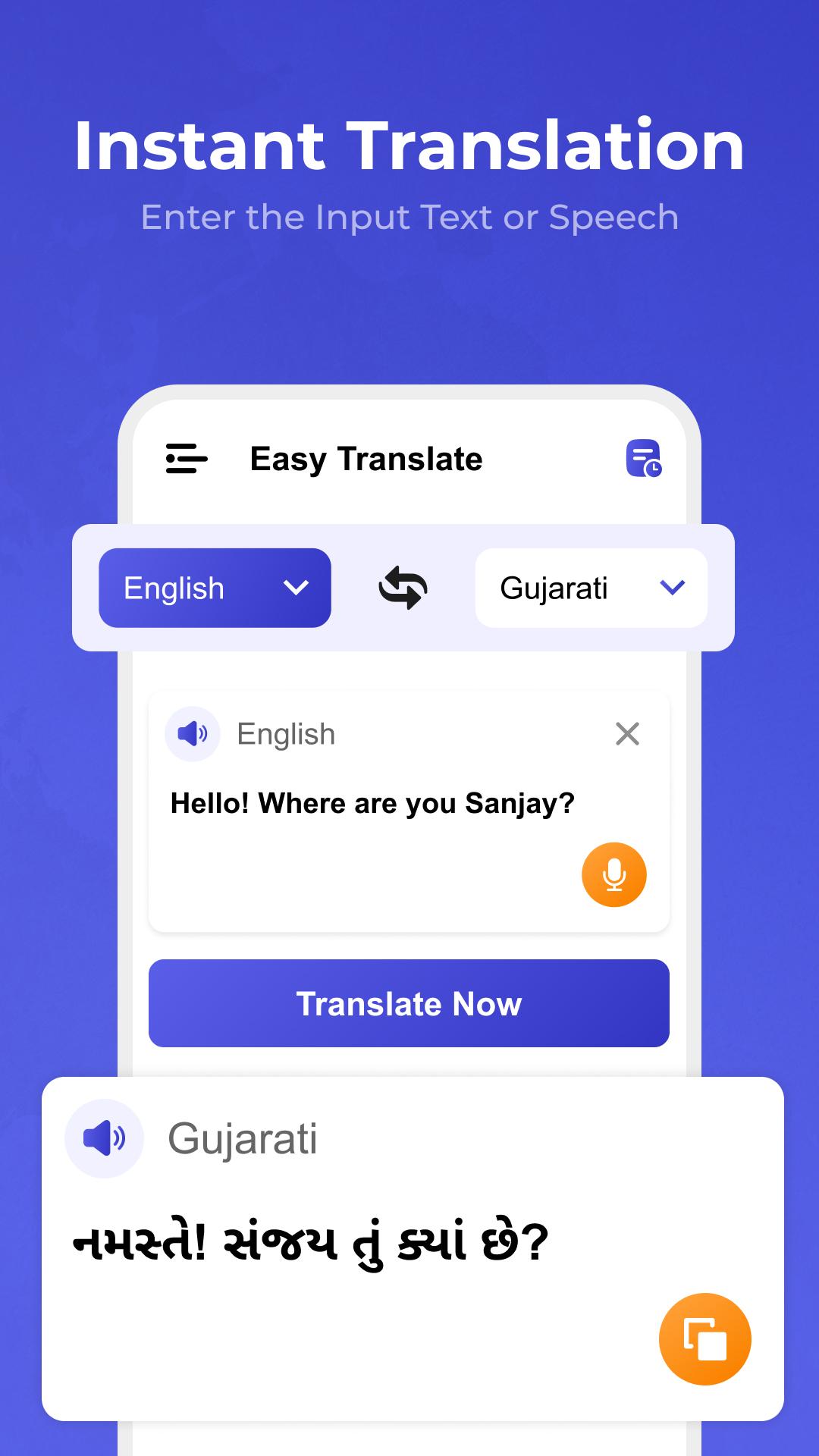
The service translates separate words, phrases or text. You can either let it listen to spoken languages. The multi-language translation will be carried out instantly and precisely. You will be able to see the translation and listen to it.
Chat Translation:-
Chat translator provides you with an interactive platform that enables you to translate text or speech from one language to another language. This are the features that the translate app provides you.
Images Translation:-
Photo translator app provides an ease to users by auto-detecting text from images and translating it into required language with just one tap. Photo translator is easy to use and has a user-friendly interface. Language translator app helps learners or beginners of different languages around the world. Users can import pictures from the phone.
Live Camera Translation:-
A simple and smart camera language translator that help you translate text on the go, which means you can translate text using live camera. Read text in another language instantly. Also this app will allow you translate in multiple languages. Automatically detect text from Live Camera and translated it in selected language.
Key features of Photo Translator App
- Translate photos, voice, text, and conversations.
- Easy to use and has an attractive and user-friendly interface.
- Automatically detects all languages.
- 100% text scanning accuracy.
- Free translation in more than 100 global languages.
- Switch between different dialects when translating.
- Copy the text from the photos.
- Share text directly with your friends.
- Speak and translate text.
- Listen to text translation with the text-to-speech feature.
Preview
Tags
ToolsInformation
Developer
Dood develop
Latest Version
1.0
Last Updated
2022-08-27
Category
Tools
Available on
Google Play
Show More
How to play All Language Translator with GameLoop on PC
1. Download GameLoop from the official website, then run the exe file to install GameLoop
2. Open GameLoop and search for “All Language Translator” , find All Language Translator in the search results and click “Install”
3. Enjoy playing All Language Translator on GameLoop
Minimum requirements
OS
Windows 8.1 64-bit or Windows 10 64-bit
GPU
GTX 1050
CPU
i3-8300
Memory
8GB RAM
Storage
1GB available space
Recommended requirements
OS
Windows 8.1 64-bit or Windows 10 64-bit
GPU
GTX 1050
CPU
i3-9320
Memory
16GB RAM
Storage
1GB available space