
GIF to Video Converter PC
RAYO INNOVATIONS PRIVATE LIMITED
Download GIF to Video Converter on PC With GameLoop Emulator
GIF to Video Converter on PC
GIF to Video Converter, coming from the developer RAYO INNOVATIONS PRIVATE LIMITED, is running on Android systerm in the past.
Now, You can play GIF to Video Converter on PC with GameLoop smoothly.
Download it in the GameLoop library or search results. No more eyeing the battery or frustrating calls at the wrong time any more.
Just enjoy GIF to Video Converter PC on the large screen for free!
GIF to Video Converter Introduction
**GIF to Video Converter**
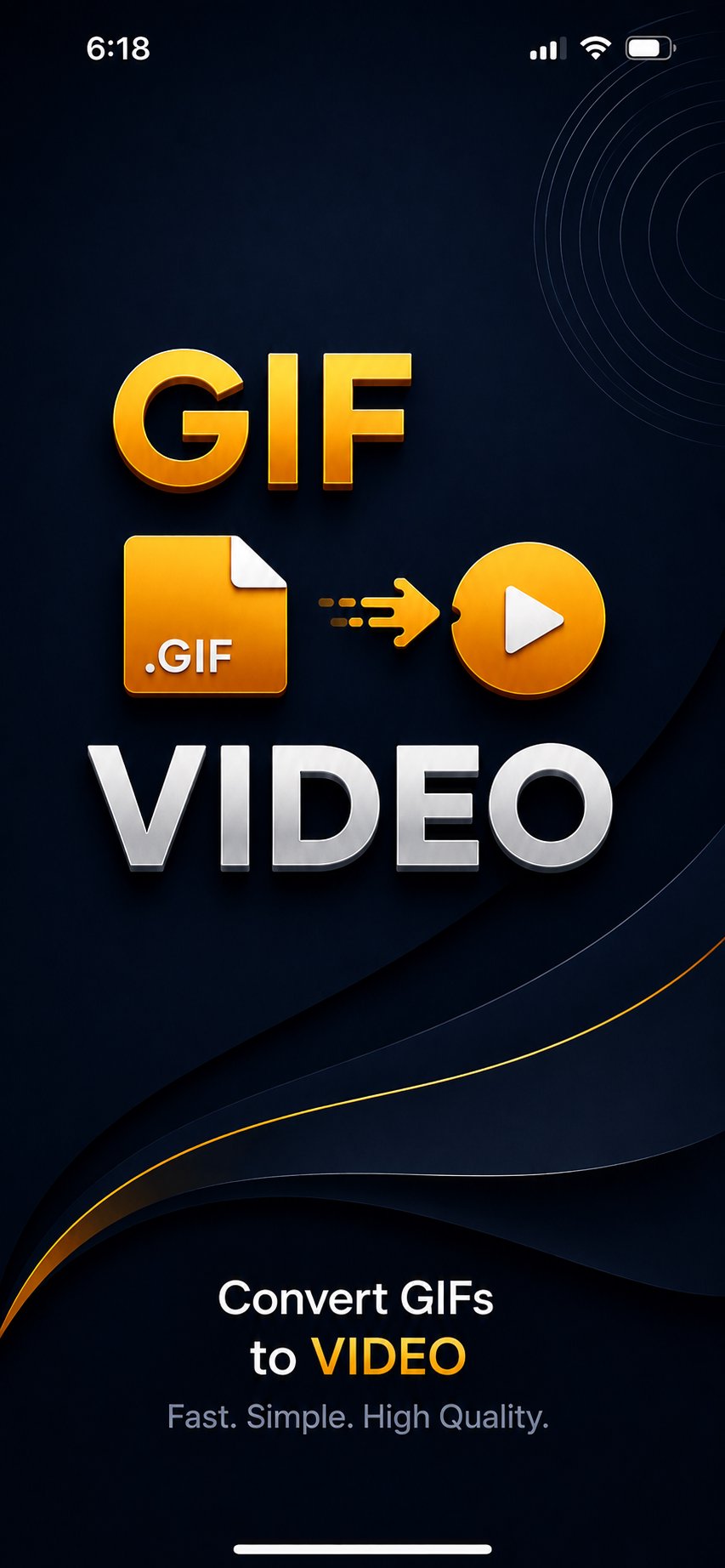
Turn your favorite GIFs into videos quickly and easily.
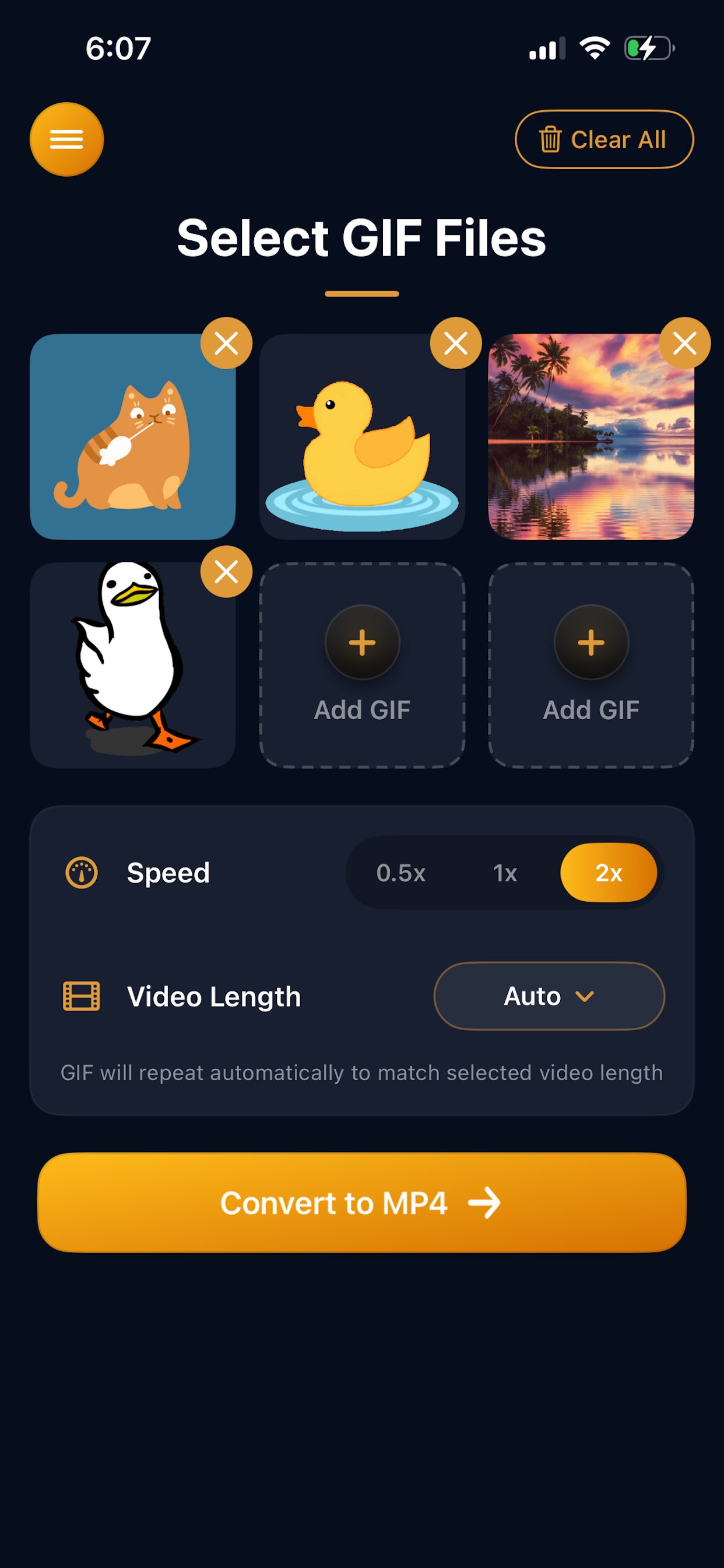
GIF to Video Converter makes it simple to convert animated GIF files into shareable videos. Select a GIF from your device, customize how the video plays, convert it, and save the finished video to your phone.
Perfect for turning GIFs into videos that are easier to save, share, upload, or post on apps and social platforms.
**GIF to Video Features**
• Convert GIF to video quickly
• Select GIFs directly from your device
• Adjust video playback speed
• Choose Slow, Original, or Fast speed
• Control repeats and video length
• Preview your GIF before converting
• Save converted videos to your device
• Share videos with other apps
• Simple and easy-to-use interface
**Control Video Speed**
Want your GIF animation to play slower or faster in the final video? Choose the playback speed that works best for your video.
**Choose How Many Times Your GIF Repeats**
Control the number of repeats to create a shorter or longer video. This is useful when converting very short GIF animations into videos suitable for sharing.
**GIF Conversion Made Simple**
No complicated video editing tools are required. Just choose your GIF, adjust the settings you want, and convert it into a video.
Whether you're converting funny GIFs, reaction GIFs, animations, memes, or other animated images, GIF to Video Converter makes the process fast and simple.
Convert your GIFs into videos and share them anywhere.
Preview
Tags
ToolsInformation
Developer
RAYO INNOVATIONS PRIVATE LIMITED
Latest Version
3.4
Last Updated
2026-09-16
Category
Tools
Available on
Google Play
Show More
How to play GIF to Video Converter with GameLoop on PC
1. Download GameLoop from the official website, then run the exe file to install GameLoop
2. Open GameLoop and search for “GIF to Video Converter” , find GIF to Video Converter in the search results and click “Install”
3. Enjoy playing GIF to Video Converter on GameLoop
Minimum requirements
OS
Windows 8.1 64-bit or Windows 10 64-bit
GPU
GTX 1050
CPU
i3-8300
Memory
8GB RAM
Storage
1GB available space
Recommended requirements
OS
Windows 8.1 64-bit or Windows 10 64-bit
GPU
GTX 1050
CPU
i3-9320
Memory
16GB RAM
Storage
1GB available space