
WCB: Auto Decline & Reply Wa PC
Riki Apps Developer
Download WCB: Auto Decline & Reply Wa on PC With GameLoop Emulator
WCB: Auto Decline & Reply Wa on PC
WCB: Auto Decline & Reply Wa, coming from the developer Riki Apps Developer, is running on Android systerm in the past.
Now, You can play WCB: Auto Decline & Reply Wa on PC with GameLoop smoothly.
Download it in the GameLoop library or search results. No more eyeing the battery or frustrating calls at the wrong time any more.
Just enjoy WCB: Auto Decline & Reply Wa PC on the large screen for free!
WCB: Auto Decline & Reply Wa Introduction
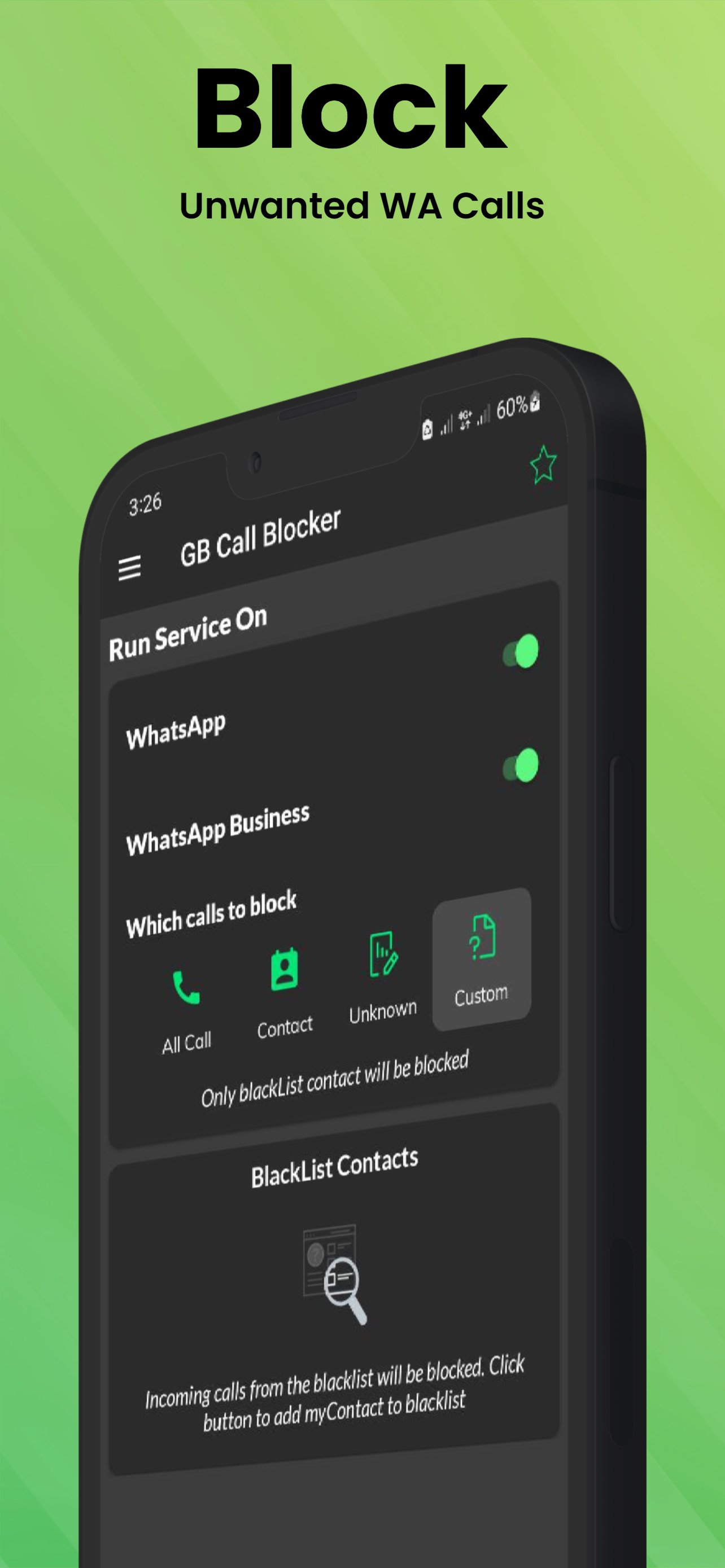
Auto Decline & Reply: Ultimate WhatsApp Call Management Solution
🚫 Tired of Unwanted WhatsApp Calls? Take Control Now!
Key Features:
-100% FREE Call Blocking App
-Block Spam, Fraud, and Unknown Numbers
-Customize Call Blocking Preferences
-Advanced Call Management for WhatsApp
Powerful Call Blocking Capabilities:
-Block specific WhatsApp contacts
-Reject incoming voice/video calls automatically
-Block calls from unknown contacts
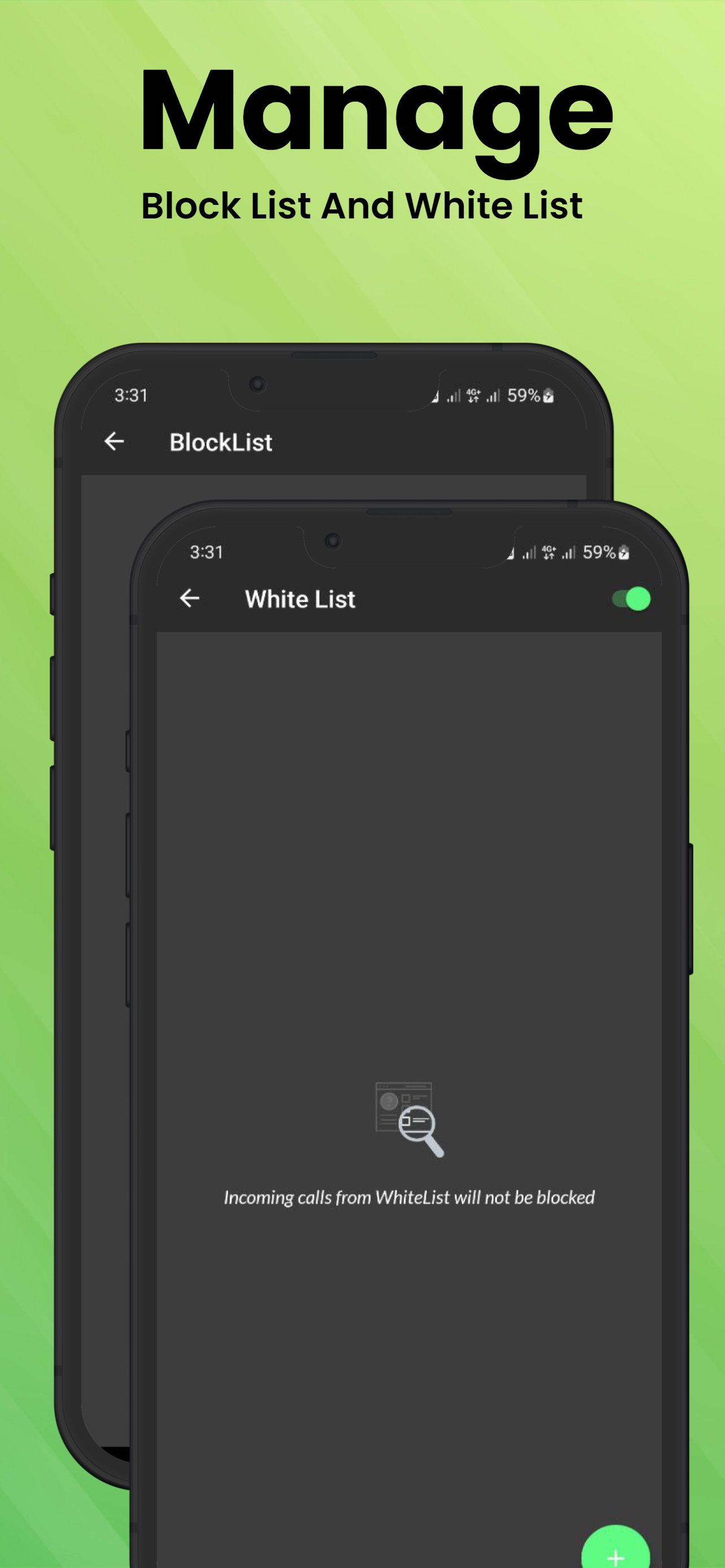
-Comprehensive call blocking blacklist
-Auto-reply to WhatsApp calls
-Schedule call blocking during specific times
-Real-time blocked call logs
Why Choose Auto Decline & Reply?
Simple, Lightweight Interface
No Limits on Call Blocking
Instant Privacy Protection
Works with WhatsApp Business
Easy Contact Management
Privacy Note:
Auto Decline & Reply Call Blocker uses Android Accessibility Services to automate message sending. The app does NOT modify system settings or prevent app uninstallation.
Disclaimer:
Auto Decline & Reply is not affiliated with WhatsApp or Facebook Inc. WhatsApp is a registered trademark.
🔒 Reclaim Your Peace and Privacy - Download Now! 📱
Preview
Tags
ToolsInformation
Developer
Riki Apps Developer
Latest Version
2.4.1
Last Updated
2025-06-17
Category
Tools
Available on
Google Play
Show More
How to play WCB: Auto Decline & Reply Wa with GameLoop on PC
1. Download GameLoop from the official website, then run the exe file to install GameLoop
2. Open GameLoop and search for “WCB: Auto Decline & Reply Wa” , find WCB: Auto Decline & Reply Wa in the search results and click “Install”
3. Enjoy playing WCB: Auto Decline & Reply Wa on GameLoop
Minimum requirements
OS
Windows 8.1 64-bit or Windows 10 64-bit
GPU
GTX 1050
CPU
i3-8300
Memory
8GB RAM
Storage
1GB available space
Recommended requirements
OS
Windows 8.1 64-bit or Windows 10 64-bit
GPU
GTX 1050
CPU
i3-9320
Memory
16GB RAM
Storage
1GB available space