Mobile Security Alarm PC
AI At your Door Step
Download Mobile Security Alarm on PC With GameLoop Emulator
Mobile Security Alarm on PC
Mobile Security Alarm, coming from the developer AI At your Door Step, is running on Android systerm in the past.
Now, You can play Mobile Security Alarm on PC with GameLoop smoothly.
Download it in the GameLoop library or search results. No more eyeing the battery or frustrating calls at the wrong time any more.
Just enjoy Mobile Security Alarm PC on the large screen for free!
Mobile Security Alarm Introduction
Security against thieves was never that easy before but now with Anti theft security alarm app it is possible..
You will protect your mobile phone from theft with this anti theft alarm app.
you can Use This Anti Theft Alarm App is Easily and Any Where.
in this mobile security app Pin Service is also available. you can enable the Motion Alarm enable the secret pin from setting and enter your secret code.
Whenever someone trying to touch your phone anti theft security alarm is activated and can’t stop until secret code is applied.
Features:
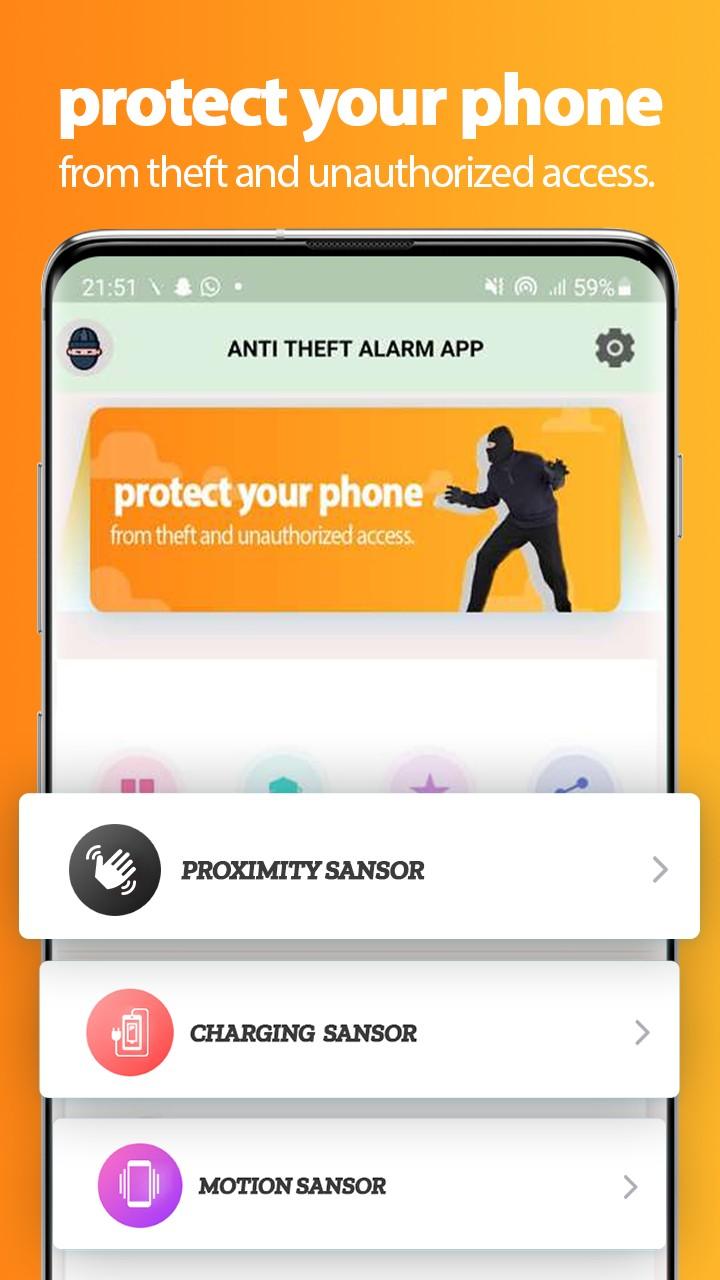
- Anti-theft motion alarm.
- Anti-theft Proximity Alarm.
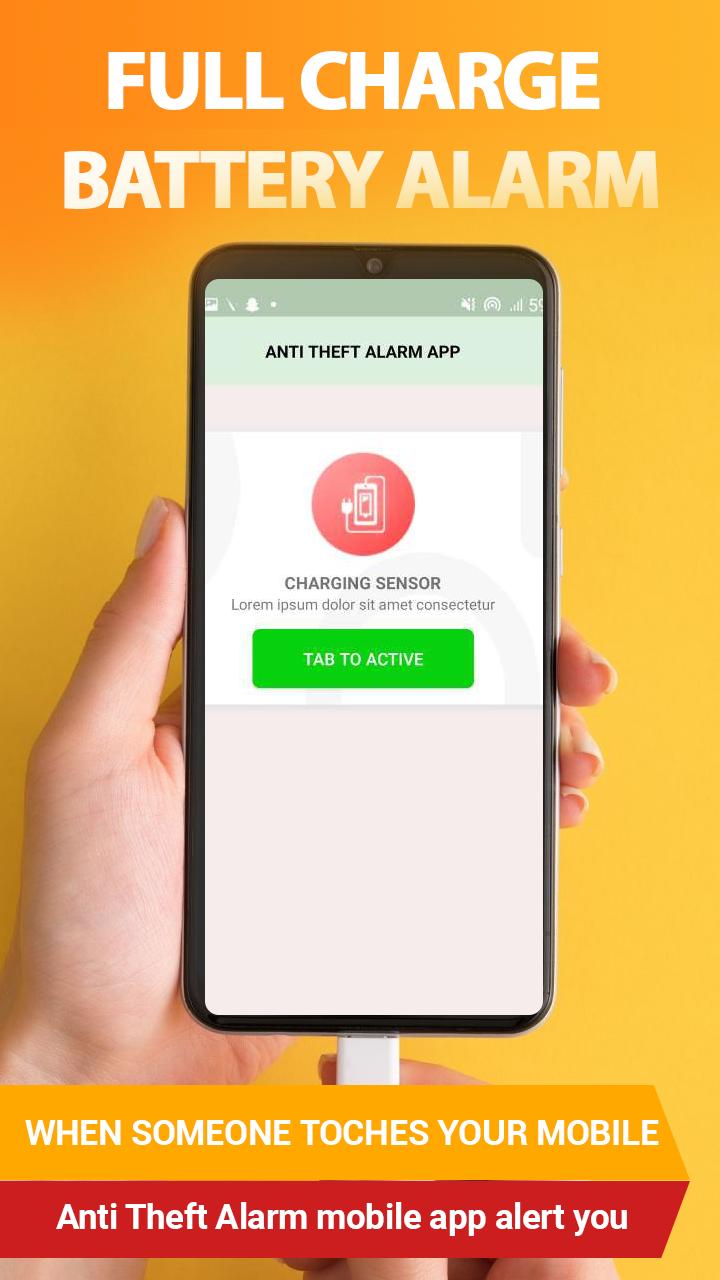
- full charge Battery alarm.
- Enter your Pin to deactivate the Security mode.
- Customize Grace Time.
- its work if your mobile is in silent mode.
Note: This Anti theft security alarm app doesn't claim that it can avoid theft completely.
This Anti Theft Alarm App have No access to user data, everything saves on using a mobile phone in case of saving data.
If you like our app then give your feedback in the comment section Thanks.
Preview
Tags
ToolsInformation
Developer
AI At your Door Step
Latest Version
1.0.7
Last Updated
2022-11-18
Category
Tools
Available on
Google Play
Show More
How to play Mobile Security Alarm with GameLoop on PC
1. Download GameLoop from the official website, then run the exe file to install GameLoop
2. Open GameLoop and search for “Mobile Security Alarm” , find Mobile Security Alarm in the search results and click “Install”
3. Enjoy playing Mobile Security Alarm on GameLoop
Minimum requirements
OS
Windows 8.1 64-bit or Windows 10 64-bit
GPU
GTX 1050
CPU
i3-8300
Memory
8GB RAM
Storage
1GB available space
Recommended requirements
OS
Windows 8.1 64-bit or Windows 10 64-bit
GPU
GTX 1050
CPU
i3-9320
Memory
16GB RAM
Storage
1GB available space