File Manager Pro Clean Master PC
cruises studio
Download File Manager Pro Clean Master on PC With GameLoop Emulator
File Manager Pro Clean Master on PC
File Manager Pro Clean Master, coming from the developer cruises studio, is running on Android systerm in the past.
Now, You can play File Manager Pro Clean Master on PC with GameLoop smoothly.
Download it in the GameLoop library or search results. No more eyeing the battery or frustrating calls at the wrong time any more.
Just enjoy File Manager Pro Clean Master PC on the large screen for free!
File Manager Pro Clean Master Introduction
Easy File Manager is a powerful file manager & file explorer app, It’s free, fast and full-featured. help you manage files on local device & SD card very easily, you can quick to find files by browsing, Get the memory status and the same files so you can clear the extra files.
• Manage All Files
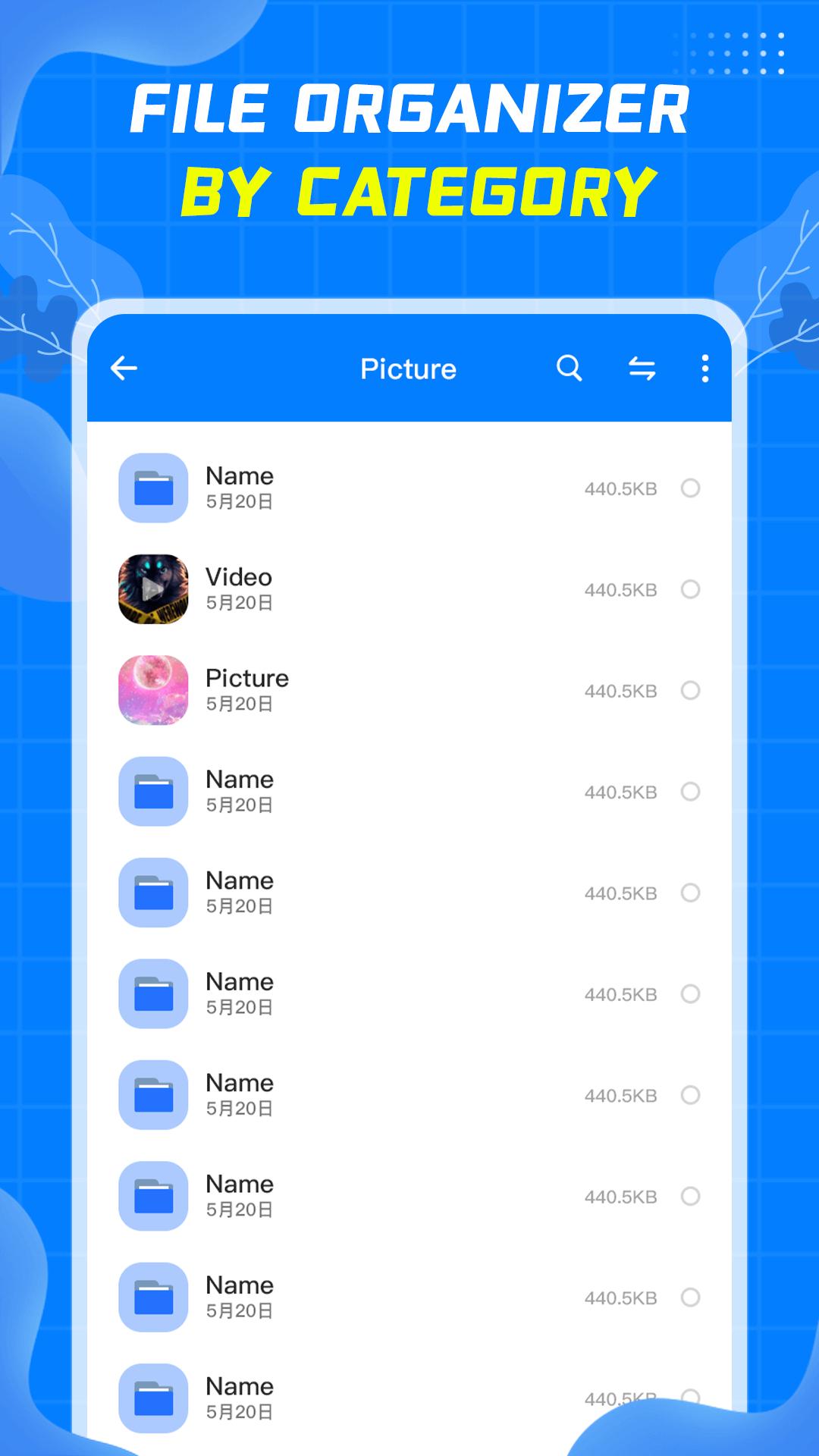
- Easy File Manager supports all file management action, include open, search, navigate directory, copy and paste, cut, delete, rename and organize.
• Easily to find files
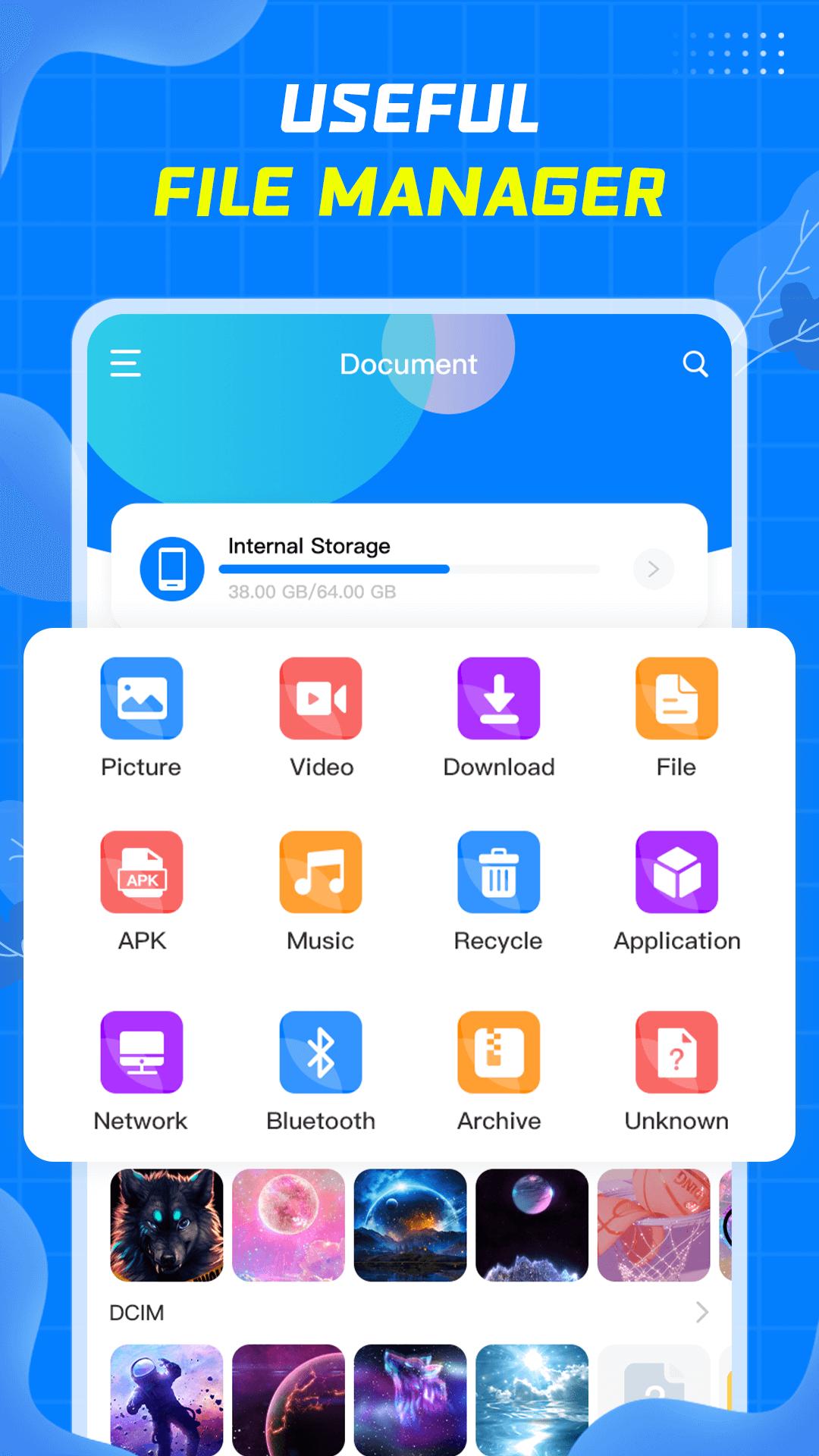
- Easy File Manager automatically categorizes files, including Picture, Video, Download, Apk, Music, Arctic, allowing you to quickly find the files you are looking for.
- You can search by file name in the search box, which is very convenient.
- Display the files you have recently operated on for your convenience.
• Clean up junk files
- Automatically compare similar files to facilitate users to delete unnecessary files.
- Quickly find large files, which is convenient for users to clean up space.
Easy File Manager is a good helper for your daily file management. If you encounter problems during use, please send an email to cruisebai2201@gmail.com to contact us, we will do better. Come and try it.
Preview
Tags
ToolsInformation
Developer
cruises studio
Latest Version
1.05
Last Updated
2022-08-24
Category
Tools
Available on
Google Play
Show More
How to play File Manager Pro Clean Master with GameLoop on PC
1. Download GameLoop from the official website, then run the exe file to install GameLoop
2. Open GameLoop and search for “File Manager Pro Clean Master” , find File Manager Pro Clean Master in the search results and click “Install”
3. Enjoy playing File Manager Pro Clean Master on GameLoop
Minimum requirements
OS
Windows 8.1 64-bit or Windows 10 64-bit
GPU
GTX 1050
CPU
i3-8300
Memory
8GB RAM
Storage
1GB available space
Recommended requirements
OS
Windows 8.1 64-bit or Windows 10 64-bit
GPU
GTX 1050
CPU
i3-9320
Memory
16GB RAM
Storage
1GB available space