
SOSO VPN PC
Calculator Lock, Gallery Vault, Hide Photo Video
Download SOSO VPN on PC With GameLoop Emulator
SOSO VPN on PC
SOSO VPN, coming from the developer Calculator Lock, Gallery Vault, Hide Photo Video, is running on Android systerm in the past.
Now, You can play SOSO VPN on PC with GameLoop smoothly.
Download it in the GameLoop library or search results. No more eyeing the battery or frustrating calls at the wrong time any more.
Just enjoy SOSO VPN PC on the large screen for free!
SOSO VPN Introduction
SOSO VPN is anonymous VPN free service that does not require any registration. Fastest - Connect successfully as a hare with high VPN speed.
Countries for VPN connect: • USA • Ukraine • France • Canada • Italy • China • Moldova • Finland • Sweden • Estonia • Switzerland • Australia • Luxemburg • Singapore • Latvia • Bulgaria • Spain • United Kingdom • Japan • Netherlands
Why choose SOSO VPN free for android user?
• Large number of servers, high-speed bandwidth
• Works with Wi-Fi, LTE/4G, 3G and all mobile data carriers
• Strict no-logging policy
• Smart choose server
• Well-designed UI, a few ADs (connect/disconnect)
• No usage and time limit
• No registration or configuration required
• Unblock facebook, vk and other
• Good speed
• Hotspot VPN
If Easy VPN connect failed, don't worry (be happy :) ), you can follow these steps to fix it:
1) Click the flag icon
2) Click the refresh button to check servers
3) Choose the fastest and most stable server to reconnect
When should I use SOSOVPN?
If you are using public WIFI in airports or hotels, SOSOVPN keep you away from information leakage.
If some apps are blocked by your ISP, like Facebook and Whatsapp in your country, you should use SOSOVPN to bypass the blockage.
If you can not use VoIP apps in your country, like Skype, you should use SOSOVPN to unblock them. It should help you making nternational calls in a lower cost.
Some apps are geo-restricted, only provide service to restricted countries, SOSOVPN should help you in this case.
How to use SOSOVPN?
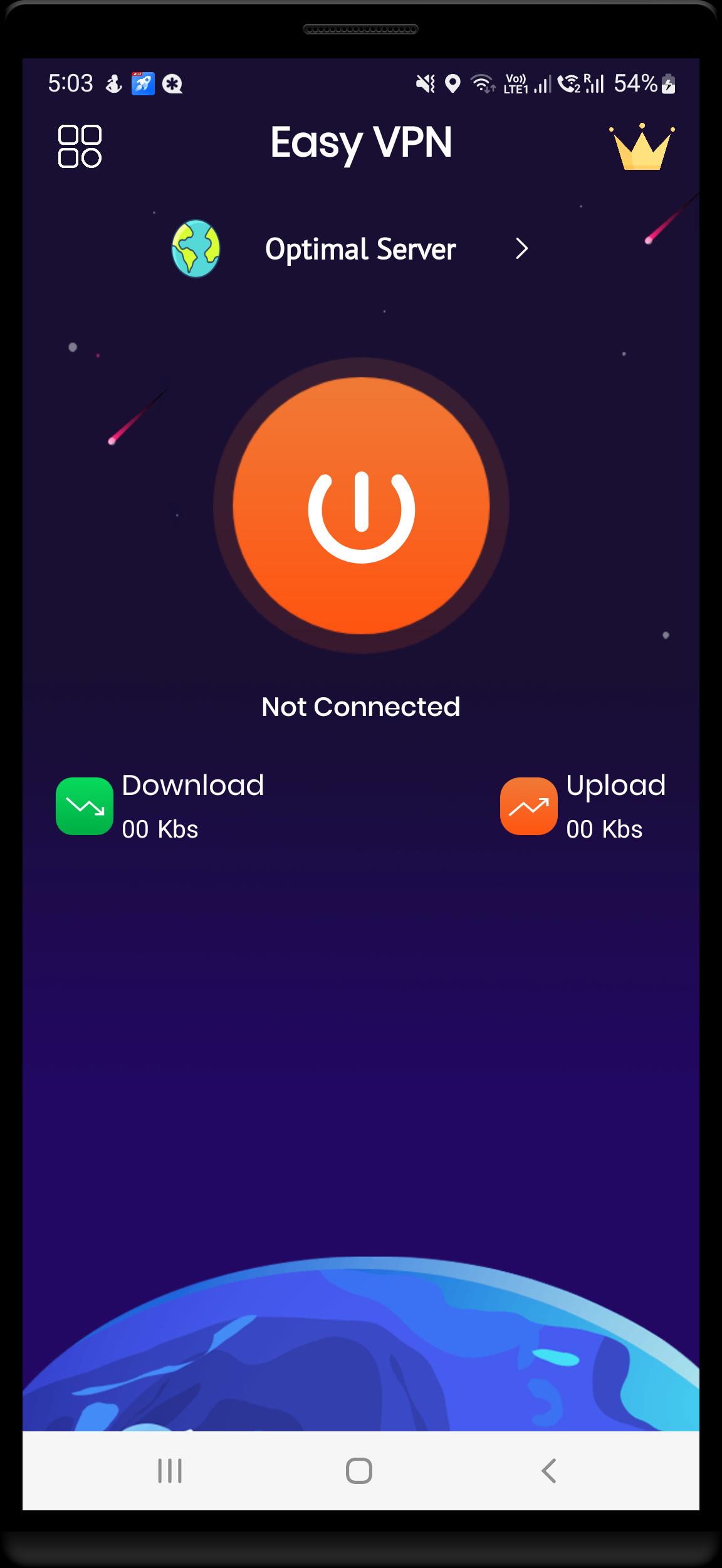
Tap the Connect button in the app, accept permission request if it shows up, and wait for the connection to establish. You can surf Internet freely.
Install SOSO VPN free, the world's fastest secure virtual private network, and enjoy it all!
Preview
Tags
ToolsInformation
Developer
Calculator Lock, Gallery Vault, Hide Photo Video
Latest Version
12.0
Last Updated
2022-11-21
Category
Tools
Available on
Google Play
Show More
How to play SOSO VPN with GameLoop on PC
1. Download GameLoop from the official website, then run the exe file to install GameLoop
2. Open GameLoop and search for “SOSO VPN” , find SOSO VPN in the search results and click “Install”
3. Enjoy playing SOSO VPN on GameLoop
Minimum requirements
OS
Windows 8.1 64-bit or Windows 10 64-bit
GPU
GTX 1050
CPU
i3-8300
Memory
8GB RAM
Storage
1GB available space
Recommended requirements
OS
Windows 8.1 64-bit or Windows 10 64-bit
GPU
GTX 1050
CPU
i3-9320
Memory
16GB RAM
Storage
1GB available space