
The Translator PC
Recomendados
Download The Translator on PC With GameLoop Emulator
The Translator on PC
The Translator, coming from the developer Recomendados, is running on Android systerm in the past.
Now, You can play The Translator on PC with GameLoop smoothly.
Download it in the GameLoop library or search results. No more eyeing the battery or frustrating calls at the wrong time any more.
Just enjoy The Translator PC on the large screen for free!
The Translator Introduction
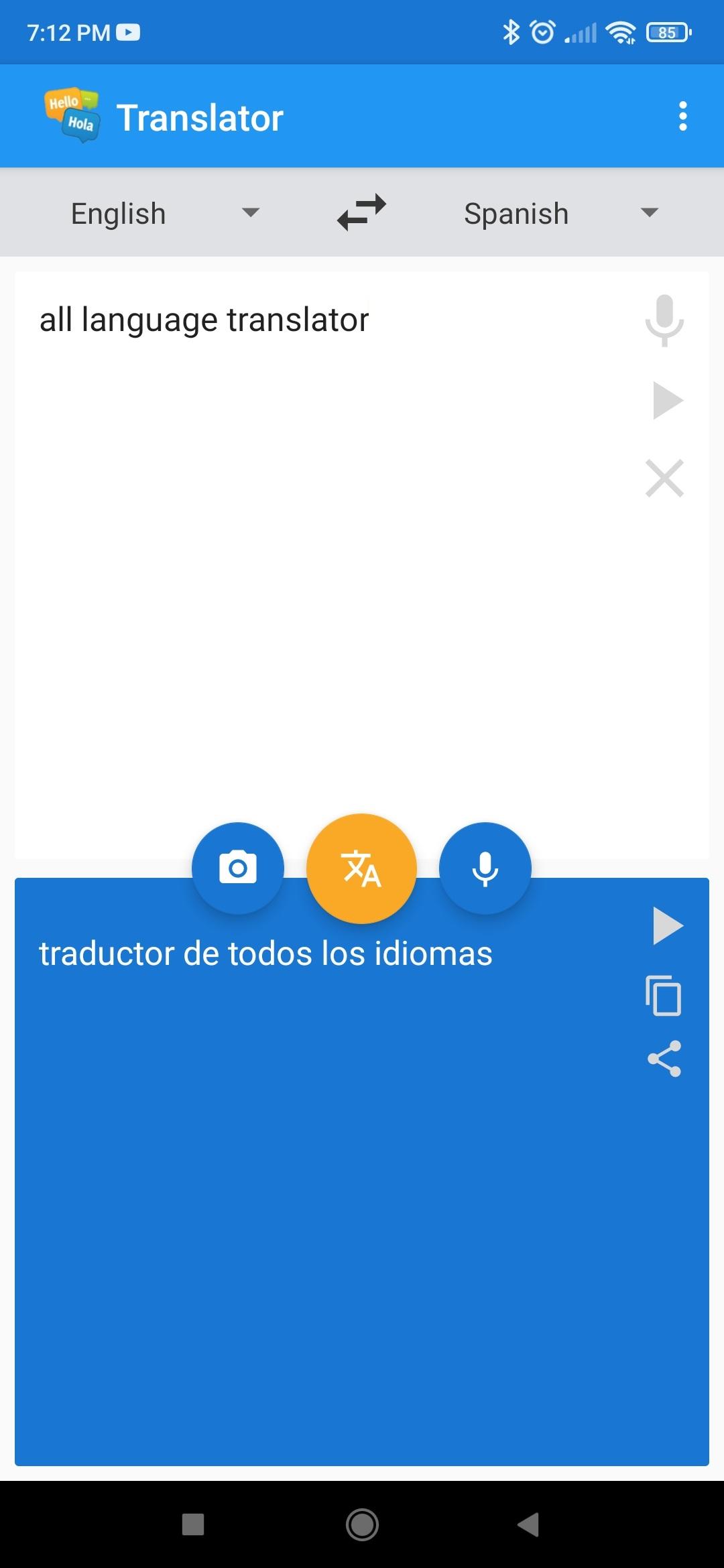
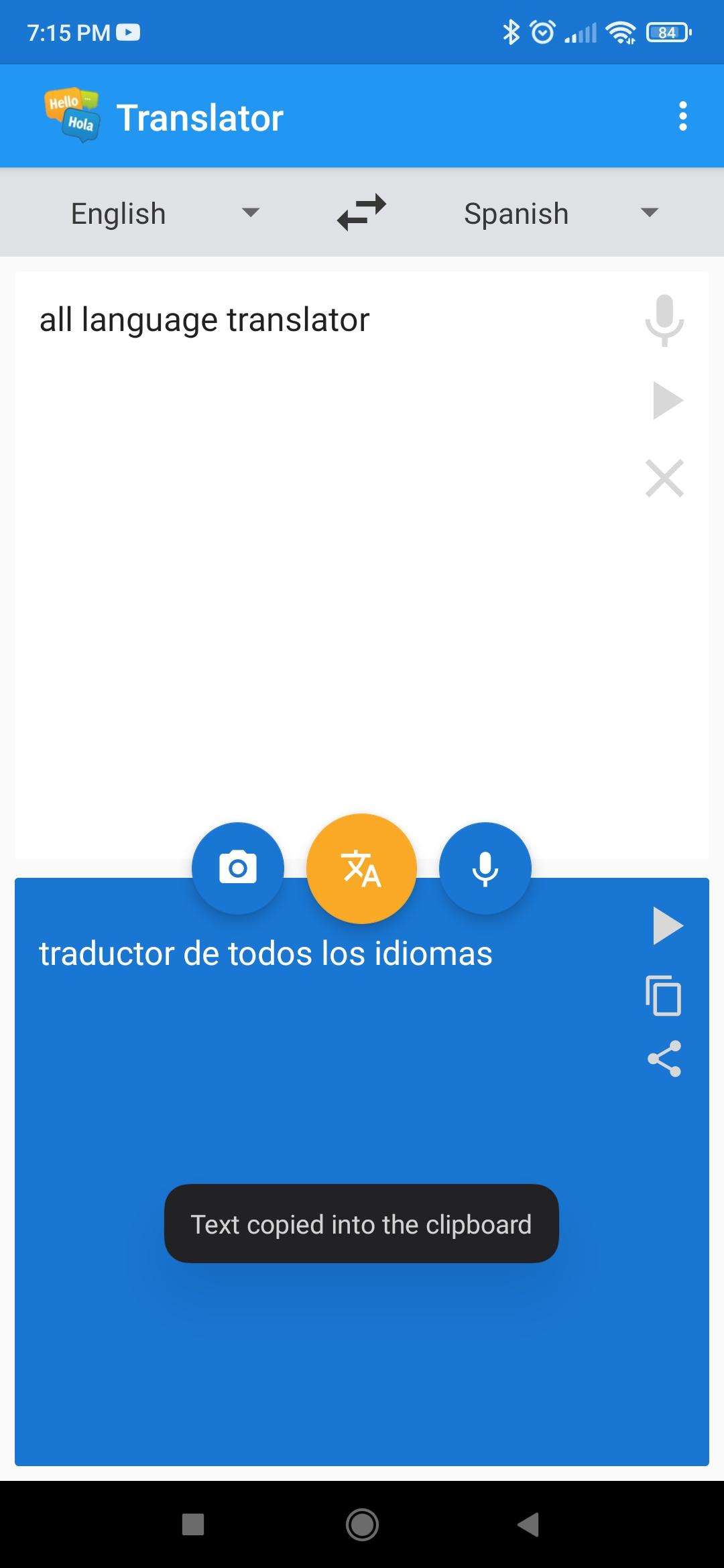
If you have difficulties with other languages, there is an application that could be the ideal solution. It is a free app that allows you to simultaneously translate the main languages spoken in the world, including Spanish, French, German, Russian, Arabic, Japanese and Italian, among others. This tool is very useful for solving translations in record time, facilitating the understanding of content on different websites.
The application has a series of functions that make it stand out. It offers instant translation in more than 100 languages, allows you to translate text from photographs and images, and also has a voice-to-text converter with translation included. In addition, it is completely free, although it requires an internet connection to work.
Among the advantages it offers, its ability to translate multiple languages, such as English-Spanish and vice versa, and its voice translation function stand out. It also includes the option to translate text present in photos or images and perform simultaneous translations quickly and accurately, which facilitates communication with people from other countries.
The main ones that can be translated with this application include Spanish, English, French, Arabic, German, Italian, Portuguese (Brazilian), Dutch, Russian, Japanese, Chinese (Simplified), Bulgarian, Norwegian, Finnish, Romanian and Polish. In addition, it offers translations such as Basque, Galician, Catalan, Bosnian, Lithuanian, Ukrainian, Albanian, Thai, Malay and Somali.
Although there are other applications that offer similar services, such as those from Google, Yandex, Microsoft or Deepl, this app stands out for being more complete and competitive. In addition, it allows you to share translations through various platforms such as Whatsapp, Instagram, Facebook, Messenger, Discord and Telegram, among others.
Another important feature is its ability to offer a perfect pronunciation of the translated words or texts, making it a very useful tool to improve pronunciation in the language you are learning. Unlike other translators, this application can accurately translate text contained in images or photographs, making communication between people from different parts of the world even easier.
It is especially useful for those who expand their contacts through social networks such as Instagram, Facebook, Messenger or Discord, and on instant messaging applications such as Whatsapp or Telegram. The variety available and its advanced functions make this tool ideal for anyone with internet access.
In short, this free application has become the favorite of many users who need to instantly understand content from other sites. Its wide range of functions and the large amount of variety available make it an option with practically no limits.
Preview
Tags
ToolsInformation
Developer
Recomendados
Latest Version
5.2
Last Updated
2025-08-25
Category
Tools
Available on
Google Play
Show More
How to play The Translator with GameLoop on PC
1. Download GameLoop from the official website, then run the exe file to install GameLoop
2. Open GameLoop and search for “The Translator” , find The Translator in the search results and click “Install”
3. Enjoy playing The Translator on GameLoop
Minimum requirements
OS
Windows 8.1 64-bit or Windows 10 64-bit
GPU
GTX 1050
CPU
i3-8300
Memory
8GB RAM
Storage
1GB available space
Recommended requirements
OS
Windows 8.1 64-bit or Windows 10 64-bit
GPU
GTX 1050
CPU
i3-9320
Memory
16GB RAM
Storage
1GB available space