
Junk removal & Battery health PC
Speed Test by WiFi5g4g3gSpeedTest.com
Download Junk removal & Battery health on PC With GameLoop Emulator
Junk removal & Battery health on PC
Junk removal & Battery health, coming from the developer Speed Test by WiFi5g4g3gSpeedTest.com, is running on Android systerm in the past.
Now, You can play Junk removal & Battery health on PC with GameLoop smoothly.
Download it in the GameLoop library or search results. No more eyeing the battery or frustrating calls at the wrong time any more.
Just enjoy Junk removal & Battery health PC on the large screen for free!
Junk removal & Battery health Introduction
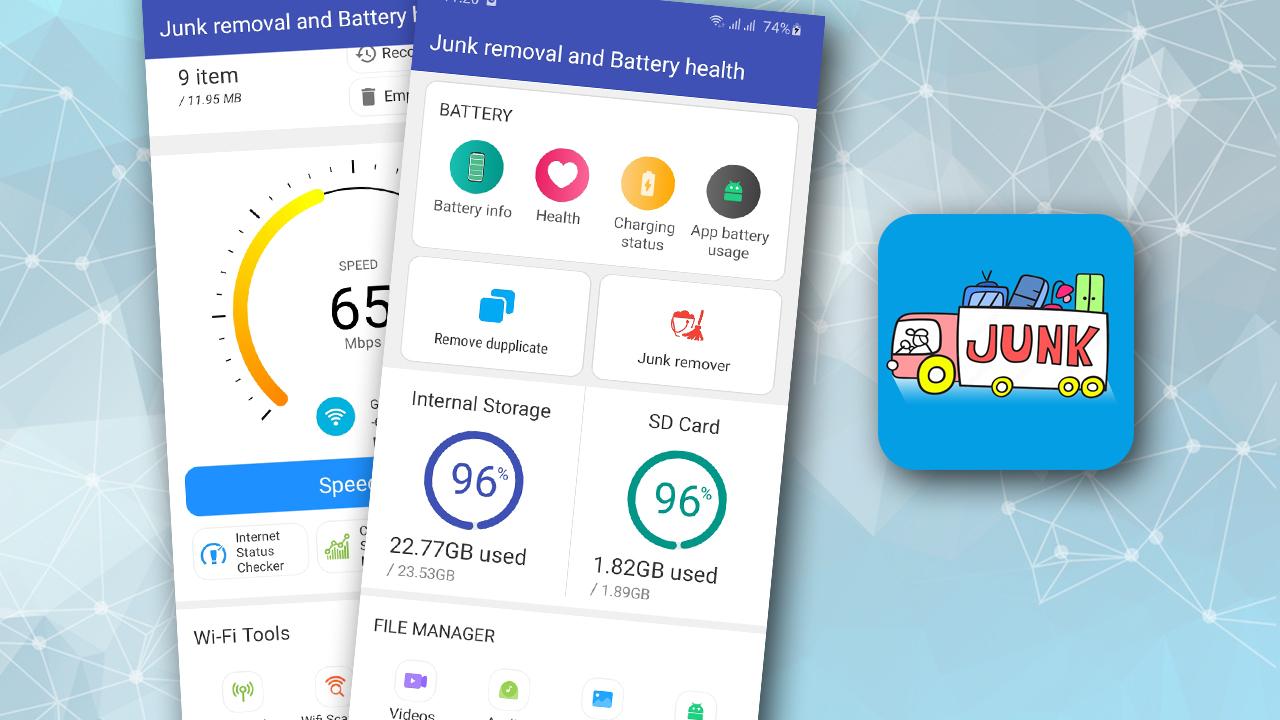
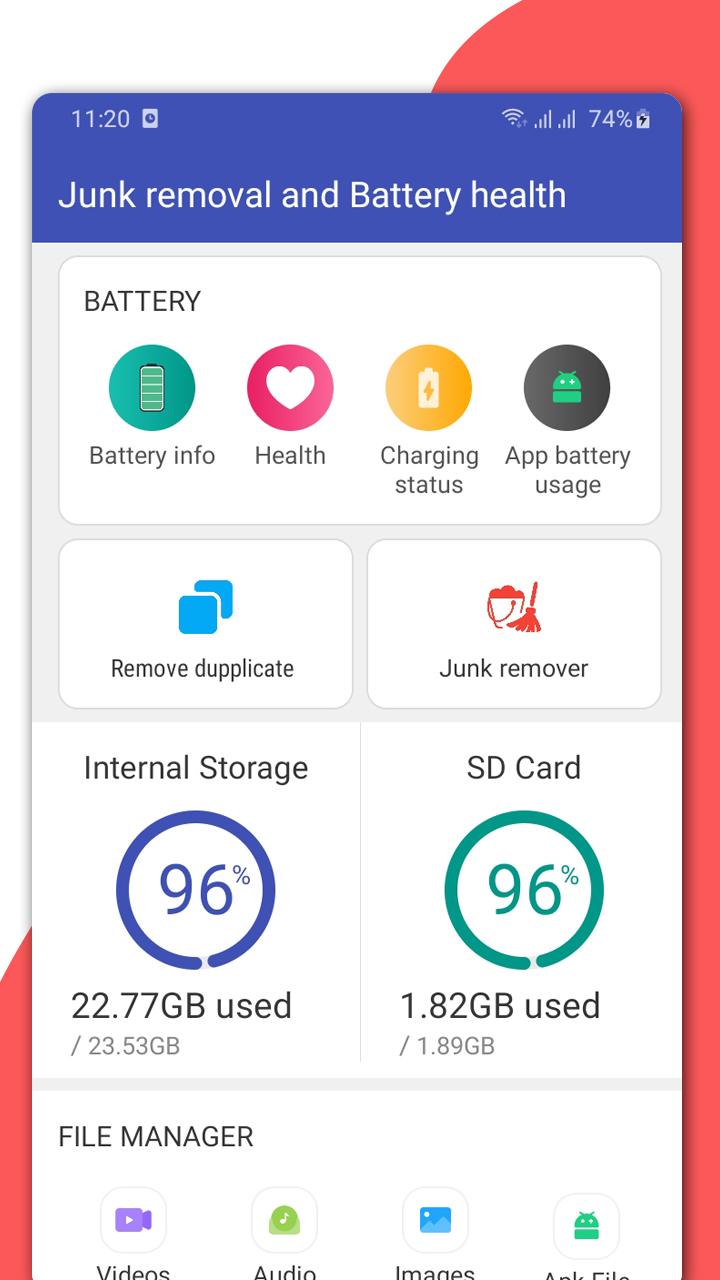
"Junk removal & Battery health" application has 3 main function groups, easy to use, fast and useful for Android phones.
A) Battery health monitoring function:
1. Battery health and Battery information:
- Battery usage: display estimated capacity (mA), Voltage, Temperature (C/F), battery percentage & battery status.
- Battery usage chart measured by current mAh
2. Battery status:
- Assess battery status at current level, device information
3. Battery charging
- Show current status: Charging or not charging, charging type, battery technology
- Notification when fully charged
4. Battery usage:
- Battery usage graph measured in mAh.
- The remaining time is completely usable
- Measure the relative battery usage of each app on the phone (Note: Depends on the visibility allowed by the Android OS)
B) File manager and junk removal functions:
1. SD card and file manager.
- File explorer: with the display of the directory tree of the internal memory or SD memory card, searching for files is just a few taps away and it doesn't take much time to search for files by filename.
- File manager by extension: photos, videos, audio music, documents, apk and other files.
- Find files easily: support search and detect all files
2. Junk file manager
- Scan files and detect junk files for remove temporary ad files, history files, intermediate files, redundant files and useless files.
- Remove downloaded files.
- Remove duplicate files for every file.
- Remove large files: image, video and audio files are supported.
- Trash folder management: Deleted files are moved and "Trash" folder. So that when needed, you can "delete files permanently", or select files to restore files to the original folder before it was deleted.
3. Application manager: helps you to select and remove applications faster by fully listing all applications.
Network monitoring function and measure internet speed of wifi network and mobile signal: 5G, 4G LTE and 3G in dBm in real time:
- Wi-Fi signal strength meter in dBm.
- Signal strength meter of HSPA+, 3G, 4G LTE, 5G
- Check internet status and display information about network signal, internet speed, ping/connection delay, upload internet speed, download speed in dBm.
- WiFi scanner and information display, wifi analyzer and WiFi hotspot when your phone is connected to 5G, 4G or 3G signal. Detect who is connecting to your wifi.
Feel free to experiment with this useful "Junk removal & Battery health" app functions.
Thanks all.
Preview
Tags
ToolsInformation
Developer
Speed Test by WiFi5g4g3gSpeedTest.com
Latest Version
2.8
Last Updated
2023-06-30
Category
Tools
Available on
Google Play
Show More
How to play Junk removal & Battery health with GameLoop on PC
1. Download GameLoop from the official website, then run the exe file to install GameLoop
2. Open GameLoop and search for “Junk removal & Battery health” , find Junk removal & Battery health in the search results and click “Install”
3. Enjoy playing Junk removal & Battery health on GameLoop
Minimum requirements
OS
Windows 8.1 64-bit or Windows 10 64-bit
GPU
GTX 1050
CPU
i3-8300
Memory
8GB RAM
Storage
1GB available space
Recommended requirements
OS
Windows 8.1 64-bit or Windows 10 64-bit
GPU
GTX 1050
CPU
i3-9320
Memory
16GB RAM
Storage
1GB available space