
Veee+ VPN - Fast & Stable VPN PC
Veee Network
Download Veee+ VPN - Fast & Stable VPN on PC With GameLoop Emulator
Veee+ VPN - Fast & Stable VPN on PC
Veee+ VPN - Fast & Stable VPN, coming from the developer Veee Network, is running on Android systerm in the past.
Now, You can play Veee+ VPN - Fast & Stable VPN on PC with GameLoop smoothly.
Download it in the GameLoop library or search results. No more eyeing the battery or frustrating calls at the wrong time any more.
Just enjoy Veee+ VPN - Fast & Stable VPN PC on the large screen for free!
Veee+ VPN - Fast & Stable VPN Introduction
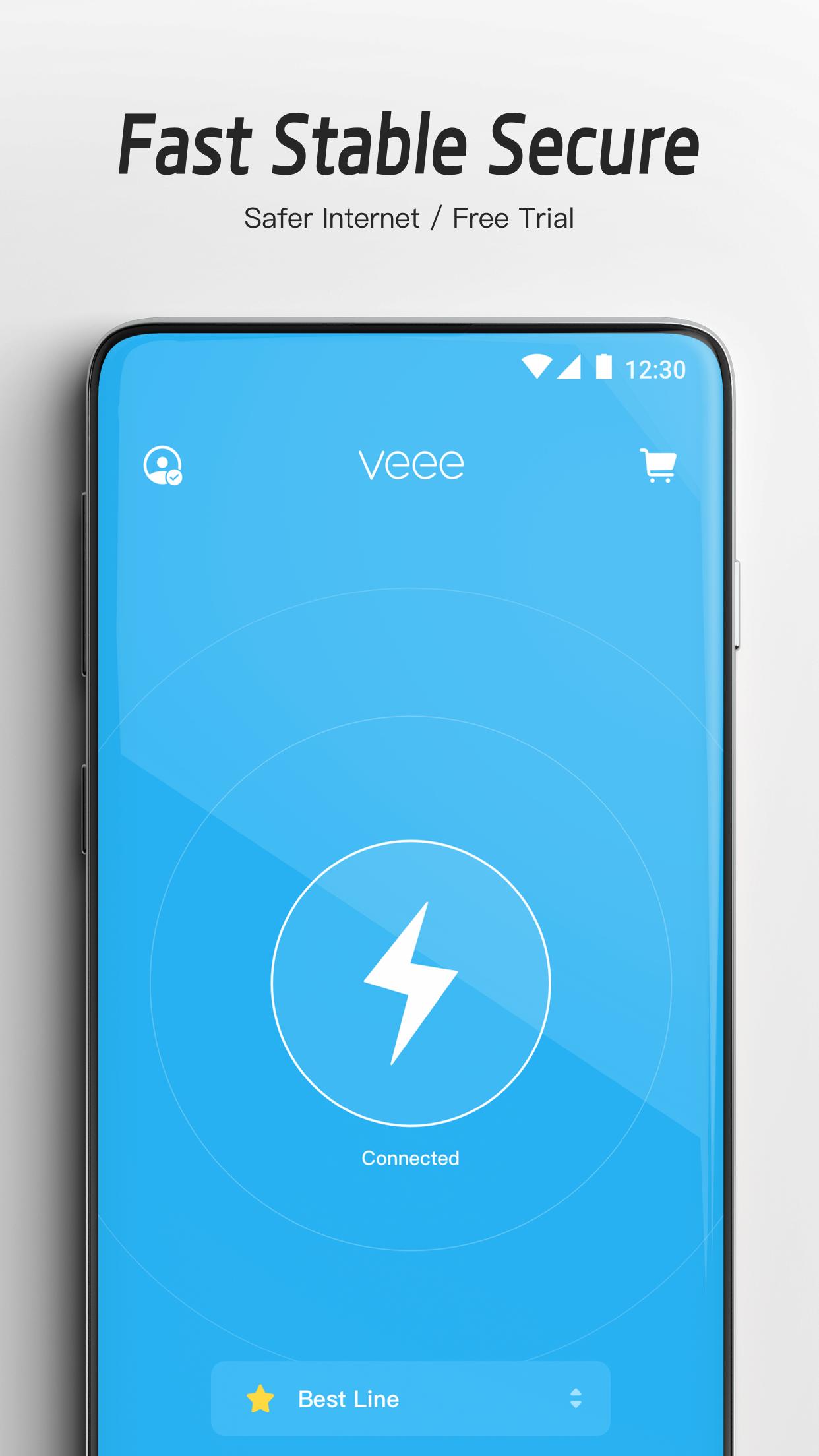
Veee+ VPN Fast, Stable, and Secure VPN
Unlimited Data Usage - Privacy Protection - Easy to Use
Veee+ is a VPN engineered to protect your privacy and offers secure unlimited data usage. Veee+ unlocks any websites and supports Netflix high speed steaming. Use the Internet safely and anonymously in just one tap!
New SVIP Server Lines
Cross-border dedicated backbone network, support 4K media streaming.
Optimized connection for multiple network operators, up to 100 Mbps broadband speed!
🚀 Fast VPN network
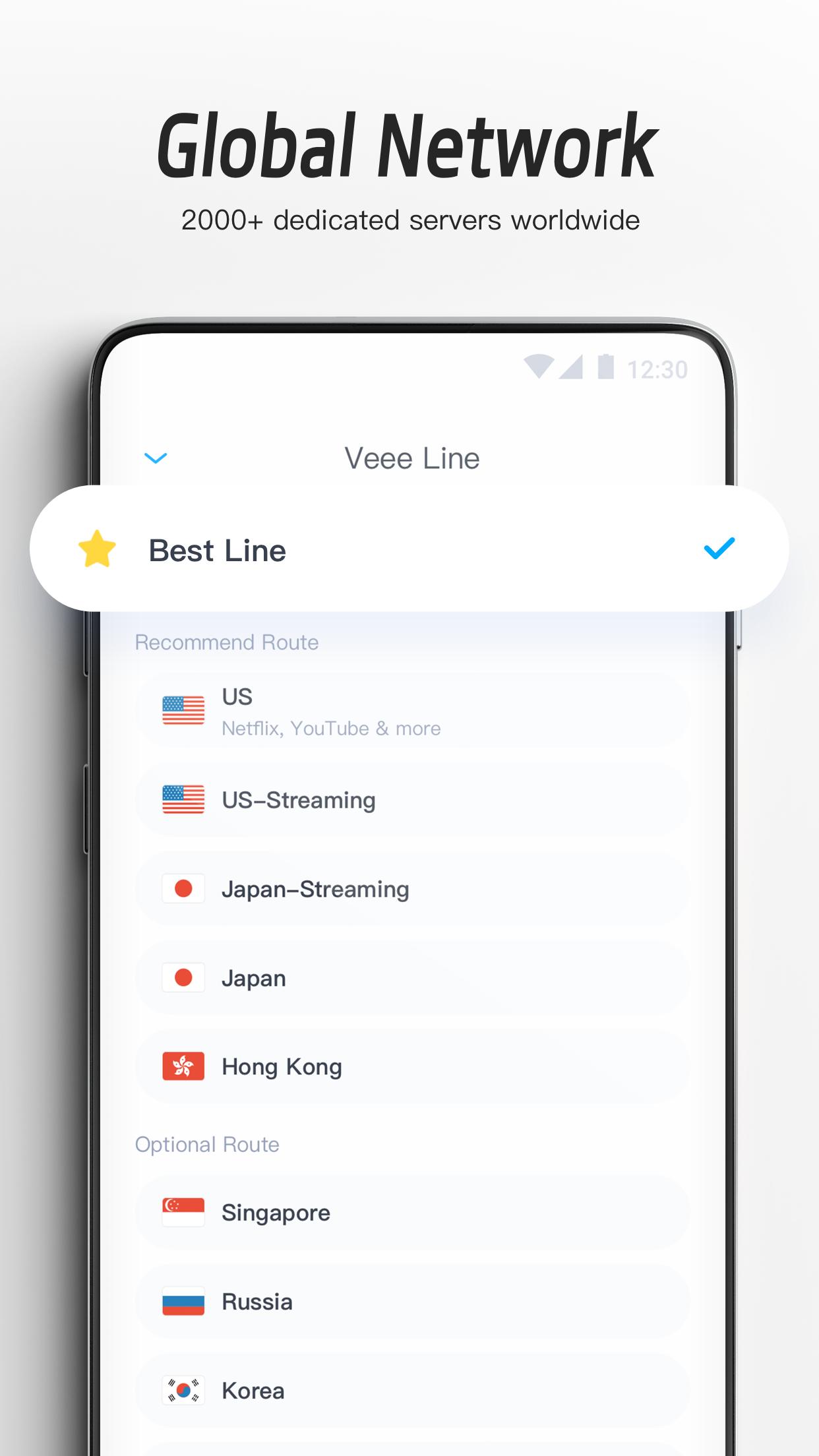
Connect to 2000+ VPN servers in 160 locations in 94 countries. Unlimited speed and bandwidth.
📺 Access any content
Stream or download anything, from any of our servers, anywhere on Earth.
🔒 Safe and anonymous
Trusted Server technology and powerful encryption protect you from hackers and trackers. Secure your connection on public Wi-Fi hotspots.
🙈 Protect your privacy
Hide your IP address and location. Strict privacy policy: No activity logs, no connection logs.
Try Now! You’ll love it!
Preview
Tags
ToolsInformation
Developer
Veee Network
Latest Version
4.8.2
Last Updated
2023-10-18
Category
Tools
Available on
Google Play
Show More
How to play Veee+ VPN - Fast & Stable VPN with GameLoop on PC
1. Download GameLoop from the official website, then run the exe file to install GameLoop
2. Open GameLoop and search for “Veee+ VPN - Fast & Stable VPN” , find Veee+ VPN - Fast & Stable VPN in the search results and click “Install”
3. Enjoy playing Veee+ VPN - Fast & Stable VPN on GameLoop
Minimum requirements
OS
Windows 8.1 64-bit or Windows 10 64-bit
GPU
GTX 1050
CPU
i3-8300
Memory
8GB RAM
Storage
1GB available space
Recommended requirements
OS
Windows 8.1 64-bit or Windows 10 64-bit
GPU
GTX 1050
CPU
i3-9320
Memory
16GB RAM
Storage
1GB available space