Image converter PC
alpaca
Download Image converter on PC With GameLoop Emulator
Image converter on PC
Image converter, coming from the developer alpaca, is running on Android systerm in the past.
Now, You can play Image converter on PC with GameLoop smoothly.
Download it in the GameLoop library or search results. No more eyeing the battery or frustrating calls at the wrong time any more.
Just enjoy Image converter PC on the large screen for free!
Image converter Introduction
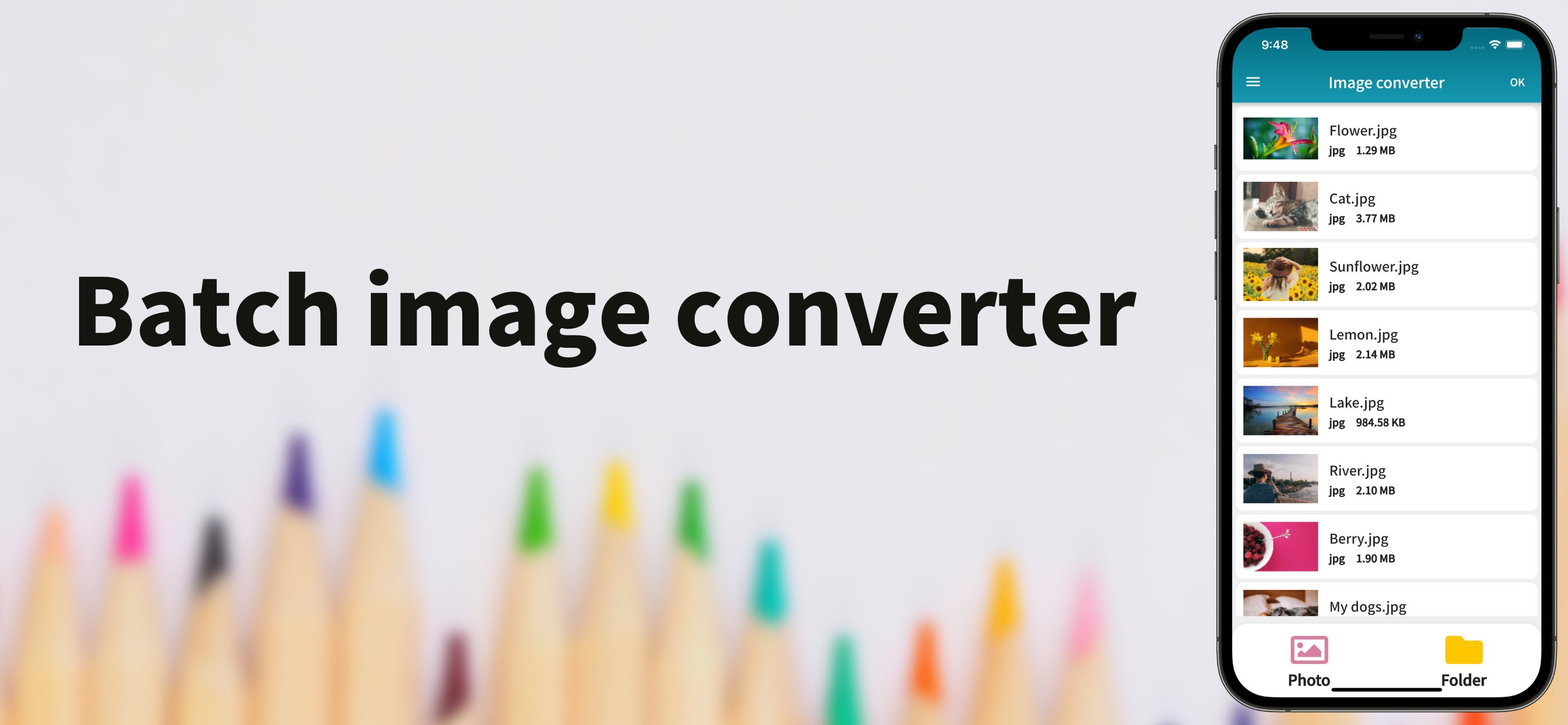
Easily batch convert your image formats with simple operations.
Supporting a wide range of major formats, this app is perfect for any situation. With its simple and intuitive design, anyone can start using it right away. You can also reduce image file sizes, making it convenient for posting on social media or sending via email.
Privacy-Focused Design
All image processing is performed locally on your device. Your photos and documents are never uploaded to our servers, ensuring your personal content remains private.
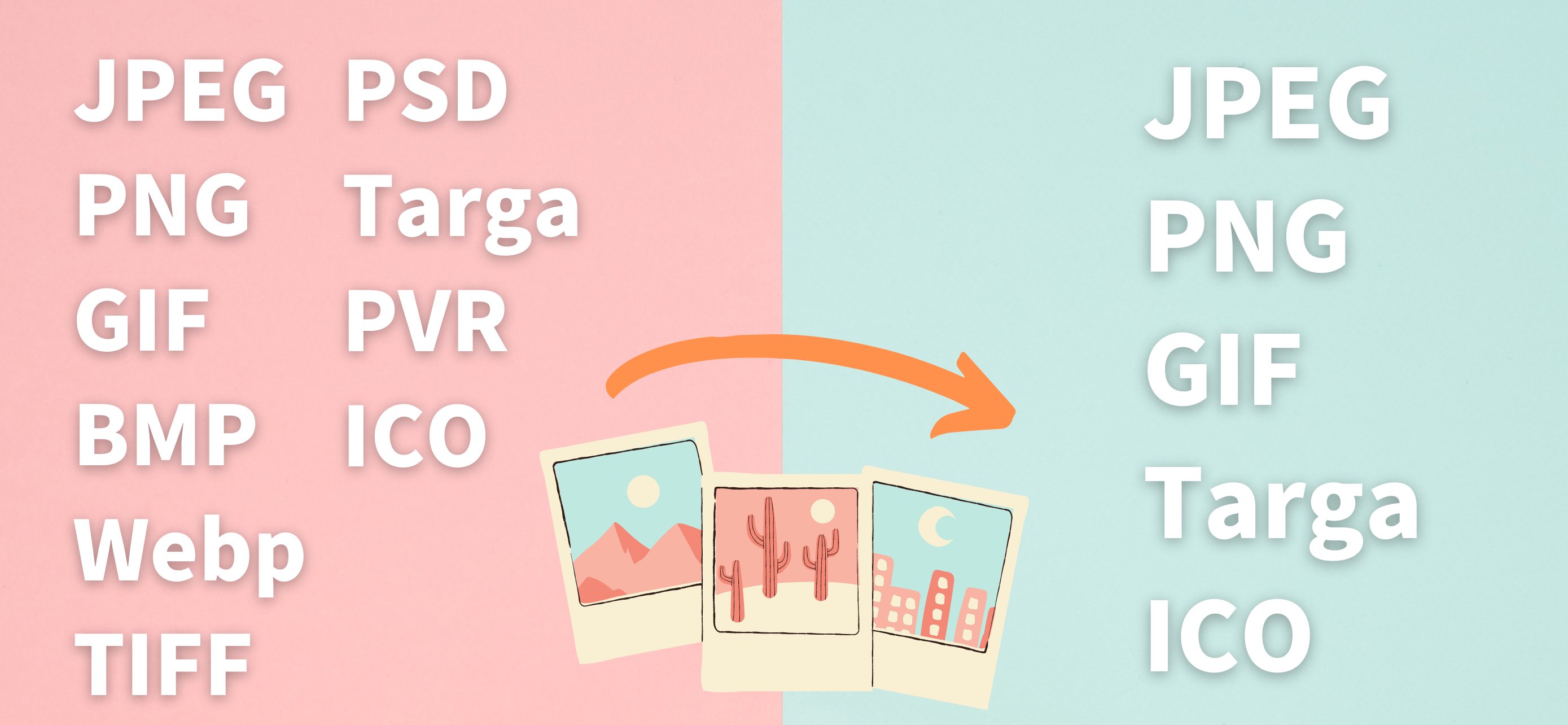
● Supported Input Formats
JPEG, PNG, GIF, BMP, WebP, TIFF, PSD, Targa, PVR, ICO, HEIC, HEIF
● Supported Output Formats
JPEG, PNG, GIF, WebP, Targa, ICO, PDF
Features:
- No registration required. Ready to use right after download.
- Local image processing - your files never leave your device.
- Simple and user-friendly interface.
- Supports a wide range of formats.
- Batch convert multiple images at once.
- Image resizing feature.
- Adjustable quality (for JPEG and WebP only).
- Selectable save destination.
- Built-in sharing function.
- Real-time conversion progress display.
- Beautiful, modern application design.
Preview
Tags
ToolsInformation
Developer
alpaca
Latest Version
3.0.5
Last Updated
2025-09-14
Category
Tools
Available on
Google Play
Show More
How to play Image converter with GameLoop on PC
1. Download GameLoop from the official website, then run the exe file to install GameLoop
2. Open GameLoop and search for “Image converter” , find Image converter in the search results and click “Install”
3. Enjoy playing Image converter on GameLoop
Minimum requirements
OS
Windows 8.1 64-bit or Windows 10 64-bit
GPU
GTX 1050
CPU
i3-8300
Memory
8GB RAM
Storage
1GB available space
Recommended requirements
OS
Windows 8.1 64-bit or Windows 10 64-bit
GPU
GTX 1050
CPU
i3-9320
Memory
16GB RAM
Storage
1GB available space