Color Picker & Generator PC
Core Apps Creation
Download Color Picker & Generator on PC With GameLoop Emulator
Color Picker & Generator on PC
Color Picker & Generator, coming from the developer Core Apps Creation, is running on Android systerm in the past.
Now, You can play Color Picker & Generator on PC with GameLoop smoothly.
Download it in the GameLoop library or search results. No more eyeing the battery or frustrating calls at the wrong time any more.
Just enjoy Color Picker & Generator PC on the large screen for free!
Color Picker & Generator Introduction
-Color Picker & Generator is a powerful app that allows you to select colors from various sources, generate color codes, and explore different color schemes and harmonies.
-Whether you're a designer, artist, or simply want to enhance your creativity, this app provides a wide range of features to make your color selection and generation process easy and enjoyable.
Features:
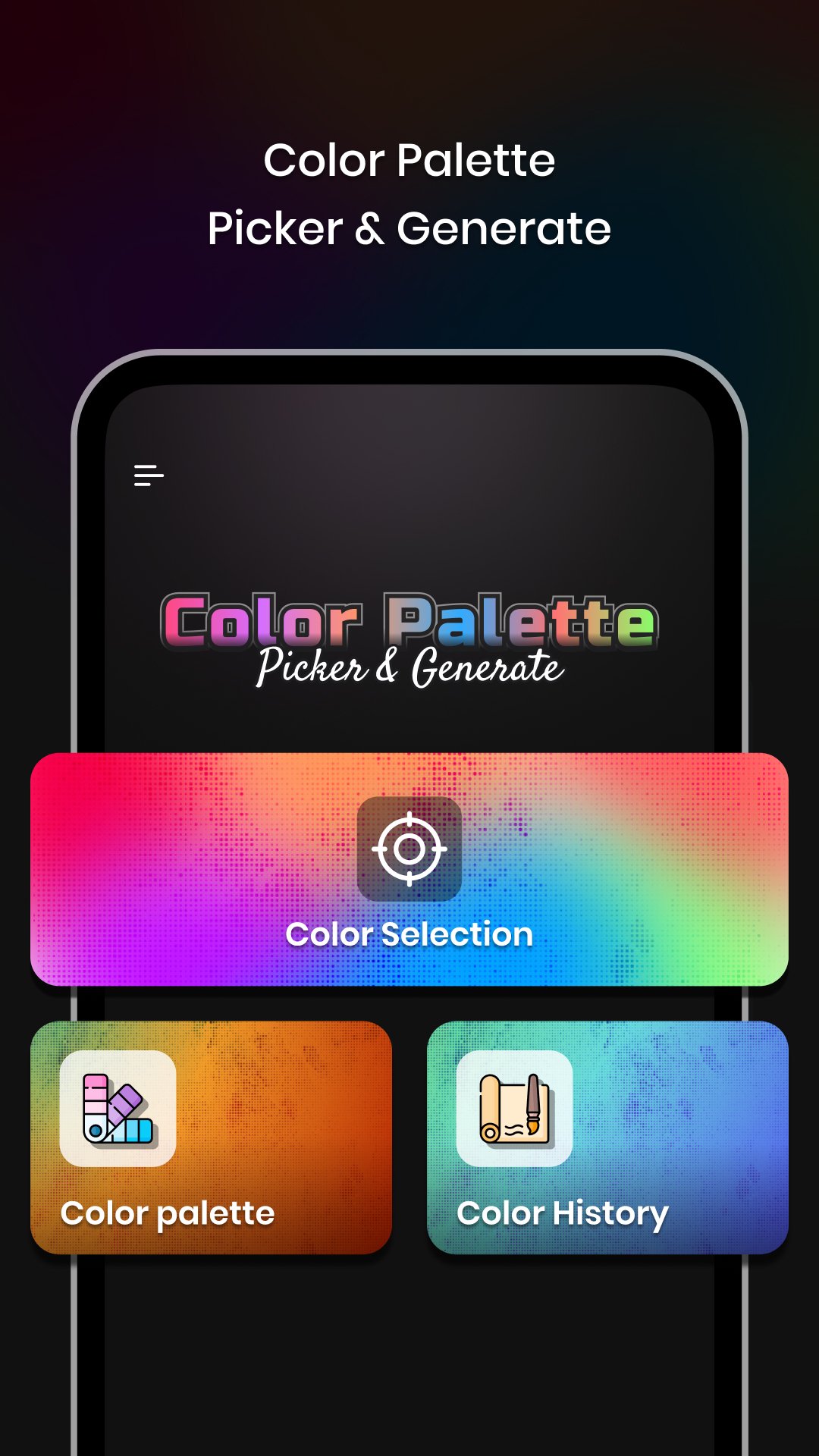
1)Color Selection:
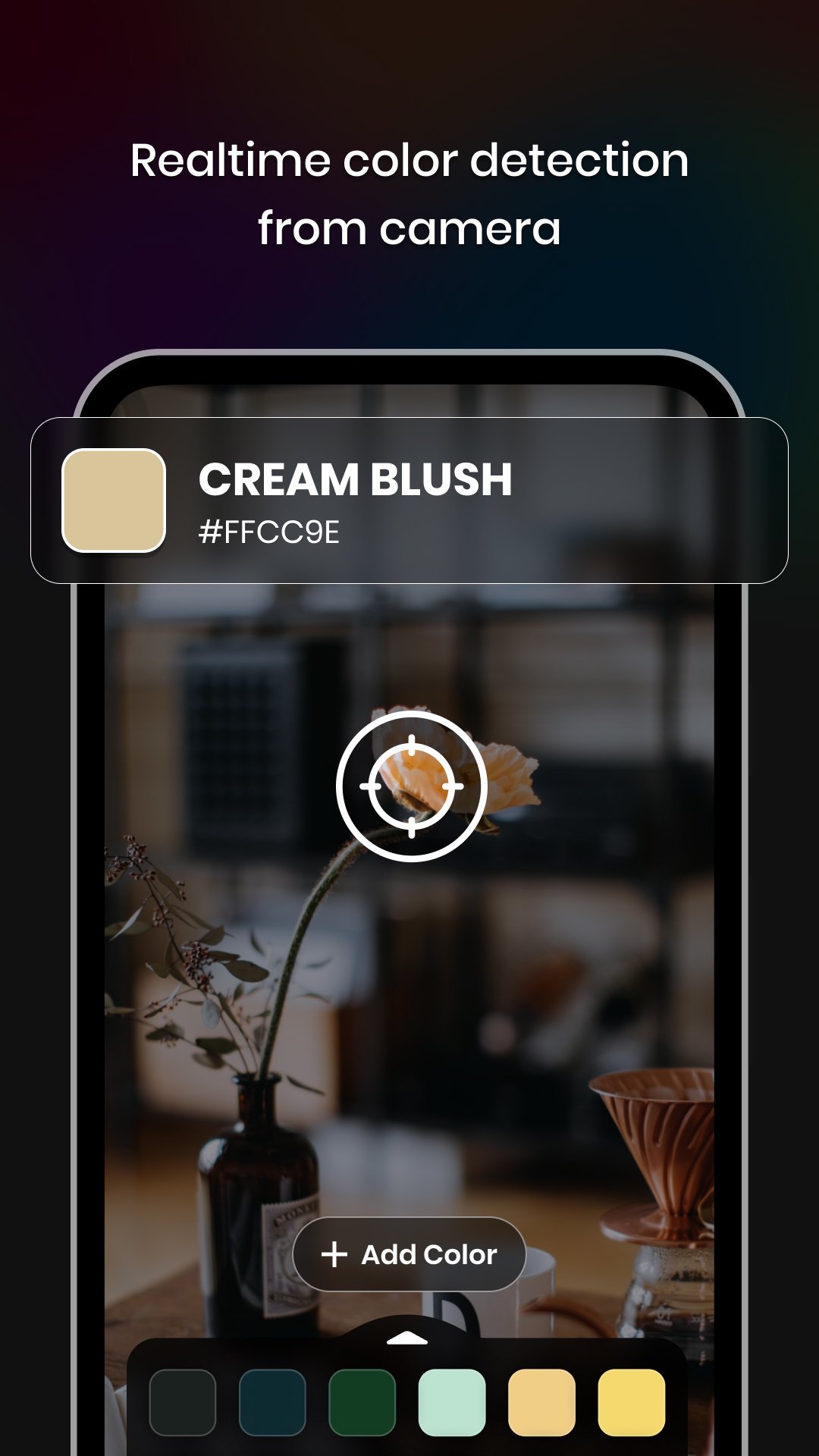
-Camera: Capture colors directly from your surroundings using your device's camera.
-Gallery: Choose colors from your saved images in the gallery.
-Color Palette: Select colors from a wide range of pre-defined color palettes.
-Color Codes: Obtain color codes and names for the selected colors.
-RGB Rearrangement: Rearrange color codes based on their RGB values.
-Color Code Details: Access hex codes, RGB, CMYK, HSL, HSV/HSB, LAB, XYZ, and XYY values for each individual color code.
-Color Harmonies: Explore harmonies for the selected color code.& Share the appropriate color harmony with others.
-Color Schemes: Discover different color schemes such as Metallic, Pastel, Black & White, Earth Tone, Neon, Secondary, and Rainbow.
2)Color Palette:
-Trending/Default Color Palettes: Access ready-made trending color palettes for various industries and applications.
-Custom Color Palette: Create your own custom color palettes to suit your specific needs.
-Easy Arrangements: Organise and arrange colors in your palettes effortlessly.
3)Color History:
-Saved Work: Store and access the history of all your color selections and generated colour schemes.
-Easy Retrieval: Quickly find and review your previous color choices for reference and reuse.
-With Color Picker & Generator, Enhance your creativity and streamline your color selection and generation process.
-Whether you're designing a website, creating artwork, or planning a theme, this app provides all the tools you need to bring your vision to life.
-Download now and experience the world of colors at your fingertips.
Permissions:
1) Camera - Capture real-time color using the camera.
Preview
Tags
ToolsInformation
Developer
Core Apps Creation
Latest Version
1.0.4
Last Updated
2025-11-28
Category
Tools
Available on
Google Play
Show More
How to play Color Picker & Generator with GameLoop on PC
1. Download GameLoop from the official website, then run the exe file to install GameLoop
2. Open GameLoop and search for “Color Picker & Generator” , find Color Picker & Generator in the search results and click “Install”
3. Enjoy playing Color Picker & Generator on GameLoop
Minimum requirements
OS
Windows 8.1 64-bit or Windows 10 64-bit
GPU
GTX 1050
CPU
i3-8300
Memory
8GB RAM
Storage
1GB available space
Recommended requirements
OS
Windows 8.1 64-bit or Windows 10 64-bit
GPU
GTX 1050
CPU
i3-9320
Memory
16GB RAM
Storage
1GB available space