
CloudWatch Logs Reader PC
Minian Software Ltd.
Download CloudWatch Logs Reader on PC With GameLoop Emulator
CloudWatch Logs Reader on PC
CloudWatch Logs Reader, coming from the developer Minian Software Ltd., is running on Android systerm in the past.
Now, You can play CloudWatch Logs Reader on PC with GameLoop smoothly.
Download it in the GameLoop library or search results. No more eyeing the battery or frustrating calls at the wrong time any more.
Just enjoy CloudWatch Logs Reader PC on the large screen for free!
CloudWatch Logs Reader Introduction
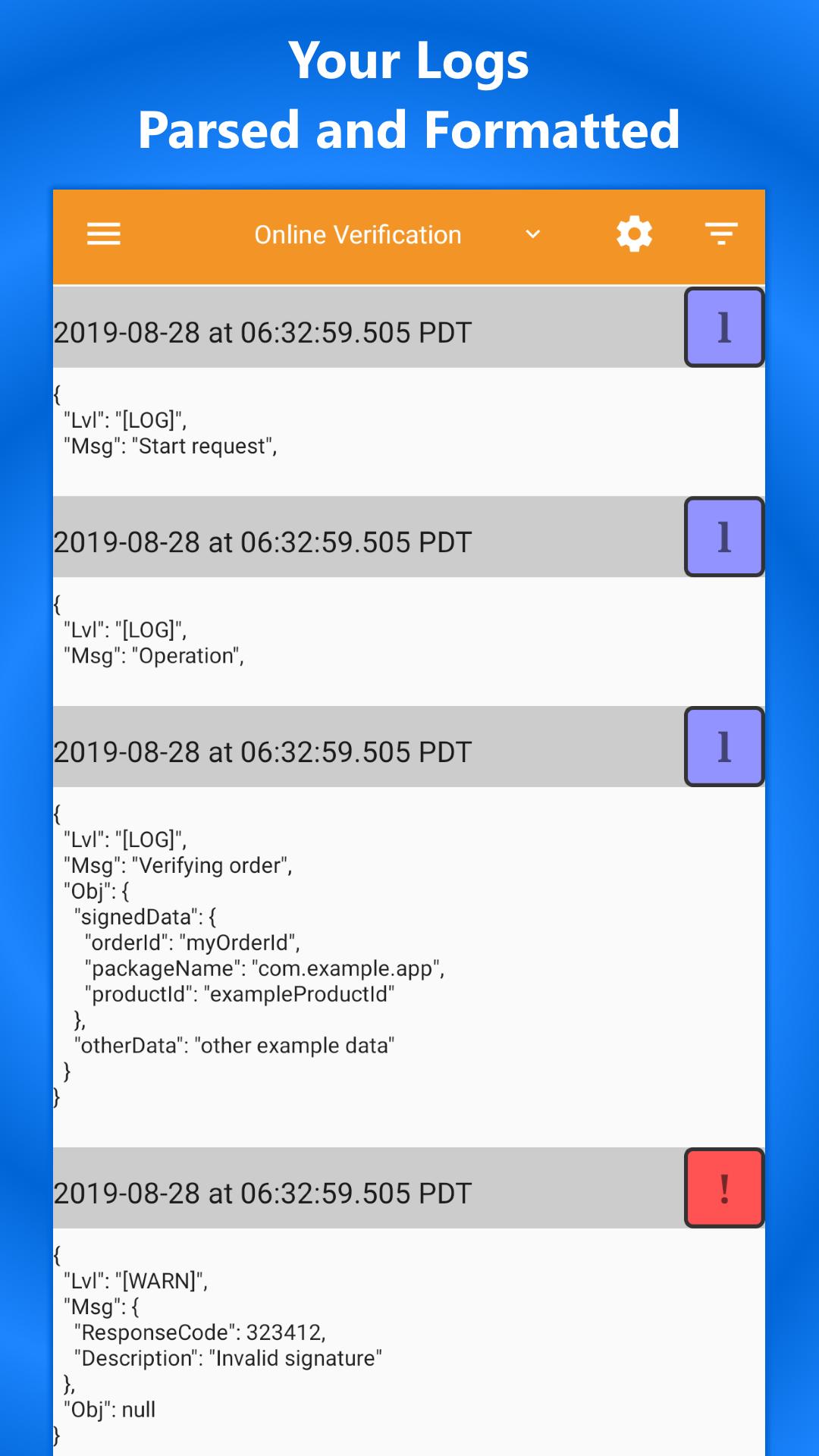
CloudWatch Logs Reader makes it easy to read your logs and quickly gain insight into key log events.
We know how frustrating it is to use the default tools to read your logs. Now you can get your logs in an easy-to-read format, on your mobile device.
With CloudWatch Logs Reader, you can:
✔ Group logs by request id
✔ Format logs and pretty-print JSON
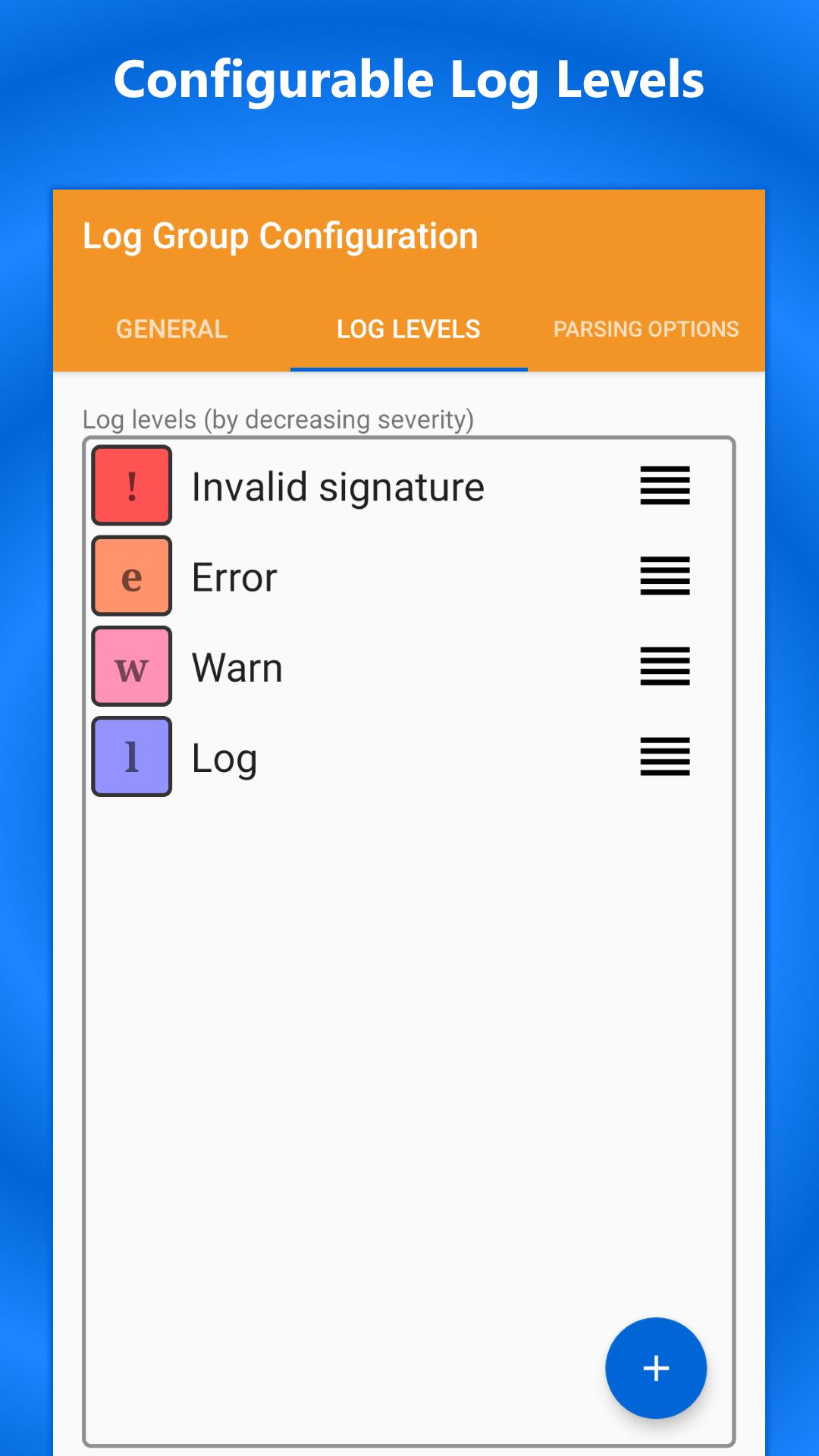
✔ Assign log levels to call out specific events
✔ Assign nicknames to your log groups
✔ Use multiple identities
Have you ever received a CloudWatch Alarm and wanted to know the specific reason for the alarm from your phone? CloudWatch Logs Reader makes it easy to find the logs related to that alarm.
Your access keys are stored encrypted on your device and are only transmitted to Amazon servers using their official APIs for the purpose of receiving logs you request through this app. For additional security, create an IAM User with just the CloudWatchLogsReadOnlyAccess permission.
If you have been looking for a solution to access your logs from your phone, give CloudWatch Logs Reader a try today!
Preview
Tags
ToolsInformation
Developer
Minian Software Ltd.
Latest Version
1.3.3
Last Updated
2022-08-30
Category
Tools
Available on
Google Play
Show More
How to play CloudWatch Logs Reader with GameLoop on PC
1. Download GameLoop from the official website, then run the exe file to install GameLoop
2. Open GameLoop and search for “CloudWatch Logs Reader” , find CloudWatch Logs Reader in the search results and click “Install”
3. Enjoy playing CloudWatch Logs Reader on GameLoop
Minimum requirements
OS
Windows 8.1 64-bit or Windows 10 64-bit
GPU
GTX 1050
CPU
i3-8300
Memory
8GB RAM
Storage
1GB available space
Recommended requirements
OS
Windows 8.1 64-bit or Windows 10 64-bit
GPU
GTX 1050
CPU
i3-9320
Memory
16GB RAM
Storage
1GB available space