
Classic Big Keyboard PC
Apps Technologies
Download Classic Big Keyboard on PC With GameLoop Emulator
Classic Big Keyboard on PC
Classic Big Keyboard, coming from the developer Apps Technologies, is running on Android systerm in the past.
Now, You can play Classic Big Keyboard on PC with GameLoop smoothly.
Download it in the GameLoop library or search results. No more eyeing the battery or frustrating calls at the wrong time any more.
Just enjoy Classic Big Keyboard PC on the large screen for free!
Classic Big Keyboard Introduction
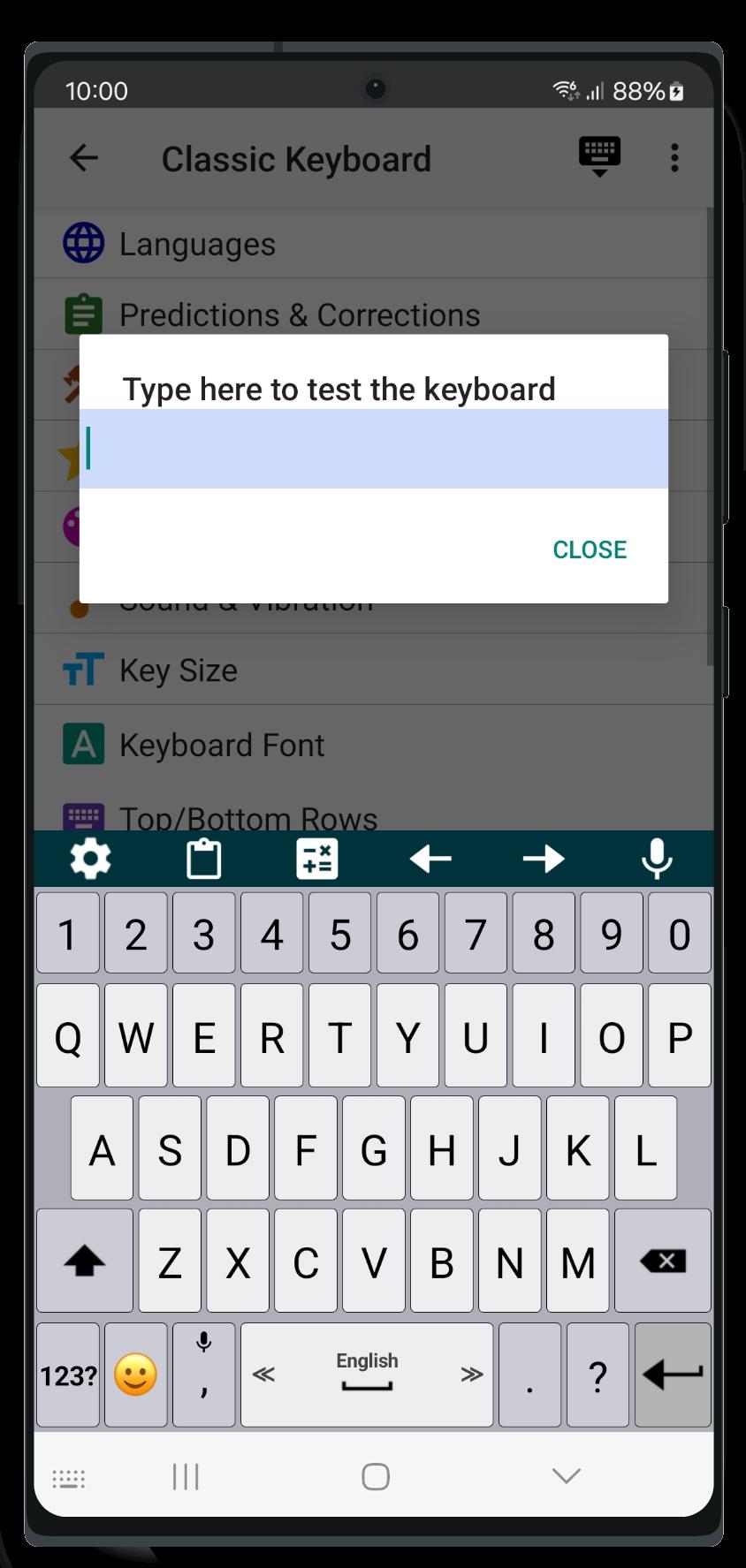
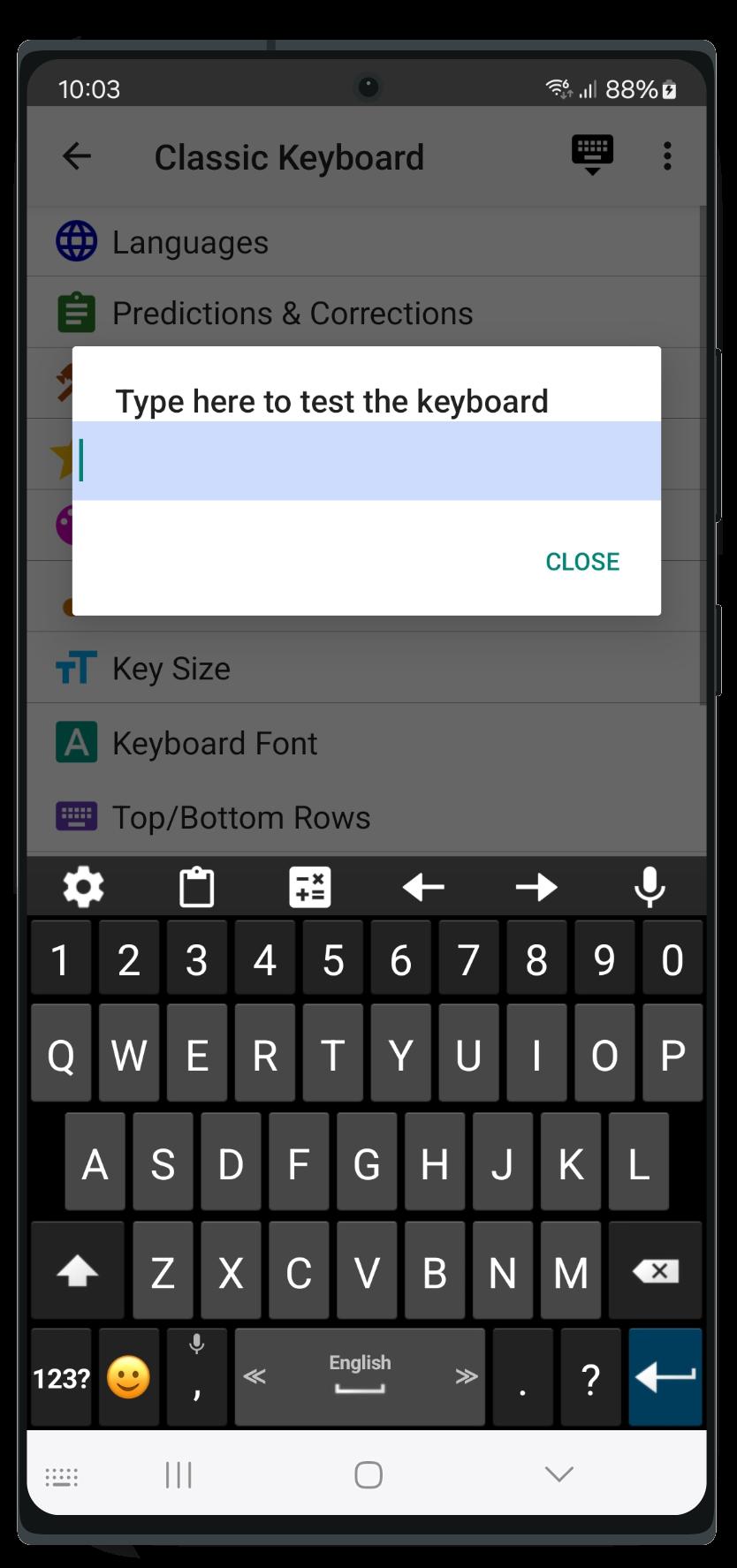
⚙️ Keyboard Customization
• Adjust the size of the keyboard keys and their font.
• Change the typing sound and vibration intensity to fit your style.
• Adjust the keyboard size and font for a more personalized experience.
📚 Dictionaries & Grammar
• Customize your dictionary, benefit from word predictions and auto-corrections.
• Improve typing accuracy with suggested typing corrections.
• Set up custom shortcuts to easily insert your favorite phrases.
⚡ Typing Features
• Type faster with swipe typing.
• Convert speech to text instantly with voice typing.
• Set up your typing preferences for faster and more efficient typing (e.g., adjust delete speed, use volume buttons to move the cursor backward and forward, double space to period and more).
😄 Emoji Keyboard Features
• Resize the emoji keyboard screen to your preference.
• Access the latest emojis with the emoji keyboard, always up-to-date.
• Quickly switch between typing and the emoji keyboard for fast emoji access.
• 🎨 Customizable Themes
• Personalize the look and theme of your keyboard design.
• Choose your favorite theme from a variety of unique themes in Classic Keyboard.
• Set a personal background photo (available for premium users) to make your keyboard truly unique.
🗣️ Gesture Controls
• Set up custom gestures to perform quick actions, like swiping the spacebar up to open a special utility keyboard.
💡 Tips
• Swipe the spacebar left or right to quickly switch between languages.
• Hold or double-tap the shift key for "caps lock."
• Hold the emoji button to open a text-based emoji popup.
• Show hidden symbols by long-pressing keys (enable in Settings → Themes → Show hidden symbols).
🌍 Multilingual Support
• Type in multiple languages and switch languages with ease:
Afrikaans (Afrikaans)
Arabic (العربية)
Armenian (հայերեն)
Basque (Euskara)
Belarusian (Беларуская)
Bengali (বাঙালি)
Bulgarian (български)
Catalan (Català)
Croatian (Hrvatski)
Czech (čeština)
Danish (Dansk)
Dutch (Nederlands)
English
Esperanto (Esperanto)
Finnish (Suomi)
French (Français)
Georgian (ქართული)
German (Deutsch)
Greek (ελληνικά)
Hebrew (עברית)
Hindi (हिन्दी)
Hungarian (Magyar)
Icelandic (íslensku)
Indonesian (bahasa Indonesia)
Italian (Italiano)
Kurdish (Kurdî, کوردی)
Latvian (Latviešu)
Lithuanian (Lietuvių)
Luxembourgish (lëtzebuergesch)
Malayalam (മലയാളം)
Norwegian (Nynorsk)
Persian (فارسی)
Polish (Polski)
Portuguese (Português)
Romanian (Română)
Russian (Pусский)
Serbian (српски / srpski)
Sinhala (සිංහල)
Slovak (Slovenčina)
Slovenian (Slovenščina)
Songhay (Songhay)
Spanish (Español)
Swedish (Svenska)
Tamil (தமிழ்)
Tatar (Tatarça)
Turkish (Türkçe)
Thai (ไทย)
Ukrainian (Українська)
Urdu (اردو)
Preview
Tags
ToolsInformation
Developer
Apps Technologies
Latest Version
9.7
Last Updated
2025-09-16
Category
Tools
Available on
Google Play
Show More
How to play Classic Big Keyboard with GameLoop on PC
1. Download GameLoop from the official website, then run the exe file to install GameLoop
2. Open GameLoop and search for “Classic Big Keyboard” , find Classic Big Keyboard in the search results and click “Install”
3. Enjoy playing Classic Big Keyboard on GameLoop
Minimum requirements
OS
Windows 8.1 64-bit or Windows 10 64-bit
GPU
GTX 1050
CPU
i3-8300
Memory
8GB RAM
Storage
1GB available space
Recommended requirements
OS
Windows 8.1 64-bit or Windows 10 64-bit
GPU
GTX 1050
CPU
i3-9320
Memory
16GB RAM
Storage
1GB available space