
Certo: Anti Spyware & VPN PC
Certo Software
Download Certo: Anti Spyware & VPN on PC With GameLoop Emulator
Certo: Anti Spyware & VPN on PC
Certo: Anti Spyware & VPN, coming from the developer Certo Software, is running on Android systerm in the past.
Now, You can play Certo: Anti Spyware & VPN on PC with GameLoop smoothly.
Download it in the GameLoop library or search results. No more eyeing the battery or frustrating calls at the wrong time any more.
Just enjoy Certo: Anti Spyware & VPN PC on the large screen for free!
Certo: Anti Spyware & VPN Introduction
Powerful protection from spyware, viruses, hackers, and now – online surveillance.
Certo AntiSpy is your all-in-one solution for mobile privacy and security. Whether it’s malicious spyware, intrusive apps, or insecure networks, Certo protects your device and personal data 24/7.
Join millions who trust Certo to detect and remove threats, safeguard their privacy, and stay protected online.
Key Features:
★ Spyware Detector – Find and remove hidden spyware and stalkerware apps.
★ Antivirus Scanner – Scan your device for viruses, trojans, and other threats.
★ Privacy Protection – Uncover apps that monitor your calls, messages, or location.
★ Security Health Check – Identify settings that leave your phone vulnerable to hackers.
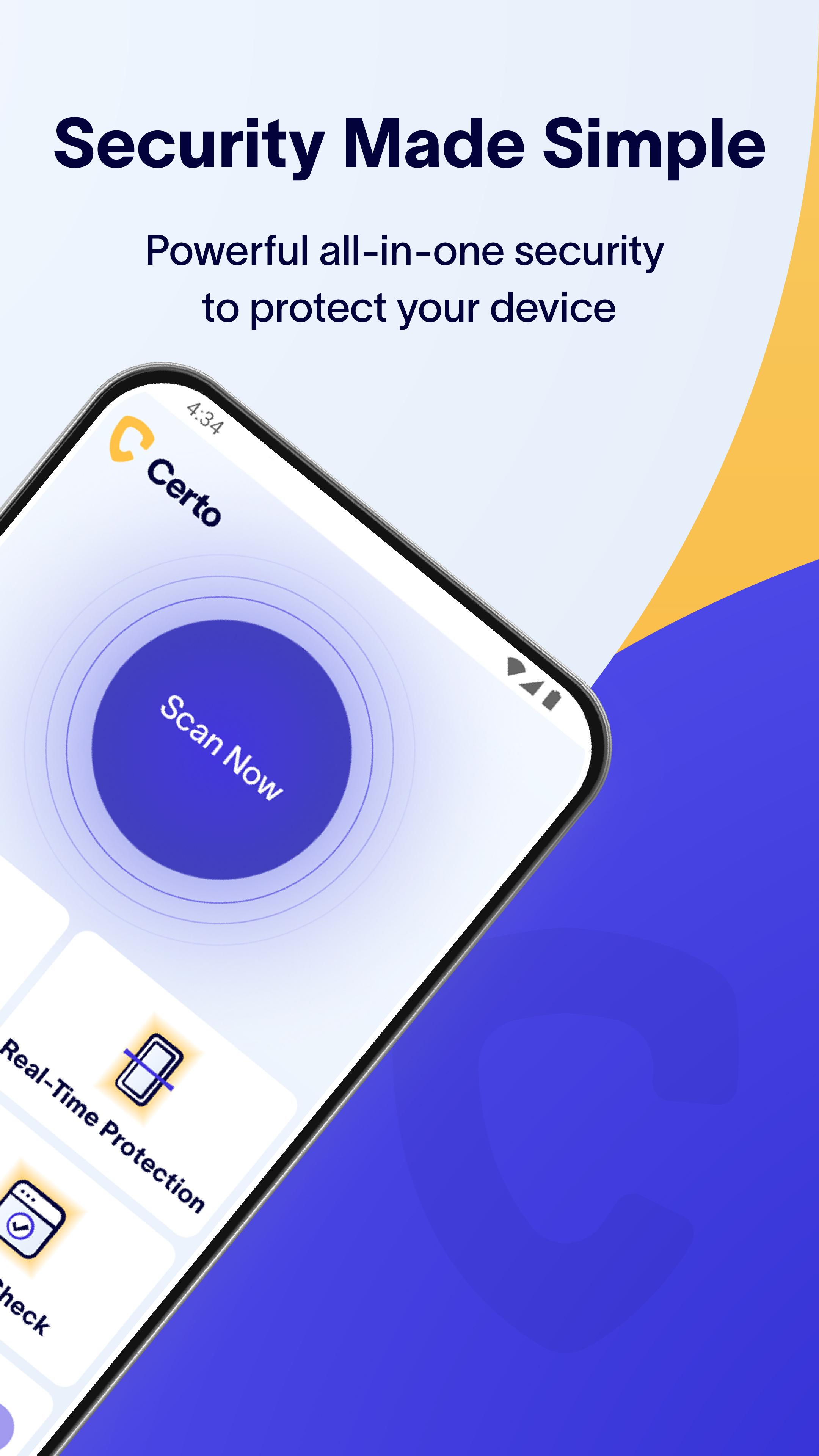
★ Real-Time Protection* – 24/7 defense with scheduled deep scans and instant threat detection for new apps.
★ VPN* – Secure your internet connection with military-grade encryption and browse anonymously on any network.
★ Intruder Detection* – We’ll snap a silent photo or trigger an alarm if a snooper tries to access your phone.
★ Breach Check* – See if your accounts or passwords have been leaked on the dark web.
★ No Ads – Enjoy a seamless, ad-free experience focused on security.
Features in Detail:
Spyware & Antivirus Scanner
Safeguard your device from spyware, viruses, and apps that compromise your privacy. With advanced threat detection, Certo ensures you're always protected — even as new risks emerge.
Privacy Protection
Find out which apps can access your location, contacts, messages, photos, microphone, or camera – and take back control of your privacy.
Security Health Check
Stay ahead of hackers. Certo checks your device for unsafe settings and helps you secure them instantly.
Real-Time Protection
Our upgraded Real-Time Protection ensures you're always one step ahead of malware. Certo automatically performs a full deep scan every 24 hours and checks every new app you install for hidden threats – no need to lift a finger.*
Secure VPN
Shield your online activity with military-grade encryption. Certo VPN keeps your internet connection secure and your data private on any Wi-Fi or mobile network – even public ones. Browse anonymously and keep prying eyes at bay.*
Intruder Detection
Our unique Intruder Detection system helps protect your device when unattended. Detect when someone tries to guess your PIN or access your phone, and capture a silent photo of the intruder or sound an alarm.*
Breach Check
Billions of credentials are exposed in data leaks each year. Use Certo to find out if your accounts are compromised and protect yourself from identity theft and fraud.*
Ad-Free Experience
We believe your privacy comes first – and that includes no annoying ads. Certo is 100% ad-free for a clean and focused experience.
* Upgrade for advanced protection features. Free 7-day trial included.
Your privacy is our mission.
Download Certo today and experience powerful, easy-to-use protection against spyware, viruses, and digital threats – now with secure VPN and real-time app scanning.
Preview

Tags
ToolsInformation
Developer
Certo Software
Latest Version
3.0.6
Last Updated
2025-08-04
Category
Tools
Available on
Google Play
Show More
How to play Certo: Anti Spyware & VPN with GameLoop on PC
1. Download GameLoop from the official website, then run the exe file to install GameLoop
2. Open GameLoop and search for “Certo: Anti Spyware & VPN” , find Certo: Anti Spyware & VPN in the search results and click “Install”
3. Enjoy playing Certo: Anti Spyware & VPN on GameLoop
Minimum requirements
OS
Windows 8.1 64-bit or Windows 10 64-bit
GPU
GTX 1050
CPU
i3-8300
Memory
8GB RAM
Storage
1GB available space
Recommended requirements
OS
Windows 8.1 64-bit or Windows 10 64-bit
GPU
GTX 1050
CPU
i3-9320
Memory
16GB RAM
Storage
1GB available space