Calculator Launcher PC
andybenard
Download Calculator Launcher on PC With GameLoop Emulator
Calculator Launcher on PC
Calculator Launcher, coming from the developer andybenard, is running on Android systerm in the past.
Now, You can play Calculator Launcher on PC with GameLoop smoothly.
Download it in the GameLoop library or search results. No more eyeing the battery or frustrating calls at the wrong time any more.
Just enjoy Calculator Launcher PC on the large screen for free!
Calculator Launcher Introduction
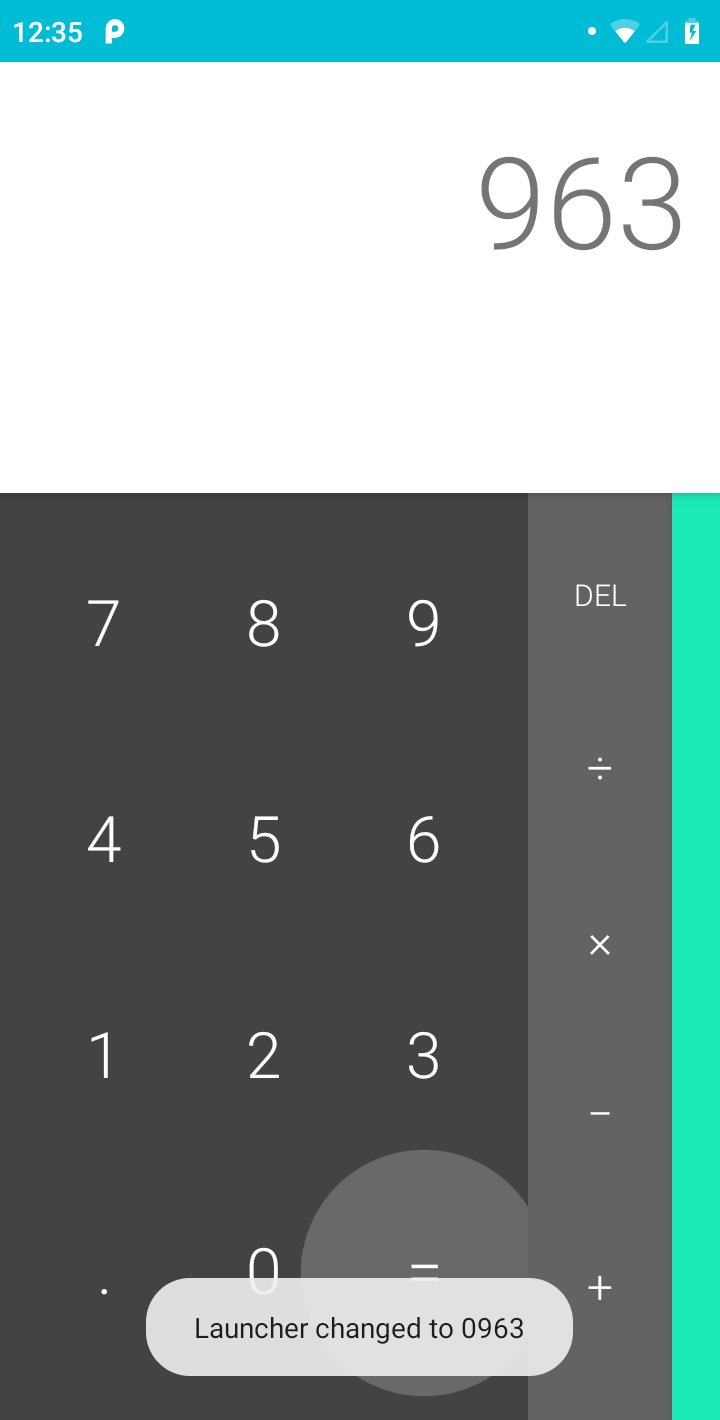
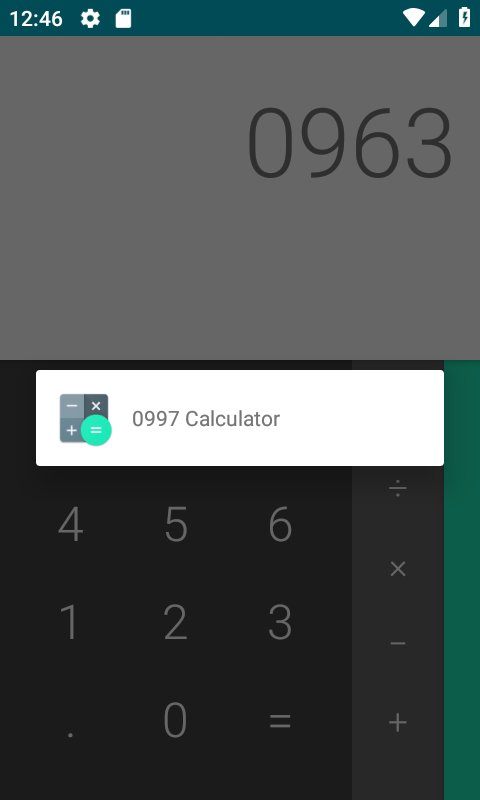
Based on the Android (AOSP) calculator, this application has some secret key combinations to launch applications.
**Use in combination with a launcher that allows you to hide applications from your application drawer.**
Feel free to email me with any feature requests, Ideas, support requests, or issues. I am rushed with this, and I will publish the code under a copyleft license as soon as someone requests.
Important notes and features:
- All codes begin with 0 and have three more numbers.
- Default launcher code is 0000.
- Type three digits and press the '=' sign ten times to change the launcher code. The code will then be 0xxx.
- When an application is launched, the calculator will finish so nobody thinks you are a calculator obsessive.
- When you minimize or switch away from the launched application, it will not appear in your recent applications.
- Requires no permissions and collects no data.
- Will never have adverts or in app purchases. It will always be free.
Preview
Tags
ToolsInformation
Developer
andybenard
Latest Version
1.0
Last Updated
2019-01-04
Category
Tools
Available on
Google Play
Show More
How to play Calculator Launcher with GameLoop on PC
1. Download GameLoop from the official website, then run the exe file to install GameLoop
2. Open GameLoop and search for “Calculator Launcher” , find Calculator Launcher in the search results and click “Install”
3. Enjoy playing Calculator Launcher on GameLoop
Minimum requirements
OS
Windows 8.1 64-bit or Windows 10 64-bit
GPU
GTX 1050
CPU
i3-8300
Memory
8GB RAM
Storage
1GB available space
Recommended requirements
OS
Windows 8.1 64-bit or Windows 10 64-bit
GPU
GTX 1050
CPU
i3-9320
Memory
16GB RAM
Storage
1GB available space