
Bullet Energy Calculator Pro PC
DavideAgnello
Download Bullet Energy Calculator Pro on PC With GameLoop Emulator
Bullet Energy Calculator Pro on PC
Bullet Energy Calculator Pro, coming from the developer DavideAgnello, is running on Android systerm in the past.
Now, You can play Bullet Energy Calculator Pro on PC with GameLoop smoothly.
Download it in the GameLoop library or search results. No more eyeing the battery or frustrating calls at the wrong time any more.
Just enjoy Bullet Energy Calculator Pro PC on the large screen for free!
Bullet Energy Calculator Pro Introduction
Free, with no adds. Please review.
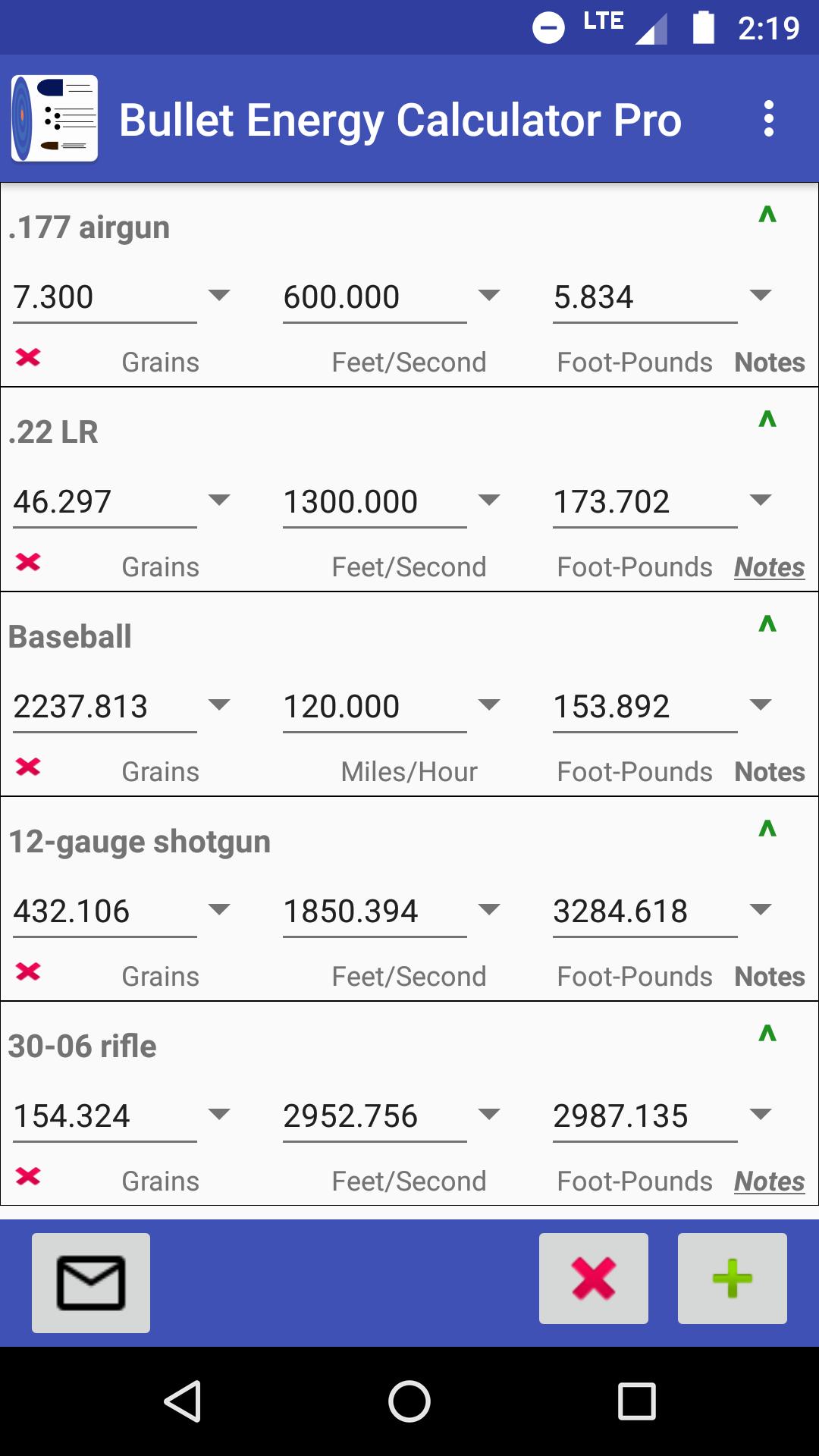
This app makes it easy and quick to calculate and compare multiple bullet energy at various velocities and mass values.
Features:
• Add/remove/copy individual calculators.
• Calculate value for any field.
• Export results through email for backup and sharing (includes CSV file).
• Import calculators (CSV file) to continue editing.
• Individual field unit converters (e.g. convert mass value from grains to ounces).
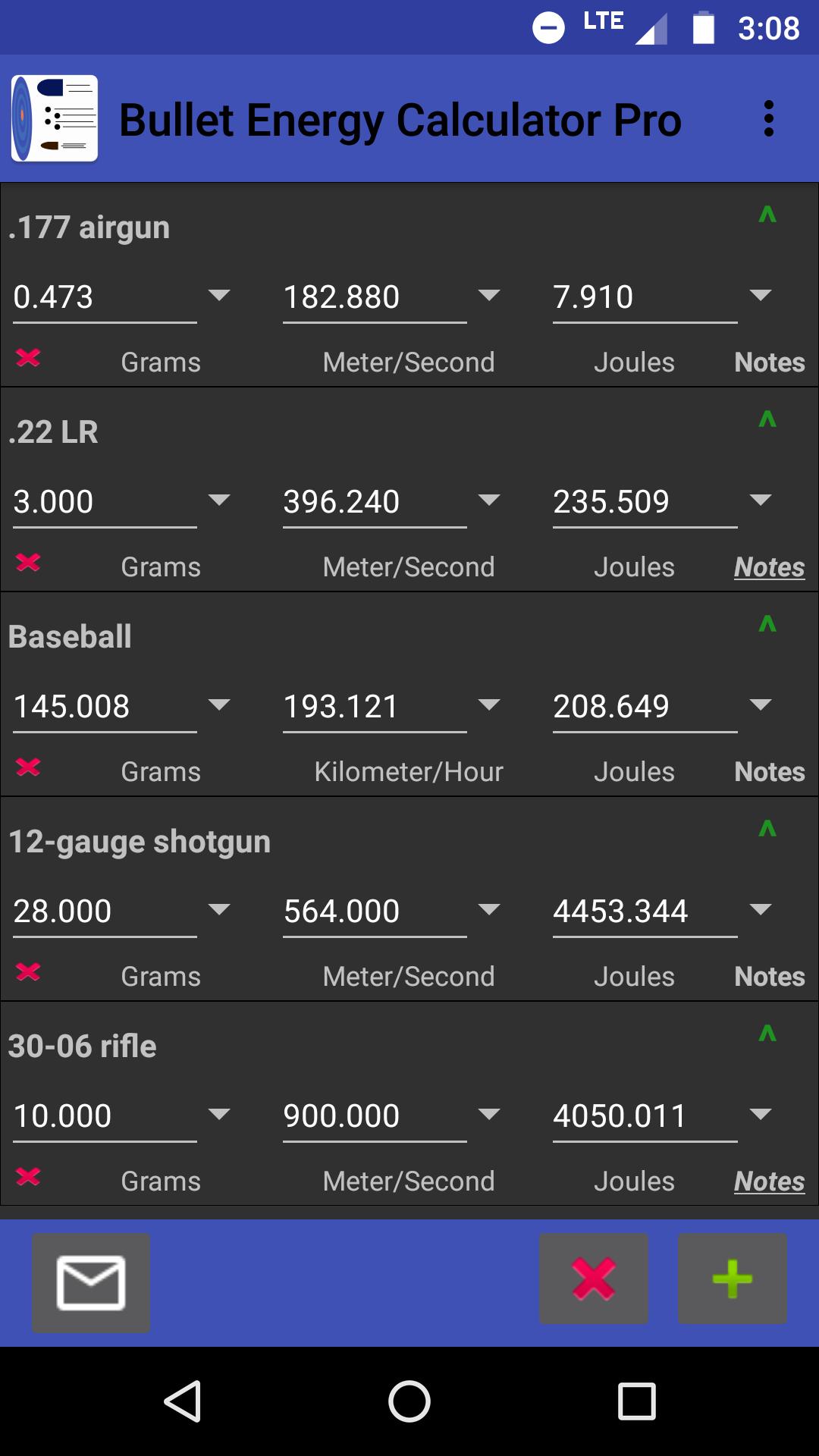
• Custom app themes including dark/light theme.
• Configurable decimal point accuracy from 0 to 6.
• Set custom titles and notes for each calculator.
• Current calculators saved on exit and loaded next time the app is started.
Mass Units:
• Grains
• Grams
• Ounces
• Pounds
• Kilograms
Velocity Units:
• Feet/Second
• Meter/Second
• Miles/Hour
• Kilometer/Hour
Energy Units:
• Foot-Pounds
• Joules
• PF (kgr · ft / s) - Power Factor (kilo grain feet per second)
• PF (kg · m / s) - Power Factor (kilogram-meter per second)
Preview
Tags
ToolsInformation
Developer
DavideAgnello
Latest Version
v1.7.3
Last Updated
2018-10-27
Category
Tools
Available on
Google Play
Show More
How to play Bullet Energy Calculator Pro with GameLoop on PC
1. Download GameLoop from the official website, then run the exe file to install GameLoop
2. Open GameLoop and search for “Bullet Energy Calculator Pro” , find Bullet Energy Calculator Pro in the search results and click “Install”
3. Enjoy playing Bullet Energy Calculator Pro on GameLoop
Minimum requirements
OS
Windows 8.1 64-bit or Windows 10 64-bit
GPU
GTX 1050
CPU
i3-8300
Memory
8GB RAM
Storage
1GB available space
Recommended requirements
OS
Windows 8.1 64-bit or Windows 10 64-bit
GPU
GTX 1050
CPU
i3-9320
Memory
16GB RAM
Storage
1GB available space