Bluetooth Serial Monitor PC
CSA Apps
Download Bluetooth Serial Monitor on PC With GameLoop Emulator
Bluetooth Serial Monitor on PC
Bluetooth Serial Monitor, coming from the developer CSA Apps, is running on Android systerm in the past.
Now, You can play Bluetooth Serial Monitor on PC with GameLoop smoothly.
Download it in the GameLoop library or search results. No more eyeing the battery or frustrating calls at the wrong time any more.
Just enjoy Bluetooth Serial Monitor PC on the large screen for free!
Bluetooth Serial Monitor Introduction
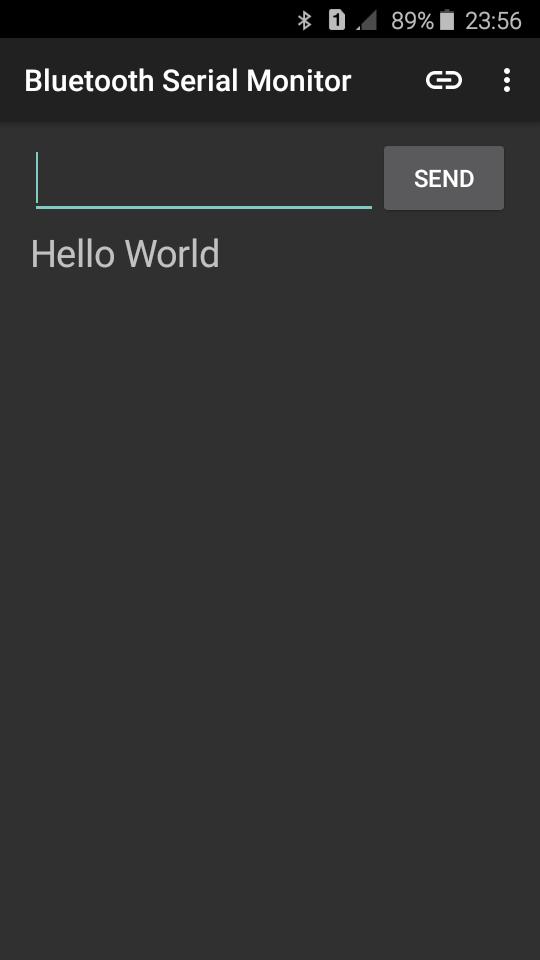
This is a Bluetooth serial monitor interface for experiments with Arduino & Bluetooth
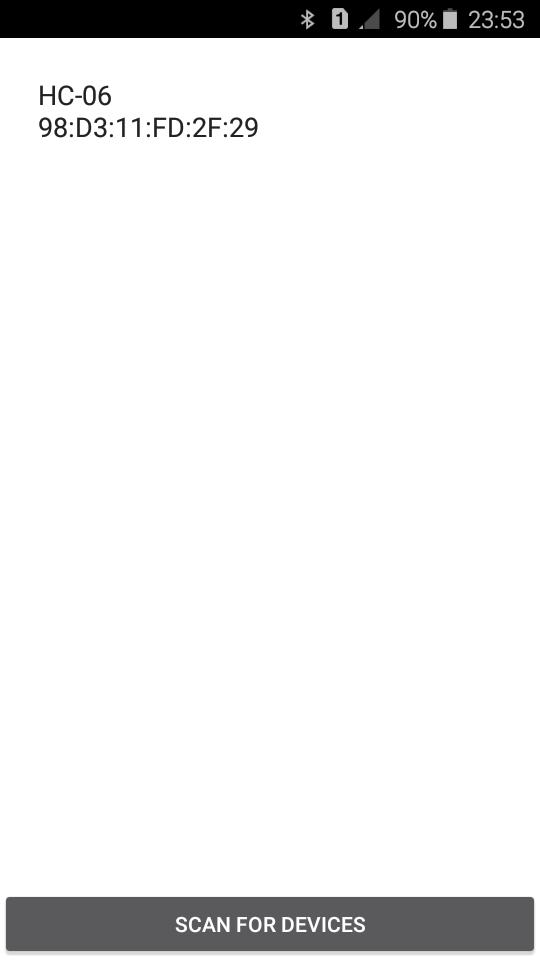
Can use with Bluetooth modules like HC-05, HC-06
Special Features
★It turns on Bluetooth from app
★It can scan for available devices
★Can select relevant device when more than one device available
★Customizable interface & features
★Auto Connect feature
If this feature enabled app will save the last connected Bluetooth module mac-address and try to connect that module when app starting. You can toggle this feature enable or disable from settings
Sample Code
#include "SoftwareSerial.h"
SoftwareSerial bt(2, 3); // RX | TX (Wiring: RX->TX of BT Module, TX->RX of BT Module, Use level shifter or resistor voltage divider if your BT module use 3.3V Logic level)
void setup(){
Serial.begin(9600);
bt.begin(9600);
}
void loop(){
if (bt.available())
Serial.write(bt.read());
if (Serial.available())
bt.write(Serial.read());
}
/*
This will send your PC serial monitor Input to app and app input to PC
The app will recognize the end of the message from '\r' character.
So select "Carriage return" or "Both NL & CR" in the PC serial monitor.
And also u should use println() instead of print() when make your own code with some commands.
Ex:-
bt.print("Hello");
This doesn't show the msg in the app because doesn't contains '\r' int the end of message.
so u have to code like below
Ex:-
bt.println("Hello"); or bt.print("Hello\r");
Both show the output in the app because both containing '\r'
*/
Preview
Tags
ToolsInformation
Developer
CSA Apps
Latest Version
6.2.5
Last Updated
2021-10-01
Category
Tools
Available on
Google Play
Show More
How to play Bluetooth Serial Monitor with GameLoop on PC
1. Download GameLoop from the official website, then run the exe file to install GameLoop
2. Open GameLoop and search for “Bluetooth Serial Monitor” , find Bluetooth Serial Monitor in the search results and click “Install”
3. Enjoy playing Bluetooth Serial Monitor on GameLoop
Minimum requirements
OS
Windows 8.1 64-bit or Windows 10 64-bit
GPU
GTX 1050
CPU
i3-8300
Memory
8GB RAM
Storage
1GB available space
Recommended requirements
OS
Windows 8.1 64-bit or Windows 10 64-bit
GPU
GTX 1050
CPU
i3-9320
Memory
16GB RAM
Storage
1GB available space