Arris Set Top Box Remote PC
RMOT DEVELOPER
Download Arris Set Top Box Remote on PC With GameLoop Emulator
Arris Set Top Box Remote on PC
Arris Set Top Box Remote, coming from the developer RMOT DEVELOPER, is running on Android systerm in the past.
Now, You can play Arris Set Top Box Remote on PC with GameLoop smoothly.
Download it in the GameLoop library or search results. No more eyeing the battery or frustrating calls at the wrong time any more.
Just enjoy Arris Set Top Box Remote PC on the large screen for free!
Arris Set Top Box Remote Introduction
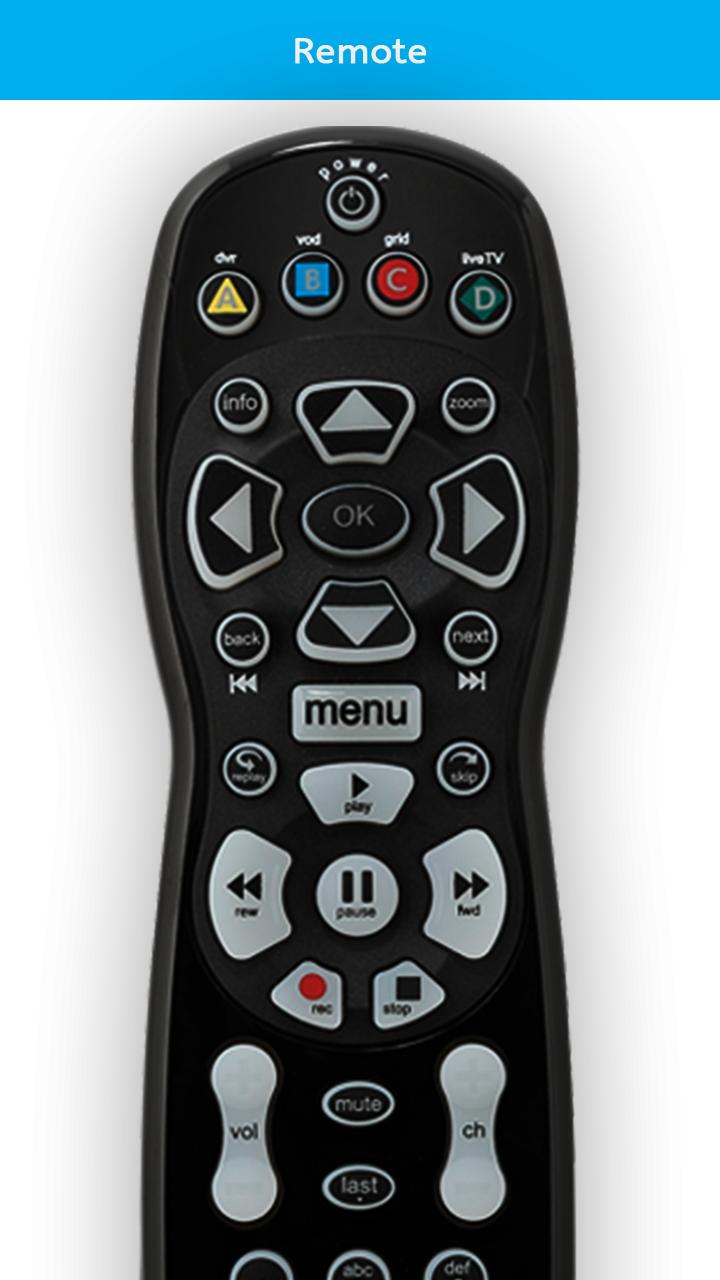
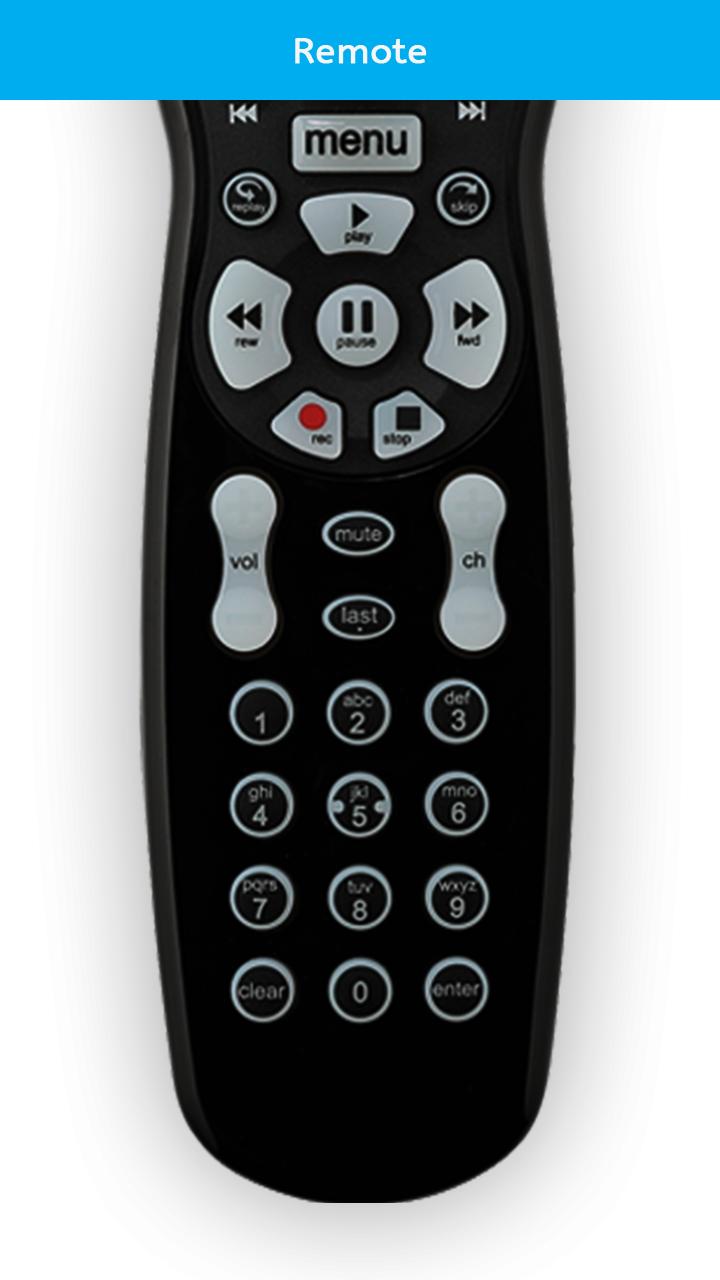
Get Arris remote in your mobile device with this Arris Set Top Box Remote app. App with easiest way to use remote control in your device. You can use app to handle Setup box at anywhere or anytime. App with Easily change your smartphone into a remote control. It is work same as like your TV remote just need to keep your WIFI connection same and it will connect automatically with your TV. Keep always same WIFI connection to keep change device into remote control.
Arris Set Top Box Remote which is best to change your device into TV Remote Controller. Easy to use anytime this remote just connect device same WIFI connection and start to control your TV with a smartphone. Just install this app and convert your mobile into TV remote Control. App with easy to handle your TV with
mobile.
It is always good and easy way to change your mobile in Remote Gadget to control Setup Box. Mobile phone has become a major gadget that people always keep with them and use it anytime anywhere, so installed Arris Set Top Box Control app and instantly convert your smartphone into remote mobile that works as a TV
remote control will make your life easier. This Powerful remote control app which is easy and free to use by anyone.
SPECIALTY:
-Instant to use in emergency situations
-Change mobile into the TV remote
-Awesome Features of Remote Control for TV
-Free to use
-Easy to volume up/down
-TV remote all keys
-Keep anytime remote with you
-Power ON / OFF Control buttons
-Change the smartphone into a mini pocket remote
-Simple and easy way to convert mobile into remote
-Nice design with Simple Interface
Preview
Information
Developer
RMOT DEVELOPER
Latest Version
2.0
Last Updated
2020-01-06
Category
Tools
Available on
Google Play
Show More
How to play Arris Set Top Box Remote with GameLoop on PC
1. Download GameLoop from the official website, then run the exe file to install GameLoop
2. Open GameLoop and search for “Arris Set Top Box Remote” , find Arris Set Top Box Remote in the search results and click “Install”
3. Enjoy playing Arris Set Top Box Remote on GameLoop
Minimum requirements
OS
Windows 8.1 64-bit or Windows 10 64-bit
GPU
GTX 1050
CPU
i3-8300
Memory
8GB RAM
Storage
1GB available space
Recommended requirements
OS
Windows 8.1 64-bit or Windows 10 64-bit
GPU
GTX 1050
CPU
i3-9320
Memory
16GB RAM
Storage
1GB available space