AR Ruler - Tape Measure PC
Shyam Barange
Download AR Ruler - Tape Measure on PC With GameLoop Emulator
AR Ruler - Tape Measure on PC
AR Ruler - Tape Measure, coming from the developer Shyam Barange, is running on Android systerm in the past.
Now, You can play AR Ruler - Tape Measure on PC with GameLoop smoothly.
Download it in the GameLoop library or search results. No more eyeing the battery or frustrating calls at the wrong time any more.
Just enjoy AR Ruler - Tape Measure PC on the large screen for free!
AR Ruler - Tape Measure Introduction
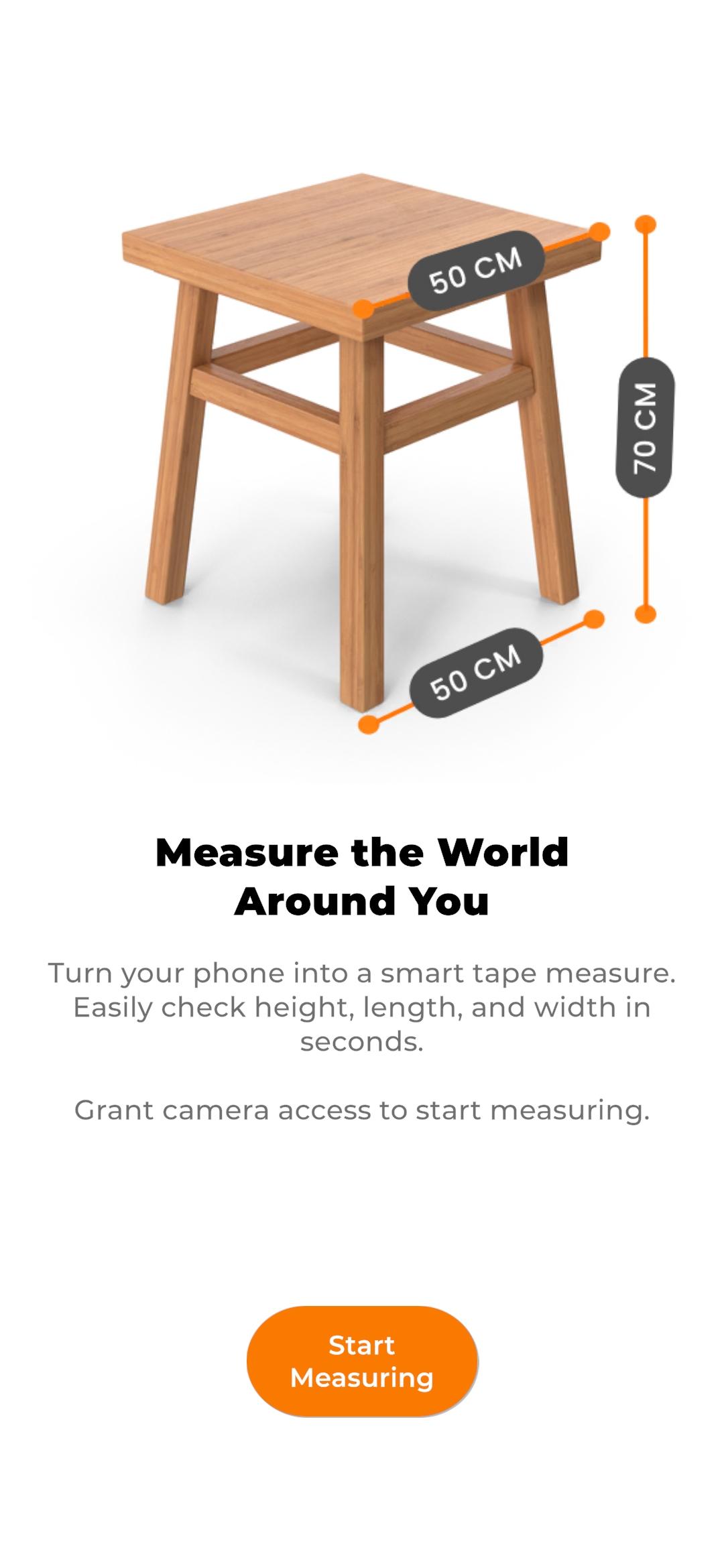
Introducing Measure AR, the free augmented reality measurement app for Android that allows you to measure the real world with your smartphone's camera!
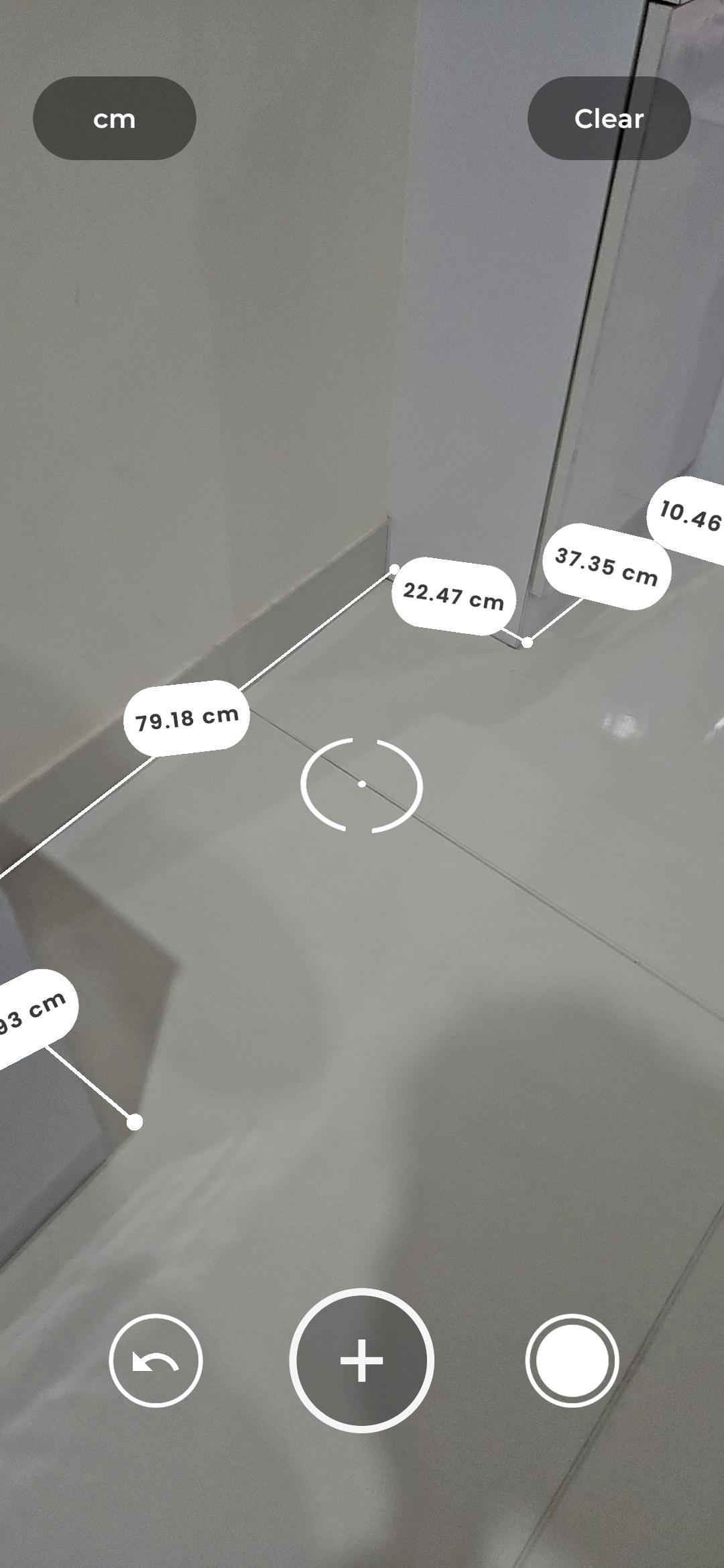
With Measure AR, measuring distance has never been easier - simply point your phone's camera towards the floor and start measuring the length of any real world object. Our app utilizes a special sensor in your phone that can accurately determine the distance between two coordinates in the real world.
Features:
Measure Distance: Get precise linear distance measurements in centimeters.
Measure Area and Volume: This feature is currently under development and will be available soon.
Please note that AR Ruler requires ARCore technology provided by Google. As ARCore constantly improves, so does the quality of our app. We strive to make the process of using ARCore technology for measurements more efficient and enjoyable.
Accuracy is important to us. While the measurements obtained with the app are approximate, they are fairly accurate in most everyday situations. Our app provides pretty accurate measurements depending on user accuracy and competency. It may not be 100% accurate, but it's always very close to the real measurement. In fact, you can achieve accuracy within a 1cm range!
Please note that Ruler app requires the ARCore library produced by Google. As ARCore constantly improves, so does the quality and accuracy of our app.
Download Measure AR today and start measuring length in the real world with ease and accuracy!
Preview
Tags
ToolsInformation
Developer
Shyam Barange
Latest Version
2.0.1
Last Updated
2025-05-23
Category
Tools
Available on
Google Play
Show More
How to play AR Ruler - Tape Measure with GameLoop on PC
1. Download GameLoop from the official website, then run the exe file to install GameLoop
2. Open GameLoop and search for “AR Ruler - Tape Measure” , find AR Ruler - Tape Measure in the search results and click “Install”
3. Enjoy playing AR Ruler - Tape Measure on GameLoop
Minimum requirements
OS
Windows 8.1 64-bit or Windows 10 64-bit
GPU
GTX 1050
CPU
i3-8300
Memory
8GB RAM
Storage
1GB available space
Recommended requirements
OS
Windows 8.1 64-bit or Windows 10 64-bit
GPU
GTX 1050
CPU
i3-9320
Memory
16GB RAM
Storage
1GB available space