AppLock: PIN, Password, Vault PC
Ocean Float Mobile
Download AppLock: PIN, Password, Vault on PC With GameLoop Emulator
AppLock: PIN, Password, Vault on PC
AppLock: PIN, Password, Vault, coming from the developer Ocean Float Mobile, is running on Android systerm in the past.
Now, You can play AppLock: PIN, Password, Vault on PC with GameLoop smoothly.
Download it in the GameLoop library or search results. No more eyeing the battery or frustrating calls at the wrong time any more.
Just enjoy AppLock: PIN, Password, Vault PC on the large screen for free!
AppLock: PIN, Password, Vault Introduction
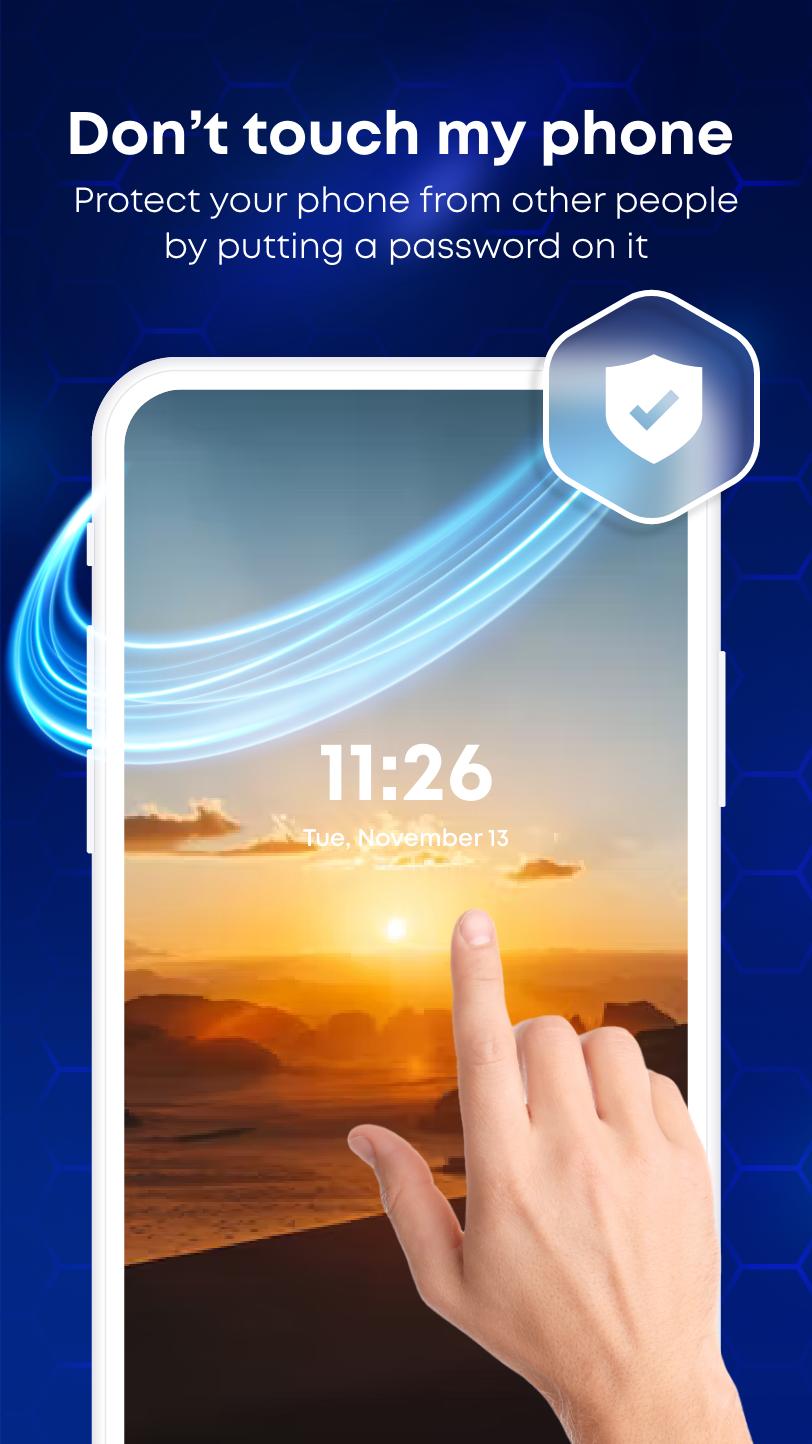
AppLock: PIN, Password, Vault is an advance protection app locker for your smartphones that enables users to apply a safe lock on apps on your device, preventing access to your locked apps and private data without a password. So your Lok Apps Lock nobody can access or uninstall them.
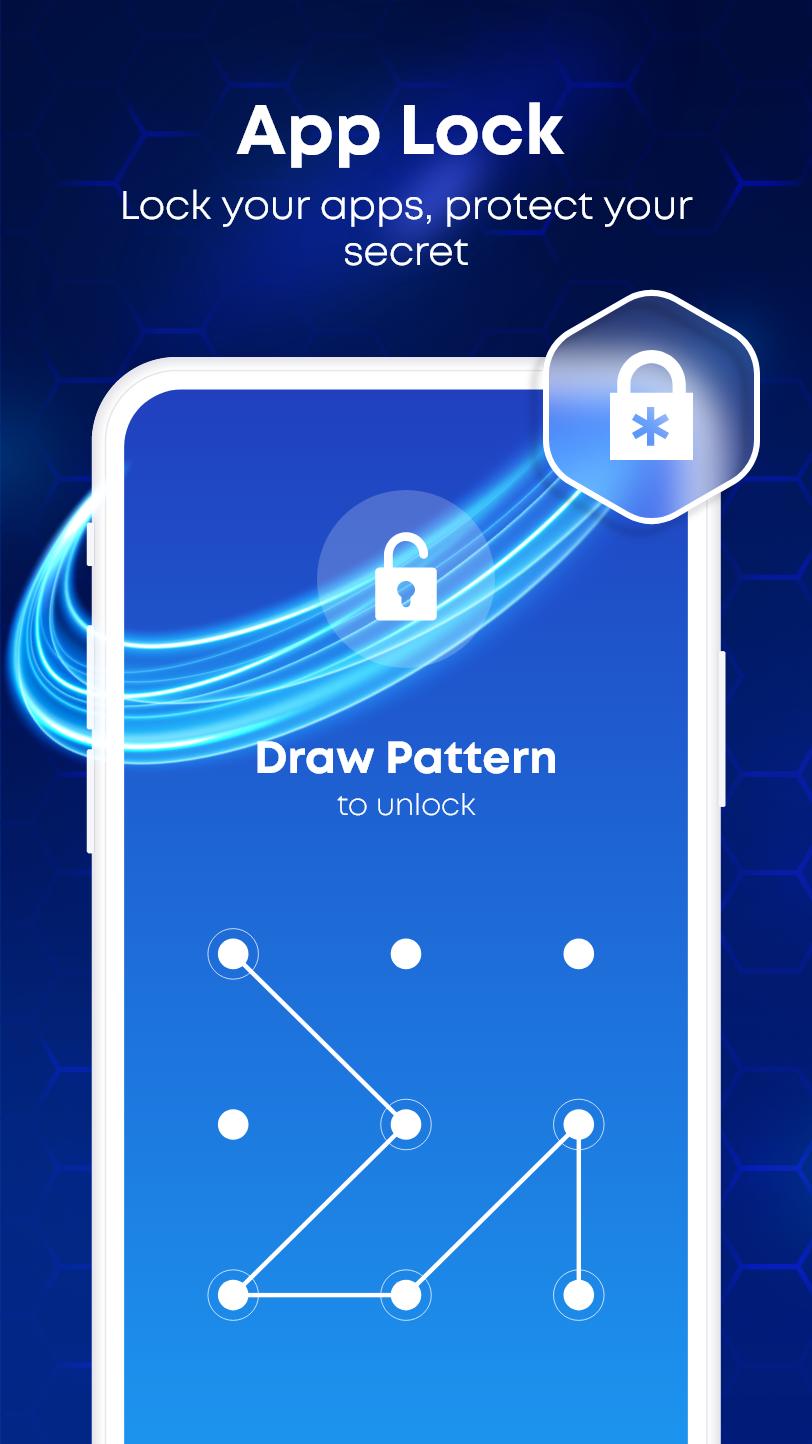
AppLock: PIN, Password, Vault is useful in several cases. It protects apps from unauthorised access by allowing you to secure them using a PIN, pattern, password, fingerprint. AppLock also provides Photo Vault and Video Vault to store your files, images, videos etc with applocker function
You can create a specific PIN, password, pattern or fingerprint that can be used to lock down whatever applications you wish to secure with App lock apps locker. Social apps also can be locked.
Just one click to lock app and secure your phone!. Easily encrypt and hide photos & videos with applocker. Don't risk your private pictures, secret videos or photo albums falling into the wrong hands or being deleted! Choose your own favorite style to lock-apps.
App-Lock: PIN, Password, Vault app is one of the best security tool for your Android Device! Download now and your privacy will be well protected with App Locks: password look, pattern lock & fingerprint lock!
Keep secure your phone and protect your privacy with AppLock: PIN, Password, Vault.
Preview
Tags
ToolsInformation
Developer
Ocean Float Mobile
Latest Version
4.8
Last Updated
2024-08-08
Category
Tools
Available on
Google Play
Show More
How to play AppLock: PIN, Password, Vault with GameLoop on PC
1. Download GameLoop from the official website, then run the exe file to install GameLoop
2. Open GameLoop and search for “AppLock: PIN, Password, Vault” , find AppLock: PIN, Password, Vault in the search results and click “Install”
3. Enjoy playing AppLock: PIN, Password, Vault on GameLoop
Minimum requirements
OS
Windows 8.1 64-bit or Windows 10 64-bit
GPU
GTX 1050
CPU
i3-8300
Memory
8GB RAM
Storage
1GB available space
Recommended requirements
OS
Windows 8.1 64-bit or Windows 10 64-bit
GPU
GTX 1050
CPU
i3-9320
Memory
16GB RAM
Storage
1GB available space