
Anti call & sms - Call Blocker PC
Home_apps
Download Anti call & sms - Call Blocker on PC With GameLoop Emulator
Anti call & sms - Call Blocker on PC
Anti call & sms - Call Blocker, coming from the developer Home_apps, is running on Android systerm in the past.
Now, You can play Anti call & sms - Call Blocker on PC with GameLoop smoothly.
Download it in the GameLoop library or search results. No more eyeing the battery or frustrating calls at the wrong time any more.
Just enjoy Anti call & sms - Call Blocker PC on the large screen for free!
Anti call & sms - Call Blocker Introduction
you have unwanted calls and SMS, and you want them blocked , this app is what you need.
with this application you can block all unwanted CALLS and SMS. you can block the number from your contact or input number manuelement .
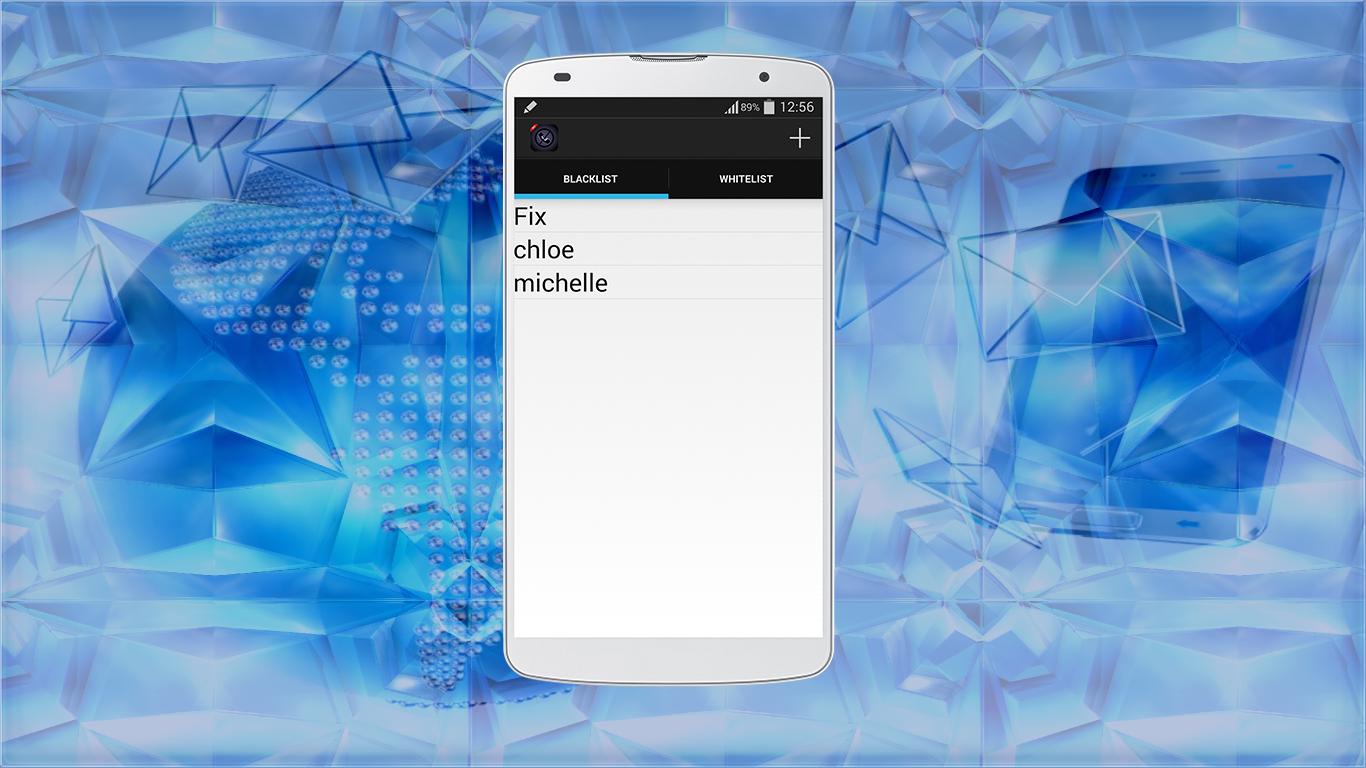
Anti call & sms contains two lists , the Blacklist and Whitelist
Blacklist :
in this Blacklist you can add all the contacts you want to block .
Whitelist :
in this list you can add all the contacts you authorize call .
feature of the app:
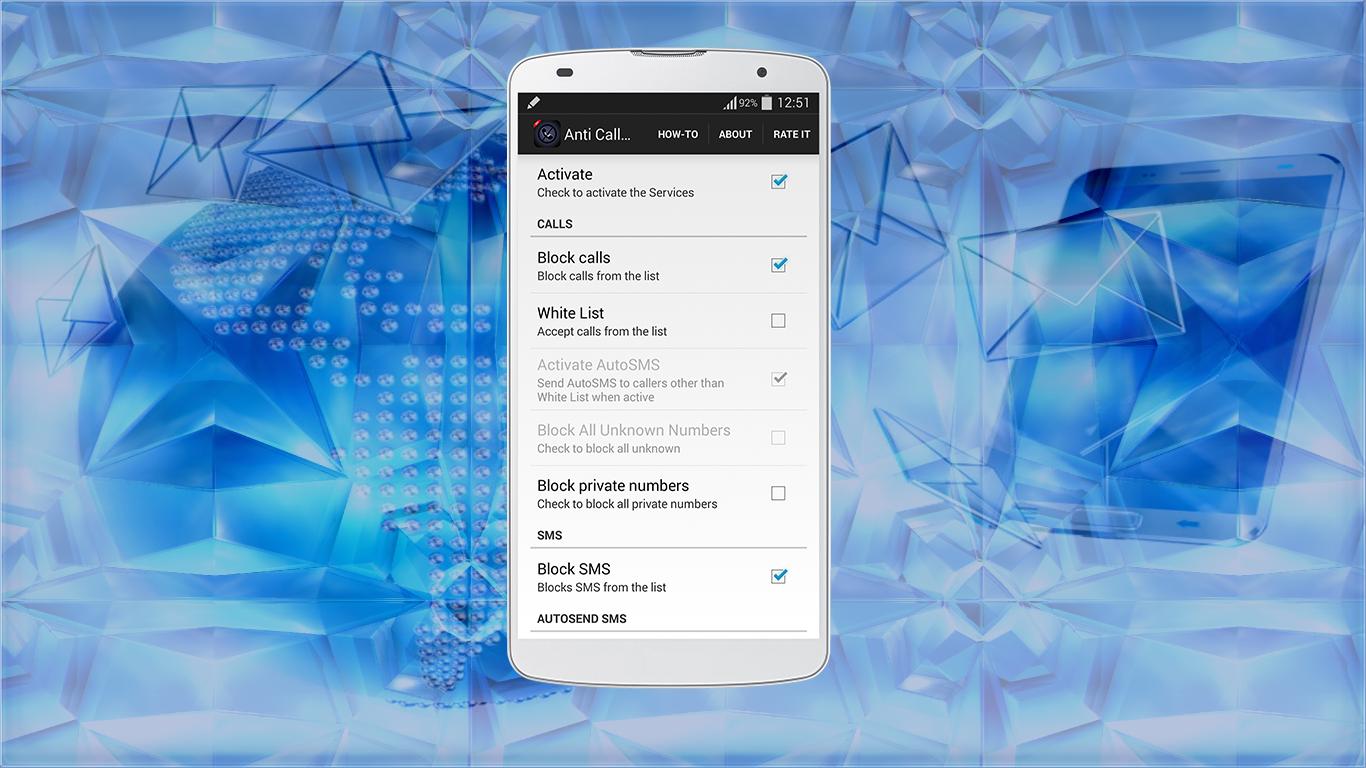
- you can block call and sms .
- you can block private number .
- you can separate the blockage, only block the call or sms .
- you can enable AutoSMS option, this option allows you to send AutoSMS to callers other than white List when active .
- and other features I let you the opportunity to discover .
how to use :
- to add a contact, click "+" and choise "add number" if you do not have this contact to the contact list .
- clicked "set from people" to add a contact from your contact list .
- if you want to adjust the application settings, click on "Preferences" .
* in Preferences, you will find "How-To", this option show you how to use the application .
** sometimes if you are not connected to the internet, the application will close, to solve the problem, just connect your smartphone to the Internet .
*** if you like this app, do not forget to click to "Rate" to give me a good comment
Preview
Information
Developer
Home_apps
Latest Version
1.0
Last Updated
2015-07-01
Category
Tools
Available on
Google Play
Show More
How to play Anti call & sms - Call Blocker with GameLoop on PC
1. Download GameLoop from the official website, then run the exe file to install GameLoop
2. Open GameLoop and search for “Anti call & sms - Call Blocker” , find Anti call & sms - Call Blocker in the search results and click “Install”
3. Enjoy playing Anti call & sms - Call Blocker on GameLoop
Minimum requirements
OS
Windows 8.1 64-bit or Windows 10 64-bit
GPU
GTX 1050
CPU
i3-8300
Memory
8GB RAM
Storage
1GB available space
Recommended requirements
OS
Windows 8.1 64-bit or Windows 10 64-bit
GPU
GTX 1050
CPU
i3-9320
Memory
16GB RAM
Storage
1GB available space