
Always visible screen rotation PC
OK soft
Download Always visible screen rotation on PC With GameLoop Emulator
Always visible screen rotation on PC
Always visible screen rotation, coming from the developer OK soft, is running on Android systerm in the past.
Now, You can play Always visible screen rotation on PC with GameLoop smoothly.
Download it in the GameLoop library or search results. No more eyeing the battery or frustrating calls at the wrong time any more.
Just enjoy Always visible screen rotation PC on the large screen for free!
Always visible screen rotation Introduction
Take full control of your screen orientation with a powerful floating rotation button.
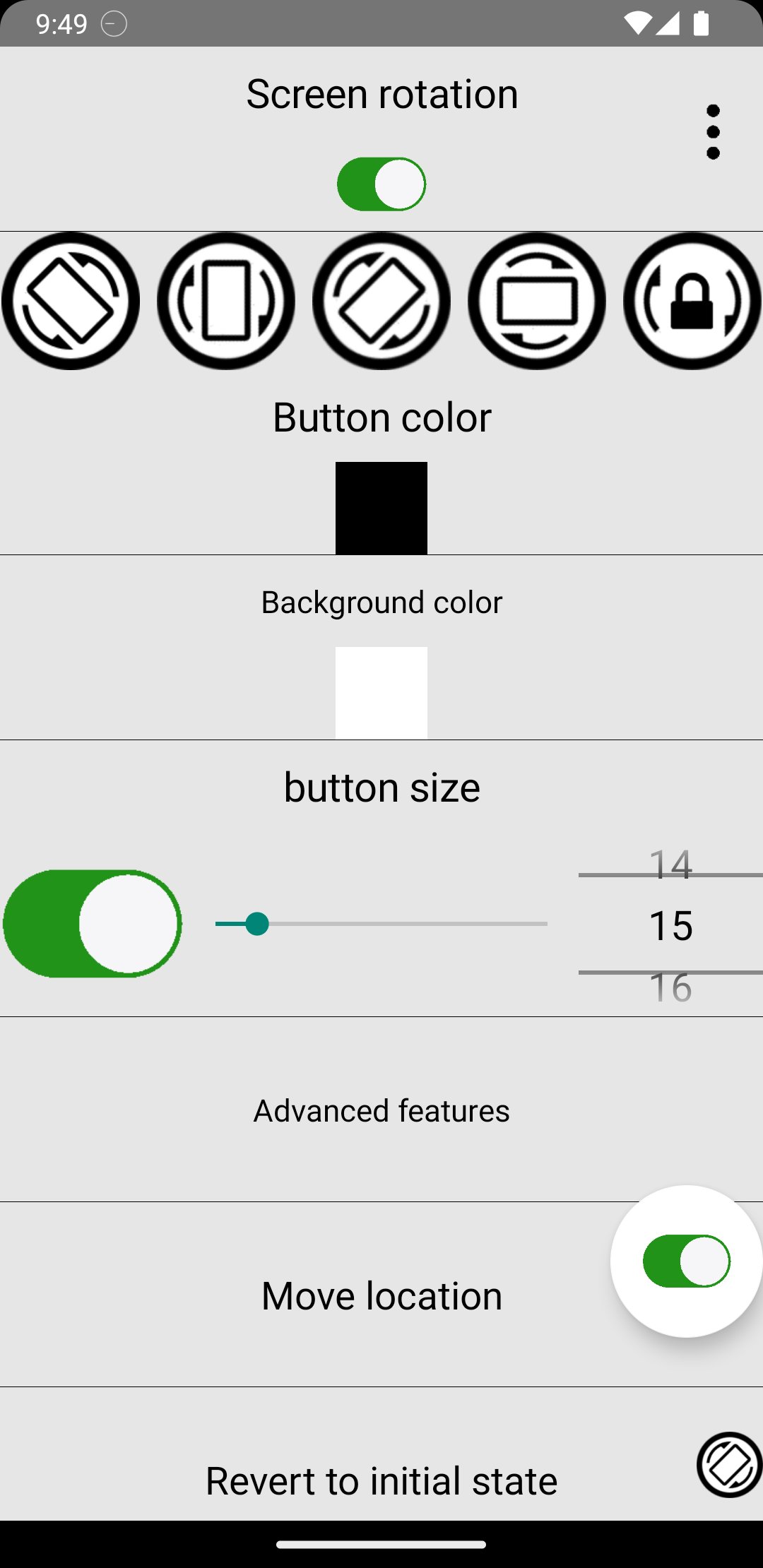
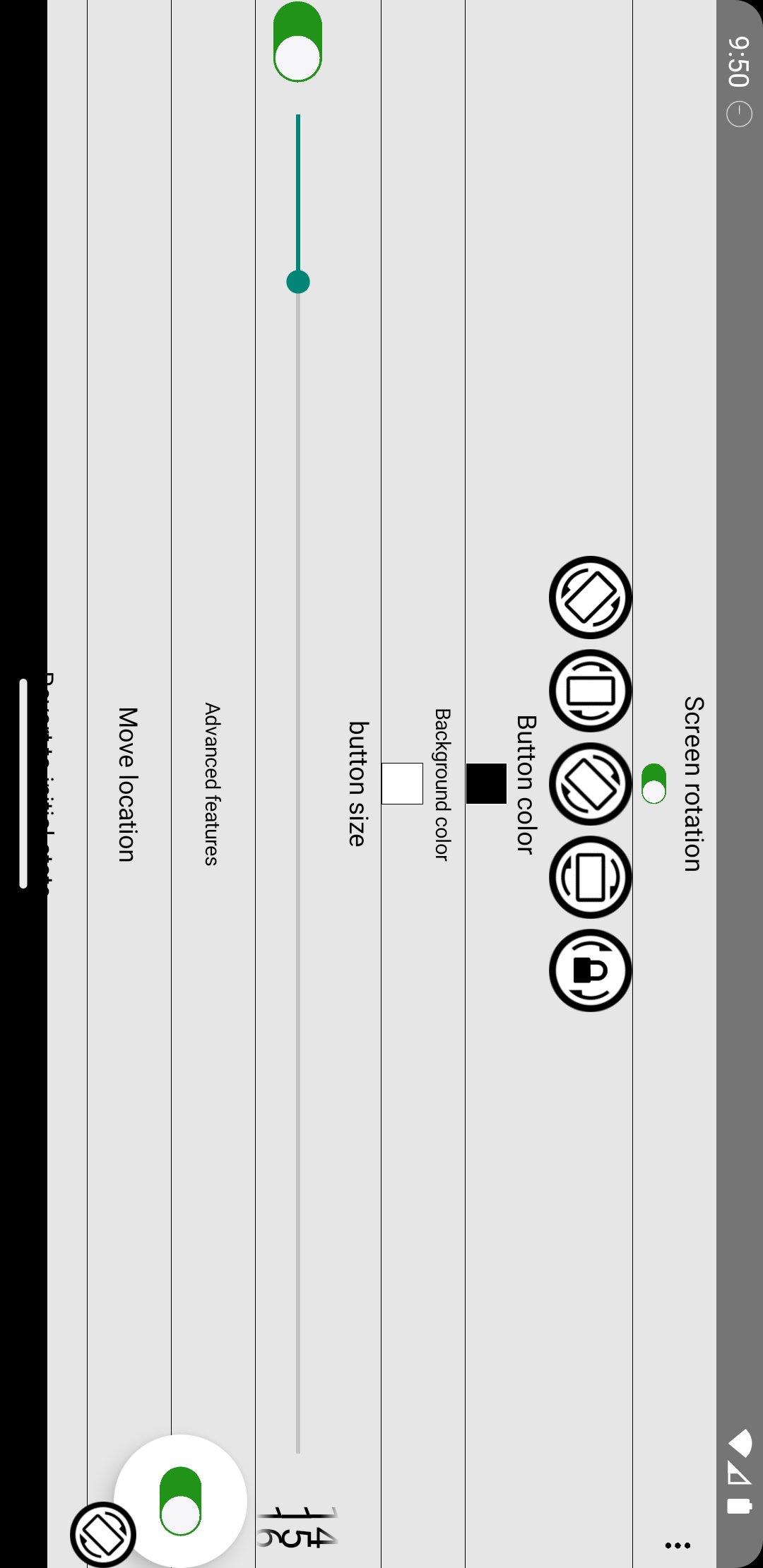
This app lets you control screen rotation anytime, even while using other apps. A customizable floating button stays on top of your screen, giving you instant access to rotation controls wherever you are.
🔄 Instant Rotation Control Anywhere
Always-visible floating rotation button
Lock orientation to Portrait, Landscape Right, Landscape Left, or Auto-Rotate
Works across all apps
Option to show the button for only 5 seconds after rotation
📱 Per-App Rotation Settings
Save preferred orientation for each individual app
Automatically apply saved rotation when the app opens
Perfect for games, video apps, browsers, and messaging apps
⚡ Smart Context-Based Rotation
Automatically change screen orientation based on:
🔌 When the phone is charging
🎧 When earphones/headset are connected
Set different rotation preferences for each situation and let the app handle the rest.
🎨 Fully Customizable Floating Button
Change button icon
Adjust button color
Customize size
Move button anywhere on the screen
Optimize visibility and comfort to match your style
🔒 Smart Auto-Rotate Control
Instantly enable or disable system auto-rotate
Lock and unlock rotation with a single tap
Prevent unwanted screen rotations while lying down or moving
Perfect For:
Watching videos in bed
Playing landscape-only games
Reading in portrait mode
Using apps that don’t support your preferred orientation
Keeping rotation stable while charging
Enjoy simple, fast, and powerful rotation control — anytime, anywhere.
Preview
Tags
ToolsInformation
Developer
OK soft
Latest Version
3.86
Last Updated
2026-03-27
Category
Tools
Available on
Google Play
Show More
How to play Always visible screen rotation with GameLoop on PC
1. Download GameLoop from the official website, then run the exe file to install GameLoop
2. Open GameLoop and search for “Always visible screen rotation” , find Always visible screen rotation in the search results and click “Install”
3. Enjoy playing Always visible screen rotation on GameLoop
Minimum requirements
OS
Windows 8.1 64-bit or Windows 10 64-bit
GPU
GTX 1050
CPU
i3-8300
Memory
8GB RAM
Storage
1GB available space
Recommended requirements
OS
Windows 8.1 64-bit or Windows 10 64-bit
GPU
GTX 1050
CPU
i3-9320
Memory
16GB RAM
Storage
1GB available space