Sync Translate: Voice & Camera PC
Fast Video Download & Story Saver
Download Sync Translate: Voice & Camera on PC With GameLoop Emulator
Sync Translate: Voice & Camera on PC
Sync Translate: Voice & Camera, coming from the developer Fast Video Download & Story Saver, is running on Android systerm in the past.
Now, You can play Sync Translate: Voice & Camera on PC with GameLoop smoothly.
Download it in the GameLoop library or search results. No more eyeing the battery or frustrating calls at the wrong time any more.
Just enjoy Sync Translate: Voice & Camera PC on the large screen for free!
Sync Translate: Voice & Camera Introduction
Sync Translate – All-in-One Language Translator
Break language barriers anytime, anywhere 🌍. With Sync Translate, you can instantly translate text, voice, conversations, and photos across 100+ languages – even when you’re offline 📶. Perfect for travel ✈️, study 📚, work 💼, and chatting 💬 inside your favorite apps, this smart translator makes communication easier than ever.
Why Choose Sync Translate?
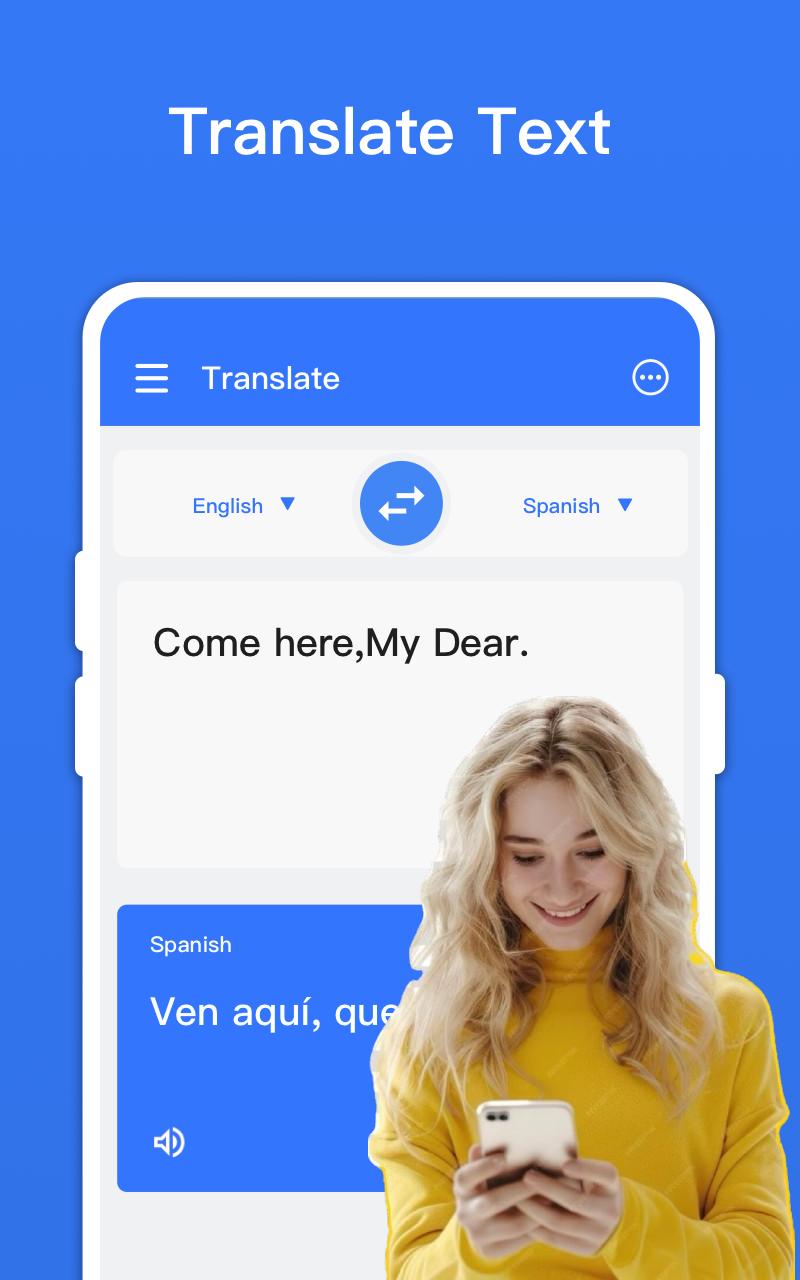
✨ Text Translator
Type or paste any word, phrase, or sentence and get fast and accurate translations in real time.
🎤 Voice Translator
Speak naturally and translate conversations instantly – ideal for travel, meetings, or chatting with international friends.
📷 Camera Translator
Just point your camera at menus, road signs, books, or documents to translate text automatically.
📶 Offline Translator
Download language packs and translate without internet access. Stay connected even on flights, remote trips, or abroad.
💬 Cross-App Translator
Use the floating bubble to translate text inside WhatsApp, Messenger, or any other app without switching screens.
📱 Screen Translator
Instantly translate any text displayed on your phone screen with a single tap.
⭐ Favorites & History
Save important translations and quickly recheck your history anytime.
Supported Languages
Sync Translate supports 100+ languages worldwide 🌐, including English, Spanish, Portuguese, French, German, Arabic, Hindi, Chinese, Japanese, Korean, Russian, Italian, Turkish, Indonesian and many more.
Best For
✈️ Travelers – Read restaurant menus, road signs, and directions while abroad.
📚 Students and Learners – Improve language learning and pronunciation.
💼 Business and Work – Communicate with global colleagues and clients.
💬 Daily Life – Translate chats, social media, and on-screen content instantly.
Privacy and Permissions
Sync Translate may use the Accessibility Service API to help retrieve text from other apps and provide real-time translations. The app does not collect or store personal data – your privacy is always protected 🔒.
Why Download Sync Translate?
With its simple interface, powerful features, and offline support, Sync Translate is your essential companion for breaking language barriers 🚀. Start translating today and make global communication effortless.
Preview

Tags
ToolsInformation
Developer
Fast Video Download & Story Saver
Latest Version
2.2.8
Last Updated
2025-10-04
Category
Tools
Available on
Google Play
Show More
How to play Sync Translate: Voice & Camera with GameLoop on PC
1. Download GameLoop from the official website, then run the exe file to install GameLoop
2. Open GameLoop and search for “Sync Translate: Voice & Camera” , find Sync Translate: Voice & Camera in the search results and click “Install”
3. Enjoy playing Sync Translate: Voice & Camera on GameLoop
Minimum requirements
OS
Windows 8.1 64-bit or Windows 10 64-bit
GPU
GTX 1050
CPU
i3-8300
Memory
8GB RAM
Storage
1GB available space
Recommended requirements
OS
Windows 8.1 64-bit or Windows 10 64-bit
GPU
GTX 1050
CPU
i3-9320
Memory
16GB RAM
Storage
1GB available space