All Satellite Frequency List 2 PC
Grade Star Apps
Download All Satellite Frequency List 2 on PC With GameLoop Emulator
All Satellite Frequency List 2 on PC
All Satellite Frequency List 2, coming from the developer Grade Star Apps, is running on Android systerm in the past.
Now, You can play All Satellite Frequency List 2 on PC with GameLoop smoothly.
Download it in the GameLoop library or search results. No more eyeing the battery or frustrating calls at the wrong time any more.
Just enjoy All Satellite Frequency List 2 PC on the large screen for free!
All Satellite Frequency List 2 Introduction
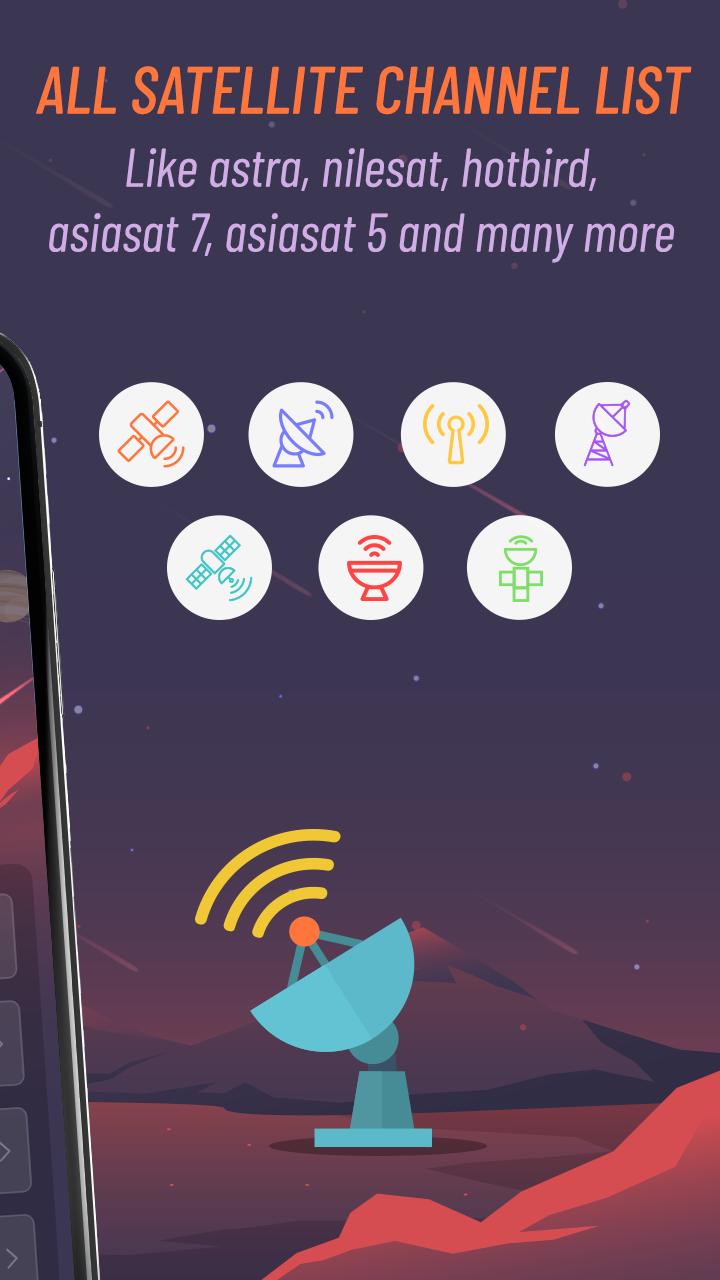
If you are looking for detailed information about the old and the updated frequencies and Channels of any satellite in 2020 then this "All Satellite Frequency List 2020 - Frequency Finder" app is best tool for all TV and Radio channels list of any satellite like astra, nilesat, hotbird, asiasat 7, asiasat 5 and many more(comming soon).
In This All Satellite Frequency List 2020 App you will find mostly receivable satellite strong and weak frequency to set your satellite dish antenna on better way to get offline All Satellites Strong Frequencies.
Key Features :-
- Application provide following satellites channel list and its frequency details :
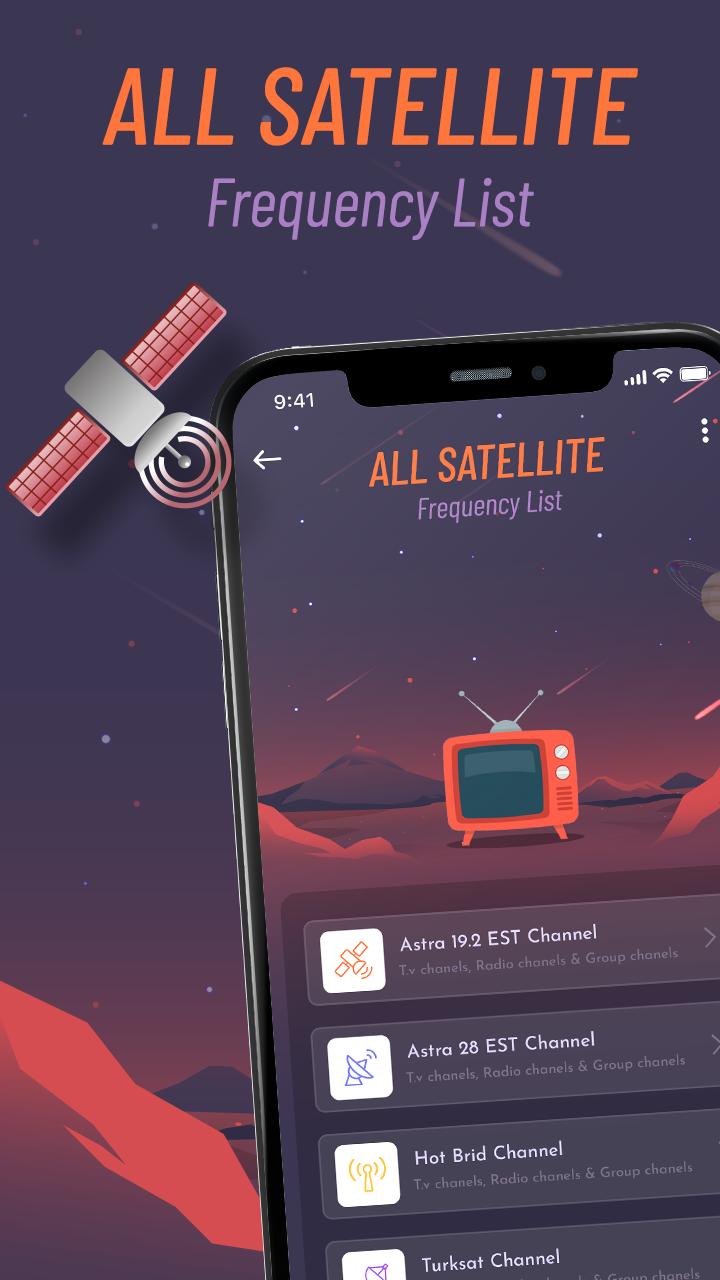
1- Astra 19.2 EST Channel
2- Astra 28 EST Channel
3- Hot Bird Channel
4- Turksat Channel
5- Nilesat Channel
6- Eutelsat Channel
7- Es'hailSat Channel
- All satellites Tv, Radio and Group channels list are available..
- It also provide all channels detail like Frequency(Mhz), Polarisation, Symbol rate, FEC, System and Modulation.
- Also search any channels from list by its channel name.
Note: The All Satellite Channels List - Frequency Finder App is only for listing channels frequencies, not for watching the channels.
Get the all new All Satellite Frequency List 2020 : Frequency Finder app for FREE!!!
Preview
Tags
ToolsInformation
Developer
Grade Star Apps
Latest Version
1.4
Last Updated
2022-07-21
Category
Tools
Available on
Google Play
Show More
How to play All Satellite Frequency List 2 with GameLoop on PC
1. Download GameLoop from the official website, then run the exe file to install GameLoop
2. Open GameLoop and search for “All Satellite Frequency List 2” , find All Satellite Frequency List 2 in the search results and click “Install”
3. Enjoy playing All Satellite Frequency List 2 on GameLoop
Minimum requirements
OS
Windows 8.1 64-bit or Windows 10 64-bit
GPU
GTX 1050
CPU
i3-8300
Memory
8GB RAM
Storage
1GB available space
Recommended requirements
OS
Windows 8.1 64-bit or Windows 10 64-bit
GPU
GTX 1050
CPU
i3-9320
Memory
16GB RAM
Storage
1GB available space