
All in one Gesture PC
Zolos Apps
Download All in one Gesture on PC With GameLoop Emulator
All in one Gesture on PC
All in one Gesture, coming from the developer Zolos Apps, is running on Android systerm in the past.
Now, You can play All in one Gesture on PC with GameLoop smoothly.
Download it in the GameLoop library or search results. No more eyeing the battery or frustrating calls at the wrong time any more.
Just enjoy All in one Gesture PC on the large screen for free!
All in one Gesture Introduction
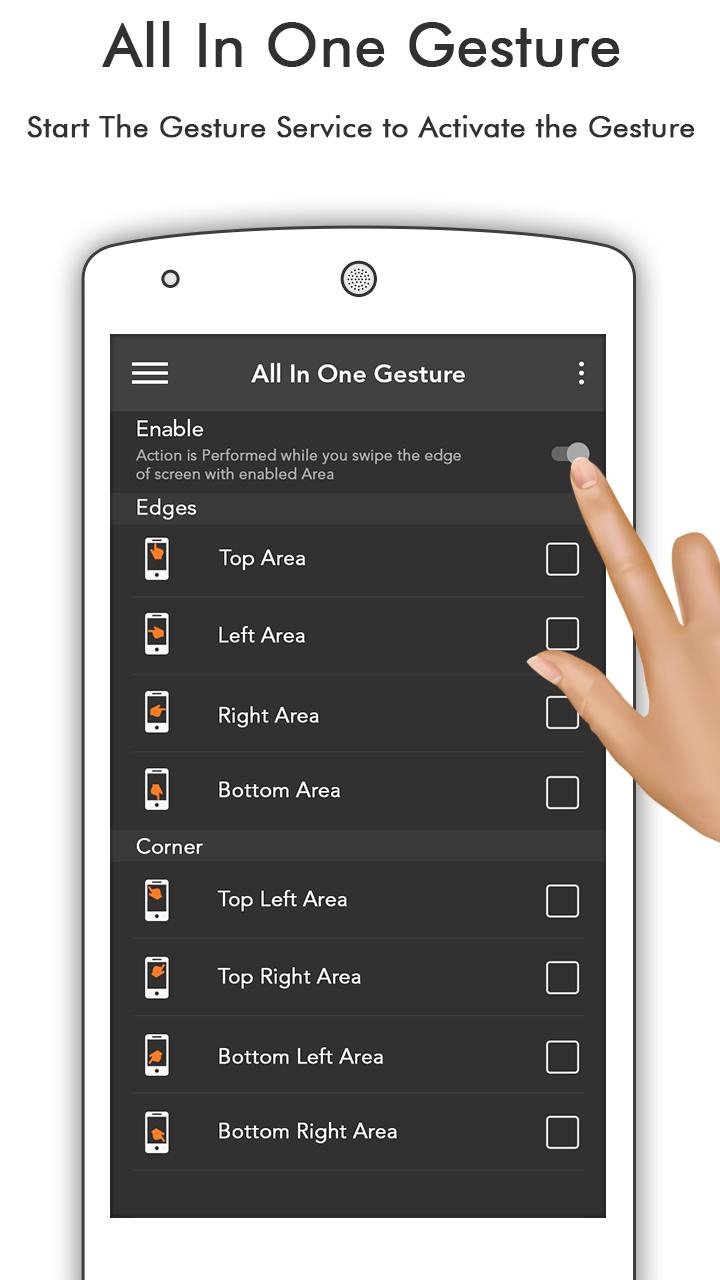
All In One Gestures :-
Try All in One Gesture today.
Swipe Pad is a launcher overlay. It can be used from within any app using
one hand and one gesture.
All you need is to create a gesture and associate it with an action.
Gesture Lock Screen app has a variety of beautiful wallpaper to draw your personal
gesture to unlock the phone
Draw letters, numbers, shapes, signatures and contextual gestures you unlock the phone.
All in on Gesture app is very easy touch to use.
All in one Gestures Features:-
• Launch apps.
• 4~6-digit password length.
• Launch shortcuts.
• Add, remove and edit gesture.
• Variety of color to draw gesture.
• Make calls.
• Different time and date formats.
• Open websites in your browser.
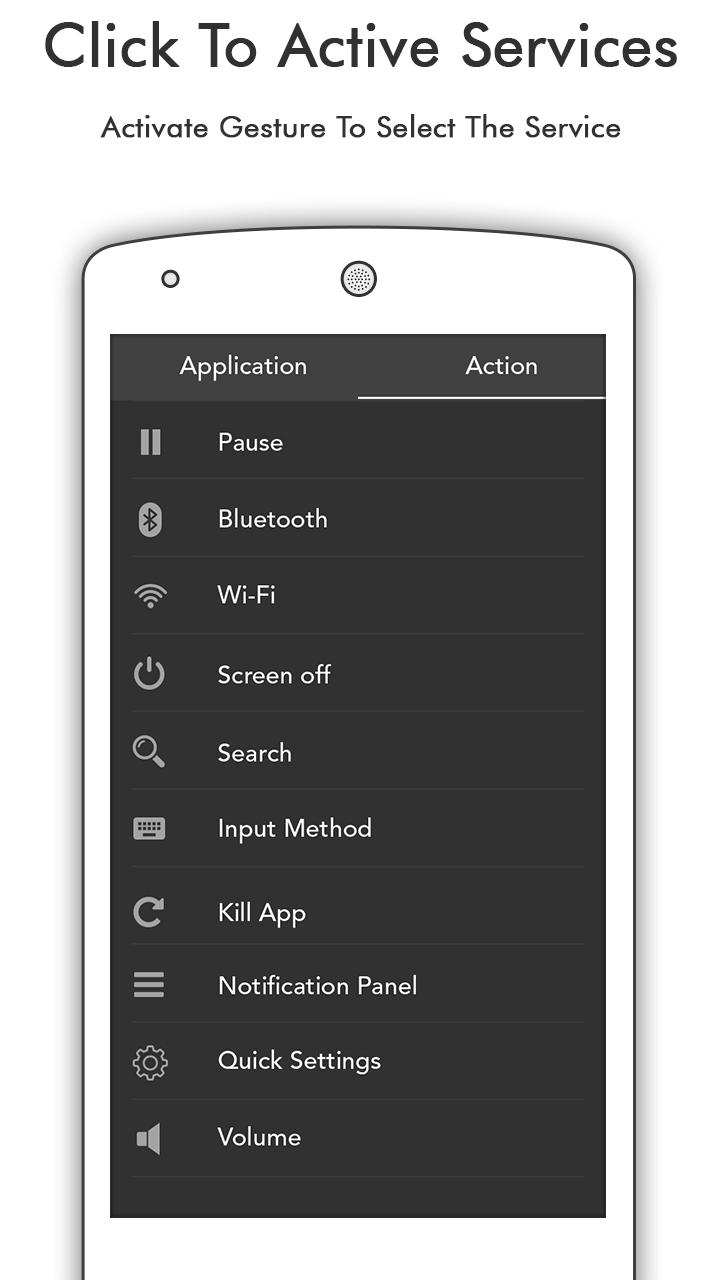
• Change system settings.
• Simulate home, back and menu buttons.
• Lock screen.
• Send SMS.
• Root options.
• Easy and simple to use.
• It’s free forever!
Please download Gesture Lock Screen and draw something to unlock your phone.
Thank You.
Enjoy...!!!!!!!!
Preview
Information
Developer
Zolos Apps
Latest Version
1.0
Last Updated
2017-03-17
Category
Tools
Available on
Google Play
Show More
How to play All in one Gesture with GameLoop on PC
1. Download GameLoop from the official website, then run the exe file to install GameLoop
2. Open GameLoop and search for “All in one Gesture” , find All in one Gesture in the search results and click “Install”
3. Enjoy playing All in one Gesture on GameLoop
Minimum requirements
OS
Windows 8.1 64-bit or Windows 10 64-bit
GPU
GTX 1050
CPU
i3-8300
Memory
8GB RAM
Storage
1GB available space
Recommended requirements
OS
Windows 8.1 64-bit or Windows 10 64-bit
GPU
GTX 1050
CPU
i3-9320
Memory
16GB RAM
Storage
1GB available space