
Addon Thirst Bar for Minecraft PC
Mine Mods Studio M
Download Addon Thirst Bar for Minecraft on PC With GameLoop Emulator
Addon Thirst Bar for Minecraft on PC
Addon Thirst Bar for Minecraft, coming from the developer Mine Mods Studio M, is running on Android systerm in the past.
Now, You can play Addon Thirst Bar for Minecraft on PC with GameLoop smoothly.
Download it in the GameLoop library or search results. No more eyeing the battery or frustrating calls at the wrong time any more.
Just enjoy Addon Thirst Bar for Minecraft PC on the large screen for free!
Addon Thirst Bar for Minecraft Introduction
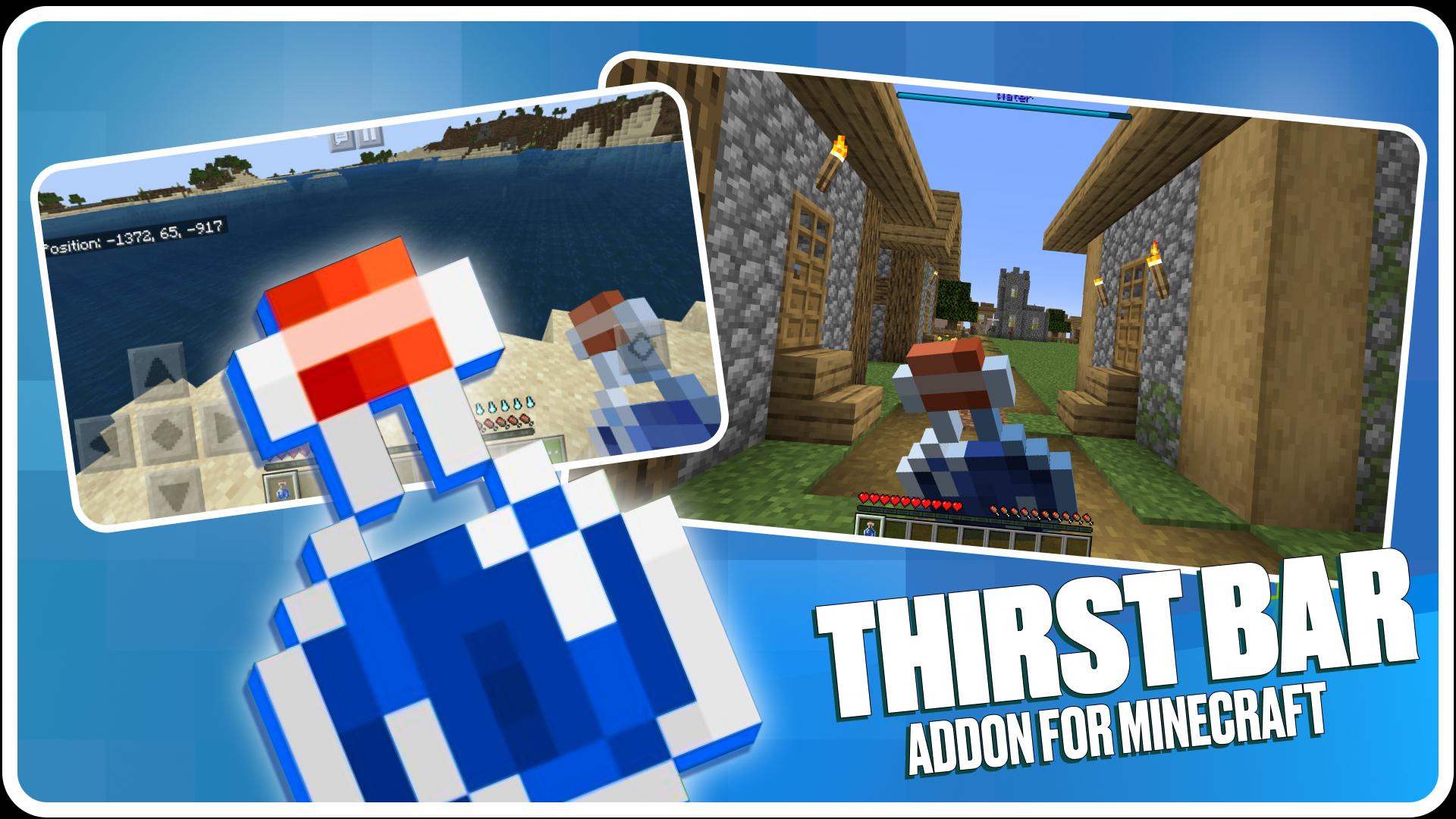
Using Survival mods for Minecraft Pocket Edition will be a great solution for brave multiplayer. Addon Thirst Bar for Minecraft will significantly change the block textures and need to look for even a drop of water to save health. Survival will become the main task, and problems are constantly near you. A feature of Mod Thirst Bar for MCPE Bedrock is the difficulty controller. To get used to it, you can start with the minimum, and then raise it higher and higher.
The complexity of the base virtual world is quite low. To make the users of the legendary game was more interesting, we have invented how to improve the health interface. With Indicator for Minecraft you will see the level of your characteristics and understand when you need to act urgently. Each texture is worked out to the smallest detail. Finding the right one will be quite difficult, but these addons are clearly not for wimps!
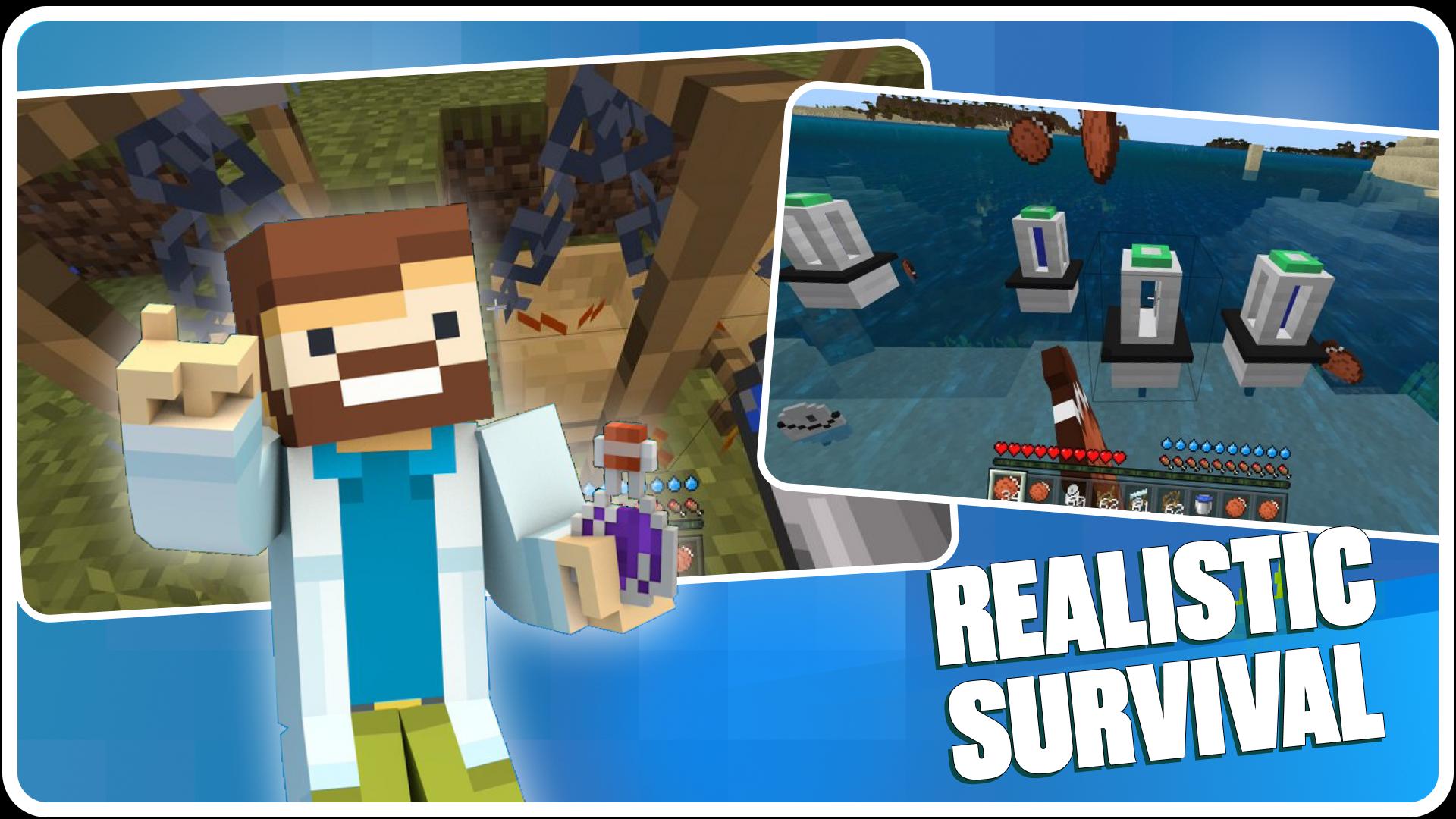
In order to save resources, we have added several items in the menu to store water. In Thirst bar mod you can get a flask, a liquid collector, a purifier and a distillation cube. All tools of Addon Thirst Bar for Minecraft will be useful for saving health during survival among textures.
Useful features Survival mods for Minecraft:
- Try to save health in extreme conditions.
- collect rain.
- get liquid from texture Indicator for Minecraft Pocket Edition.
- Master unique techniques and items.
- Artificially generate water.
- Learn to use recipes for crafting Mod Thirst Bar for MCPE Bedrock.
- Understand the values of life.
- Find a way out even in the most difficult situations Thirst bar mod.
In addition to complications, survival addons are filled with a lot of block textures, improved interface menu, graphics, animations. To take advantage of all the available updates health Indicator for Minecraft, you need to installation Survival mods for Minecraft on your mobile device. You can do this by entering the menu of our application. There you just need to search for Mod Thirst Bar for MCPE Bedrock and the add-on will be freely available. A few instructions on how to use will help you to quickly and easily deal with Addon Thirst Bar for Minecraft and quietly follow the health among the necessary texture water.
All addons for interface Pocket Edition, which is developed by our company, are not official. Exclusively Mojang ab - the owner of the trademark and brand of the block world publishes official developments, and Thirst bar mod has nothing to do with it.
Preview
Tags
ToolsInformation
Developer
Mine Mods Studio M
Latest Version
1.7
Last Updated
2023-08-10
Category
Tools
Available on
Google Play
Show More
How to play Addon Thirst Bar for Minecraft with GameLoop on PC
1. Download GameLoop from the official website, then run the exe file to install GameLoop
2. Open GameLoop and search for “Addon Thirst Bar for Minecraft” , find Addon Thirst Bar for Minecraft in the search results and click “Install”
3. Enjoy playing Addon Thirst Bar for Minecraft on GameLoop
Minimum requirements
OS
Windows 8.1 64-bit or Windows 10 64-bit
GPU
GTX 1050
CPU
i3-8300
Memory
8GB RAM
Storage
1GB available space
Recommended requirements
OS
Windows 8.1 64-bit or Windows 10 64-bit
GPU
GTX 1050
CPU
i3-9320
Memory
16GB RAM
Storage
1GB available space