AC Remote Control PC
UB Technologies
Download AC Remote Control on PC With GameLoop Emulator
AC Remote Control on PC
AC Remote Control, coming from the developer UB Technologies, is running on Android systerm in the past.
Now, You can play AC Remote Control on PC with GameLoop smoothly.
Download it in the GameLoop library or search results. No more eyeing the battery or frustrating calls at the wrong time any more.
Just enjoy AC Remote Control PC on the large screen for free!
AC Remote Control Introduction
The AC Remote Control is a real mobile application that can controlled different models air conditioner devices.
This AC Remote Control application support all most function need it to controlled your air conditioner for easy, The next paragraph we will mentioned all features and functions.
Firstly we start by the most Features :
* Amazing interface design.
* Simple and easy to used.
* Remote ac via infrared (IR) blaster technique.
* Support the most Air Conditioners devices models, we add the most IR codes available.
* Compatible with all device 4.4 version and above.
* Supports most of the buttons that you will need for complete control, for example:
- Power On/Off control.
- Menu button and operation mode.
- Temperature control and fan speed.
- Set switch On and Off timer.
- Support Sleep Option.
Follow all steps mentioned to use Universal AC Remote application in the right way:
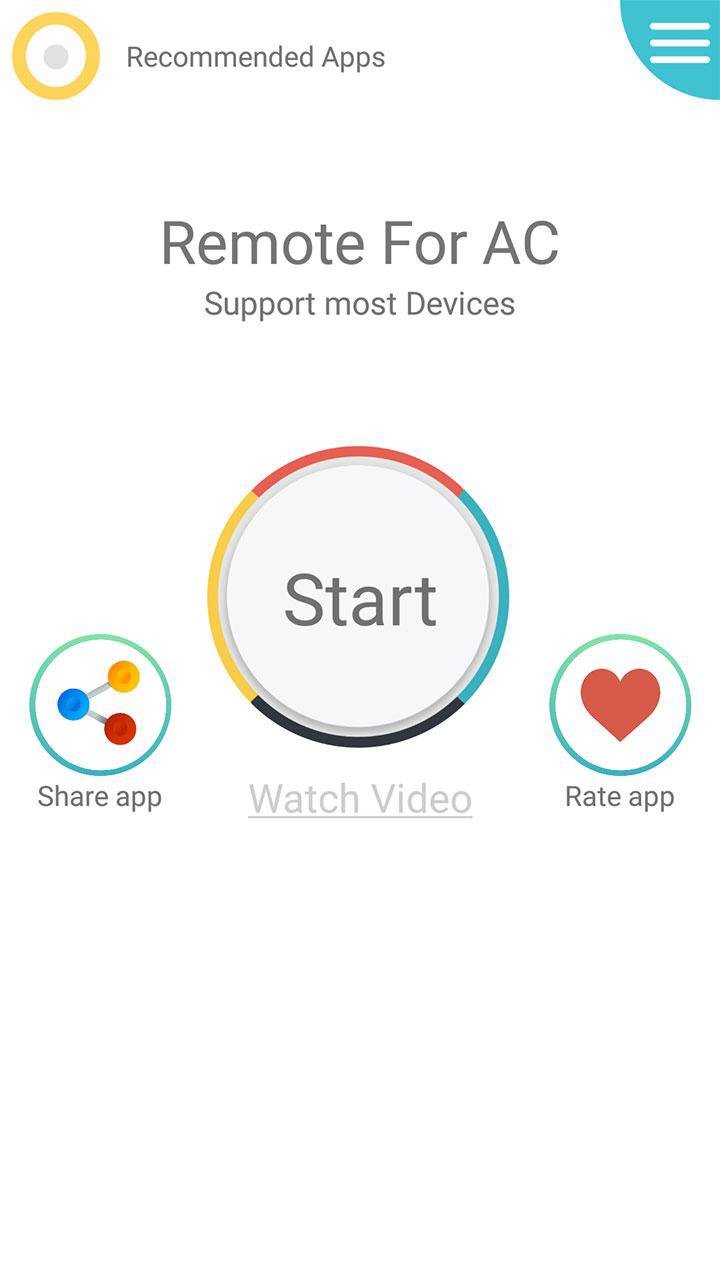
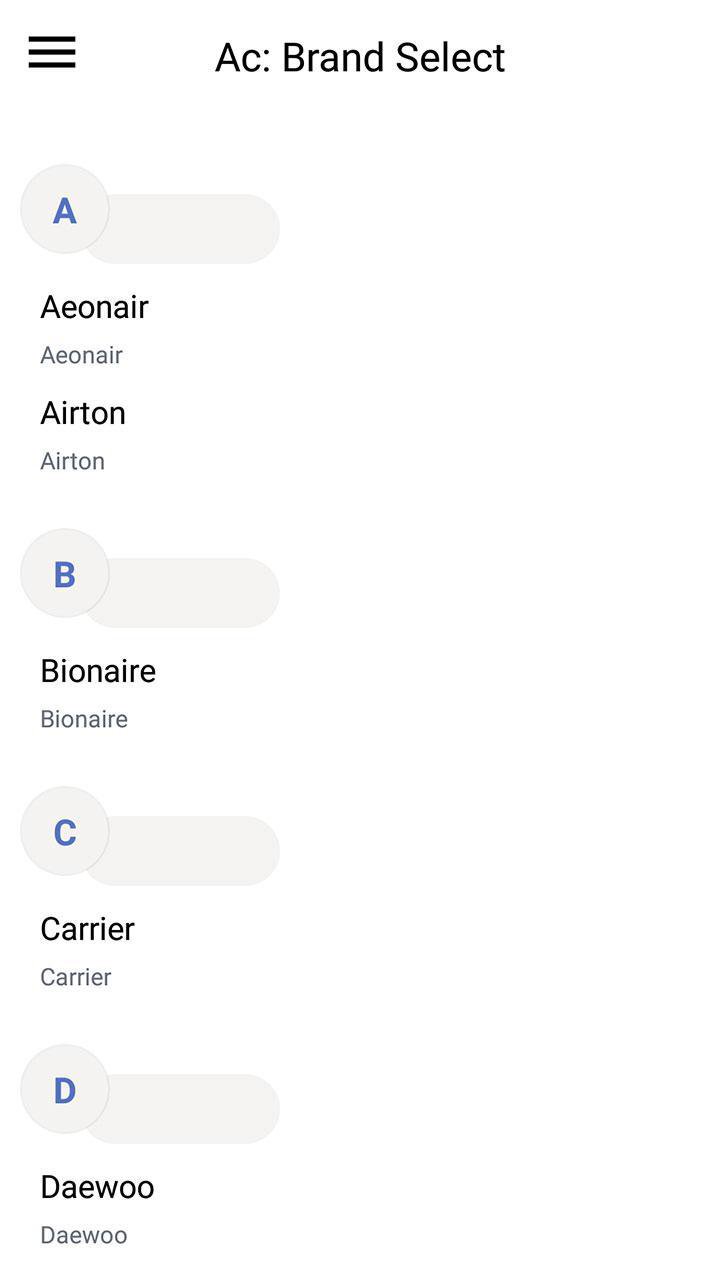
1- After download this Air conditioner Remote Control application, the first step is to choose your AC model in the list.
2- Each model can have more then one remote, start testing one by one until you find the correct universal remote control ac compatible with your device.
3- Rename and Save.
To remember all users, the Air Conditioners use IR blaster, If your device don't have it this the can not work.
If you like this application doesn't forget to share it with friends and comment on it.
If your brand is not listed or the tool not working with your devices selected, please drop us an email with your brand and model. We will work with our teams to make this application compatible with your devices.
Preview
Tags
ToolsInformation
Developer
UB Technologies
Latest Version
19.6
Last Updated
2019-10-24
Category
Tools
Available on
Google Play
Show More
How to play AC Remote Control with GameLoop on PC
1. Download GameLoop from the official website, then run the exe file to install GameLoop
2. Open GameLoop and search for “AC Remote Control” , find AC Remote Control in the search results and click “Install”
3. Enjoy playing AC Remote Control on GameLoop
Minimum requirements
OS
Windows 8.1 64-bit or Windows 10 64-bit
GPU
GTX 1050
CPU
i3-8300
Memory
8GB RAM
Storage
1GB available space
Recommended requirements
OS
Windows 8.1 64-bit or Windows 10 64-bit
GPU
GTX 1050
CPU
i3-9320
Memory
16GB RAM
Storage
1GB available space