90 fps with iPad View BGMI PC
joyglee
Download 90 fps with iPad View BGMI on PC With GameLoop Emulator
90 fps with iPad View BGMI on PC
90 fps with iPad View BGMI, coming from the developer joyglee, is running on Android systerm in the past.
Now, You can play 90 fps with iPad View BGMI on PC with GameLoop smoothly.
Download it in the GameLoop library or search results. No more eyeing the battery or frustrating calls at the wrong time any more.
Just enjoy 90 fps with iPad View BGMI PC on the large screen for free!
90 fps with iPad View BGMI Introduction
We are a 100% safe, free application that won't put your game account at any risk.
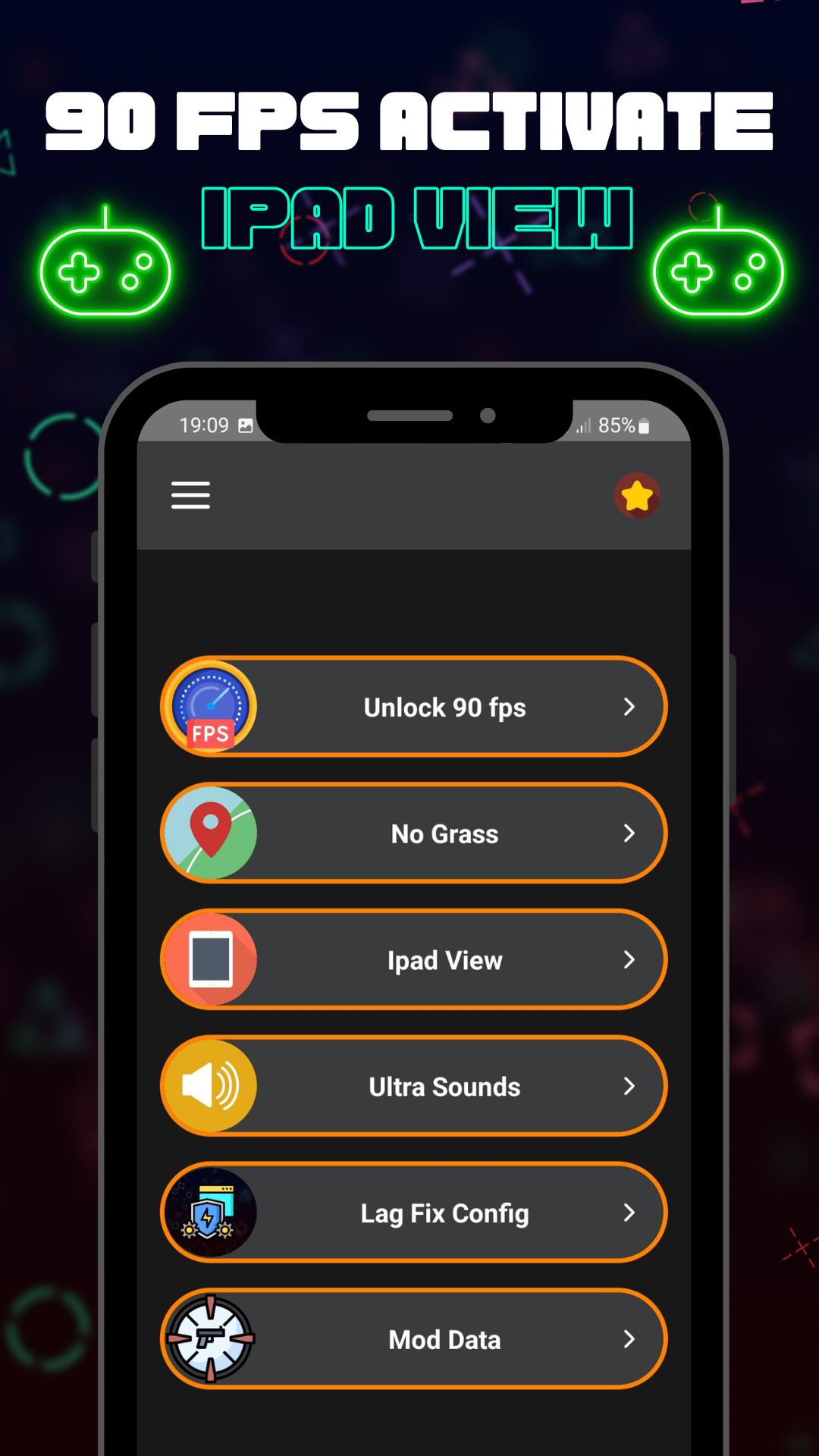
For Customized Game Options you can Unlock No Grass Config, No Fog Config, Unlock Highest Available graphics, Unlock 90 FPS ,Smooth + 90 FPS,Balanced + 90 FPS, macro sensi max & many more with just a single click!
All versions are supported: BGMI , Global, CN, LITE, KR, VN, TW, BETA.
Accelerate Your Game Speed - Faster & Smoother :
* Get Super Fast Game Experience,
* Clean up background apps to speed up RAM (random-access memory)
* Push your device to it's maximum potential.
App features :
* Unlock HDR graphics and all FPS levels
* Unlock No Grass
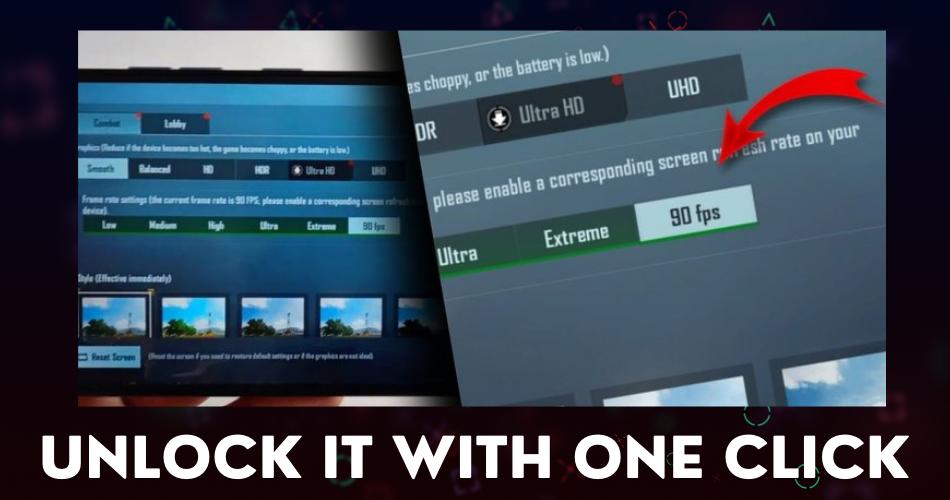
* Unlock 90 FPS
How to use GFX Tools :
* 90 FPS Close game if it’s currently running before starting GFX Tool
* Choose your version of your game
* click on Unlock 90 FPS and Run Game
DISCLAIMER: This is an UNOFFICIAL application for specific games.This application is not associated in any way with other brands and developers.
If you feel that we have violated your intellectual property rights or any other agreement, please contact us by e-mail bpdevzak@gmail.com, we will immediately take the necessary measures.
Preview
Tags
ToolsInformation
Developer
joyglee
Latest Version
3.8
Last Updated
2024-10-02
Category
Tools
Available on
Google Play
Show More
How to play 90 fps with iPad View BGMI with GameLoop on PC
1. Download GameLoop from the official website, then run the exe file to install GameLoop
2. Open GameLoop and search for “90 fps with iPad View BGMI” , find 90 fps with iPad View BGMI in the search results and click “Install”
3. Enjoy playing 90 fps with iPad View BGMI on GameLoop
Minimum requirements
OS
Windows 8.1 64-bit or Windows 10 64-bit
GPU
GTX 1050
CPU
i3-8300
Memory
8GB RAM
Storage
1GB available space
Recommended requirements
OS
Windows 8.1 64-bit or Windows 10 64-bit
GPU
GTX 1050
CPU
i3-9320
Memory
16GB RAM
Storage
1GB available space