5G Force LTE - 4G to 5G Switch PC
appNextG
Download 5G Force LTE - 4G to 5G Switch on PC With GameLoop Emulator
5G Force LTE - 4G to 5G Switch on PC
5G Force LTE - 4G to 5G Switch, coming from the developer appNextG, is running on Android systerm in the past.
Now, You can play 5G Force LTE - 4G to 5G Switch on PC with GameLoop smoothly.
Download it in the GameLoop library or search results. No more eyeing the battery or frustrating calls at the wrong time any more.
Just enjoy 5G Force LTE - 4G to 5G Switch PC on the large screen for free!
5G Force LTE - 4G to 5G Switch Introduction
5G Force LTE - 4G to 5G Switch – Check 5G Compatibility, Know Who is Using Your Wi-Fi & Network Tools
Experience smarter connectivity with the 4G to 5G LTE App, your one stop tool to check 5G compatibility, monitor network performance, know who is using your Wi-Fi, and manage your mobile connection with ease.
If you're unsure whether your device supports 4G to 5G upgrade, or if you want to optimize your network settings, this newtork switch app helps you understand your device capabilities and guides you through available options.
🚀 Why Use 4G to 5G Force LTE App?
The shift from 4G to 5G may have improved speed, reduced latency, and enhanced performance for streaming, gaming, and browsing. While many smartphones automatically connect to 5G when available, some require manual checks or settings adjustments.
The 4G to 5G Force LTE App provides helpful tools and information to support your transition from 4G to 5G, based on your device and network compatibility.
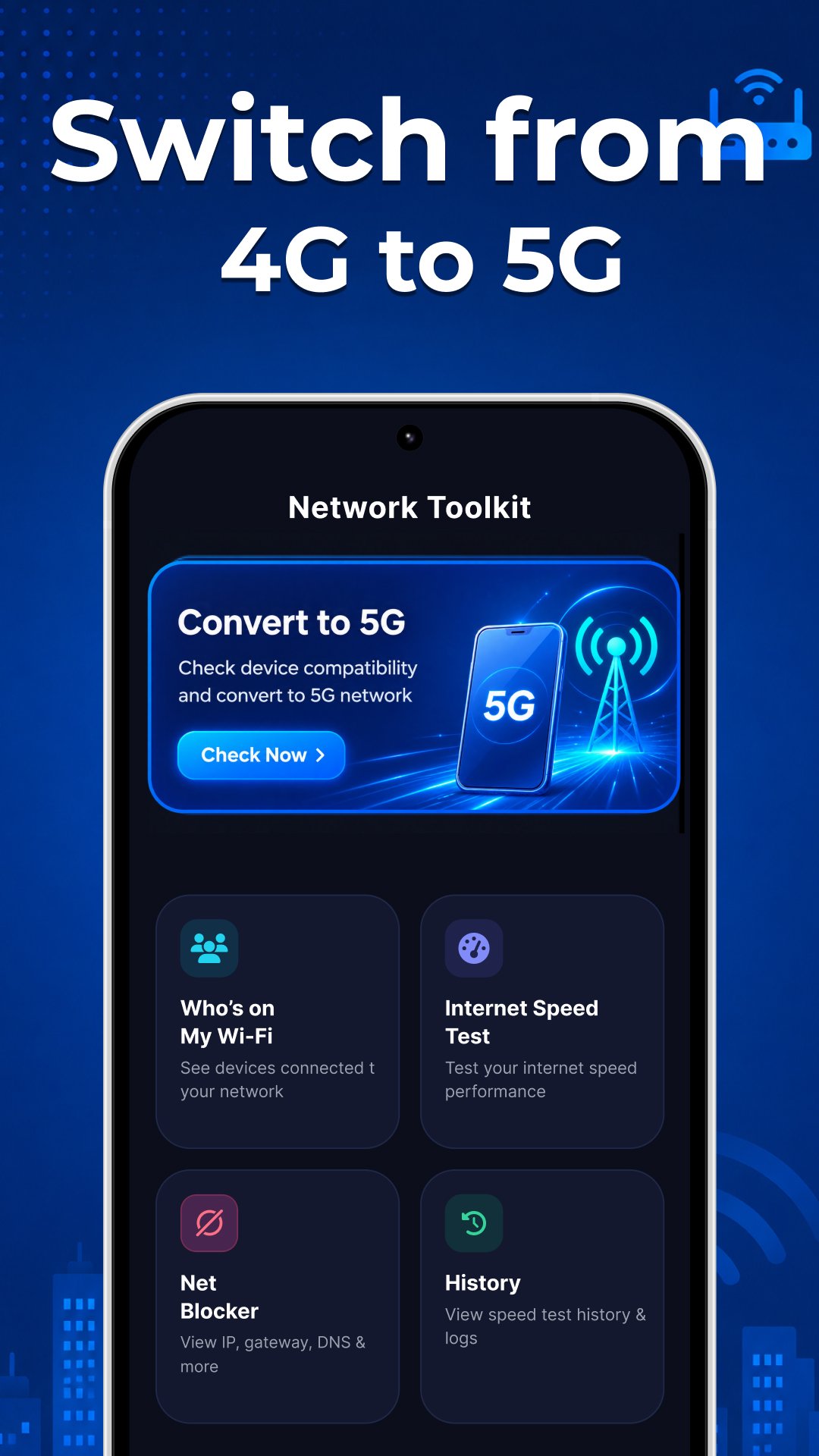
🔍 Key Features of 4G to 5G Force LTE - Who is Using My Wi-Fi
📱 Device Details & 5G Compatibility Check
Get complete information about your device like - Phone model, Android OS, device maker, and SIM card. Easily check whether your device supports 4G to 5G connectivity and if your SIM is ready for 5G networks.
📶 Mobile Network LTE Switcher (4G to 5G)
Access your device’s network settings and explore available options to switch between network modes. This feature helps you navigate from 4G to 5G settings on supported devices.
Note: Actual 5G connectivity depends on your device, SIM, and network provider.
🚫 Internet Usage Control (App-Level)
Manage how apps use your internet connection by restricting background data access for selected apps. This helps you:
Reduce unwanted data consumption
Improve privacy and control
Optimize performance when switching between 4G to 5G
Note: This feature works within Android system permissions and does not interfere with core device functionality.
Know Who is Using Your Wi-Fi
This feature lets you find all the connected devices to your Wi-Fi router. You can simply find all the connected devices and remove if any unwanted device is using your Wi-Fi.
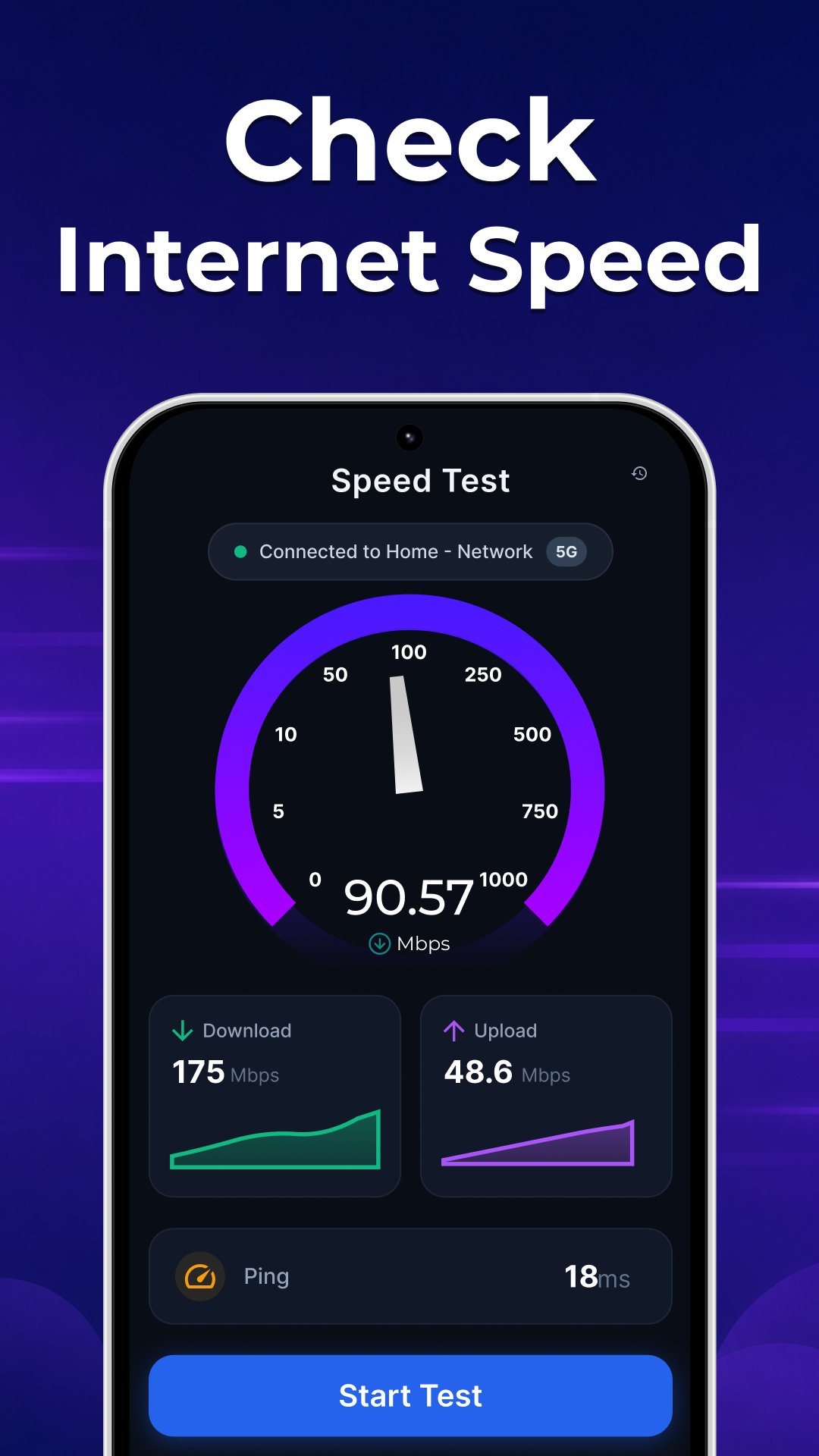
⚡ Internet Speed Test
Check your real-time internet speed with accurate results. Measure download, upload, and latency to compare performance between 4G to 5G networks.
📊 Speed Test History
Track your previous speed test results and monitor improvements over time as you move from 4G to 5G connectivity.
📡 Wi-Fi Manager
Manage your Wi-Fi connections easily. View connected devices, monitor usage, and maintain better control over your wireless network alongside your 4G to 5G mobile data.
🌐 Unlock the Benefits of 5G
With the 5G Force LTE - 4G to 5G Switch App, you can better understand your device’s capabilities and prepare for the next generation of connectivity. Enjoy benefits like:
Smooth video streaming and online gaming
More stable and reliable connections
📲 Simple, Smart & User-Friendly
The 5G Force LTE - 4G to 5G Switch App is designed with a clean and easy-to-use interface, making it accessible for all users. Whether you're exploring 4G to 5G compatibility or monitoring your network, everything is just a few taps away.
🔐 Why 4G TO 5G LTE Uses a VPN Service
4G to 5G LTE uses a local, on-device VPN to enable Internet Blocking:
• Runs only on your device (no external servers)
• Blocks internet access for selected apps
• Helps reduce unwanted data usage
⚠️ Disclaimer
This app does not enable 5G connectivity on unsupported devices
5G access depends on your device hardware, SIM card, and network provider
Some features may vary depending on your device and Android version
Download the 4G to 5G LTE App today and explore your path from 4G to 5G with confidence!
Privacy Policy - https://appnextg.com/web/lte/privacy-policy
Terms & Conditions - https://appnextg.com/web/lte/tandc
EULA - https://appnextg.com/web/lte/eula
Preview
Tags
ToolsInformation
Developer
appNextG
Latest Version
199.0
Last Updated
2026-09-09
Category
Tools
Available on
Google Play
Show More
How to play 5G Force LTE - 4G to 5G Switch with GameLoop on PC
1. Download GameLoop from the official website, then run the exe file to install GameLoop
2. Open GameLoop and search for “5G Force LTE - 4G to 5G Switch” , find 5G Force LTE - 4G to 5G Switch in the search results and click “Install”
3. Enjoy playing 5G Force LTE - 4G to 5G Switch on GameLoop
Minimum requirements
OS
Windows 8.1 64-bit or Windows 10 64-bit
GPU
GTX 1050
CPU
i3-8300
Memory
8GB RAM
Storage
1GB available space
Recommended requirements
OS
Windows 8.1 64-bit or Windows 10 64-bit
GPU
GTX 1050
CPU
i3-9320
Memory
16GB RAM
Storage
1GB available space