
4G Connection Guide PC
Coder Gang
Download 4G Connection Guide on PC With GameLoop Emulator
4G Connection Guide on PC
4G Connection Guide, coming from the developer Coder Gang, is running on Android systerm in the past.
Now, You can play 4G Connection Guide on PC with GameLoop smoothly.
Download it in the GameLoop library or search results. No more eyeing the battery or frustrating calls at the wrong time any more.
Just enjoy 4G Connection Guide PC on the large screen for free!
4G Connection Guide Introduction
📡 Looking for a reliable 4G connection on your Android? 📡
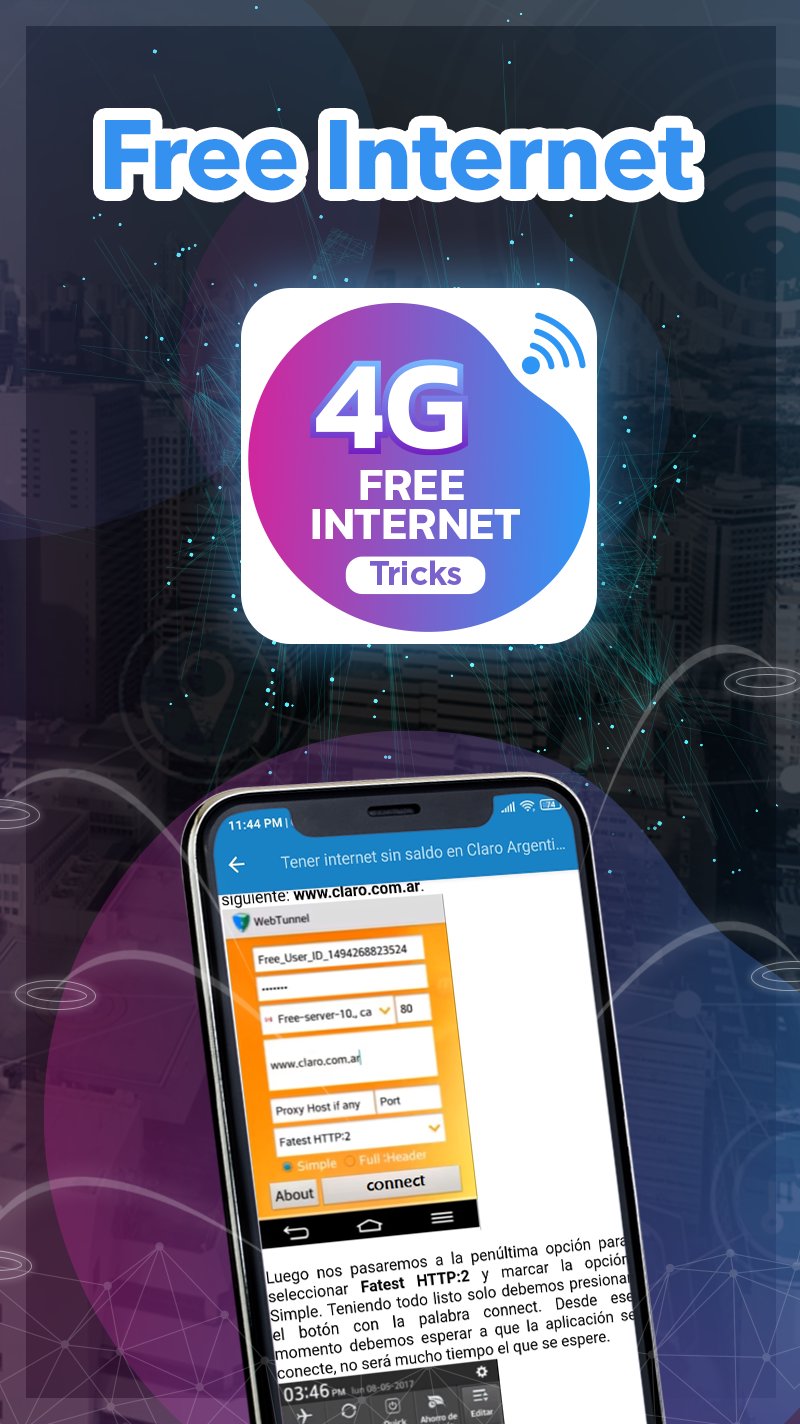
Discover the best VPN and APN methods to set up 4G internet wherever you are. Our app provides simple, updated, and effective guides tailored to your country and mobile carrier. Whether you’re a beginner or an advanced user, we’ve got you covered.
🌎 What can you do with this app?
✔ Learn to configure your internet via VPN or APN settings.
✔ Access guides designed for every mobile carrier and region.
✔ Get step-by-step instructions without needing additional apps.
✔ Enjoy secure and fast connections optimized for 4G.
✔ Access updated methods tested for 2024.
📍 Countries supported:
United States, Brazil, Argentina, Colombia, Mexico, Canada, Peru, Ecuador, and many more.
📱 Carriers supported:
AT&T, Claro, Movistar, Tigo, Entel, Telcel, Orange, and others.
🛠️ Key features include:
VPN Configuration: Secure connections with trusted VPN servers.
APN Setup: Internet access without the need for additional apps.
User-Friendly Design: Simple and intuitive interface.
Updated Content: Regular updates to ensure functionality.
💡 Bonus: Unlock nearby Wi-Fi networks!
Explore tools and guides to access available Wi-Fi networks around you safely and securely.
🚀 Why choose this app?
Our methods are designed for worldwide compatibility, ensuring reliable connections for all Android devices, regardless of the version.
📲 Download now and connect to the world with ease!
Preview

Tags
ToolsInformation
Developer
Coder Gang
Latest Version
1.4.2
Last Updated
2025-11-19
Category
Tools
Available on
Google Play
Show More
How to play 4G Connection Guide with GameLoop on PC
1. Download GameLoop from the official website, then run the exe file to install GameLoop
2. Open GameLoop and search for “4G Connection Guide” , find 4G Connection Guide in the search results and click “Install”
3. Enjoy playing 4G Connection Guide on GameLoop
Minimum requirements
OS
Windows 8.1 64-bit or Windows 10 64-bit
GPU
GTX 1050
CPU
i3-8300
Memory
8GB RAM
Storage
1GB available space
Recommended requirements
OS
Windows 8.1 64-bit or Windows 10 64-bit
GPU
GTX 1050
CPU
i3-9320
Memory
16GB RAM
Storage
1GB available space