
My Ice Cream Shop PC
GameSticky
Download My Ice Cream Shop on PC With GameLoop Emulator
My Ice Cream Shop on PC
My Ice Cream Shop, coming from the developer GameSticky, is running on Android systerm in the past.
Now, You can play My Ice Cream Shop on PC with GameLoop smoothly.
Download it in the GameLoop library or search results. No more eyeing the battery or frustrating calls at the wrong time any more.
Just enjoy My Ice Cream Shop PC on the large screen for free!
My Ice Cream Shop Introduction
🍦 Welcome to My Ice Cream Shop!
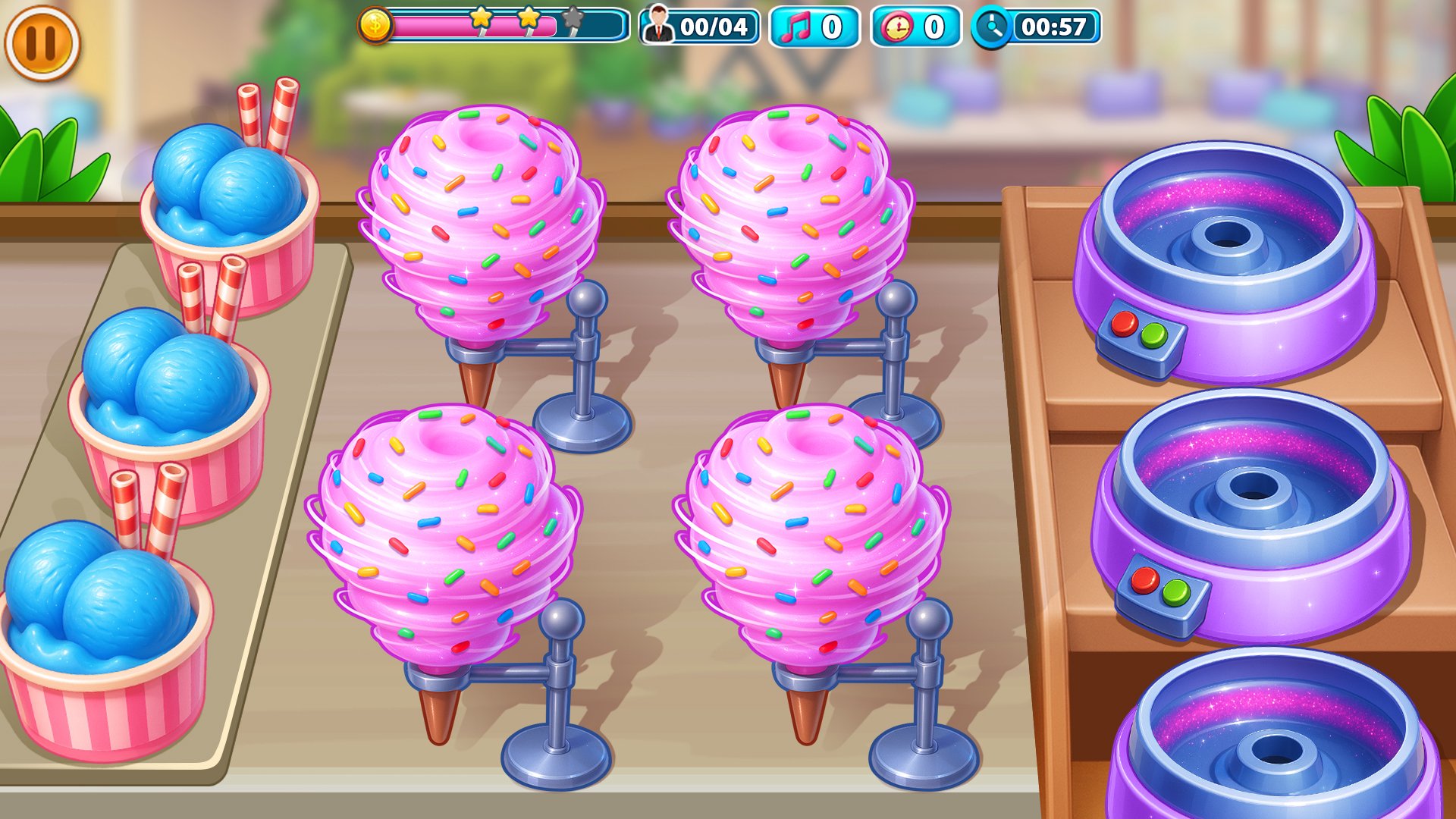
Step into the refreshing world of frozen desserts and flavorful creations. Manage your own ice-cream truck, craft delicious treats, and serve customers with speed and style. This relaxing yet fast-paced cooking simulator blends creativity, time-management, and satisfying gameplay that appeals to dessert lovers, casual players, and anyone who enjoys building the perfect sweet escape.
🎮 Your Ice-Cream Journey Begins
Start your day in a lively dessert truck filled with cones, scoops, toppings, syrups, and milkshakes. Every order is unique — prepare the right combination, serve quickly, and keep customers happy to earn coins and unlock upgrades. Use boosters wisely to handle rush hours and special events. Each level introduces new frozen treats, challenging orders, and exciting serving moments. 🍧
🚚 Upgrade, Expand & Serve
As your reputation grows, unlock new trucks, recipe variations, and tools that help you serve faster. Improve your equipment, expand your dessert menu, and turn your small ice-cream stall into a thriving frozen-dessert empire. Efficient service earns more coins — and more coins mean better ingredients, faster machines, and premium toppings that spark joy in every order. 💰🚀
🍨 A Flavorful Gameplay Experience
This game is designed for relaxation and engagement. Whether you’re unwinding after a long day or diving into strategic serving sessions, the smooth controls and rewarding challenges make every play session enjoyable. Mix frozen treats, customize desserts, and deliver flawless service — all while exploring colorful trucks and fun environments
🎉 Key Features:
🍨 Delicious Frozen Desserts – Serve cones, scoops, sundaes, and more
🚚 Multiple Ice-Cream Trucks – Explore new themed play areas
⬆️ Smart Upgrades – Boost your cooking and serving speed
👥 Customer Rush Challenges – Manage high-demand moments
⚡ Exciting Power-Ups – Enhance performance during tough levels
🎯 Daily Goals & Rewards – Earn bonuses and surprise gifts
🏆 Level Targets – Complete objectives to unlock new stages
🔧 Tool Upgrades – Improve appliances for faster service
🧁 A Dessert Shop Experience You’ll Love
From crafting perfect scoops to decorating frozen treats with creative toppings, every level brings you deeper into the world of dessert artistry. Build a rhythm, refine your timing, and enjoy the thrill of running a successful ice-cream shop.
📲 Download My Ice Cream Shop 🍦
Serve, create, and grow your dessert empire in this delightful frozen-treat adventure. Enjoy a relaxing yet exciting cooking experience anytime, anywhere!
Preview

Tags
SimulationTime managementCasualSingle playerStylizedOfflineInformation
Developer
GameSticky
Latest Version
1.2.9
Last Updated
2026-09-13
Category
Strategy
Available on
Google Play
Show More
How to play My Ice Cream Shop with GameLoop on PC
1. Download GameLoop from the official website, then run the exe file to install GameLoop
2. Open GameLoop and search for “My Ice Cream Shop” , find My Ice Cream Shop in the search results and click “Install”
3. Enjoy playing My Ice Cream Shop on GameLoop
Minimum requirements
OS
Windows 8.1 64-bit or Windows 10 64-bit
GPU
GTX 1050
CPU
i3-8300
Memory
8GB RAM
Storage
1GB available space
Recommended requirements
OS
Windows 8.1 64-bit or Windows 10 64-bit
GPU
GTX 1050
CPU
i3-9320
Memory
16GB RAM
Storage
1GB available space