Dominus PC
Last Man Standing
Download Dominus on PC With GameLoop Emulator
Dominus on PC
Dominus, coming from the developer Last Man Standing, is running on Android systerm in the past.
Now, You can play Dominus on PC with GameLoop smoothly.
Download it in the GameLoop library or search results. No more eyeing the battery or frustrating calls at the wrong time any more.
Just enjoy Dominus PC on the large screen for free!
Dominus Introduction
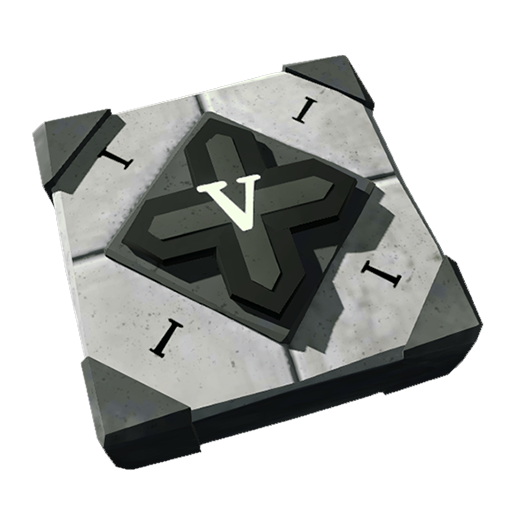
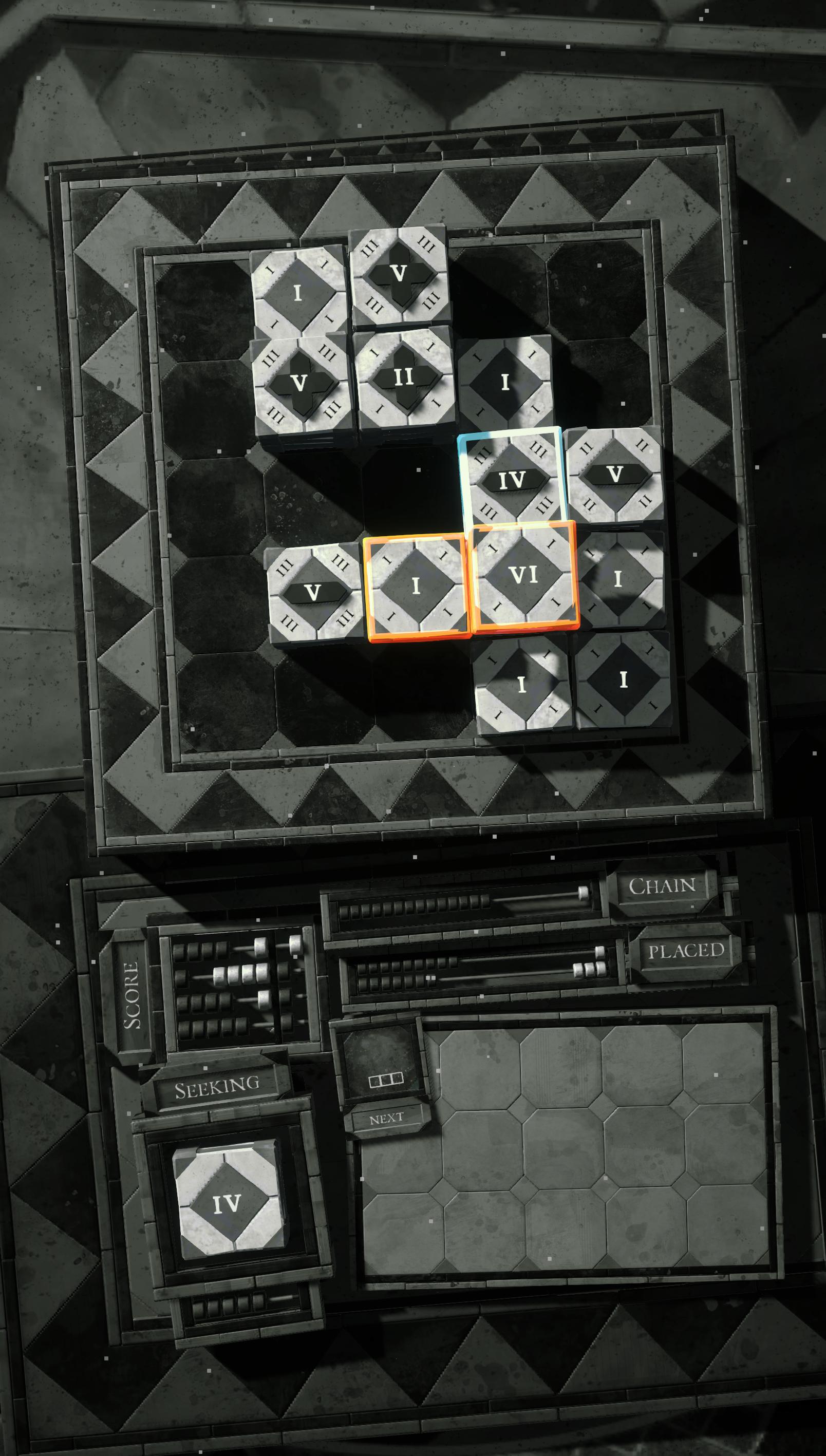
Dominus is a challenging game about stacking tiles.
Build stacks of the current scoring value while keeping space on the board for the next piece. Each day there's a new tileset, which is served in the same order every round for the duration of the day. Tomorrow brings fresh tiles and a new challenge, and the relaxing yet challenging game loop makes for a perfect daily brain workout.
Dominus is hand crafted to feel tactile with soft sounds and satisfying clicks; sound is recommended for the best experience. A variety of achievements provide multiple strategy opportunities—take a break from chasing your daily high score to see how many turns you can take without scoring at all. The unobtrusive yet complex scoring mechanics are visually and mentally stimulating, and the detailed design feels like a stone table in an otherworldly medieval cavern. Enjoy!
Preview

Tags
StrategyInformation
Developer
Last Man Standing
Latest Version
1.1ga
Last Updated
2023-02-20
Category
Strategy
Available on
Google Play
Show More
How to play Dominus with GameLoop on PC
1. Download GameLoop from the official website, then run the exe file to install GameLoop
2. Open GameLoop and search for “Dominus” , find Dominus in the search results and click “Install”
3. Enjoy playing Dominus on GameLoop
Minimum requirements
OS
Windows 8.1 64-bit or Windows 10 64-bit
GPU
GTX 1050
CPU
i3-8300
Memory
8GB RAM
Storage
1GB available space
Recommended requirements
OS
Windows 8.1 64-bit or Windows 10 64-bit
GPU
GTX 1050
CPU
i3-9320
Memory
16GB RAM
Storage
1GB available space