
VBall PC
Game Dev Team
Download VBall on PC With GameLoop Emulator
VBall on PC
VBall, coming from the developer Game Dev Team, is running on Android systerm in the past.
Now, You can play VBall on PC with GameLoop smoothly.
Download it in the GameLoop library or search results. No more eyeing the battery or frustrating calls at the wrong time any more.
Just enjoy VBall PC on the large screen for free!
VBall Introduction
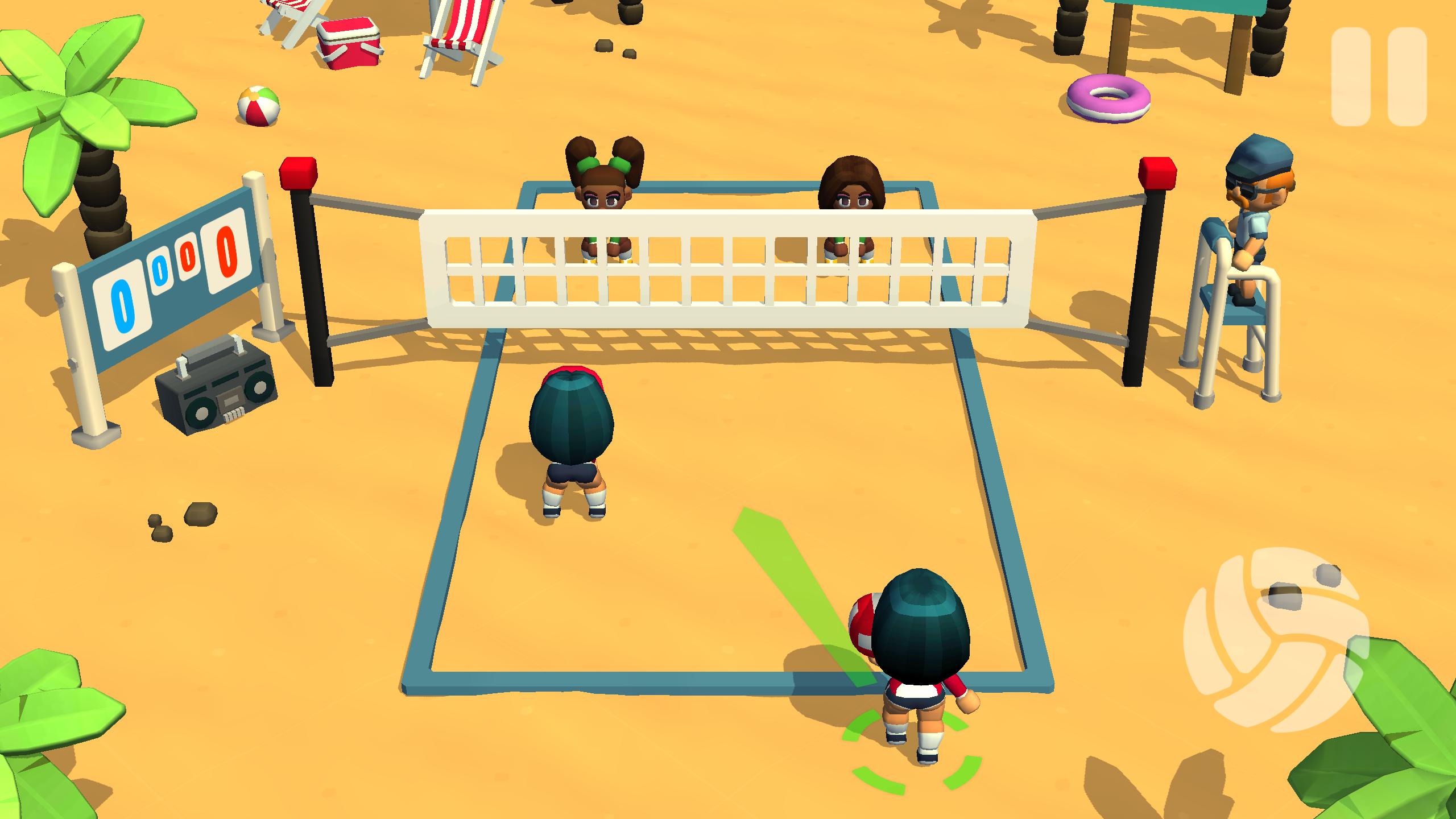
Spike your way to victory in VBall, the ultimate beach volleyball experience! Dive into thrilling 2-on-2 matches with stylish graphics and intuitive controls that make spiking, setting, and digging a breeze. Whether you're a seasoned volleyball pro or just starting out, VBall offers challenging gameplay for everyone.
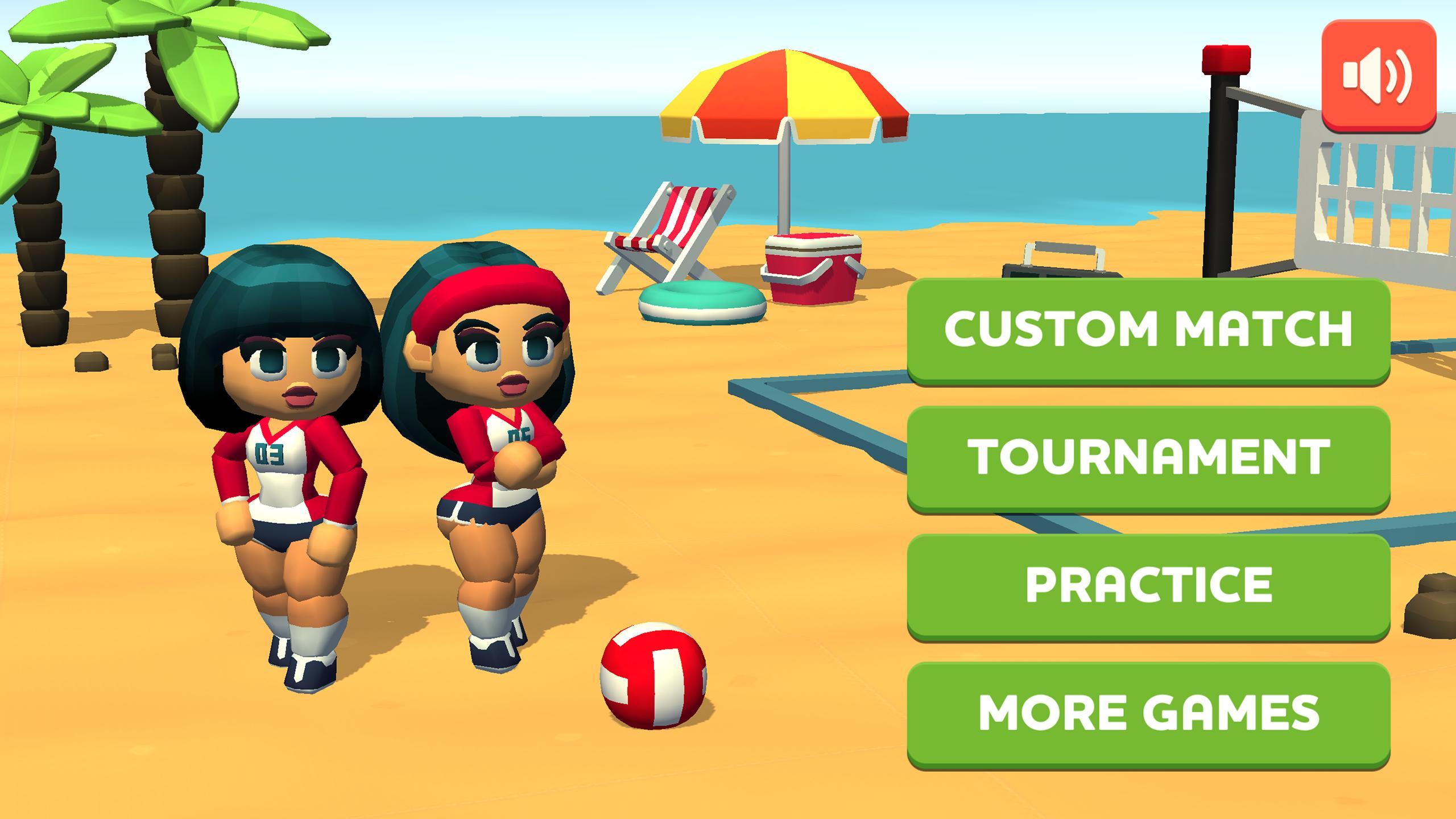
Choose from 6 unique teams, each with their own strengths and weaknesses, and master their skills to dominate the competition. Practice your serves and perfect your strategies in Practice mode, then jump into a quick Custom Match or test your mettle against a series of challenging opponents in Tournament mode. Climb the leaderboard and become the ultimate beach volleyball champion!
Features:
• Authentic Beach Volleyball Action: Experience fast-paced 2-on-2 volleyball gameplay.
• Scalable Difficulty: From beginner-friendly to intensely competitive, VBall caters to all skill levels.
• Strategic Team Selection: 6 teams with diverse stats. Find your perfect match!.
• Multiple Game Modes: Practice your skills, play a custom match, or conquer the tournament..
• Premium Experience: Enjoy ad-free gameplay with no in-app purchases.
Good luck and have fun!
Preview
Tags
CasualSingle playerStylizedOfflineInformation
Developer
Game Dev Team
Latest Version
1.04
Last Updated
2025-10-07
Category
Sports
Available on
Google Play
Show More
How to play VBall with GameLoop on PC
1. Download GameLoop from the official website, then run the exe file to install GameLoop
2. Open GameLoop and search for “VBall” , find VBall in the search results and click “Install”
3. Enjoy playing VBall on GameLoop
Minimum requirements
OS
Windows 8.1 64-bit or Windows 10 64-bit
GPU
GTX 1050
CPU
i3-8300
Memory
8GB RAM
Storage
1GB available space
Recommended requirements
OS
Windows 8.1 64-bit or Windows 10 64-bit
GPU
GTX 1050
CPU
i3-9320
Memory
16GB RAM
Storage
1GB available space