
United Center PC
YinzCam, Inc.
Download United Center on PC With GameLoop Emulator
United Center on PC
United Center, coming from the developer YinzCam, Inc., is running on Android systerm in the past.
Now, You can play United Center on PC with GameLoop smoothly.
Download it in the GameLoop library or search results. No more eyeing the battery or frustrating calls at the wrong time any more.
Just enjoy United Center PC on the large screen for free!
United Center Introduction
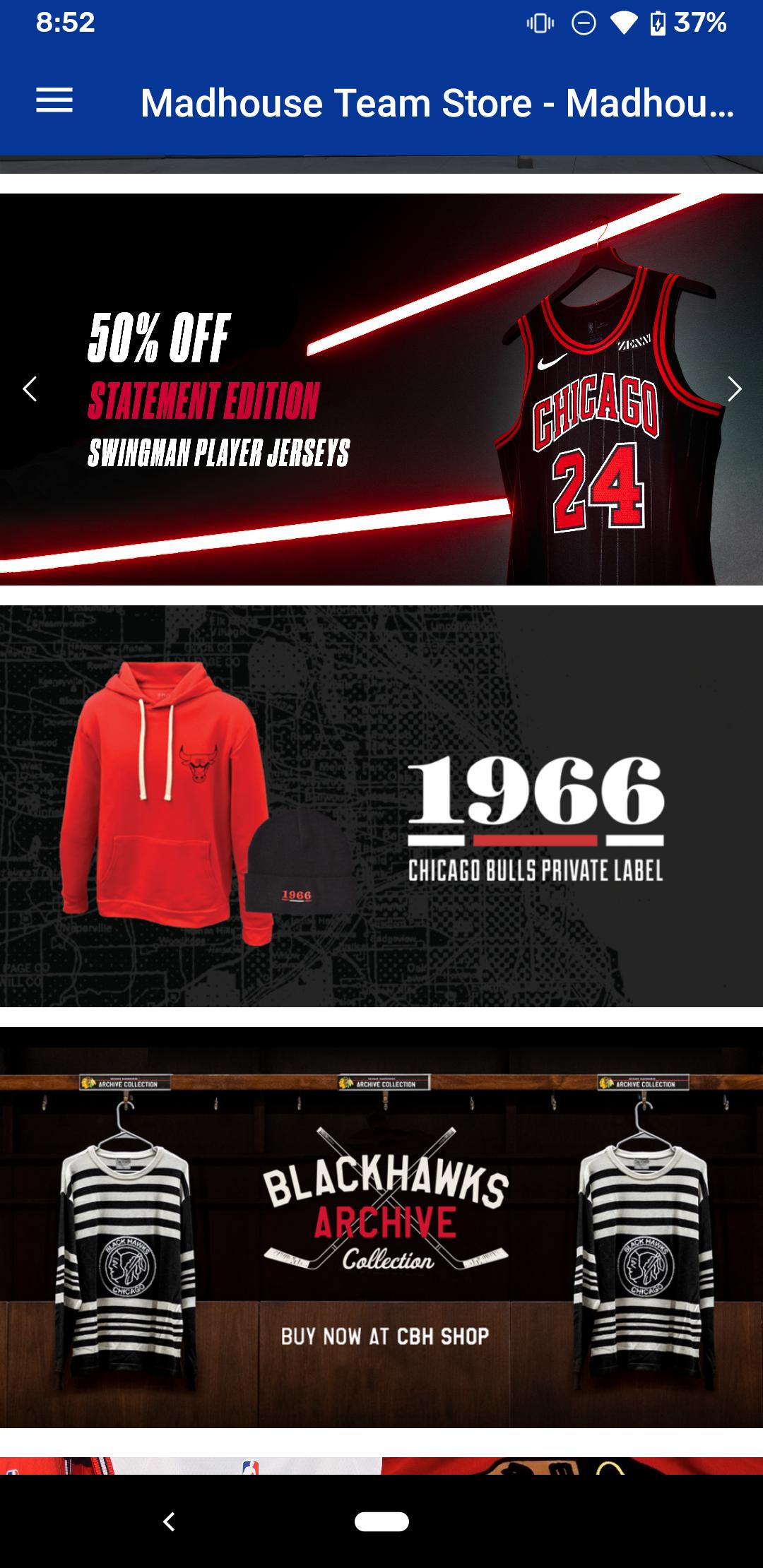
United Center Mobile is the official mobile application of the United Center, home to the Chicago Bulls and the Chicago Blackhawks. Stay up to date with the latest news and events, purchase tickets, order concessions from your seat, view live video and highlights, browse game photos, track real-time statistics, find answers to frequently asked questions, and much more, all from your Android device.
Features:
UNITED CENTER
• Events & Tickets: View upcoming events and order tickets
• Mobile Ordering: Order concessions from your seat
• Arena Map: View the locations of concession stands, restrooms, and ATMs throughout the arena
• Live Video and Highlights: View live video and replays during every Chicago Bulls and Chicago Blackhawks home game (in-arena only*)
• Other features: Directions and Parking, United Center History, Premium Seating information, Frequently Asked Questions, Social Media sharing, and more
CHICAGO BULLS and CHICAGO BLACKHAWKS
• News: Real-time breaking news from the Chicago Bulls and the Chicago Blackhawks, previews of upcoming matchups, post-game blogs, and more
• Photos Galleries: View photos of game-time action and special events
• GameTracker: Real-time statistics and scores from the official NHL and NBA stats engines, head-to-head stats of the matchup, player stats, box scores, and scoring summaries
• Standings: NBA and NHL division and conference standings
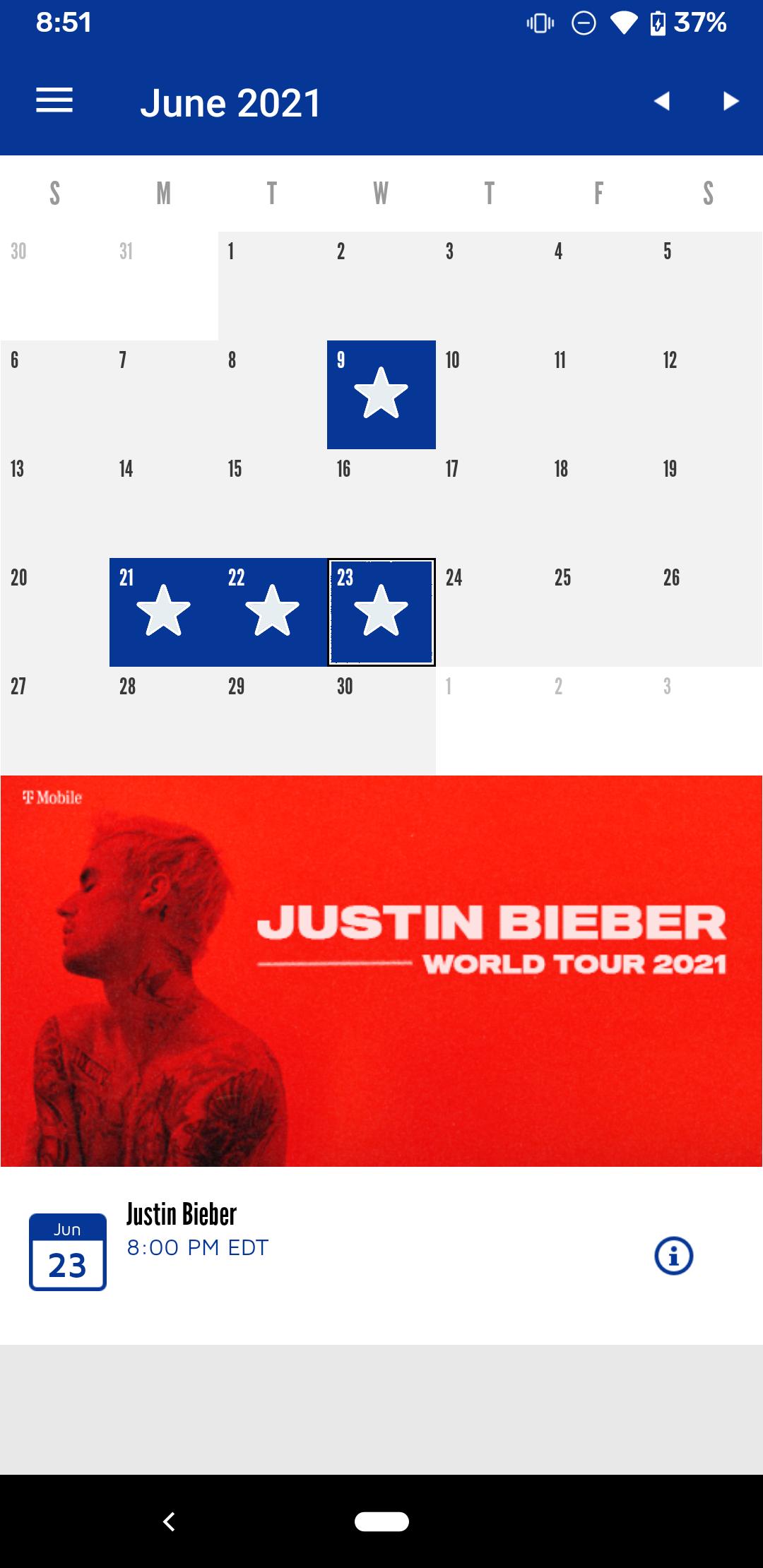
• Schedule: Calendar of upcoming Chicago Bulls and Chicago Blackhawks games, including scores and stats from previous games
Requirements:
• Android 5.0 or higher
• *To access the Live Video & Highlights, you must be located in the arena and connected to the free United Center Wi-Fi. Use of the Wi-Fi is subject to the following terms: http://www.unitedcenter.com/unitedcenter/WiFiUsagePolicy.asp
For updates, find us on Facebook and Twitter:
http://www.facebook.com/unitedcenter
http://www.twitter.com/unitedcenter
For support, questions, or suggestions email appsupport@unitedcenter.com
NBA and NBA member team trademarks, logos, identifications, statistics, game action photographs, and video and audio are the exclusive property of NBA Properties, Inc. and the member teams and may not be used without the prior written consent of NBA Properties, Inc. © 2012 NBA Properties, Inc. All rights reserved.
Preview
Tags
SportsInformation
Developer
YinzCam, Inc.
Latest Version
2.6.0
Last Updated
2025-01-14
Category
Sports
Available on
Google Play
Show More
How to play United Center with GameLoop on PC
1. Download GameLoop from the official website, then run the exe file to install GameLoop
2. Open GameLoop and search for “United Center” , find United Center in the search results and click “Install”
3. Enjoy playing United Center on GameLoop
Minimum requirements
OS
Windows 8.1 64-bit or Windows 10 64-bit
GPU
GTX 1050
CPU
i3-8300
Memory
8GB RAM
Storage
1GB available space
Recommended requirements
OS
Windows 8.1 64-bit or Windows 10 64-bit
GPU
GTX 1050
CPU
i3-9320
Memory
16GB RAM
Storage
1GB available space