
RAMP GameSheets PC
RAMP InterActive
Download RAMP GameSheets on PC With GameLoop Emulator
RAMP GameSheets on PC
RAMP GameSheets, coming from the developer RAMP InterActive, is running on Android systerm in the past.
Now, You can play RAMP GameSheets on PC with GameLoop smoothly.
Download it in the GameLoop library or search results. No more eyeing the battery or frustrating calls at the wrong time any more.
Just enjoy RAMP GameSheets PC on the large screen for free!
RAMP GameSheets Introduction
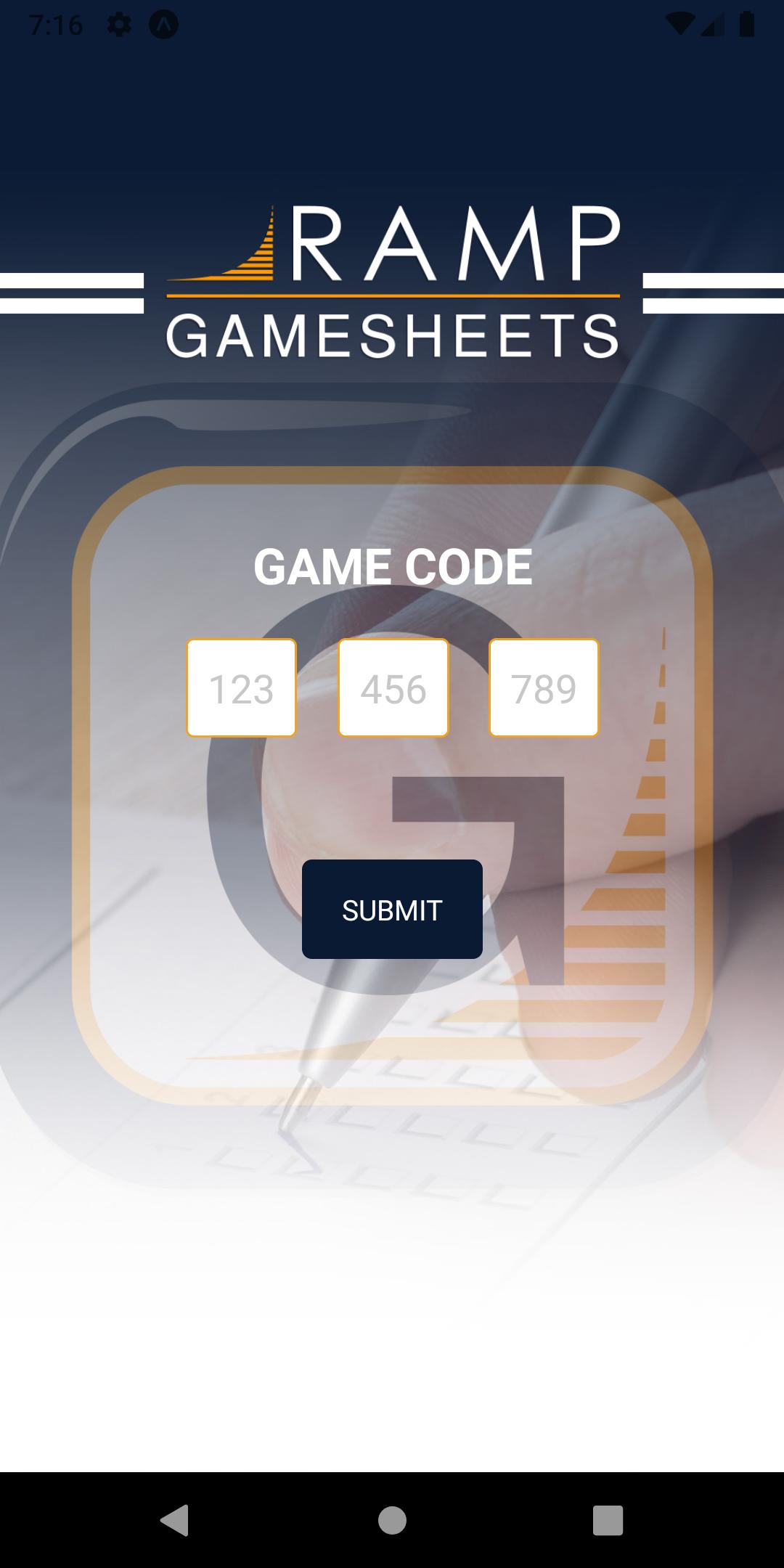
RAMP Gamsheets App ties directly into your RAMP Website League Games!
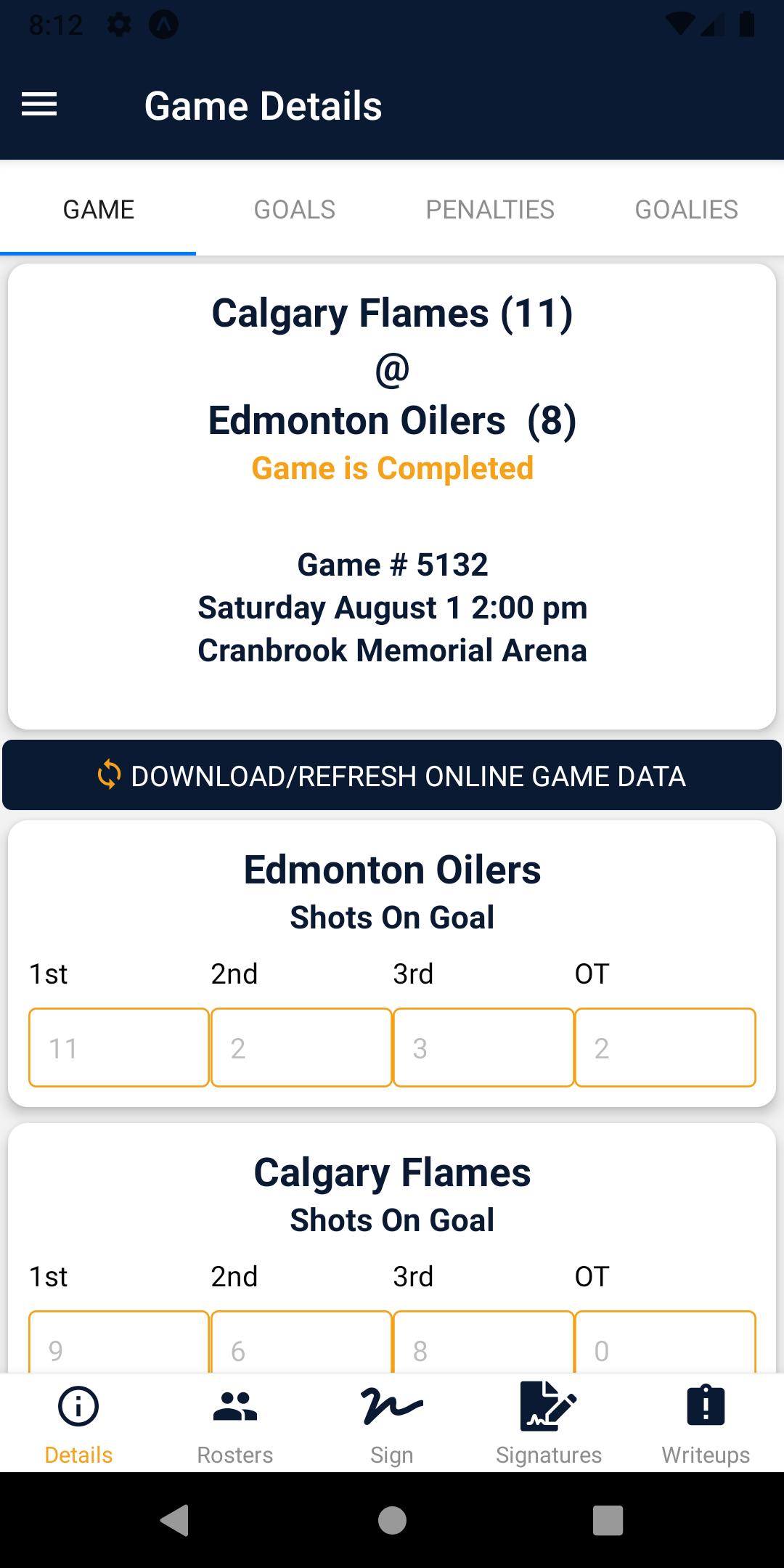
No internet access, no problem. Add Goals, Penalties and Goalie information offline and store them on your device. Sync the information as soon as you walk out of the building.
With 4 levels of access you can complete all tasks required to successfully add Gamesheets in Real-time.
1. Home Team Access // 2. Visiting Team Access
Add, edit and delete Players and Staff on your Roster. Sign-off on your Gamesheet Roster prior to the Game. View Notes and Incident Reports added by the Officials.
3. Full Gamesheet Access
View Rosters and Add Officials prior to the Game. Track Shots on Goal and Power Play opportunities. Add Goals, Penalties and Goalie information online or offline. Sync the information as soon as you have a connection.
4. Officials Access
View the Rosters added by the Home and Visitor teams prior to the game. Review and Sign-off on the Game Summary for Goals, Penalties and Goalies at the end of the Game. Add Gamesheet Notes and Incident Report forms
Preview
Tags
SportsInformation
Developer
RAMP InterActive
Latest Version
2.1.58
Last Updated
2024-02-23
Category
Sports
Available on
Google Play
Show More
How to play RAMP GameSheets with GameLoop on PC
1. Download GameLoop from the official website, then run the exe file to install GameLoop
2. Open GameLoop and search for “RAMP GameSheets” , find RAMP GameSheets in the search results and click “Install”
3. Enjoy playing RAMP GameSheets on GameLoop
Minimum requirements
OS
Windows 8.1 64-bit or Windows 10 64-bit
GPU
GTX 1050
CPU
i3-8300
Memory
8GB RAM
Storage
1GB available space
Recommended requirements
OS
Windows 8.1 64-bit or Windows 10 64-bit
GPU
GTX 1050
CPU
i3-9320
Memory
16GB RAM
Storage
1GB available space