Net Generation PC
United States Tennis Association
Download Net Generation on PC With GameLoop Emulator
Net Generation on PC
Net Generation, coming from the developer United States Tennis Association, is running on Android systerm in the past.
Now, You can play Net Generation on PC with GameLoop smoothly.
Download it in the GameLoop library or search results. No more eyeing the battery or frustrating calls at the wrong time any more.
Just enjoy Net Generation PC on the large screen for free!
Net Generation Introduction
Net Generation brings this powerful app to tennis providers so that they can directly access content from the USTA’s leading experts from around the world.
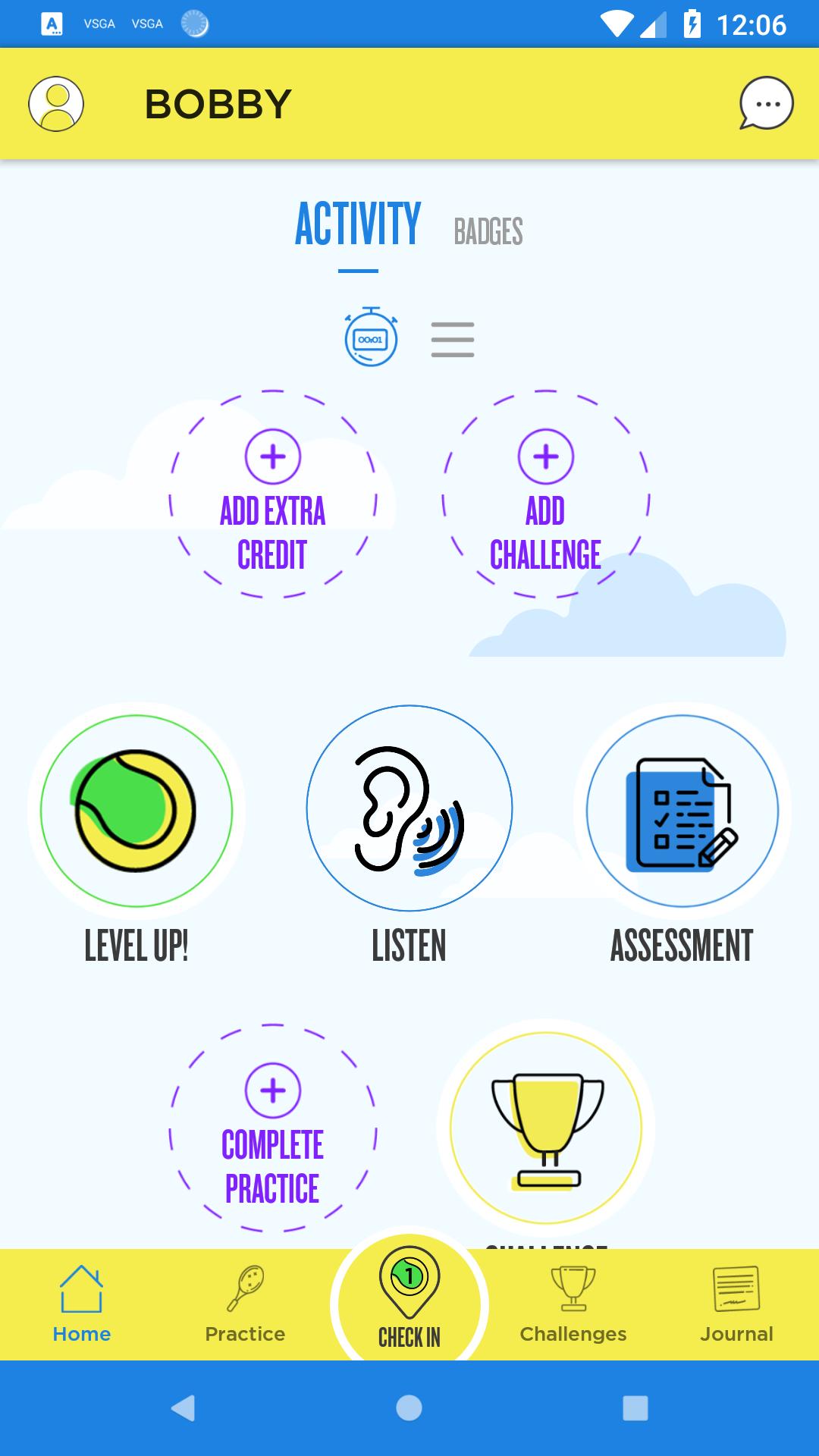
Through this mobile app, coaches can connect with their players to send practice activities, skill badges, constructive feedback, and skill assessments.
Coaches also have access to USTA coaching curriculums which include videos and coaches can also create custom lesson plans using the warm-ups, skills, games, and play-at-home activities provided by USTA.
Providers can also take these custom lesson plans and share them with other Net Generation providers. Let’s open the app and get started!
Key Features include:
Connections
Connect with your players off of the court and motivate them with practice activities, skill badges, constructive feedback, and skill assessments.
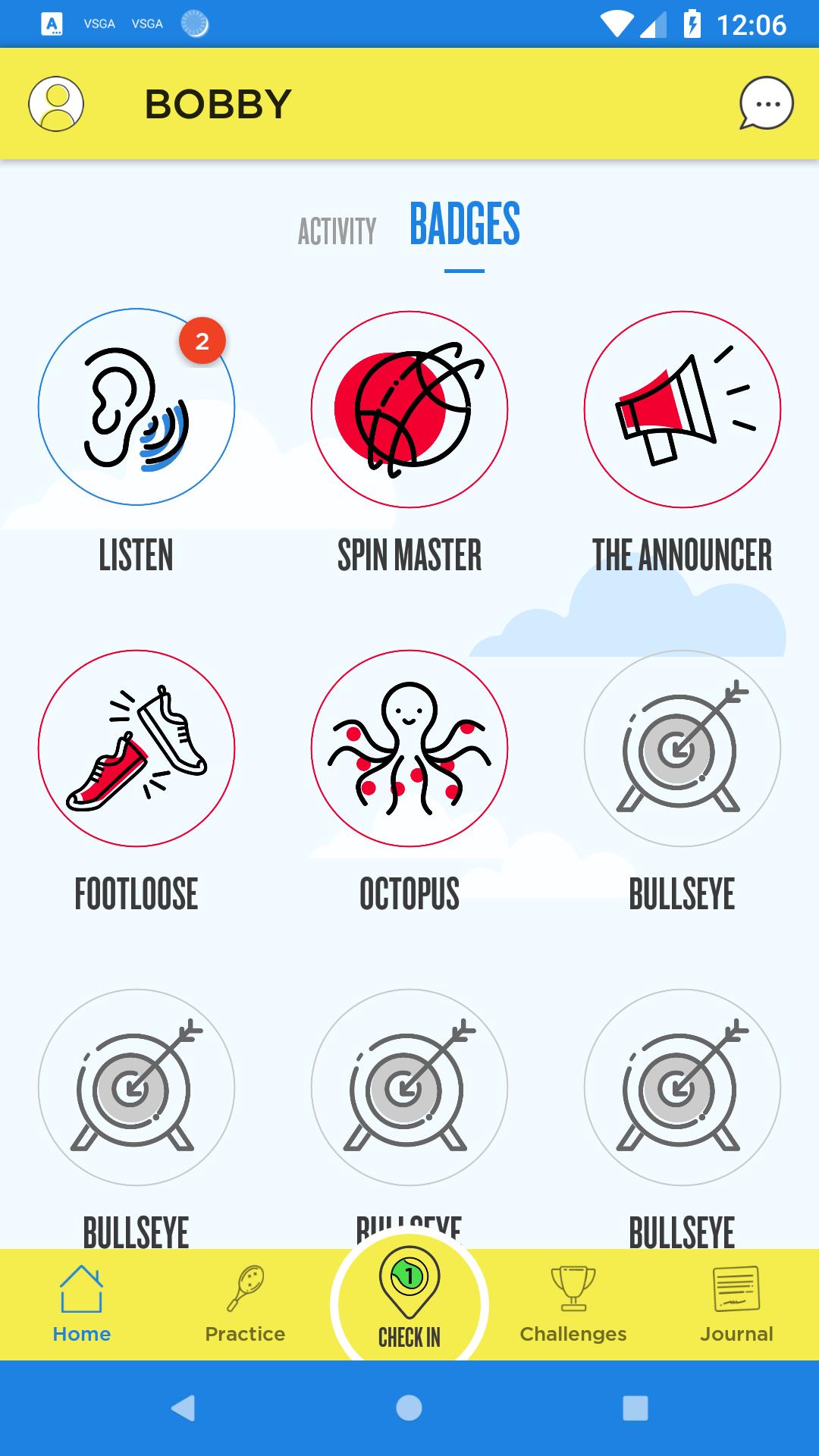
Badges
Based on tennis competencies at every ball level, reward your players with badges once they have demonstrated mastery of a skill or displayed positive character traits.
Assessments and Leveling Up
Deliver clear direction on when your player is ready to move to the next ball color with assessments and level-up notifications.
Practice and Extra Credit
Assign practice and play-at-home activities to your connected players so they can continue to improve off the court.
Feedback
Send constructive feedback to your players right to their app inbox, highlighting what they did well that session, and what they can continue to improve upon.
Skill Challenges
Players can hone their skills even further with unique skill challenges.
Journal
Players can record and track their goals, self-reflect on effort, what their learning and keep track of what they want to improve upon.
Curriculum
The Net Generation curricula is developed by the USTA and leading industry partners and is adaptable to fit any coach’s needs. With the app, you can access programs with accompanying instructional videos. Plus, you can create their own custom lesson plans with warm-ups, skills, games, and play-at-home activities.
Share Custom Lesson Plans
Coaches can create custom lesson plans using the coaching or community curriculum and share it with other approved Net Generation coaches.
Get access to all these features, and so much more. Download the Net Generation app today to find out!
Preview
Tags
SportsInformation
Developer
United States Tennis Association
Latest Version
2.3.3
Last Updated
2021-01-28
Category
Sports
Available on
Google Play
Show More
How to play Net Generation with GameLoop on PC
1. Download GameLoop from the official website, then run the exe file to install GameLoop
2. Open GameLoop and search for “Net Generation” , find Net Generation in the search results and click “Install”
3. Enjoy playing Net Generation on GameLoop
Minimum requirements
OS
Windows 8.1 64-bit or Windows 10 64-bit
GPU
GTX 1050
CPU
i3-8300
Memory
8GB RAM
Storage
1GB available space
Recommended requirements
OS
Windows 8.1 64-bit or Windows 10 64-bit
GPU
GTX 1050
CPU
i3-9320
Memory
16GB RAM
Storage
1GB available space