MultiBet PC
GOMA Development
Download MultiBet on PC With GameLoop Emulator
MultiBet on PC
MultiBet, coming from the developer GOMA Development, is running on Android systerm in the past.
Now, You can play MultiBet on PC with GameLoop smoothly.
Download it in the GameLoop library or search results. No more eyeing the battery or frustrating calls at the wrong time any more.
Just enjoy MultiBet PC on the large screen for free!
MultiBet Introduction
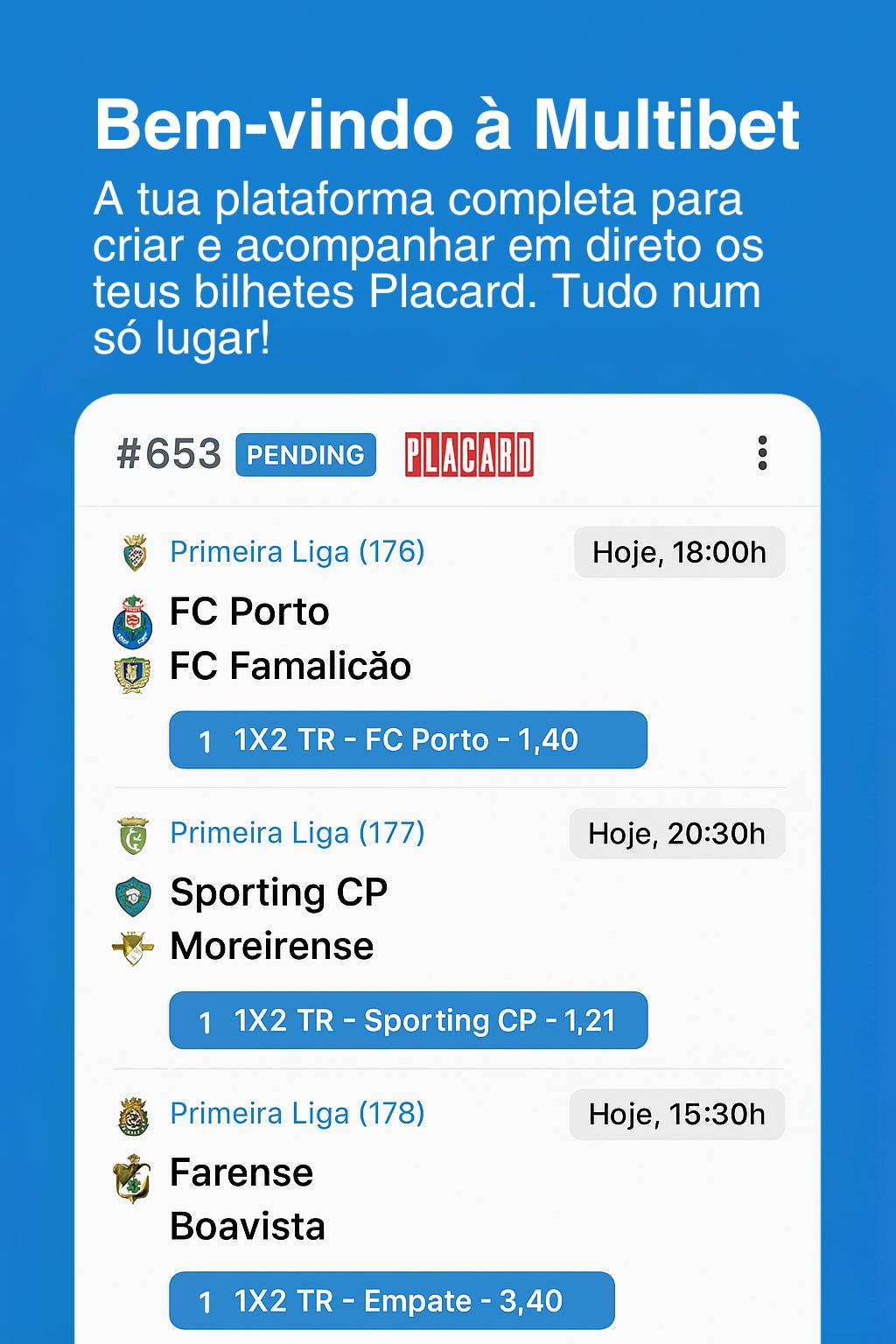
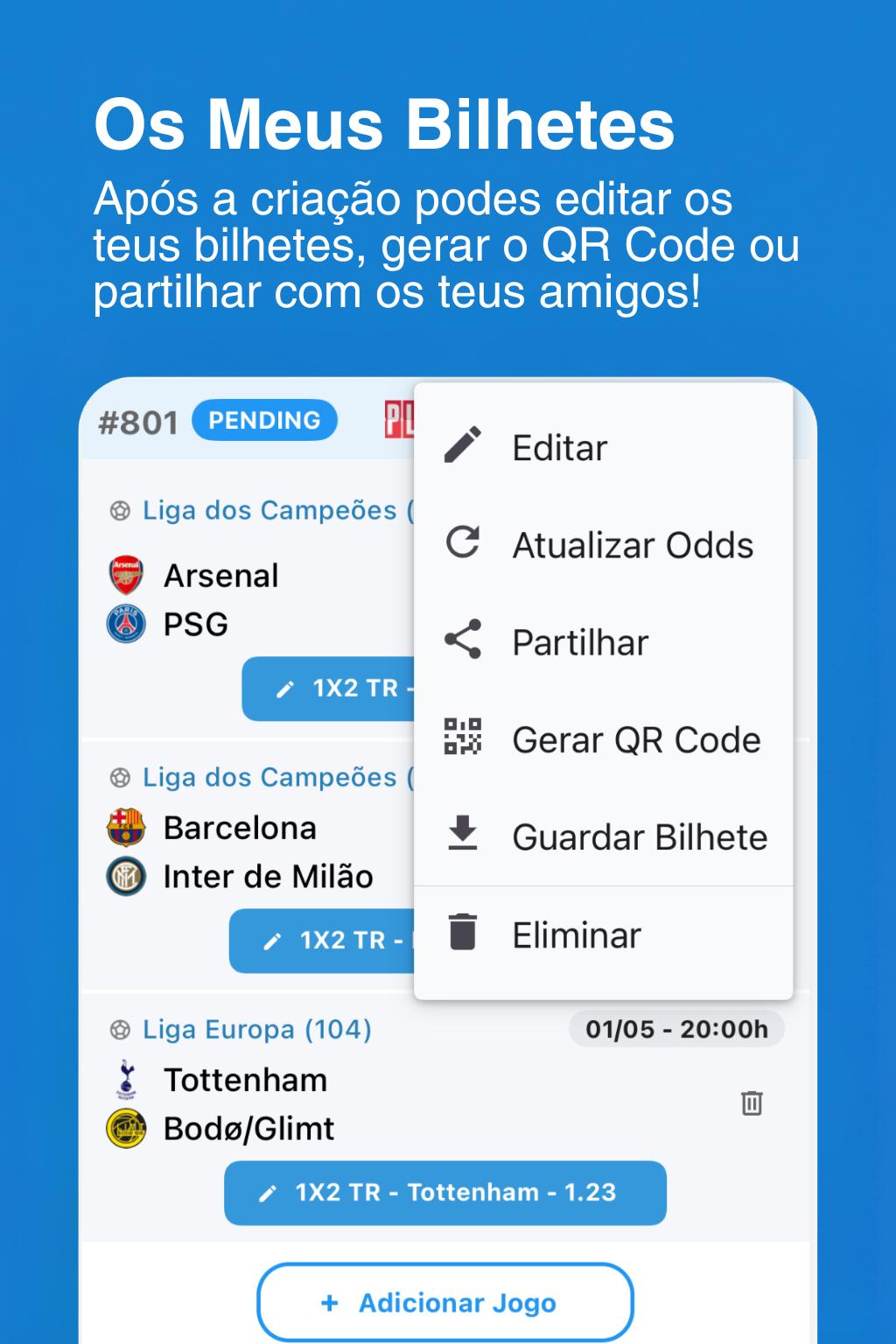
The MultiBet allows you to create your Placard tickets, other houses and follow their results in direct, but not only! Bets with friends? You have groups sharing bets? Now you can share your tickets with them.
Key features:
- Creation tickets Placard and other homes with updated games and odds
- Follow live and minute of every game and ticket
- Help in completing the physical ticket
- Sharing tickets between users and social networks - Send your tickets to your friends and save them work!
- Follow live all matches of the day
- Section Tips with predictions of users - See what the top rated and users with better ranking!
- Notifications of goals, final results and tickets!
- Hobbies where you can win prizes!
************* Terms and conditions *************
1) MultiBet application has no connection or official support Placard game or entity that manages.
2) The application is for information only and does not allow betting online or items of transactions or real value.
3) MultiBet is not responsible for any errors of any kind, whether in game schedules, results, incorrect odds or others.
Preview
Tags
SportsInformation
Developer
GOMA Development
Latest Version
5.0.3
Last Updated
2025-07-10
Category
Sports
Available on
Google Play
Show More
How to play MultiBet with GameLoop on PC
1. Download GameLoop from the official website, then run the exe file to install GameLoop
2. Open GameLoop and search for “MultiBet” , find MultiBet in the search results and click “Install”
3. Enjoy playing MultiBet on GameLoop
Minimum requirements
OS
Windows 8.1 64-bit or Windows 10 64-bit
GPU
GTX 1050
CPU
i3-8300
Memory
8GB RAM
Storage
1GB available space
Recommended requirements
OS
Windows 8.1 64-bit or Windows 10 64-bit
GPU
GTX 1050
CPU
i3-9320
Memory
16GB RAM
Storage
1GB available space