
MLB The Show 25 PC
Sony Interactive Entertainment
Download MLB The Show 25 on PC With GameLoop Emulator
MLB The Show 25 on PC
MLB The Show 25, coming from the developer Sony Interactive Entertainment, is running on Android systerm in the past.
Now, You can play MLB The Show 25 on PC with GameLoop smoothly.
Download it in the GameLoop library or search results. No more eyeing the battery or frustrating calls at the wrong time any more.
Just enjoy MLB The Show 25 PC on the large screen for free!
MLB The Show 25 Introduction
MLB The Show 25 suits players who want a detailed baseball simulation for both quick sessions and longer careers. It introduces upgraded modes and presentation tuned for clearer feedback and control. The design addresses common needs like flexible play styles and more control over player growth, while also refining on field mechanics. Therefore, if you plan to download MLB The Show 25, review the highlights below to see how it approaches play, progression, and team building.
MLB The Show 25 Features
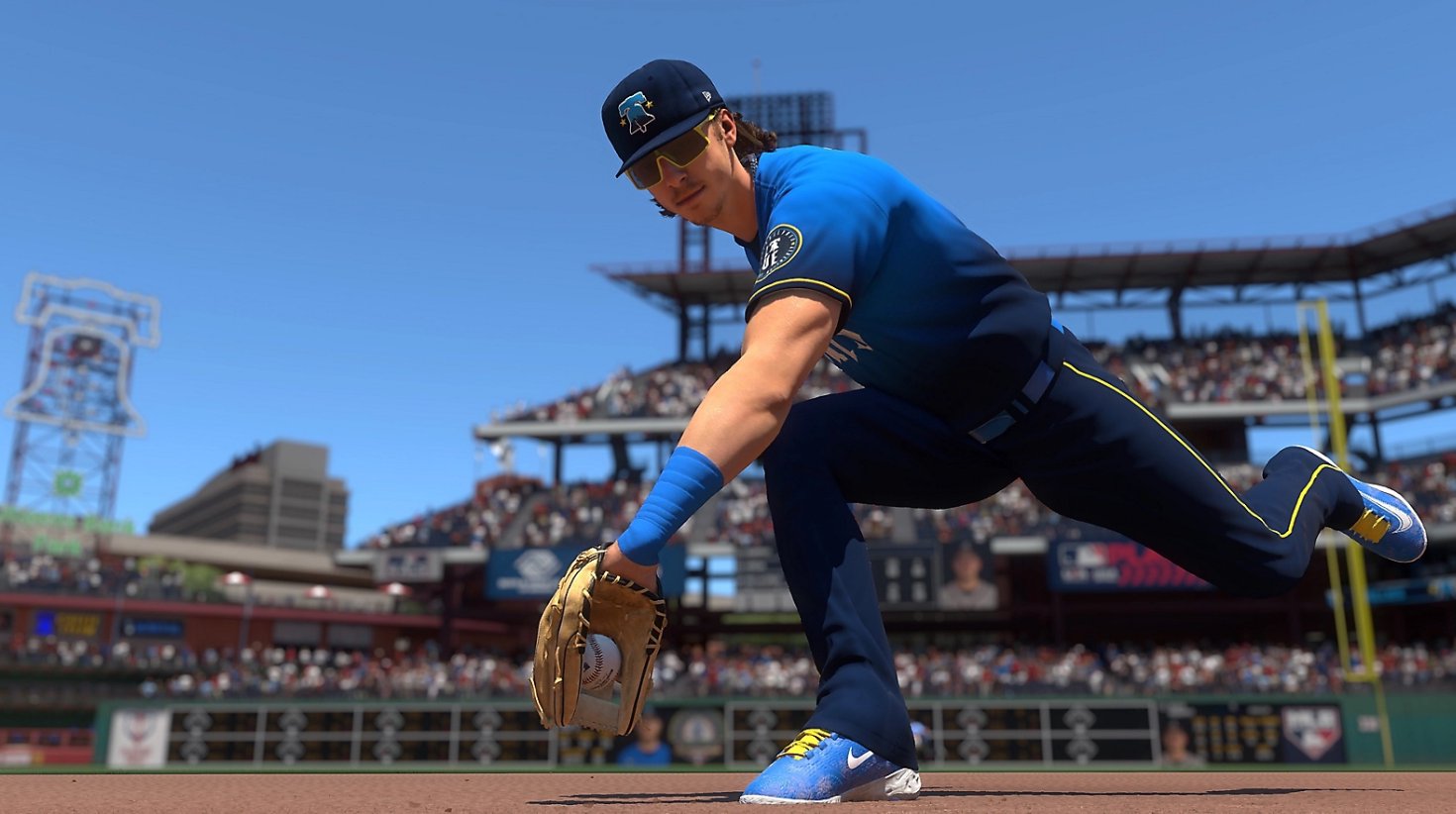
First person fielding view
MLB The Show 25 adds a first person perspective for defense. You manually move the glove to secure catches and aim throws with more precision. This view changes how you track fly balls and liners. If you are looking for MLB The Show 25 APK information, these notes outline how fielding control works.
Road to the Show expansion
- High school and college stages in the journey
- A revamped progression system
- New quick time events that affect outcomes
Franchise management focus
For management minded players, MLB The Show 25 introduces a Front Office Experience for Franchise mode. Early details point to tools that emphasize player development, budgeting, and scouting. The intent is to provide more control over long term planning. Some elements are still being revealed, so specifics may change.
Gameplay and mode updates
- SHOWTECH brings many new animations aimed at more realistic plays
- Ambush Hitting adds new offensive timing options
- A Reaction Time System affects defensive reads
- Diamond Dynasty replaces Sets and Seasons with Diamond Quest and a competitive Weekend Classic
- Roger Clemens and Manny Ramirez appear as playable legends
Get started with the key details
MLB The Show 25 centers on new perspectives, deeper progression, and mode refinements that support different play styles. Review content notes, availability, and any device considerations in the MLB The Show 25 latest version details before installing.
Preview

Information
Developer
Sony Interactive Entertainment
Category
Sports
Show More
How to play MLB The Show 25 with GameLoop on PC
1. Download GameLoop from the official website, then run the exe file to install GameLoop
2. Open GameLoop and search for “MLB The Show 25” , find MLB The Show 25 in the search results and click “Install”
3. Enjoy playing MLB The Show 25 on GameLoop
Minimum requirements
OS
Windows 8.1 64-bit or Windows 10 64-bit
GPU
GTX 1050
CPU
i3-8300
Memory
8GB RAM
Storage
1GB available space
Recommended requirements
OS
Windows 8.1 64-bit or Windows 10 64-bit
GPU
GTX 1050
CPU
i3-9320
Memory
16GB RAM
Storage
1GB available space