Mölkky® Game Tracker PC
Tactic Games
Download Mölkky® Game Tracker on PC With GameLoop Emulator
Mölkky® Game Tracker on PC
Mölkky® Game Tracker, coming from the developer Tactic Games, is running on Android systerm in the past.
Now, You can play Mölkky® Game Tracker on PC with GameLoop smoothly.
Download it in the GameLoop library or search results. No more eyeing the battery or frustrating calls at the wrong time any more.
Just enjoy Mölkky® Game Tracker PC on the large screen for free!
Mölkky® Game Tracker Introduction
Hard to say, easy to play!
Sometimes the simplest games are the best. Mölkky® takes just a few moments to set up and grasp the rules. Then, all you need are a few friends or family members and the fun begins.
Tailor-made from wood from sustainable Finnish forests, Mölkky is an outdoor skittle-throwing game that can be safely enjoyed by everyone, regardless of age or physical fitness level.
Now it's even easier to keep track of your Mölkky game. The new Mölkky Game Tracker is a beautiful, simple and easy to use score tracking app to help you run your game.
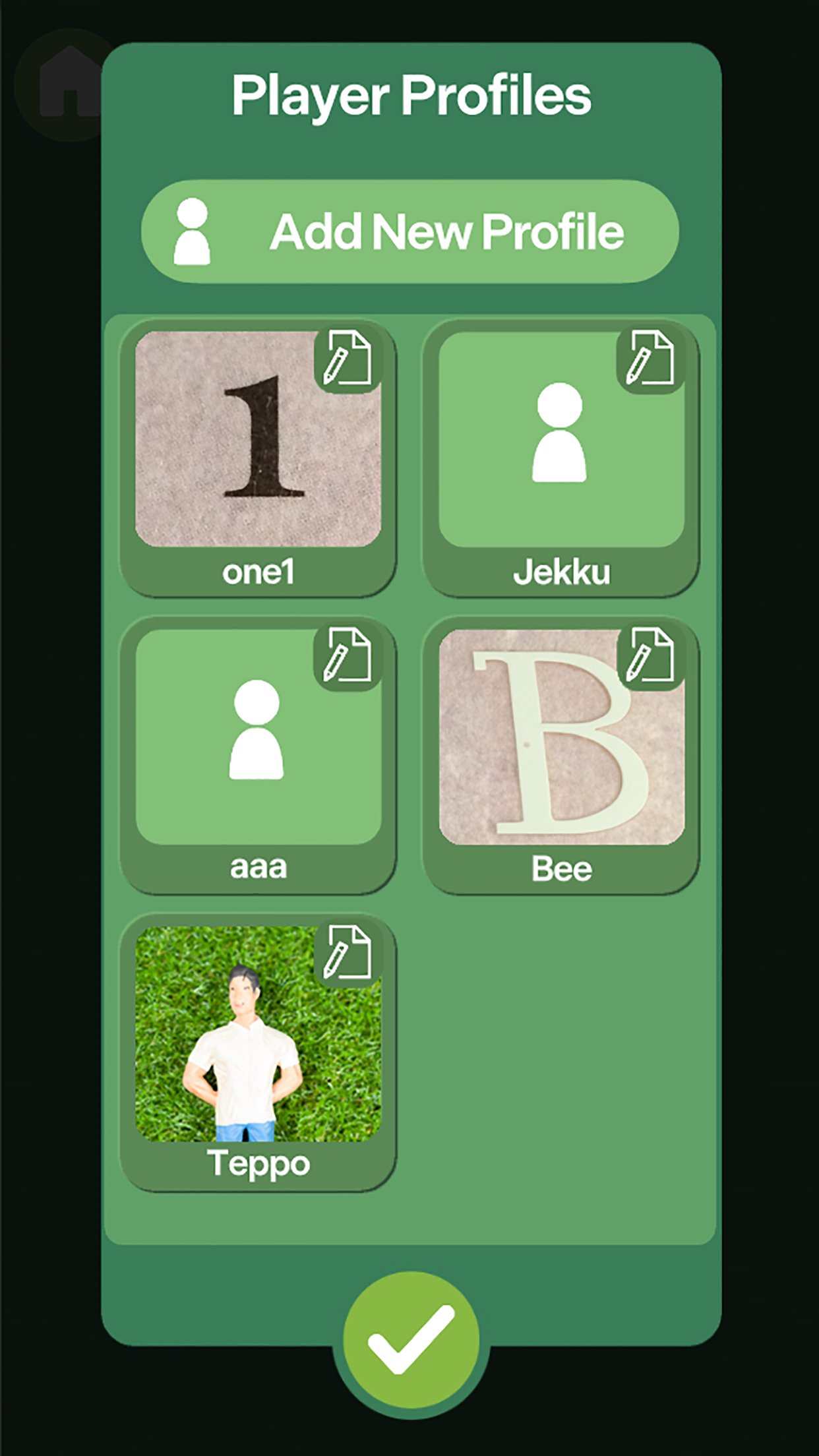
Add new players (you can take photos too!) to your collection of Mölkky players and keep track of your game's progress with 2 different options to view the scoreboard.
You don't have to know the rules of Mölkky as the Mölkky Game Tracker takes care of point additions, subtractions and penalties. You only need to record the fallen pins and the app takes care of the rest. You can also change the rules and points to modify your game to your liking.
Stay tuned and read more about the Mölkky game at
http://molkky.com/
Tactic Games Mölkky Team
Preview
Tags
SportsInformation
Developer
Tactic Games
Latest Version
5.11
Last Updated
2025-11-24
Category
Sports
Available on
Google Play
Show More
How to play Mölkky® Game Tracker with GameLoop on PC
1. Download GameLoop from the official website, then run the exe file to install GameLoop
2. Open GameLoop and search for “Mölkky® Game Tracker” , find Mölkky® Game Tracker in the search results and click “Install”
3. Enjoy playing Mölkky® Game Tracker on GameLoop
Minimum requirements
OS
Windows 8.1 64-bit or Windows 10 64-bit
GPU
GTX 1050
CPU
i3-8300
Memory
8GB RAM
Storage
1GB available space
Recommended requirements
OS
Windows 8.1 64-bit or Windows 10 64-bit
GPU
GTX 1050
CPU
i3-9320
Memory
16GB RAM
Storage
1GB available space