
Prism Plus PC
Prism Pay Pty Ltd
Download Prism Plus on PC With GameLoop Emulator
Prism Plus on PC
Prism Plus, coming from the developer Prism Pay Pty Ltd, is running on Android systerm in the past.
Now, You can play Prism Plus on PC with GameLoop smoothly.
Download it in the GameLoop library or search results. No more eyeing the battery or frustrating calls at the wrong time any more.
Just enjoy Prism Plus PC on the large screen for free!
Prism Plus Introduction
Together with the Prism PLUS Tablet app, Prism PLUS Mobile provides another technological leap forward for the thoroughbred racing and breeding industries.
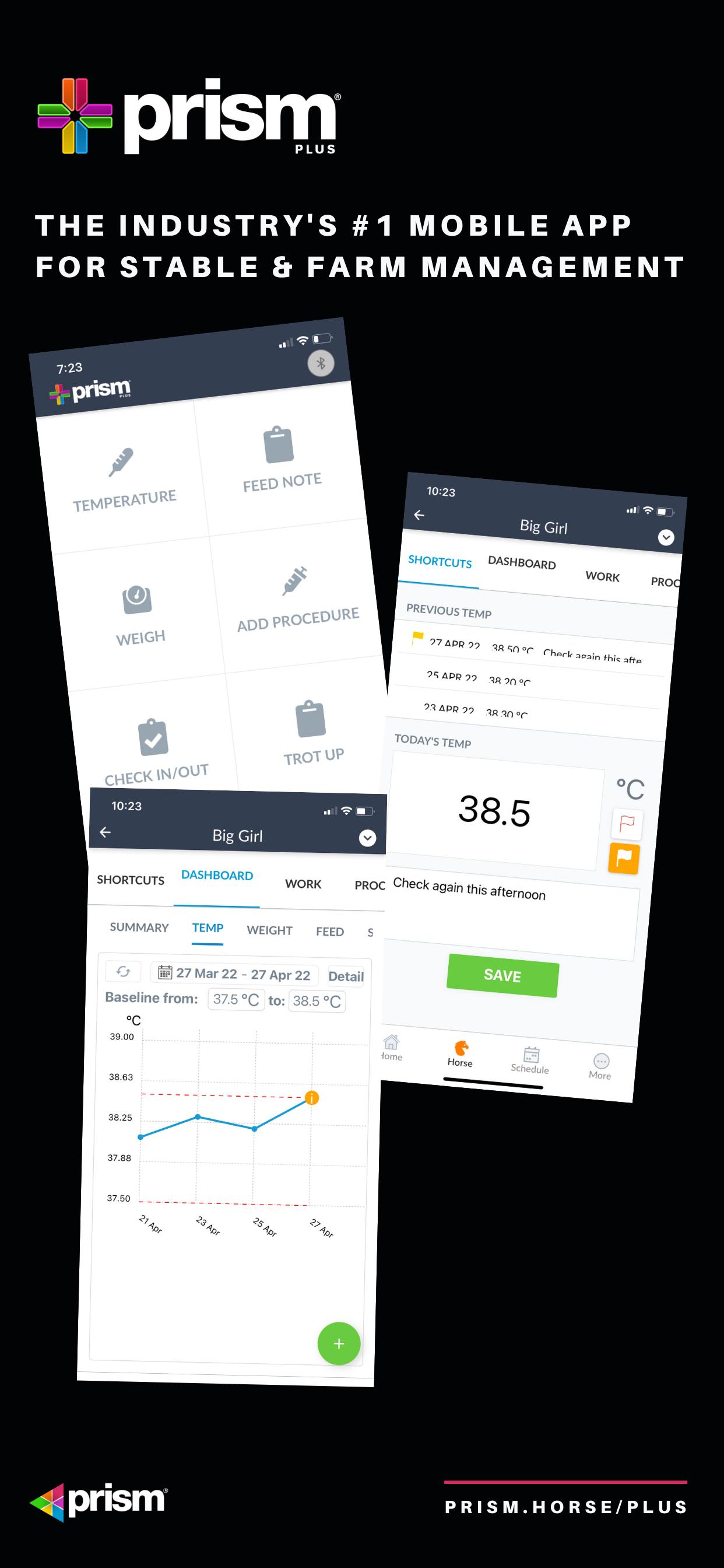
Prism Plus Mobile provides an additional layer of mobile functionality to enable more efficient stable and horse management. It is fully integrated into the Prism platform ensuring that you only need to use one system for all of your Stable and Farm Management needs.
Built with mobility in mind, Prism Plus Mobile adds many new features including:
1. Configurable shortcuts for frequent Horse Note, Procedure and Task entry
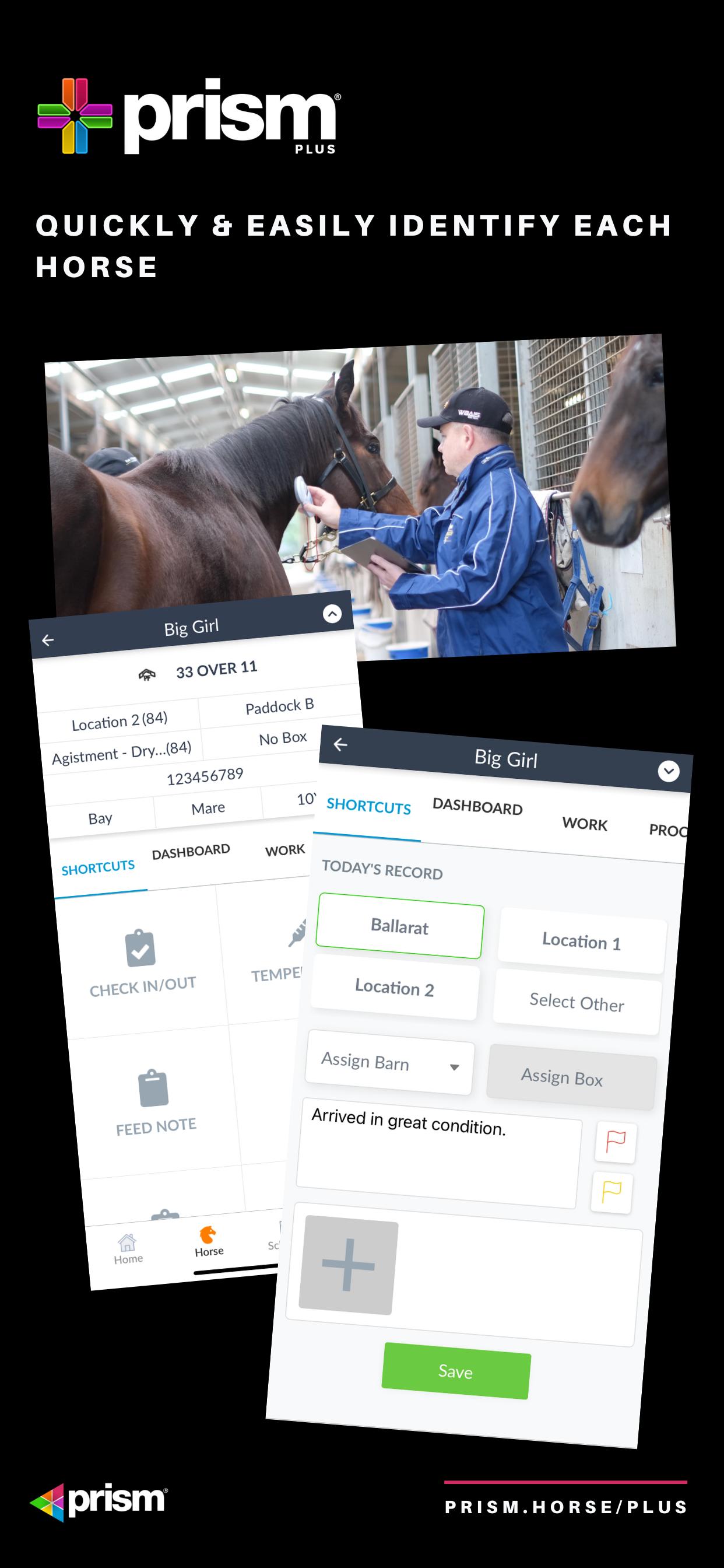
2. Bluetooth connection to microchip scanners for accurate horse identification
3. Scanning of Horse, Box and Barn QR Code cards for accurate horse identification
4. Simple one click Horse Note, Procedure and Task entries for staff
5. Bluetooth connection to weight scales and thermometers for quick weight and temperature recording
6. Horse Welfare flags for escalation of horse welfare concerns and rapid attention
7. Additional dashboards and charts for improved stable and horse management and analysis
Preview
Tags
SportsInformation
Developer
Prism Pay Pty Ltd
Latest Version
1.1.7
Last Updated
2023-08-29
Category
Sports
Available on
Google Play
Show More
How to play Prism Plus with GameLoop on PC
1. Download GameLoop from the official website, then run the exe file to install GameLoop
2. Open GameLoop and search for “Prism Plus” , find Prism Plus in the search results and click “Install”
3. Enjoy playing Prism Plus on GameLoop
Minimum requirements
OS
Windows 8.1 64-bit or Windows 10 64-bit
GPU
GTX 1050
CPU
i3-8300
Memory
8GB RAM
Storage
1GB available space
Recommended requirements
OS
Windows 8.1 64-bit or Windows 10 64-bit
GPU
GTX 1050
CPU
i3-9320
Memory
16GB RAM
Storage
1GB available space