
GoArmy Edge Football PC
Army Game Studio
Download GoArmy Edge Football on PC With GameLoop Emulator
GoArmy Edge Football on PC
GoArmy Edge Football, coming from the developer Army Game Studio, is running on Android systerm in the past.
Now, You can play GoArmy Edge Football on PC with GameLoop smoothly.
Download it in the GameLoop library or search results. No more eyeing the battery or frustrating calls at the wrong time any more.
Just enjoy GoArmy Edge Football PC on the large screen for free!
GoArmy Edge Football Introduction
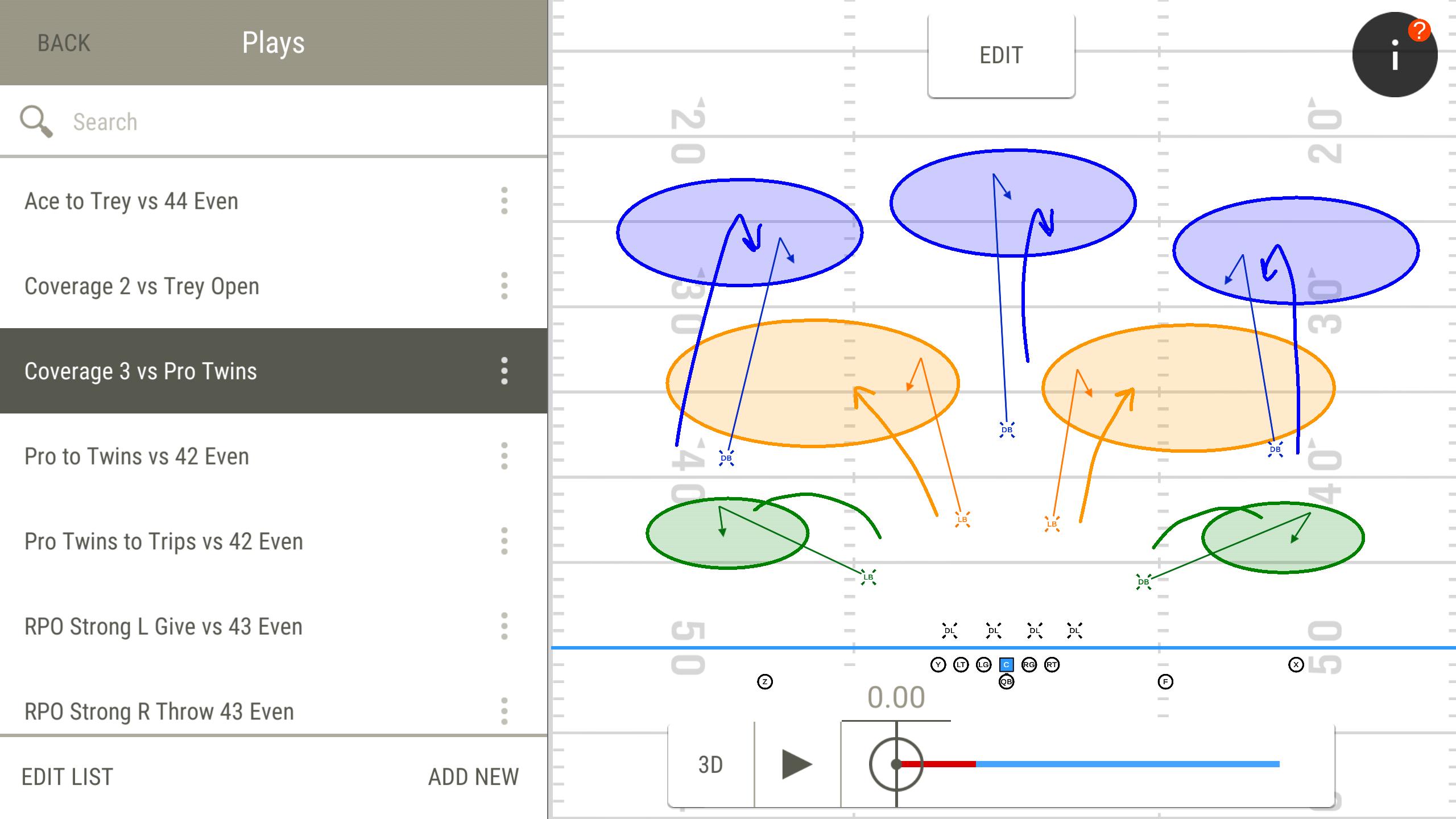
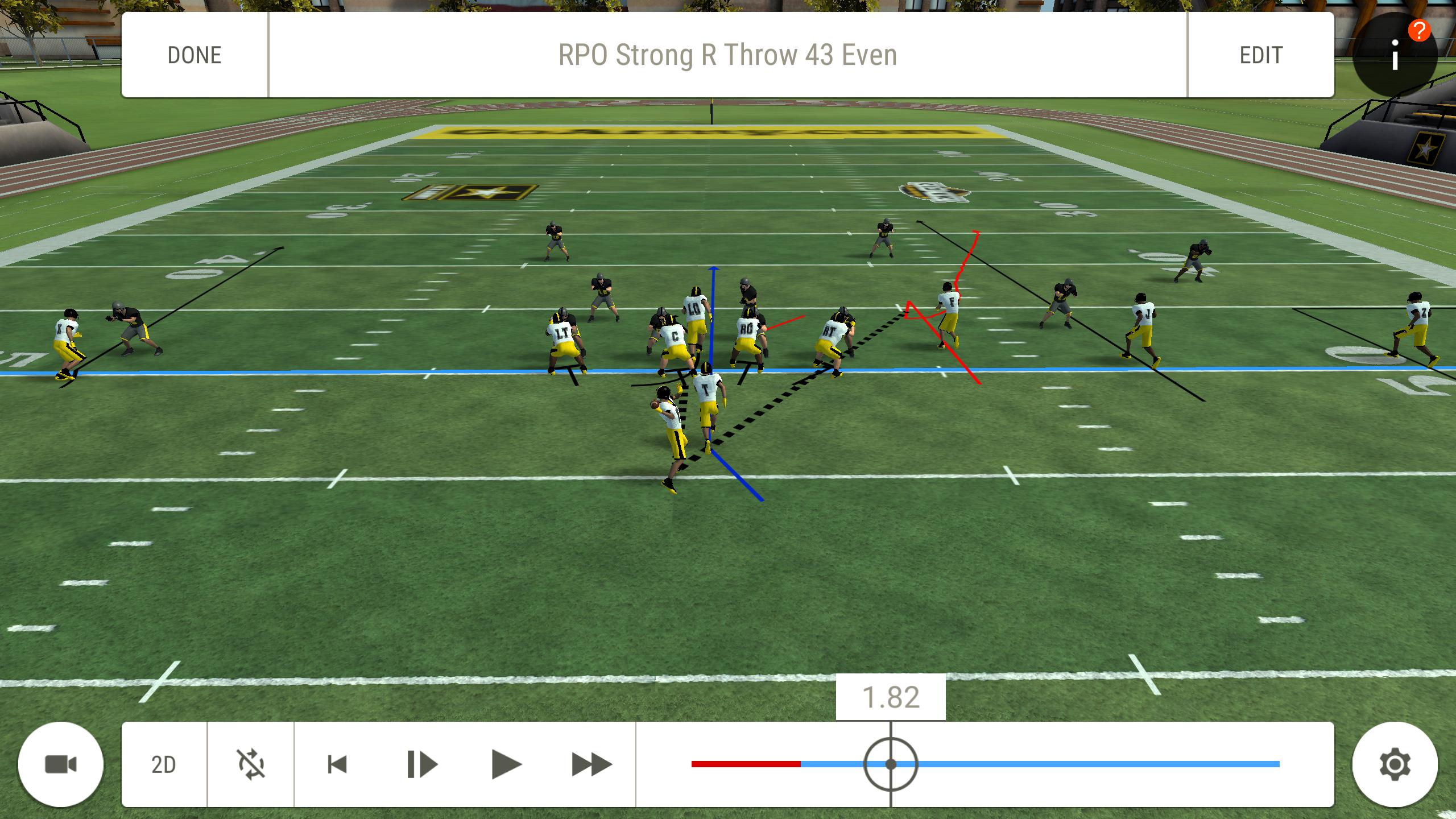
GoArmy Edge Football is a FREE game-changing app created by the U.S. Army, that allows coaches to draw their plays on a digital whiteboard. Get mental reps from the first person perspective or any position on the field with real-time 3D graphics. GoArmy Edge Football comes pre-loaded with many example plays and drills for concepts such as formation recognition and RPO reads. GoArmy Edge Football gives coaches the ability to organize their formations and plays into virtual flashcard drills to teach and test their players.
GoArmy Edge Football features :
- Draw your plays and see them in full 3D.
- Collaborate and share plays and drills with your coaches and players.
- Customize jerseys and uniforms for added realism.
- High fidelity 3D graphics and animations captured from real players.
- See plays in virtual reality, using Google Cardboard on compatible devices.
Any coach, any player at any level can benefit from GoArmy Edge Football.
Preview
Tags
SportsInformation
Developer
Army Game Studio
Latest Version
1.17.376101
Last Updated
2025-02-27
Category
Sports
Available on
Google Play
Show More
How to play GoArmy Edge Football with GameLoop on PC
1. Download GameLoop from the official website, then run the exe file to install GameLoop
2. Open GameLoop and search for “GoArmy Edge Football” , find GoArmy Edge Football in the search results and click “Install”
3. Enjoy playing GoArmy Edge Football on GameLoop
Minimum requirements
OS
Windows 8.1 64-bit or Windows 10 64-bit
GPU
GTX 1050
CPU
i3-8300
Memory
8GB RAM
Storage
1GB available space
Recommended requirements
OS
Windows 8.1 64-bit or Windows 10 64-bit
GPU
GTX 1050
CPU
i3-9320
Memory
16GB RAM
Storage
1GB available space