
FlashS: Football Livescore PC
WD Soft
Download FlashS: Football Livescore on PC With GameLoop Emulator
FlashS: Football Livescore on PC
FlashS: Football Livescore, coming from the developer WD Soft, is running on Android systerm in the past.
Now, You can play FlashS: Football Livescore on PC with GameLoop smoothly.
Download it in the GameLoop library or search results. No more eyeing the battery or frustrating calls at the wrong time any more.
Just enjoy FlashS: Football Livescore PC on the large screen for free!
FlashS: Football Livescore Introduction
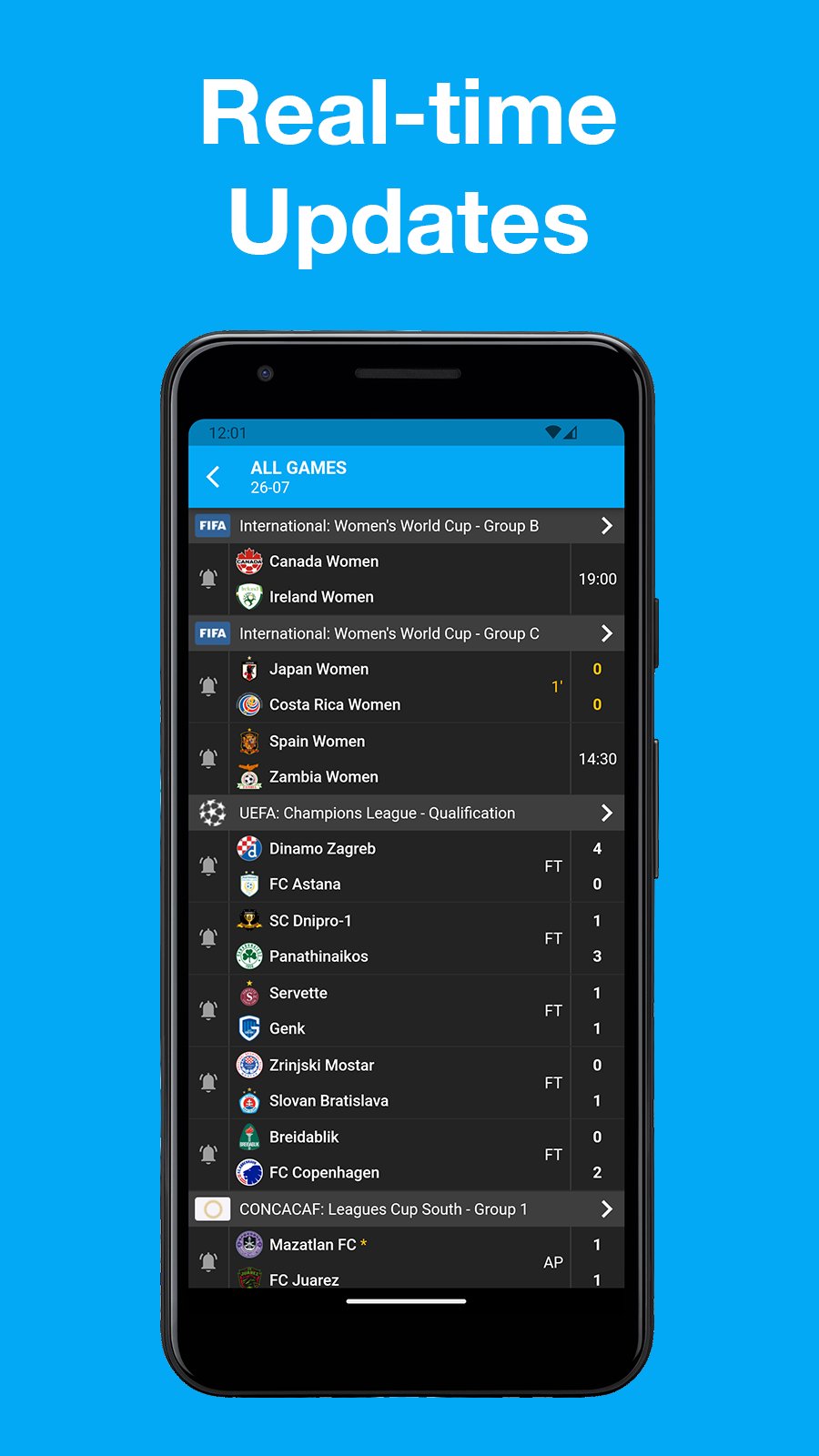
Most popular football live score app.
TheFlash have data of 1000+ leagues in the world with 1400000+ matches.
Subscribe on matches, teams or entire leagues to receive fast push notifications and you will never miss a match event.
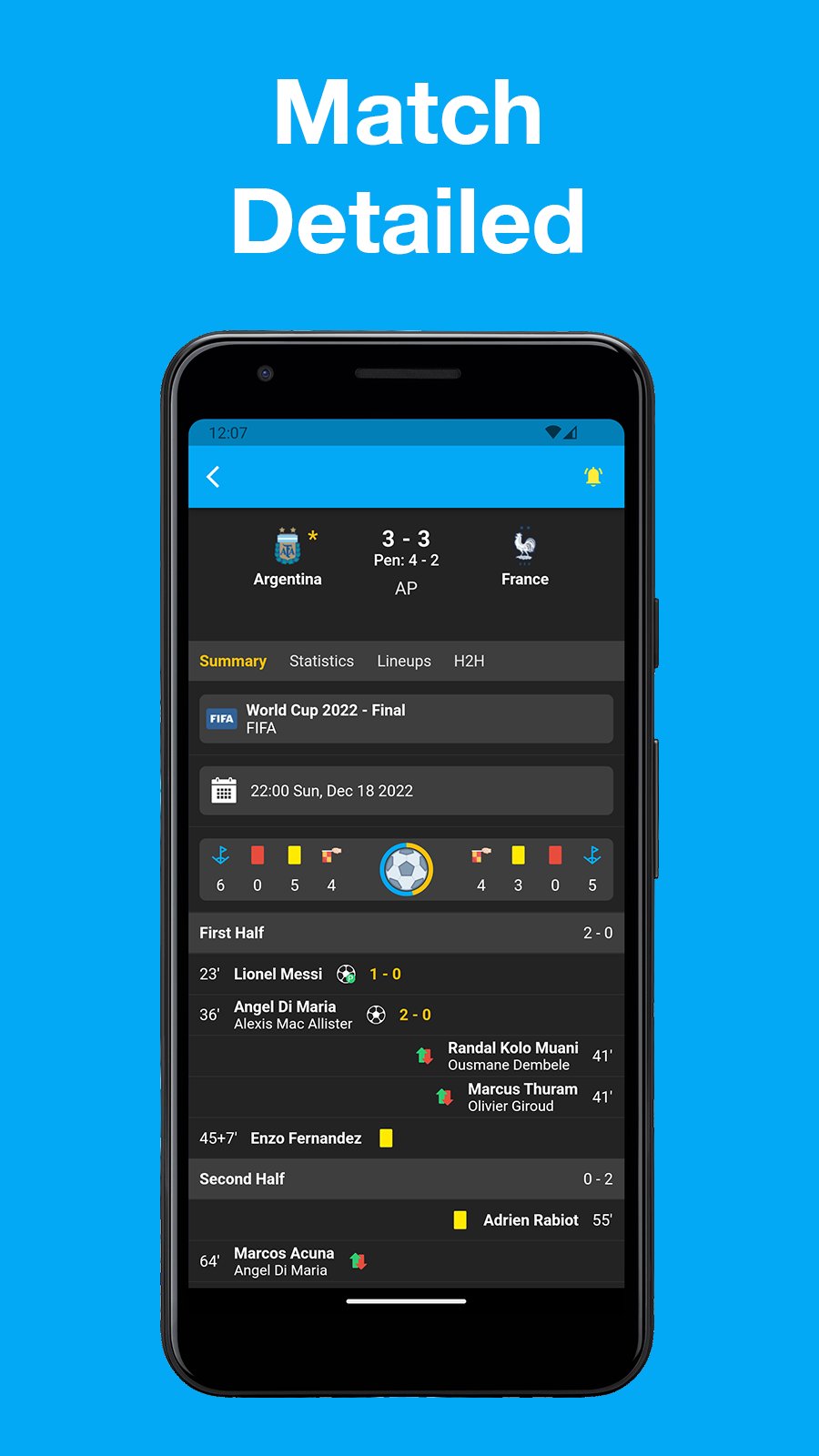
Interested in more info? Tons of statistics. line up info, etc.
All completely free now and forever.
Feature:
- Schedules/fixtures overviews per country/league.
- Live tables during soccer matches.
- Live football statistics (ball possession, shots on goal, etc)
- Player information.
- Team information.
- Substitutions.
- Dark mode.
Preview
Tags
SportsInformation
Developer
WD Soft
Latest Version
1.7.2
Last Updated
2025-12-12
Category
Sports
Available on
Google Play
Show More
How to play FlashS: Football Livescore with GameLoop on PC
1. Download GameLoop from the official website, then run the exe file to install GameLoop
2. Open GameLoop and search for “FlashS: Football Livescore” , find FlashS: Football Livescore in the search results and click “Install”
3. Enjoy playing FlashS: Football Livescore on GameLoop
Minimum requirements
OS
Windows 8.1 64-bit or Windows 10 64-bit
GPU
GTX 1050
CPU
i3-8300
Memory
8GB RAM
Storage
1GB available space
Recommended requirements
OS
Windows 8.1 64-bit or Windows 10 64-bit
GPU
GTX 1050
CPU
i3-9320
Memory
16GB RAM
Storage
1GB available space