
F1 TV: Stream F1® Live PC
Formula One Digital Media Limited
Download F1 TV: Stream F1® Live on PC With GameLoop Emulator
F1 TV: Stream F1® Live on PC
F1 TV: Stream F1® Live, coming from the developer Formula One Digital Media Limited, is running on Android systerm in the past.
Now, You can play F1 TV: Stream F1® Live on PC with GameLoop smoothly.
Download it in the GameLoop library or search results. No more eyeing the battery or frustrating calls at the wrong time any more.
Just enjoy F1 TV: Stream F1® Live PC on the large screen for free!
F1 TV: Stream F1® Live Introduction
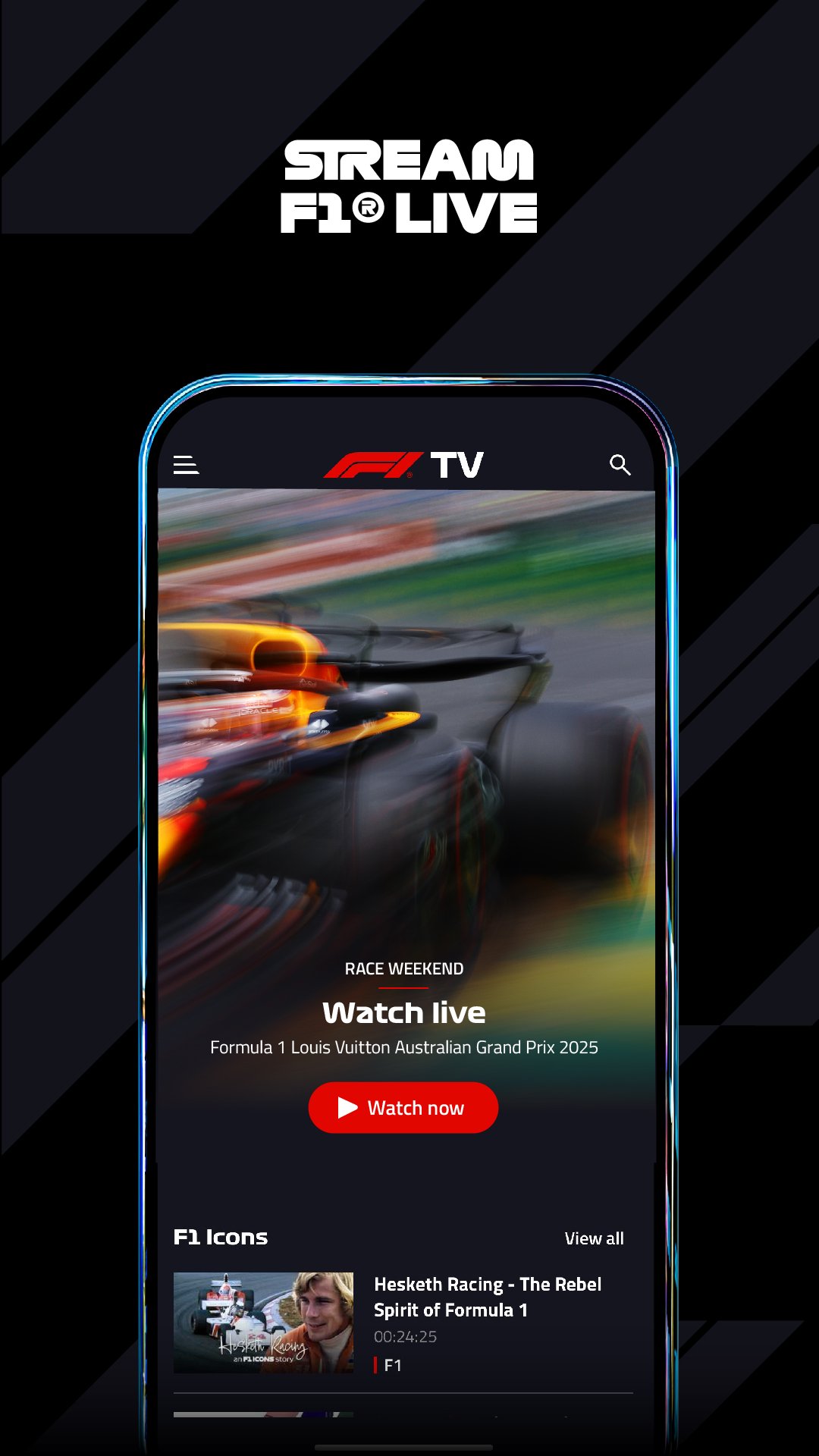
Get set to experience F1® like never before with the F1 TV app. Watch every race, stream every session, and dive into every detail of race data — all on your favourite devices, live or on demand, wherever you are.
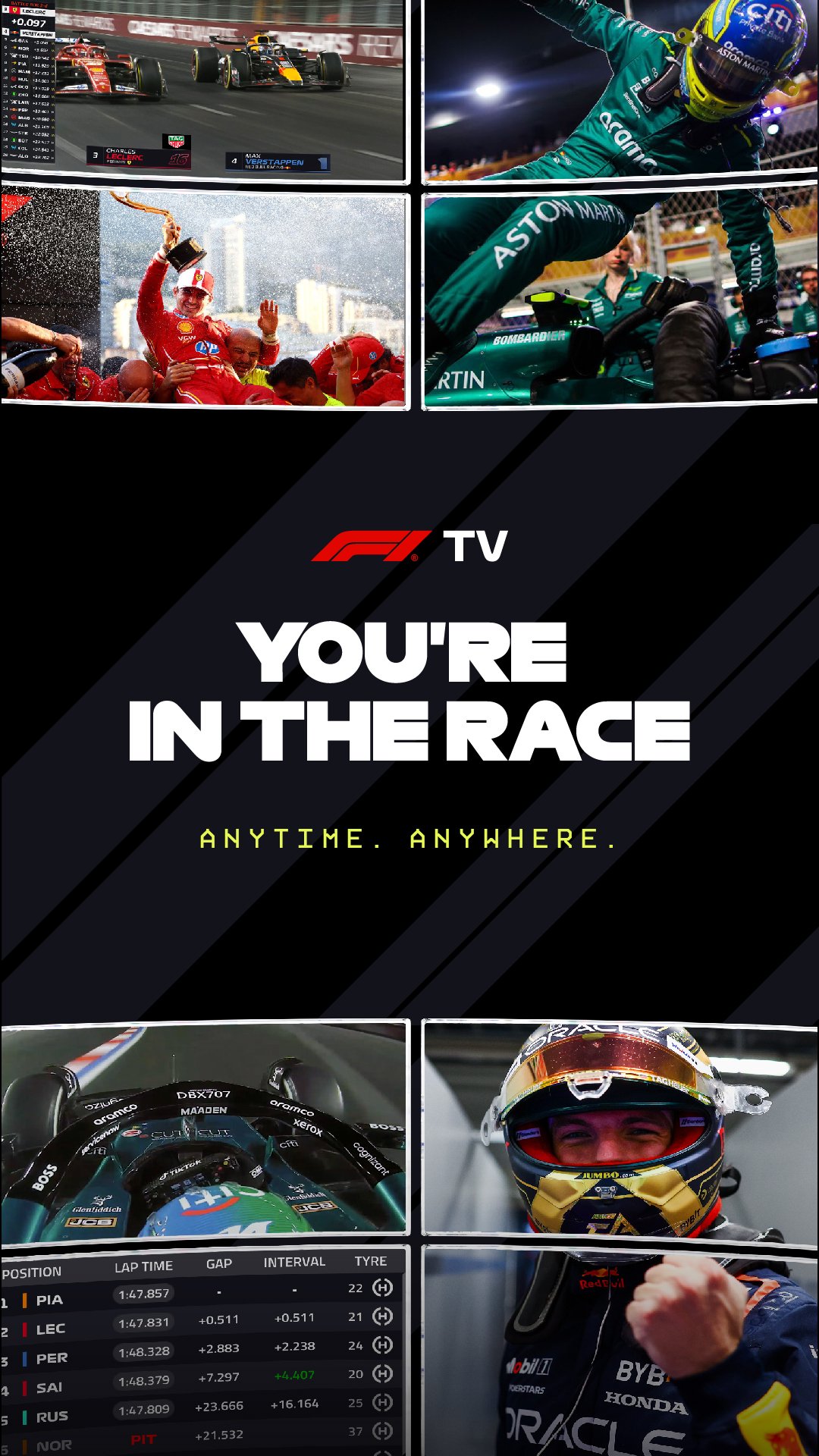
Take your race weekend further with F1 TV Premium. Create your own live custom race view with Multiview, watch in stunning 4K UHD/HDR on the big screen, and stream on up to 6 devices at once. It’s the ultimate way to watch the race.
F1 TV PREMIUM: ULTIMATE F1 LIVE IMMERSION
Get the Race Director’s view with Multiview for every session, all live in 4K HDR.
• Multiview – build your custom race view from 26 feeds
• Watch F1 live in 4K UHD/ HDR on your big screen
• Multiple devices – watch live on up to 6 devices simultaneously
• 5.1 Surround Sound is available with supported hardware
• + Official live stream
• + Essential live timing
F1 TV PRO: OFFICIAL F1 LIVE STREAM
Get the Team Principal’s view with onboards, live team radio and every session live and on demand, ad-free.
• Stream all F1 sessions live and on demand.
• Live onboard cameras and Live team radio
• Live access to F2, F3, F1 Academy and Porsche Supercup
• Exclusive race weekend shows and content
• + Essential live timing
F1 TV ACCESS: ESSENTIAL LIVE TIMING
Get the Strategist’s view, with live timings, live telemetry, race replays. and the best of team radio.
• Live timings, telemetry, tyre usage and driver maps.
• Delayed race replays
• Best of team radio recaps
• Exclusive shows, documentaries and race archives
For help with F1 TV, please visit: https://support.f1.tv/s/?language=en_US
Terms of use: https://account.formula1.com/#/en/f1-apps-terms-of-use
Privacy policy: https://account.formula1.com/#/en/privacy-policy
F1 TV PREMIUM is available for purchase on your android device, but certain F1 TV Premium features are not yet available on Android or web browsers other than Chrome. If you already have an F1 TV subscription purchased on an Android device, you can upgrade on your device, but you will not be able to access the Premium features on that device.
Please visit the F1 TV help centre for further details.
For help with F1TV, please visit: https://support.f1.tv/s/?language=en_US
Terms of use: https://account.formula1.com/#/en/f1-apps-terms-of-use
Privacy policy: https://account.formula1.com/#/en/privacy-policy
Preview
Tags
SportsInformation
Developer
Formula One Digital Media Limited
Latest Version
3.0.50-SP168.9.0-release-R55-mobile
Last Updated
2026-10-15
Category
Sports
Available on
Google Play
Show More
How to play F1 TV: Stream F1® Live with GameLoop on PC
1. Download GameLoop from the official website, then run the exe file to install GameLoop
2. Open GameLoop and search for “F1 TV: Stream F1® Live” , find F1 TV: Stream F1® Live in the search results and click “Install”
3. Enjoy playing F1 TV: Stream F1® Live on GameLoop
Minimum requirements
OS
Windows 8.1 64-bit or Windows 10 64-bit
GPU
GTX 1050
CPU
i3-8300
Memory
8GB RAM
Storage
1GB available space
Recommended requirements
OS
Windows 8.1 64-bit or Windows 10 64-bit
GPU
GTX 1050
CPU
i3-9320
Memory
16GB RAM
Storage
1GB available space