
Basketball Scoreboard PC
DroideLabs
Download Basketball Scoreboard on PC With GameLoop Emulator
Basketball Scoreboard on PC
Basketball Scoreboard, coming from the developer DroideLabs, is running on Android systerm in the past.
Now, You can play Basketball Scoreboard on PC with GameLoop smoothly.
Download it in the GameLoop library or search results. No more eyeing the battery or frustrating calls at the wrong time any more.
Just enjoy Basketball Scoreboard PC on the large screen for free!
Basketball Scoreboard Introduction
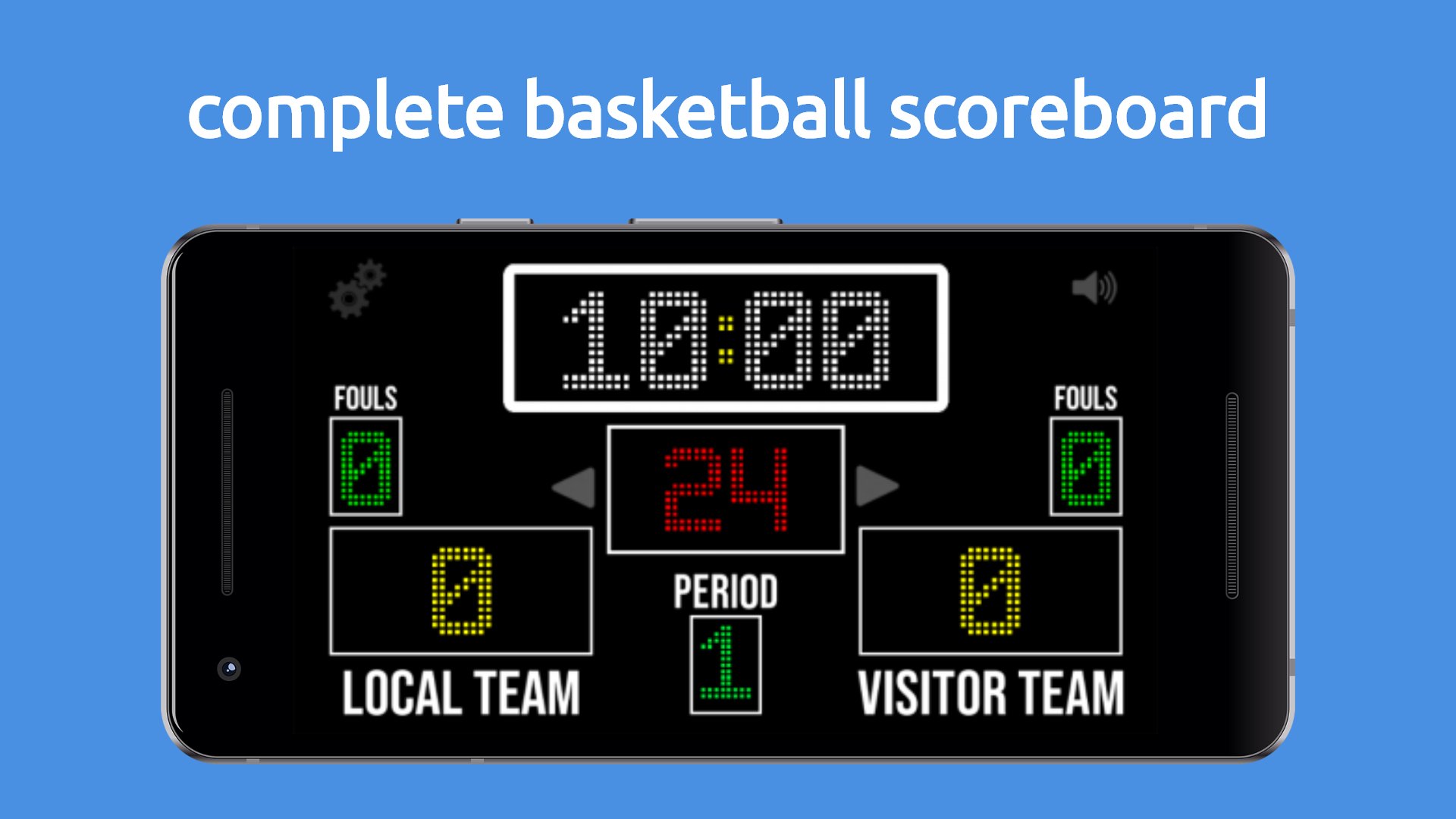
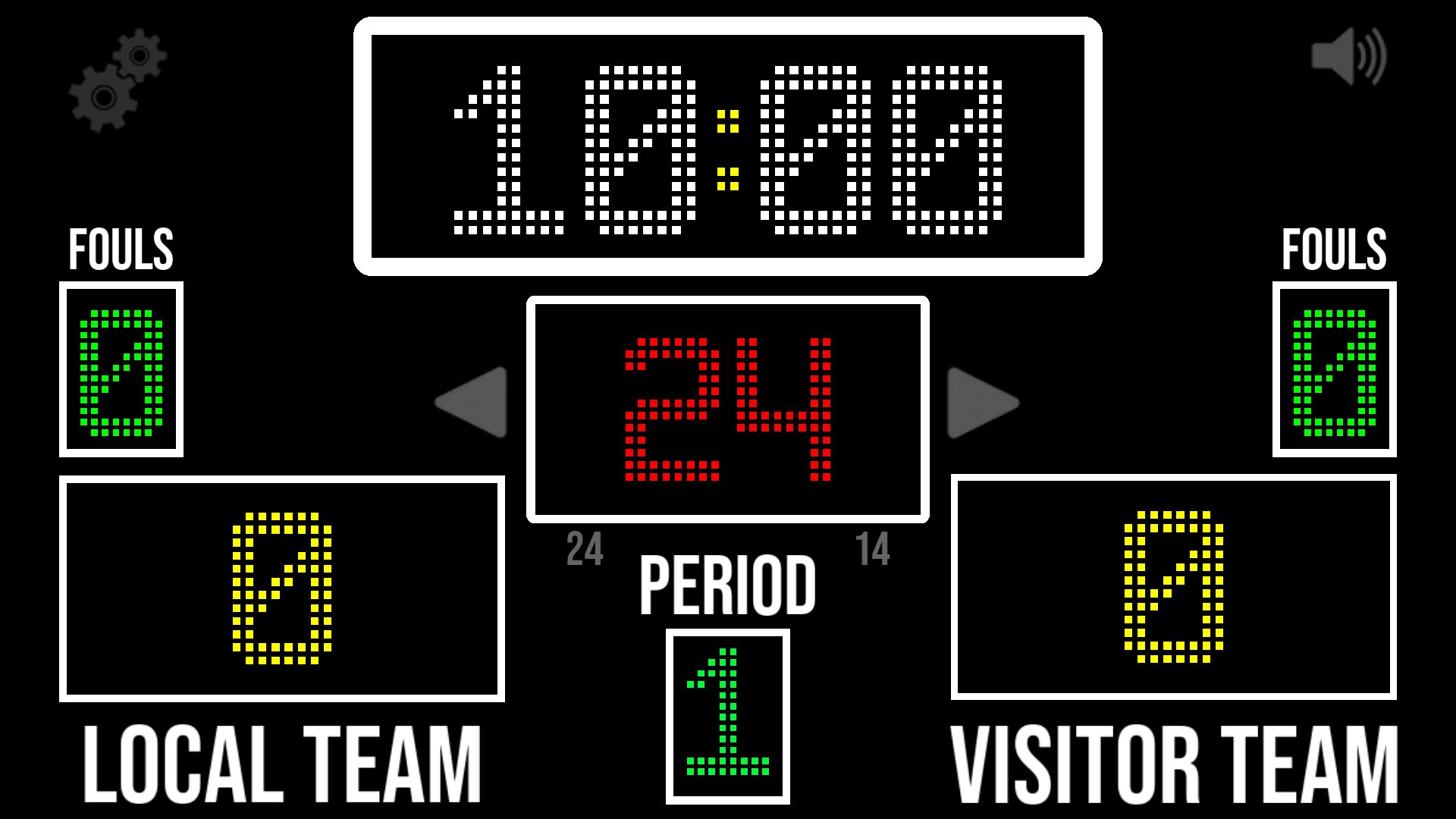
Are you looking for a free virtual basketball scoreboard for your games and training sessions? We've got the perfect solution for you! With our app, transform your Android device into a professional scoring board, ideal for schools, clubs, tournaments, and friendly matches.
Featured Highlights:
Project onto Large Screens: Connect and display the scoreboard on a bigger screen for a professional game experience.
Available Web Version: Access the scoreboard from any browser on our website: www.droidelabs.cl.
Customizable Functions:
Adjustable Period Duration: Set the length of each period according to your game's needs.
Fouls Tracking: Keep an accurate record of fouls committed by each team.
Custom Team Names: Change team names for easy player identification.
Set Number of Periods: Determine how many periods you want to play.
24/14 Seconds Option: Enable or disable the shot clock to comply with official rules.
Buzzer Sound: Receive an audible alert when time runs out, just like a professional scoreboard.
Precise Timer: Measures hundredths of a second when less than a minute remains for greater accuracy.
Ball Possession Indicator: Clearly track which team has possession.
Reset to Default Values: Easily erase all values and start a new game.
Why Choose Our Basketball Scoreboard?
Intuitive and User-Friendly Interface: Designed so anyone can operate the scoreboard without complications.
Completely Free: Enjoy all features with no hidden costs or in-app purchases.
Lightweight and Efficient: Takes up little space on your device and runs without consuming many resources.
Ideal for All Types of Events: From school games to local tournaments and practice sessions.
Enhance Your Basketball Game Experience!
Download now and take full control of your games. Turn every match into a professional experience with our virtual basketball scoreboard.
Also Access from Our Website:
Prefer using a browser? Visit www.droidelabs.cl and use our online version.
Preview
Tags
SportsInformation
Developer
DroideLabs
Latest Version
6.9.3
Last Updated
2025-12-04
Category
Sports
Available on
Google Play
Show More
How to play Basketball Scoreboard with GameLoop on PC
1. Download GameLoop from the official website, then run the exe file to install GameLoop
2. Open GameLoop and search for “Basketball Scoreboard” , find Basketball Scoreboard in the search results and click “Install”
3. Enjoy playing Basketball Scoreboard on GameLoop
Minimum requirements
OS
Windows 8.1 64-bit or Windows 10 64-bit
GPU
GTX 1050
CPU
i3-8300
Memory
8GB RAM
Storage
1GB available space
Recommended requirements
OS
Windows 8.1 64-bit or Windows 10 64-bit
GPU
GTX 1050
CPU
i3-9320
Memory
16GB RAM
Storage
1GB available space