8 Ball Strike 3D PC
Top King Games
Download 8 Ball Strike 3D on PC With GameLoop Emulator
8 Ball Strike 3D on PC
8 Ball Strike 3D, coming from the developer Top King Games, is running on Android systerm in the past.
Now, You can play 8 Ball Strike 3D on PC with GameLoop smoothly.
Download it in the GameLoop library or search results. No more eyeing the battery or frustrating calls at the wrong time any more.
Just enjoy 8 Ball Strike 3D PC on the large screen for free!
8 Ball Strike 3D Introduction
Top king Games Studio proudly presents 8 BALL STRIKE game of 2016. The world’s #1 Pool ball Game
UNIQUE 8 BALL mode, Top 8 ball strike is the only king of billiard game has the 8 Ball mode.
8 BALL COMPETITION/PRACTICE
You can compete in 8 ball tournament with computer. Refine your skills in the practice arena,
take on the world in 1-vs-1 matches, or enter tournaments to win trophies and exclusive cues!
STORE & ACHIEVEMENTS
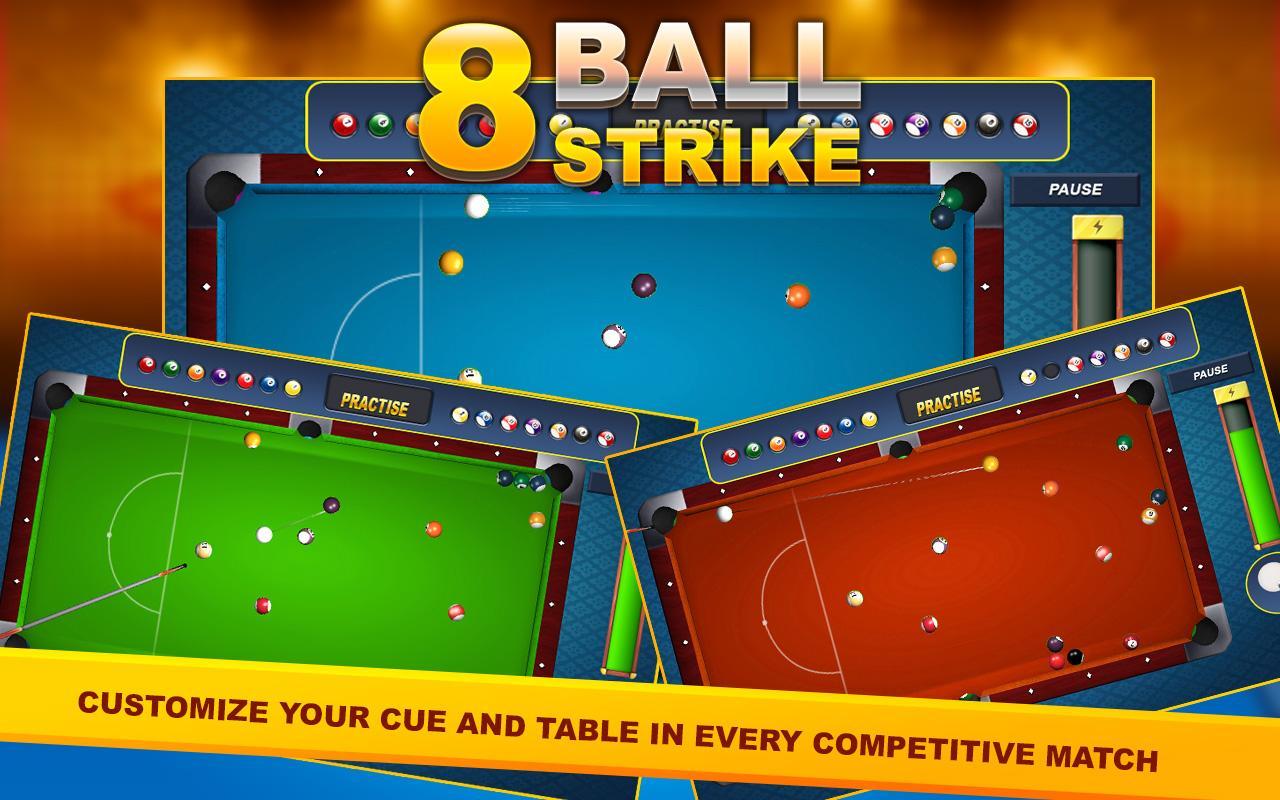
Customize your cue and table! In every competitive match you play, win the match and the Coins
are yours. Pool shop have different cue`s with different powers.
TWO PLAYER MODE
You Can play with your friend with standard 8 ball rules or 9 ball rules. Touch the screen
to adjust the direction of the cue and hold the strike button to power-up in the right to strike.
GAME FEATURES
- Play against the computer with four difficulty levels
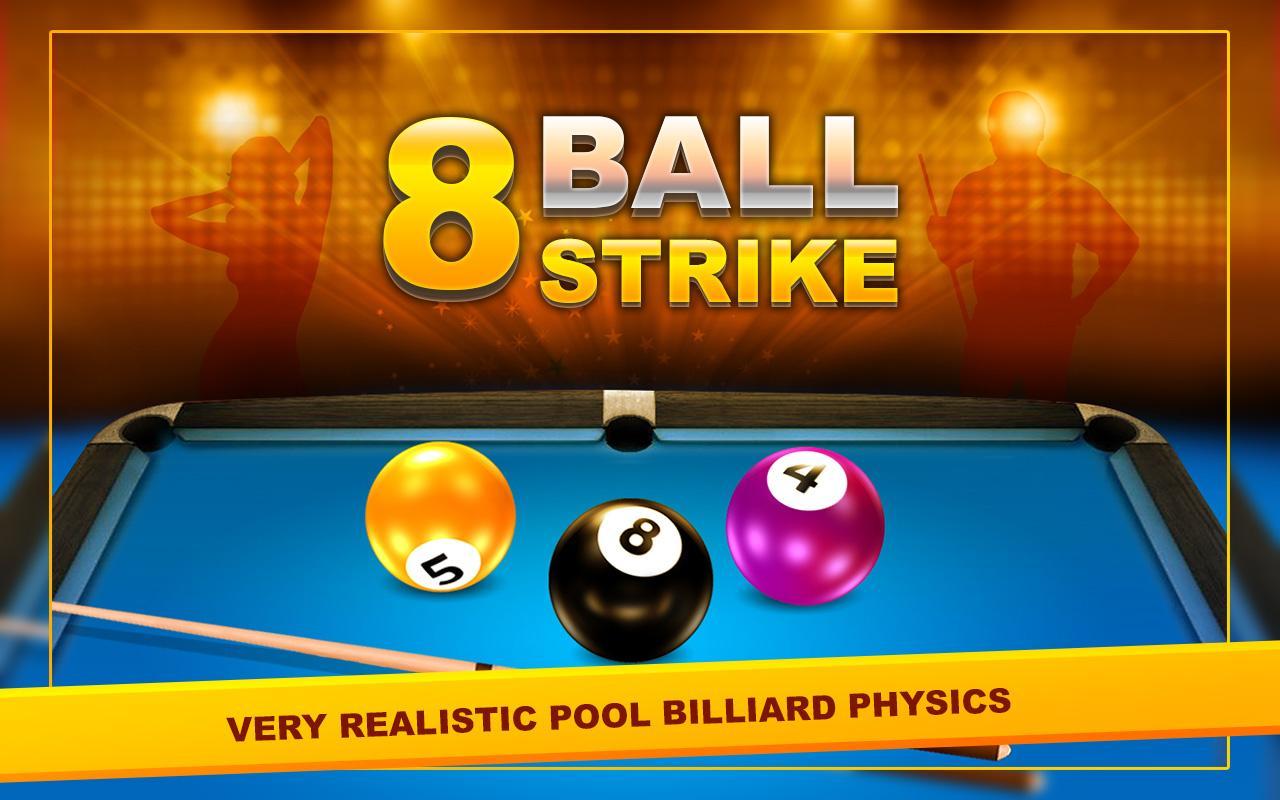
- VS Mode: Player vs. Computer/Player (with rules) - Very Realistic Pool, Billiard and Snooker Physics
- Multi-player support
- Unique new TABLES and CUE's
Feels like playing Real pool ball billiard in a room. Immature players can learn & play for fun,
but experts can challenge there friends to play game professionally.
Let's Play billiard game 2016, become a master, and become Snooker Champion.
Preview
Information
Developer
Top King Games
Latest Version
1.0
Last Updated
2016-03-30
Category
Sports
Available on
Google Play
Show More
How to play 8 Ball Strike 3D with GameLoop on PC
1. Download GameLoop from the official website, then run the exe file to install GameLoop
2. Open GameLoop and search for “8 Ball Strike 3D” , find 8 Ball Strike 3D in the search results and click “Install”
3. Enjoy playing 8 Ball Strike 3D on GameLoop
Minimum requirements
OS
Windows 8.1 64-bit or Windows 10 64-bit
GPU
GTX 1050
CPU
i3-8300
Memory
8GB RAM
Storage
1GB available space
Recommended requirements
OS
Windows 8.1 64-bit or Windows 10 64-bit
GPU
GTX 1050
CPU
i3-9320
Memory
16GB RAM
Storage
1GB available space