
Zaky - Crush Radar&Paper Plane PC
Zaky Team
Download Zaky - Crush Radar&Paper Plane on PC With GameLoop Emulator
Zaky - Crush Radar&Paper Plane on PC
Zaky - Crush Radar&Paper Plane, coming from the developer Zaky Team, is running on Android systerm in the past.
Now, You can play Zaky - Crush Radar&Paper Plane on PC with GameLoop smoothly.
Download it in the GameLoop library or search results. No more eyeing the battery or frustrating calls at the wrong time any more.
Just enjoy Zaky - Crush Radar&Paper Plane PC on the large screen for free!
Zaky - Crush Radar&Paper Plane Introduction
Meet people who share your interests and enjoy meaningful conversations from around the world.
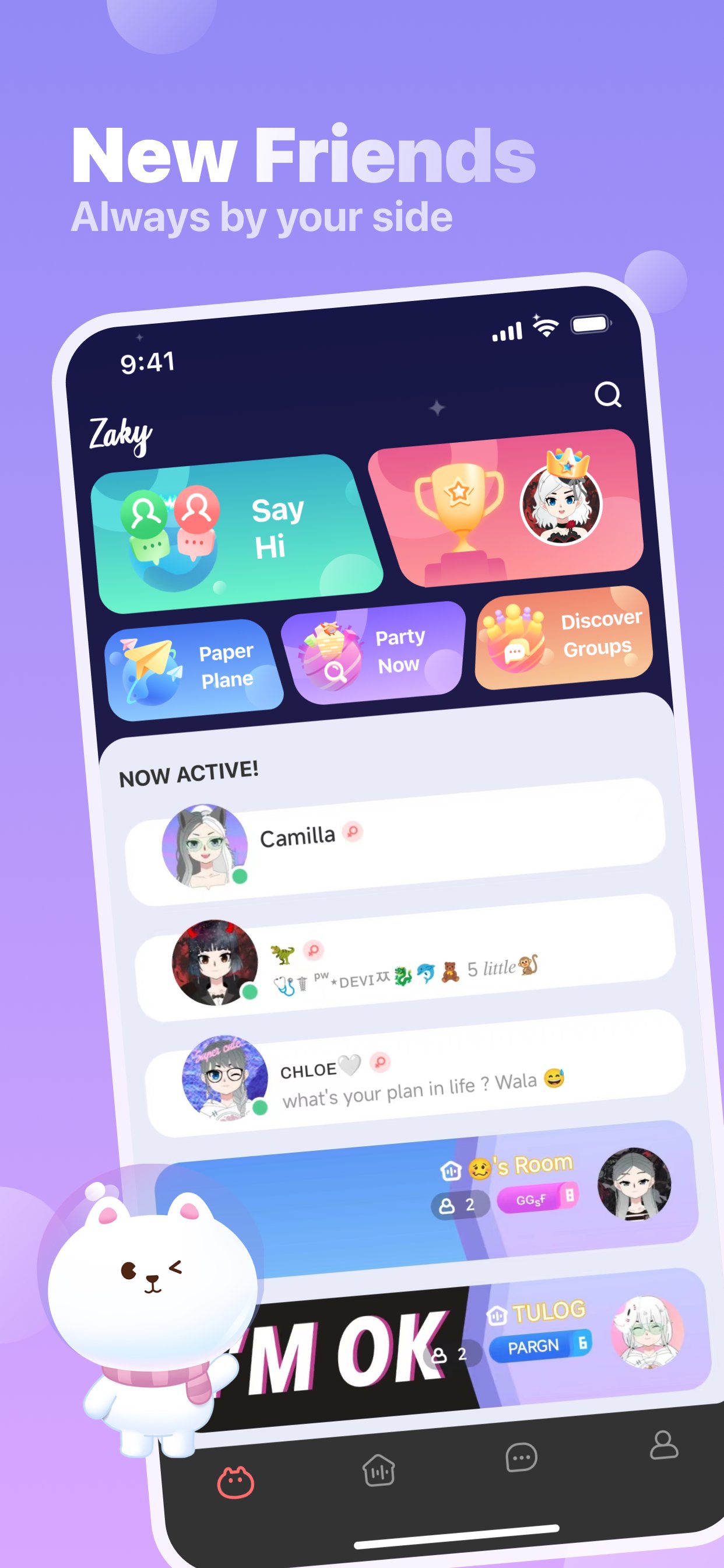
Zaky is a social community where you can discover new friends, express yourself, and connect through shared interests.
### Discover New Friends
Explore recommended people based on your interests, language, and activity. Start conversations naturally and build genuine connections.
### Join Interactive Rooms
Take part in lively group rooms where people chat, share stories, and enjoy real-time conversations together.
### Express Yourself
Create your own profile, customize your style, and share moments with the community.
### A Safe Community
We are committed to providing a respectful and welcoming environment through community guidelines, reporting tools, moderation systems, and safety features.
Whether you're looking for new friends, interesting conversations, or an active community, Zaky is designed to help you connect with people who share your interests.
Preview

Tags
SocialInformation
Developer
Zaky Team
Latest Version
3.26.1
Last Updated
2026-08-03
Category
Social
Available on
Google Play
Show More
How to play Zaky - Crush Radar&Paper Plane with GameLoop on PC
1. Download GameLoop from the official website, then run the exe file to install GameLoop
2. Open GameLoop and search for “Zaky - Crush Radar&Paper Plane” , find Zaky - Crush Radar&Paper Plane in the search results and click “Install”
3. Enjoy playing Zaky - Crush Radar&Paper Plane on GameLoop
Minimum requirements
OS
Windows 8.1 64-bit or Windows 10 64-bit
GPU
GTX 1050
CPU
i3-8300
Memory
8GB RAM
Storage
1GB available space
Recommended requirements
OS
Windows 8.1 64-bit or Windows 10 64-bit
GPU
GTX 1050
CPU
i3-9320
Memory
16GB RAM
Storage
1GB available space