
Your Browser PC
D-app
Download Your Browser on PC With GameLoop Emulator
Your Browser on PC
Your Browser, coming from the developer D-app, is running on Android systerm in the past.
Now, You can play Your Browser on PC with GameLoop smoothly.
Download it in the GameLoop library or search results. No more eyeing the battery or frustrating calls at the wrong time any more.
Just enjoy Your Browser PC on the large screen for free!
Your Browser Introduction
Your Browser - is a free fully functional web browser, dedicated for private and protected web surfing.
Translator
Integrated AI translator detects pages that need translation and translates them with a single tap.
Privacy
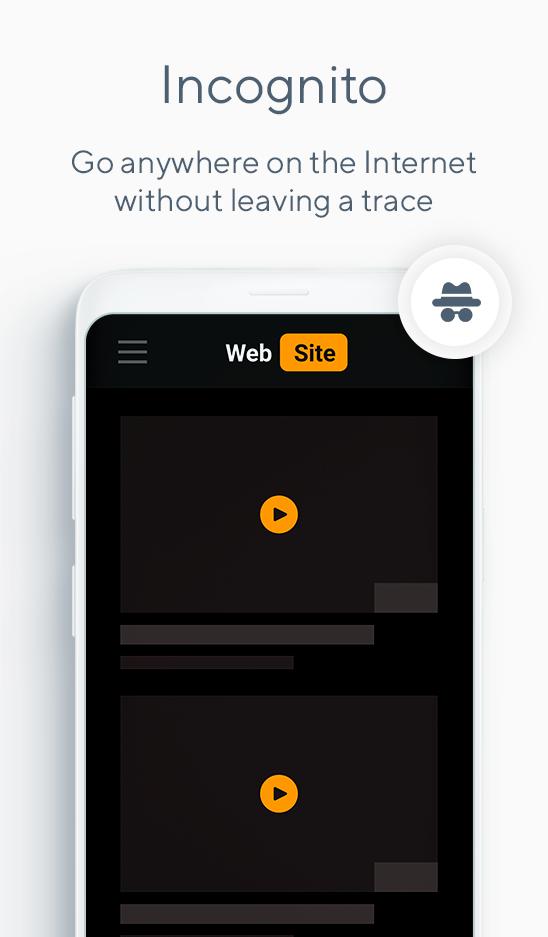
Incognito mode helps with leaving no traces.
In this mode browser doesn't save passwords, autofill information, search queries and browser history.
Security
No ads (from us or 3-rd party companies) or tracking modules in app. Your information is safe!
Synchronization
Using Google account you can automatically synchronize bookmarks from different devices.
Voice search
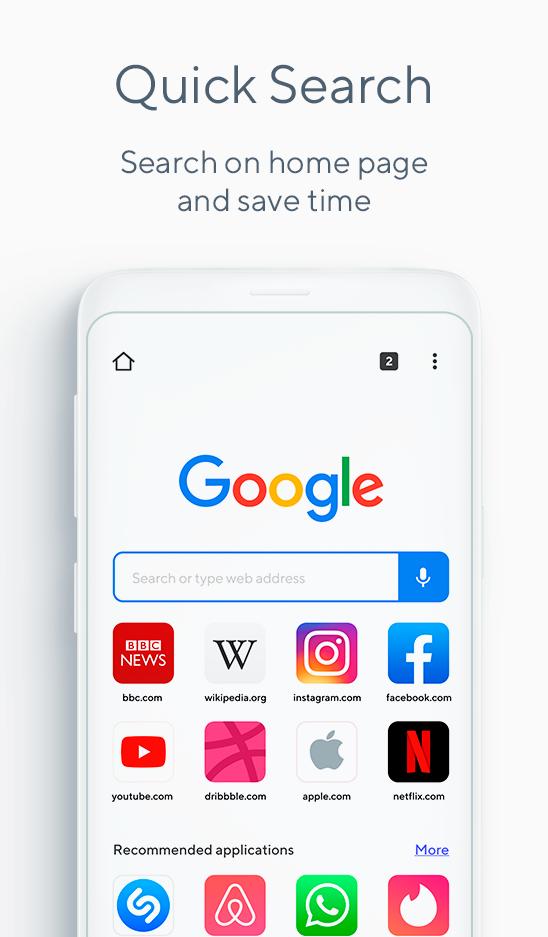
Just say your search query!
Tabs
Viewing function in Your Browser is able to switch between multiple open web-pages fast in one session.
Visit PC version of web-page
Supports viewing PC version of web-pages in mobile app.
Preview
Tags
SocialInformation
Developer
D-app
Latest Version
73.0.3683.93
Last Updated
2020-08-08
Category
Social
Available on
Google Play
Show More
How to play Your Browser with GameLoop on PC
1. Download GameLoop from the official website, then run the exe file to install GameLoop
2. Open GameLoop and search for “Your Browser” , find Your Browser in the search results and click “Install”
3. Enjoy playing Your Browser on GameLoop
Minimum requirements
OS
Windows 8.1 64-bit or Windows 10 64-bit
GPU
GTX 1050
CPU
i3-8300
Memory
8GB RAM
Storage
1GB available space
Recommended requirements
OS
Windows 8.1 64-bit or Windows 10 64-bit
GPU
GTX 1050
CPU
i3-9320
Memory
16GB RAM
Storage
1GB available space