
Yomoji PC
peter_jm
Download Yomoji on PC With GameLoop Emulator
Yomoji on PC
Yomoji, coming from the developer peter_jm, is running on Android systerm in the past.
Now, You can play Yomoji on PC with GameLoop smoothly.
Download it in the GameLoop library or search results. No more eyeing the battery or frustrating calls at the wrong time any more.
Just enjoy Yomoji PC on the large screen for free!
Yomoji Introduction
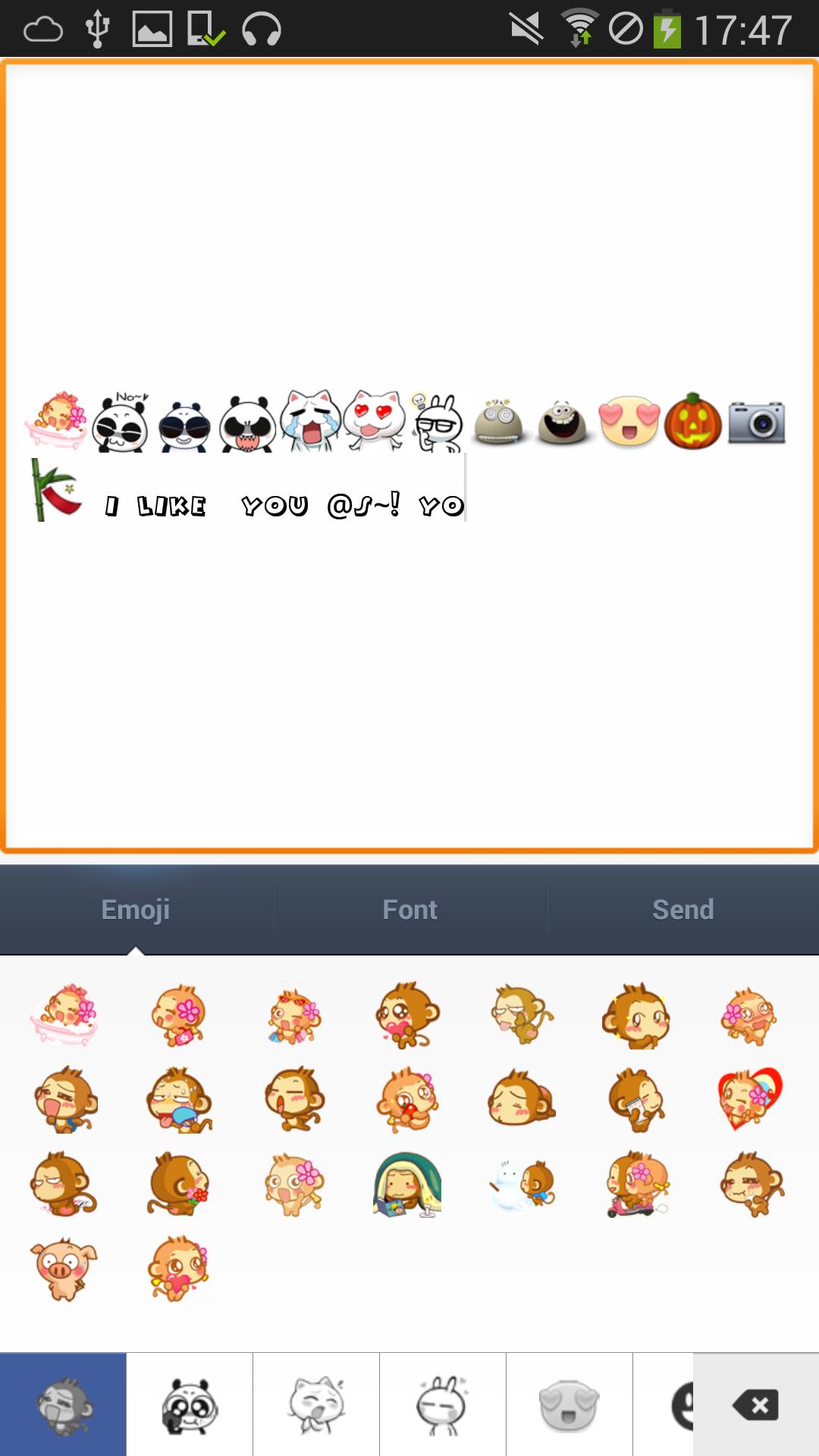
Extra smileys, stickers, emoji, funny images and other emoticons for your chat app. Quite useful to show your feeling when messaging with your friends using WhatsApp, Facebook, Twitter , GTalk , KakaoTalk, LINE and other chat app.
In addition to the lovely emoji, there are also plenty of fonts here, and you can set color, style and size for those fonts.
what is more interesting is that you can combine the emoji icons and the fonts together and send to your friends . This should give them
★ FEATURES
* It is Free!
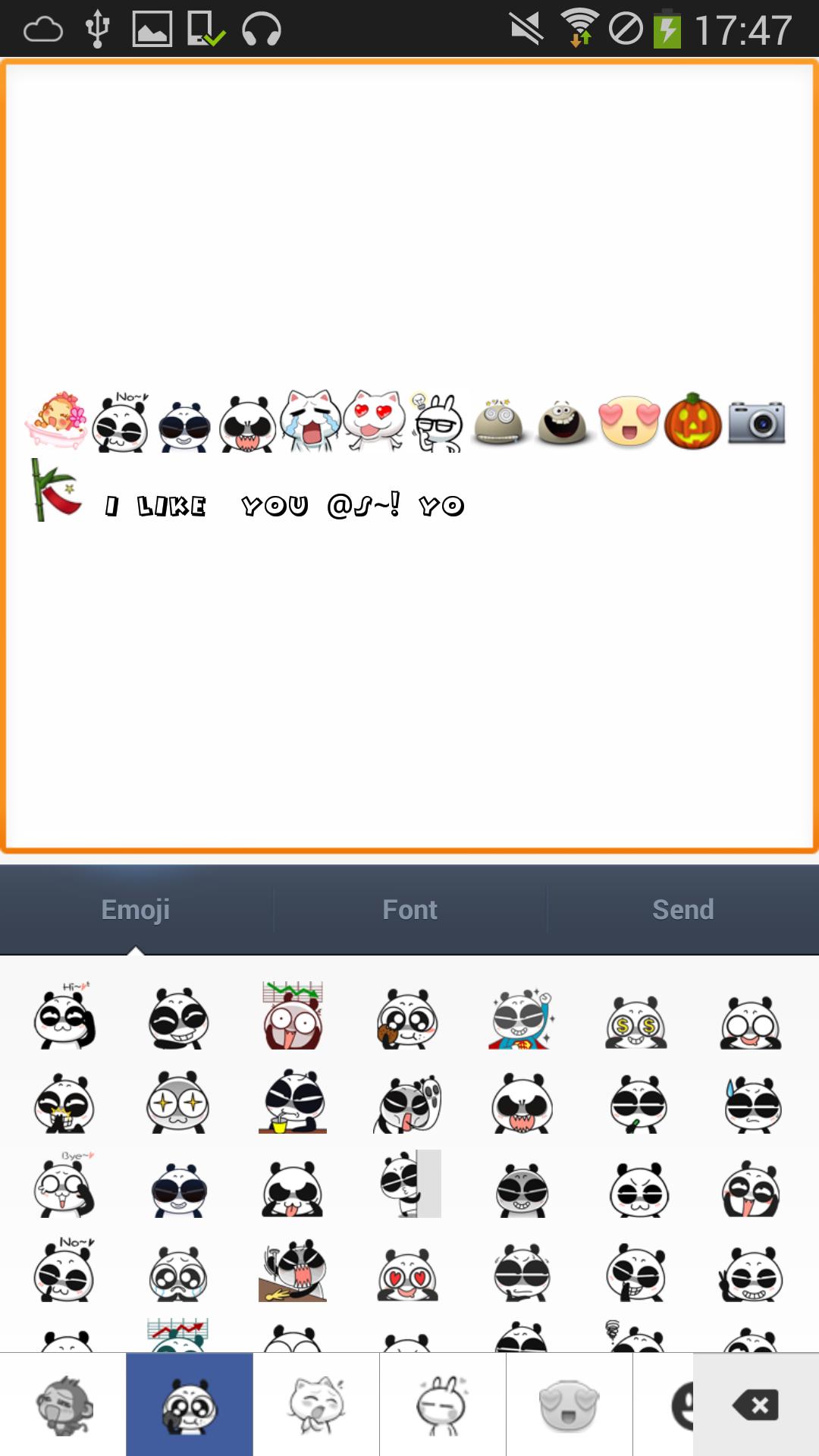
* It has various of interesting emoticons, and they are categorized in funny characters ( Panda, Monkey, Rabbit, Building, Cars, Plane etc.)
* More than 20 fonts available, which can be resized and colorized
* Emoji and fonts can be combined together
* Quite easy to use
★ CATEGORIES OF EMOTICONS Now we have:
* Smileys, Number, building, vehicle, heart, ball, sporting, fruit, holiday, national flag etc.
* Funny animal characters: Panda, Monkey, Rabbit
* Cute stickers to show ‘I Love You!’
* Other funny emojis and stickers
Later, we will have more categories of emoticons, more funny characters and more colorful stickers under each category.
★ HOW TO USE
Step1: Click on the emoticon you want to send
Step2(optional): Click on the input box, and add some words beside emoticon once the soft keyboard pop up.
step3: Finally click on send button and then select the chat application, the smiley will be sent out and shared to your friend. Simple as it is !
you can also choose to send emotion or words only.
Tags: sticker emoticon emoticons emoji kaomoji smiley whatsapp instagram facebook twitter line kakaotalk sms
Preview
Information
Developer
peter_jm
Latest Version
1.4
Last Updated
2014-12-21
Category
Social
Available on
Google Play
Show More
How to play Yomoji with GameLoop on PC
1. Download GameLoop from the official website, then run the exe file to install GameLoop
2. Open GameLoop and search for “Yomoji” , find Yomoji in the search results and click “Install”
3. Enjoy playing Yomoji on GameLoop
Minimum requirements
OS
Windows 8.1 64-bit or Windows 10 64-bit
GPU
GTX 1050
CPU
i3-8300
Memory
8GB RAM
Storage
1GB available space
Recommended requirements
OS
Windows 8.1 64-bit or Windows 10 64-bit
GPU
GTX 1050
CPU
i3-9320
Memory
16GB RAM
Storage
1GB available space