
Kachi - Chat, Call & Party PC
kachi
Download Kachi - Chat, Call & Party on PC With GameLoop Emulator
Kachi - Chat, Call & Party on PC
Kachi - Chat, Call & Party, coming from the developer kachi, is running on Android systerm in the past.
Now, You can play Kachi - Chat, Call & Party on PC with GameLoop smoothly.
Download it in the GameLoop library or search results. No more eyeing the battery or frustrating calls at the wrong time any more.
Just enjoy Kachi - Chat, Call & Party PC on the large screen for free!
Kachi - Chat, Call & Party Introduction
Are you struggling to find someone to chat with in real life? Want to make new friends but don't know where to start? Kachi is here to help!
Kachi is a real and reliable social platform that allows you to easily meet new friends through text chat, video chat, and interactive voice rooms. All users are verified to ensure that everyone you meet is real and trustworthy, giving you a safer social experience.
Main Features:
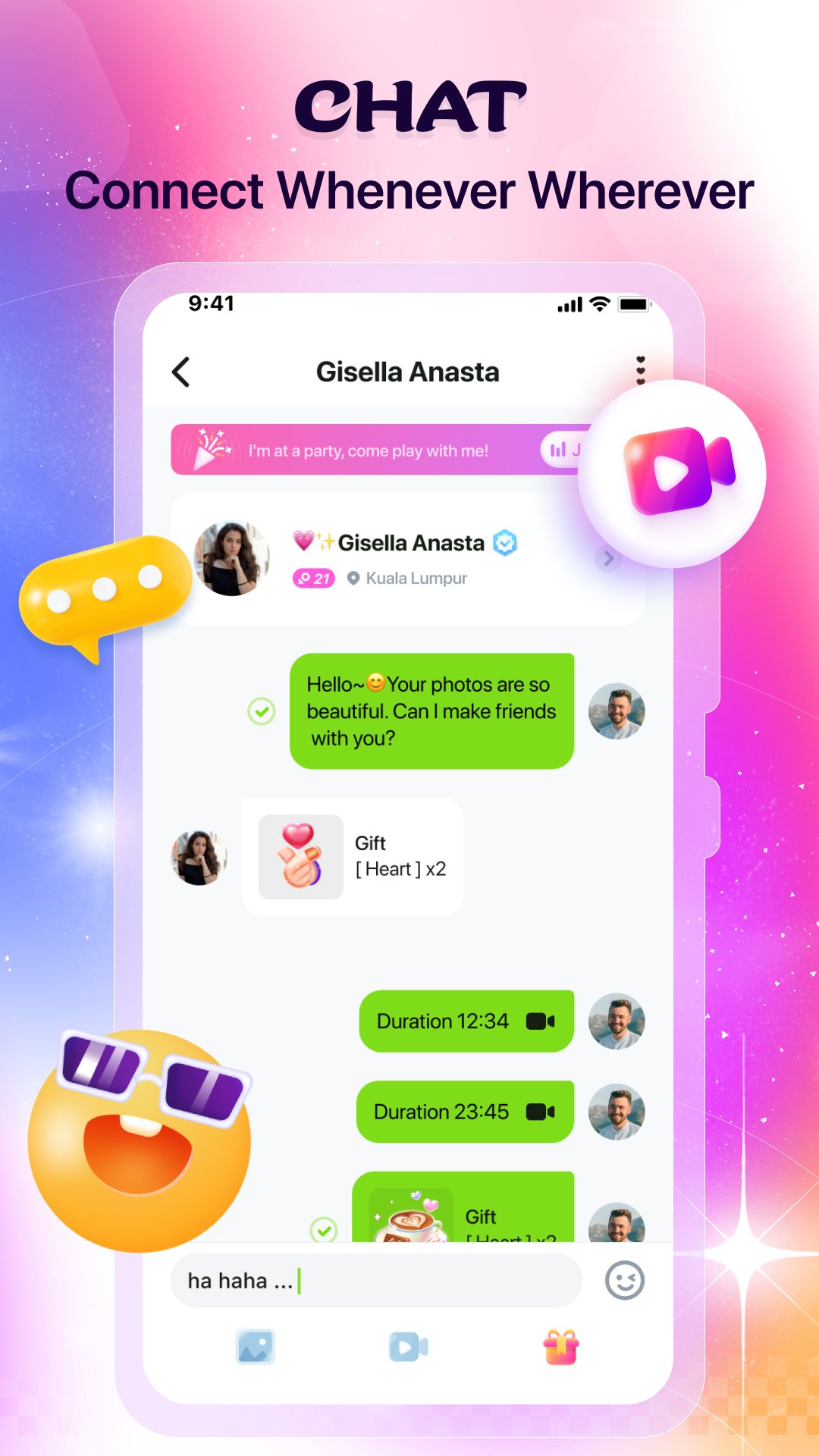
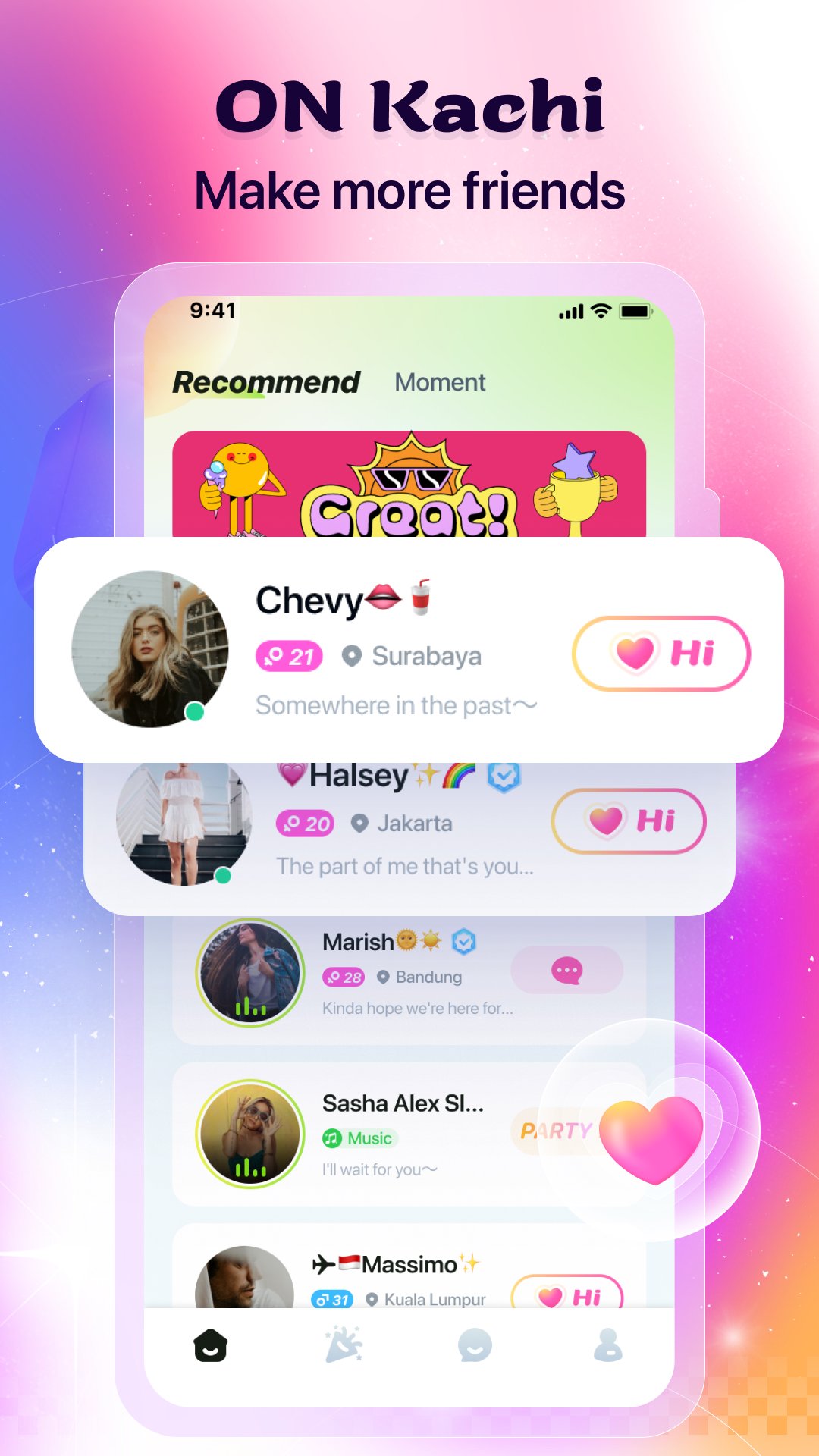
Text Chat: Recommended local peers to help you quickly make new friends and start real-time chats.
Video Chat: Find friends who suit you better, making chatting more intuitive and making friends easier.
Chat Rooms: Meet new friends in chat rooms, sing with others, play games, or send gifts. You can chat in real-time through text or voice and enjoy a pleasant voice party!
Real Person Verification: Verified users get exclusive badges, ensuring the authenticity and reliability of every user through efficient algorithm audits.
Privacy Protection: Your privacy is our top priority! Kachi protects the privacy of your real-time video calls. Please also respect other users and follow our user terms to keep the platform clean and safe.
Quick Login: Use Facebook or Google to quickly log into Kachi and start chatting with one tap.
Real-time Beauty Effects: Use our real-time beauty effects during video chats to make yourself look more handsome or beautiful!
Permissions & Transparency
Kachi may run a Foreground Service when you are in a video call, voice call, or chat rooms.
This is required to keep your calls and chat rooms stable even if you switch apps or lock your phone.
During these sessions, a clear notification will be shown in your notification bar so you’re always in control.
Contact Us: Email: support@kachi.com WhatsApp: +65 8540 1946
Download Kachi now and start your wonderful social journey!
Privacy Policy: https://h5.kachi.chat/agreement/index.html#/android/privacy
Terms of Service: https://h5.kachi.chat/agreement/index.html#/android/service
Preview
Tags
SocialInformation
Developer
kachi
Latest Version
4.1.7.0000
Last Updated
2025-12-18
Category
Social
Available on
Google Play
Show More
How to play Kachi - Chat, Call & Party with GameLoop on PC
1. Download GameLoop from the official website, then run the exe file to install GameLoop
2. Open GameLoop and search for “Kachi - Chat, Call & Party” , find Kachi - Chat, Call & Party in the search results and click “Install”
3. Enjoy playing Kachi - Chat, Call & Party on GameLoop
Minimum requirements
OS
Windows 8.1 64-bit or Windows 10 64-bit
GPU
GTX 1050
CPU
i3-8300
Memory
8GB RAM
Storage
1GB available space
Recommended requirements
OS
Windows 8.1 64-bit or Windows 10 64-bit
GPU
GTX 1050
CPU
i3-9320
Memory
16GB RAM
Storage
1GB available space