
Click to Chat PC
Fun Bowl Apps
Download Click to Chat on PC With GameLoop Emulator
Click to Chat on PC
Click to Chat, coming from the developer Fun Bowl Apps, is running on Android systerm in the past.
Now, You can play Click to Chat on PC with GameLoop smoothly.
Download it in the GameLoop library or search results. No more eyeing the battery or frustrating calls at the wrong time any more.
Just enjoy Click to Chat PC on the large screen for free!
Click to Chat Introduction
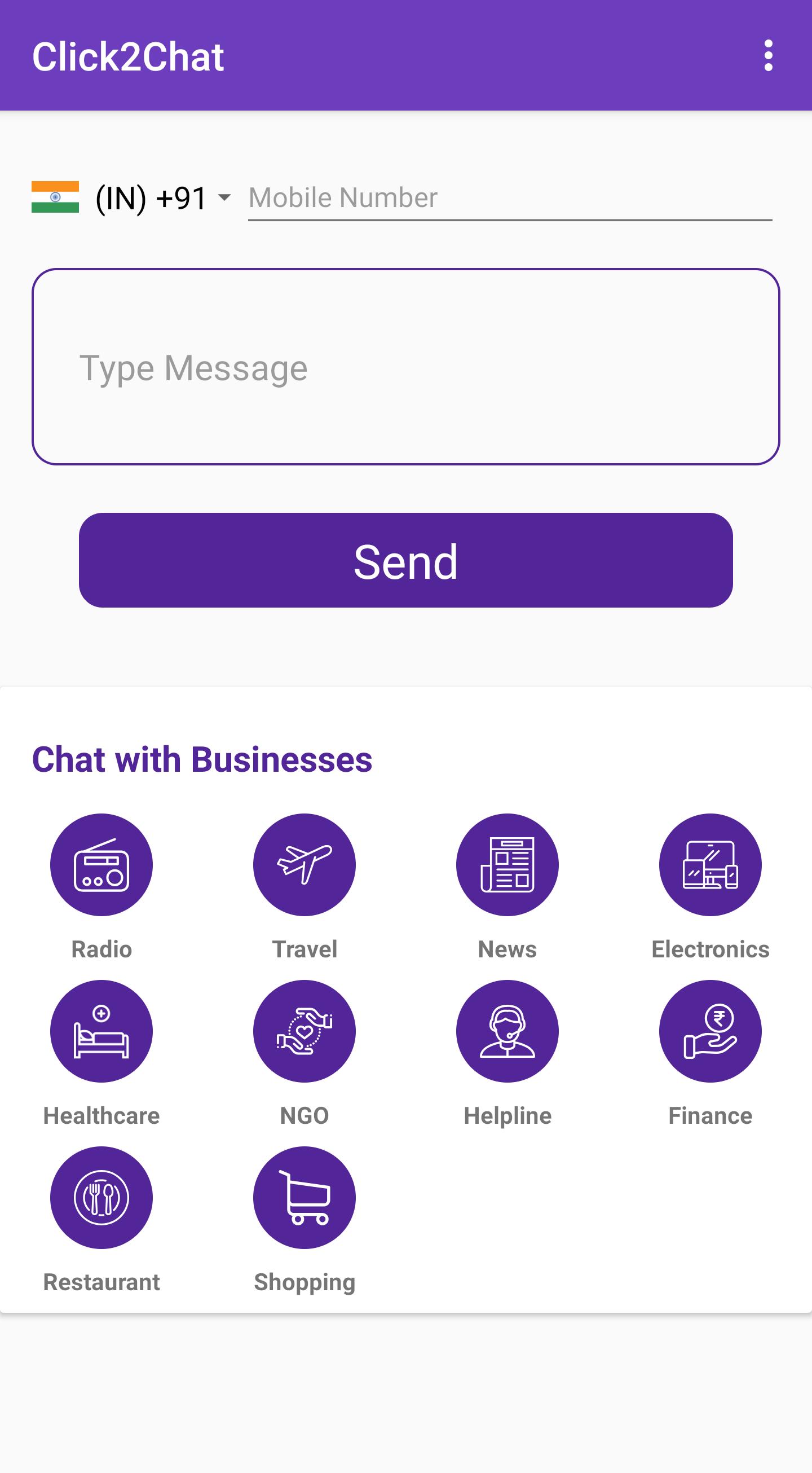
Ever been in a situation where someone called you and you wanted to contact them via WhatsApp? Or You want to send a message to someone but don’t want to save their number to your phonebook? Then Click to Chat is for you.
Click to Chat app uses WhatsApp's public api (https://faq.whatsapp.com/en/android/26000030/) to open a chat with a number without saving it your phonebook (it is NOT possible to spy other conversations).
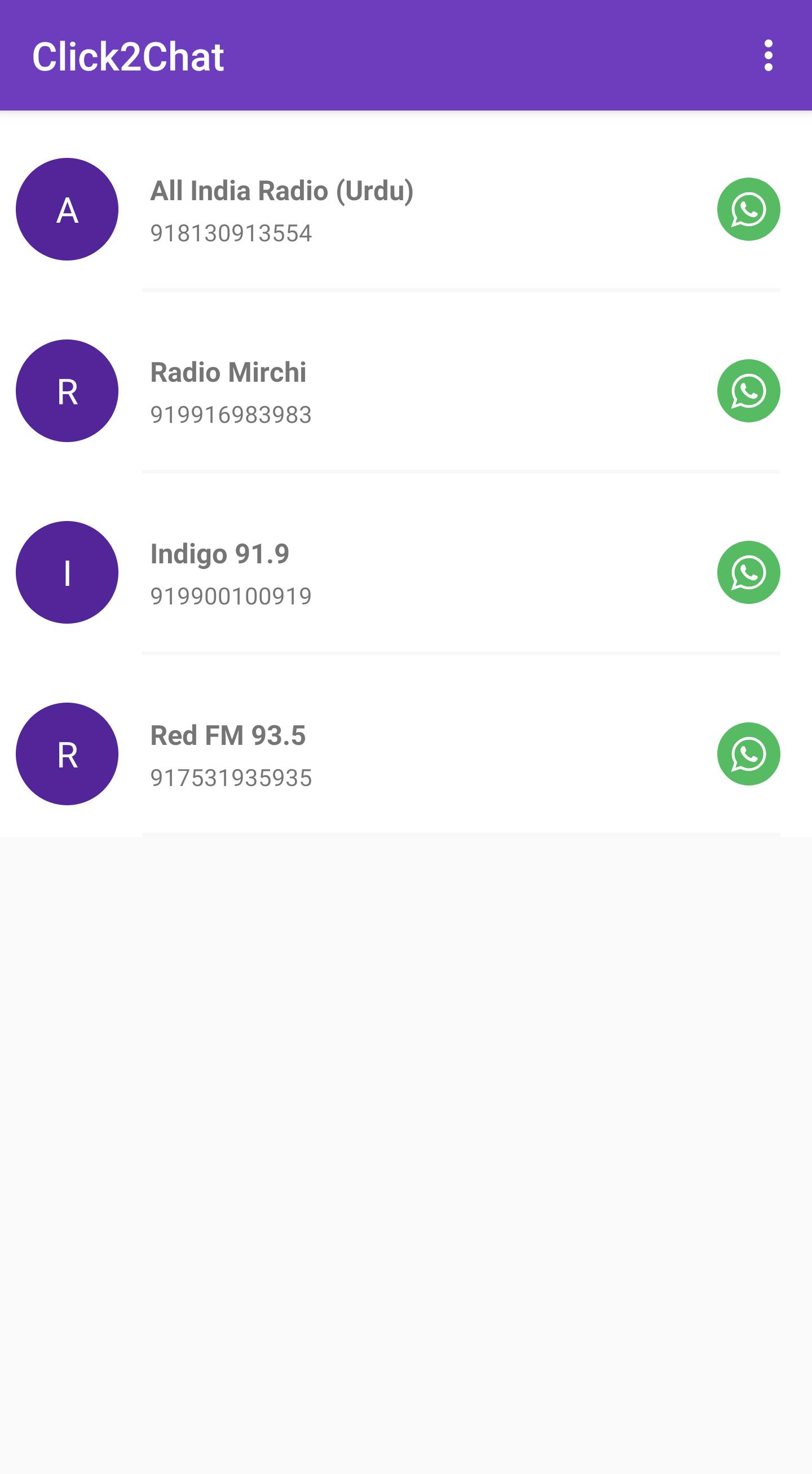
Click to Chat has a local directory of businesses which are on WhatsApp and helps the user to connect to the businesses with a single tap. The local directory includes categories such as:
Radio
Travel
News
Consumer Electronics
Healthcare
NGO
Helpline
Finance
Restaurant
Shopping
Features:
Enter a phone number without saving to Phonebook and chat directly
Type an optional message to be sent directly to the phone number
Option to change country code
A directory of local businesses on WhatsApp
Suggest Businesses on WhatsApp
Chat with yourself (A nifty WhatsApp solution to save all your notes ;)
Write to us at funbowlapps+whatsappsuggestion@gmail.com to list your business with us.
Preview
Tags
SocialInformation
Developer
Fun Bowl Apps
Latest Version
1.0.8
Last Updated
2022-01-21
Category
Social
Available on
Google Play
Show More
How to play Click to Chat with GameLoop on PC
1. Download GameLoop from the official website, then run the exe file to install GameLoop
2. Open GameLoop and search for “Click to Chat” , find Click to Chat in the search results and click “Install”
3. Enjoy playing Click to Chat on GameLoop
Minimum requirements
OS
Windows 8.1 64-bit or Windows 10 64-bit
GPU
GTX 1050
CPU
i3-8300
Memory
8GB RAM
Storage
1GB available space
Recommended requirements
OS
Windows 8.1 64-bit or Windows 10 64-bit
GPU
GTX 1050
CPU
i3-9320
Memory
16GB RAM
Storage
1GB available space